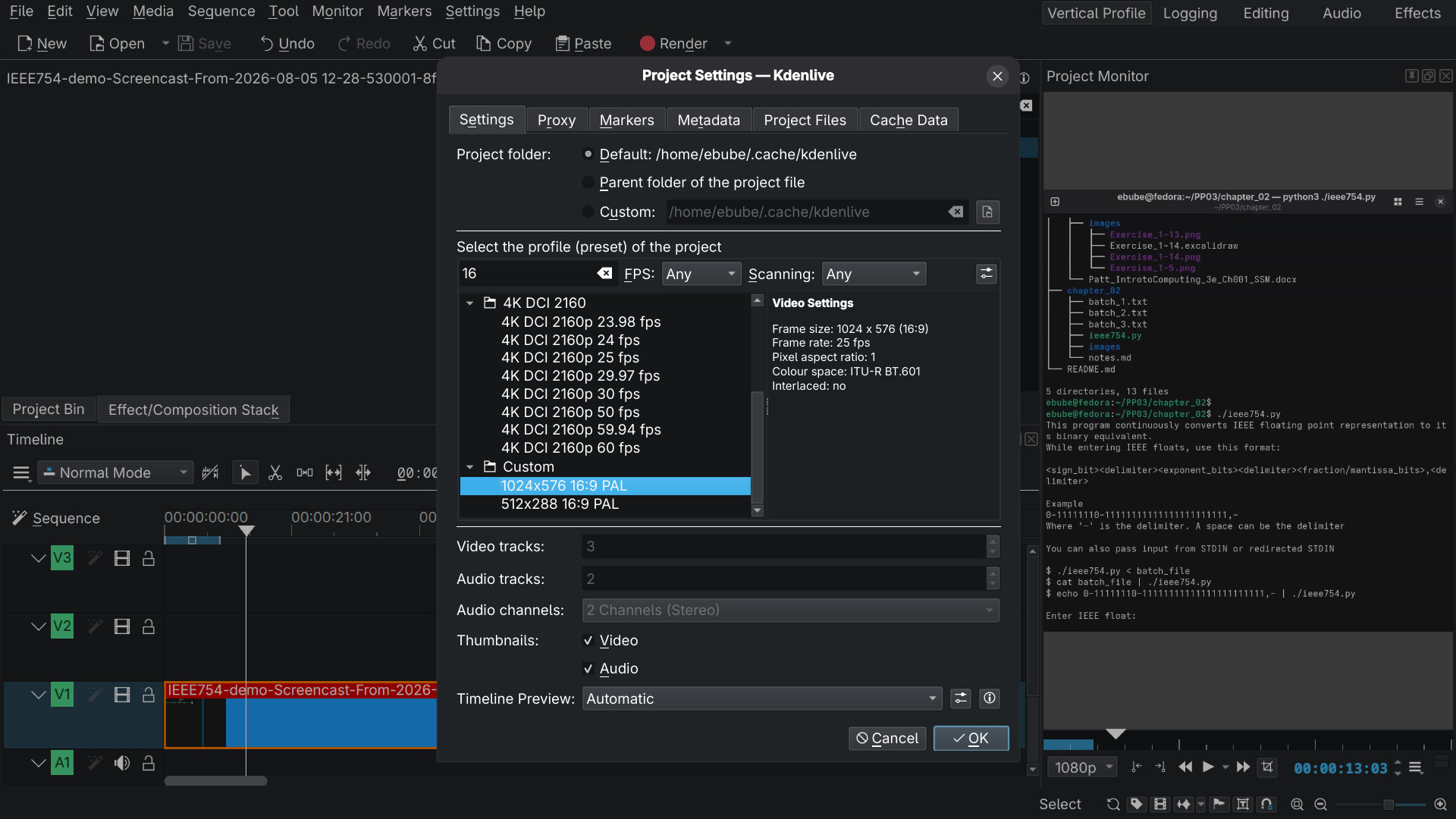
Hello, I just installed kdenlive 26.04.3 on my fedora 44 PC using
sudo dnf install kdenlive
I want to create a profile with dimensions that best fits mobile screens 9:16.
It is not in profile presets available.
When I first created the project, I set default orientation to vertical but it does not seem to change anything.
I need to change the profile dimensions so that I can edit videos that were meant for mobile scrrens.
Hi @ebubeonwuta , and welcome to the forum and community.
You can create your own project profiles by clicking on the Settings button:
Then click on the Create new profile button:
This opens up the fields below for editing. Once done, click on the Save button.
Note that you have to enter the display aspect ratio yourself. Kdenlive does not calculate it for you based on the size you enter!
Thanks a lot. I didn’t see that icon at first.
luzpaz
August 7, 2026, 1:33pm
4
@ebubeonwuta Note: that the recommended install is using the projects AppImage or flatpak. 3rd party installs of Kdenlive are subject to packaging and dependency bugs out of the scope of the Kdenlive project.
Also, please mark bernd’s response as the answer to this thread. Thanks!
Okay I will do just that.