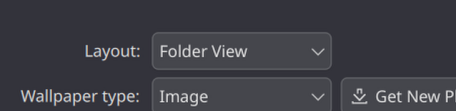
I started using CachyOS with KDE Plasma 6 about a month or so ago and just recently started having some weird issues. When I boot up my PC, my desktop shortcuts aren’t shown and I can’t draw a selection box on the desktop. Furthermore, after using my computer for some time, the Application Launcher stops working on exclusively my middle monitor (I have 3), but works fine on my other monitors.
As far as I know, there wasn’t any modification on my end that caused this. I’ve noticed that running pkill -9 plasmashell usually fixes the issue, but it feels pretty ridiculous to have to restart plasmashell whenever I reboot my computer. This also sometimes leaves me without a shell to work with, forcing me to reboot. I’ve tried upgrading and downgrading Plasma, but neither have helped my situation.
Any help would be appreciated!