So when I turn on my monitor after its been off, I have to turn off/on HDR to make it stop from turning it self off constantly, or rather it does not stop flickering to an “off state” when its turned back on.
Example: I decide to turn off my monitor for the night or I’m leaving to do something, HDR is turned off aswell. When I decide to turn the monitor back on I need to make sure that the settings menu is on the display configuration so I can change to HDR settings to the opposite it was when the monitor was turned off otherwise I’m going to get the flickering black screen every few seconds. Now this isn’t a major issue as this is not gonna be a problem until next time I turn off and on the monitor no matter what I decide to do with the display configuration during this time.
OS:CachyOS
DE: KDE Plasma 6.6.1
Monitor: Asus PG32UCDP
Anything in the system log about this? I presume the system can’t see the monitor when it’s turned off, so something buggy with initialisation perhaps?
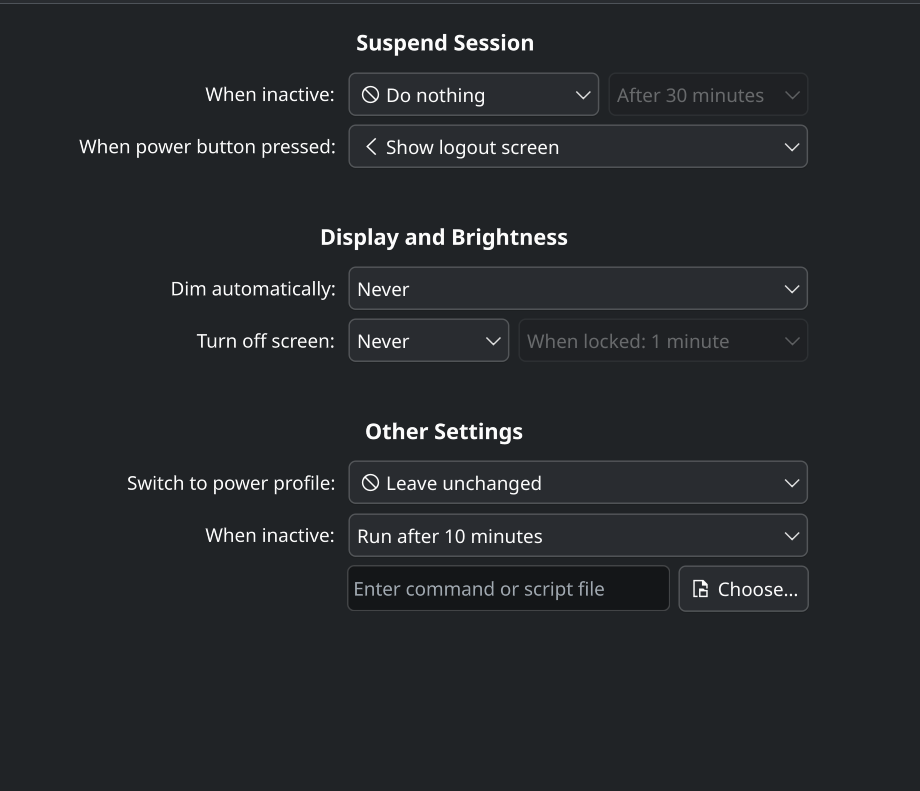
I decided to upload a video because I don’t think this is a common issue or what even causes this. And my power settings are changed to not interact with anything. But the video shows the black screen flickering off and on, and the only fix is by changing the HDR settings, I can turn back HDR and it wont be an issue anymore. Just a very weird bug. Now I apparently can’t post links but add this into youtube.
/watch?v=5J3_M7FMBQM
Does changing any other settings have the same effect? I’m just wondering whether its being reinitialised completely when settings are applied rather than it being specifically HDR.
Also are you using Wayland or X11?
And how is the monitor connected? Display-port or HDMI or something else?
Ok so I just tried changing refresh rate to see if that would fix the issue and it did, same with changing resolution so it’s not specifically changing HDR mode that fixed the issue.
I have wayland, here are all the specs.
Edit: Display-port
Hmm I don’t yet have a solution but I wonder instead of applying the display settings to reset the problem whether it would also reset if you switched to console Ctrl+Alt+F3, then switched back to GUI again Ctrl+Alt+F2? (this is the default setup but your console and GUI might be on different tty so you can try the same combo with F1 through F12 if F3 and F2 don’t work. Also note on my system switching to tty1 with Ctrl+Alt+F1 seems to lock up the GUI and doesn’t display the console, but you can still switch back with Ctrl+Alt+F2 - just letting you know all this so you don’t get stuck and think you need to hard power off your PC.
Probably quicker and easier than going through the settings.
I just realised you’re running at 240Hz too. I wonder if the problem still occurs if you set it to 60Hz? It might be a bug in the new (KDE 6.6) refresh rate changes.
Do you want to log it? Probably easier if you do coz you can provide details easier. If you flag this post and ask for a dev to point you in the right direction as to where to post it and what info you need to provide.

 I don’t yet have a solution but I wonder instead of applying the display settings to reset the problem whether it would also reset if you switched to console