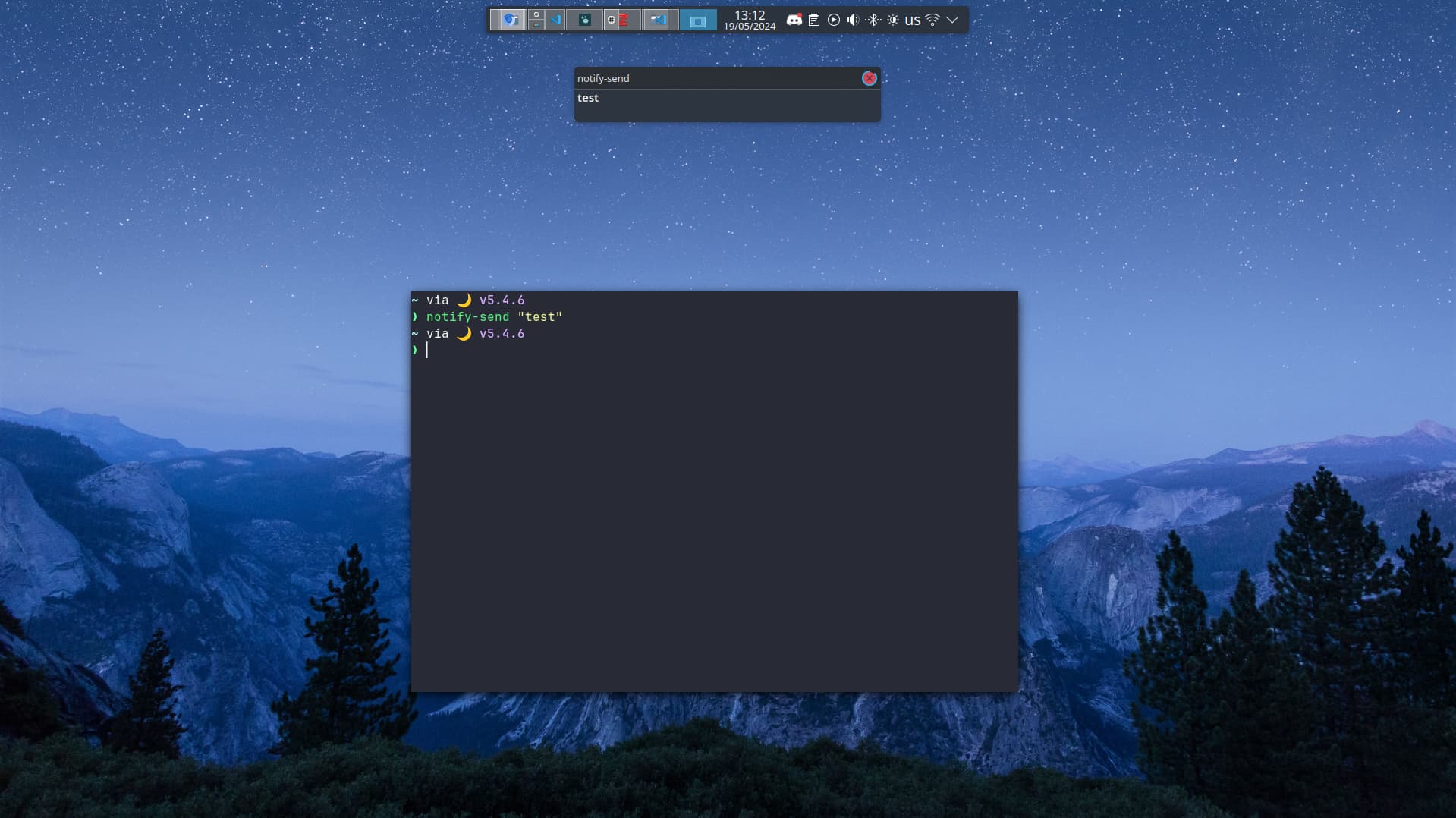
Is there a way to position the notification pop-up more precisely than just “top, bottom, left, right” ?
Currently, I’ve set it to top but it is slightly too low for me. Particularly, when the panel is hidden, I would like it to show at the actual top of the screen.
There seems to be a solution for that. Have you added a notification widget to the tool bar?
It seems to be missing by default but that leads to screen centered notifications only. Try adding the “Notification” widget (with the bell icon) to your toolbar and configure it (if needed) in the settings. It might work then again.