JohanW
December 30, 2025, 8:59pm
1
When mounting an iso file by rclick, the mount is not visible in the devices section.
Only after closing and opening Dolphin the mount is visible and accessible.
Unmounting keeps showing the mounted iso file in the devices area, and clicking the unmounted iso opens it again.
Anyone else experiencing this?
Fedora KDE 43
Plasma 6.5.4
Qt 6.10.1
kernel 6.17.12-300
Wayland
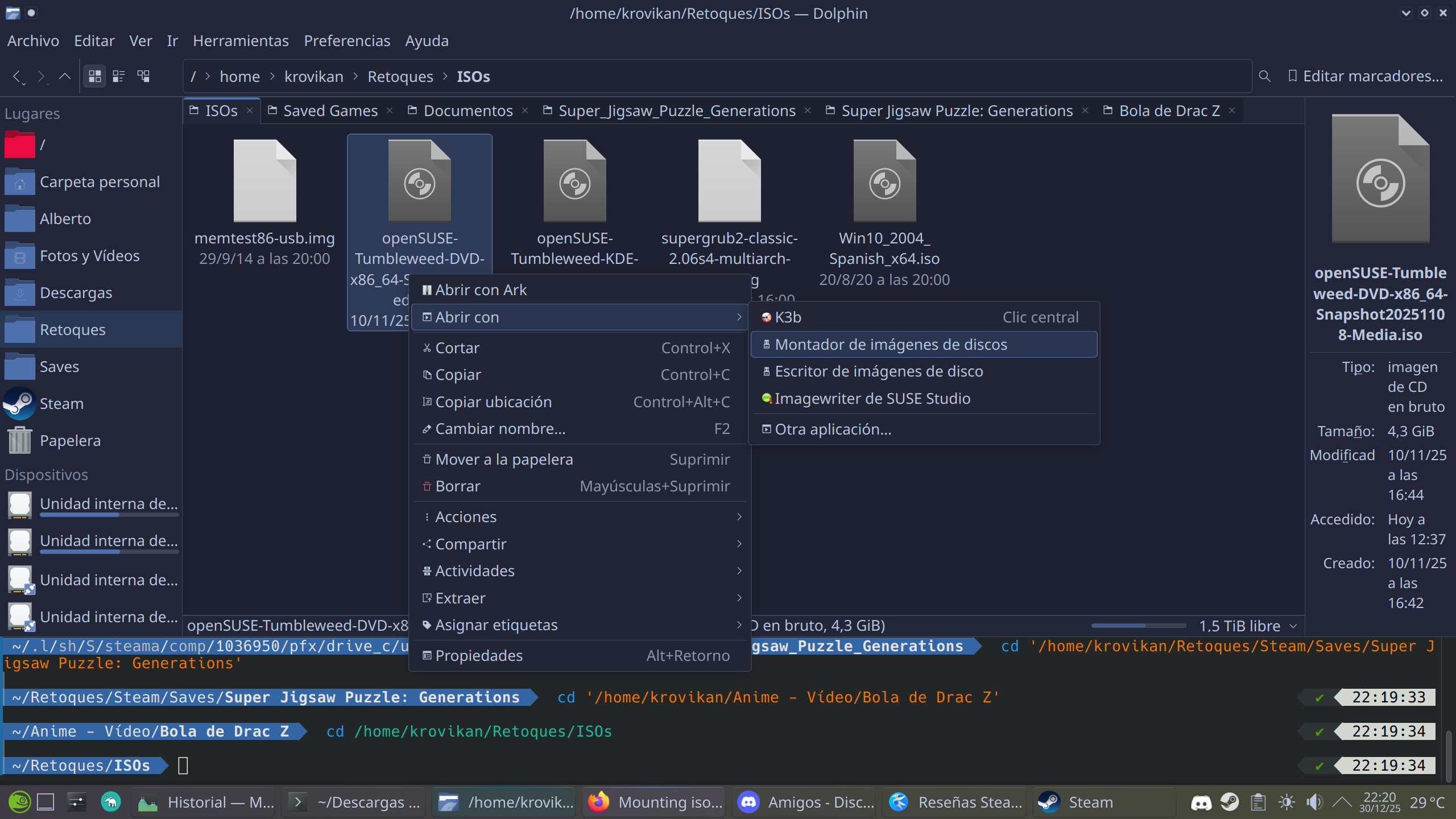
The option selected in context menu don’t mount really, only attach to the devices list of Dolphin (I don’t need to close Dolphin to see the ISO device).
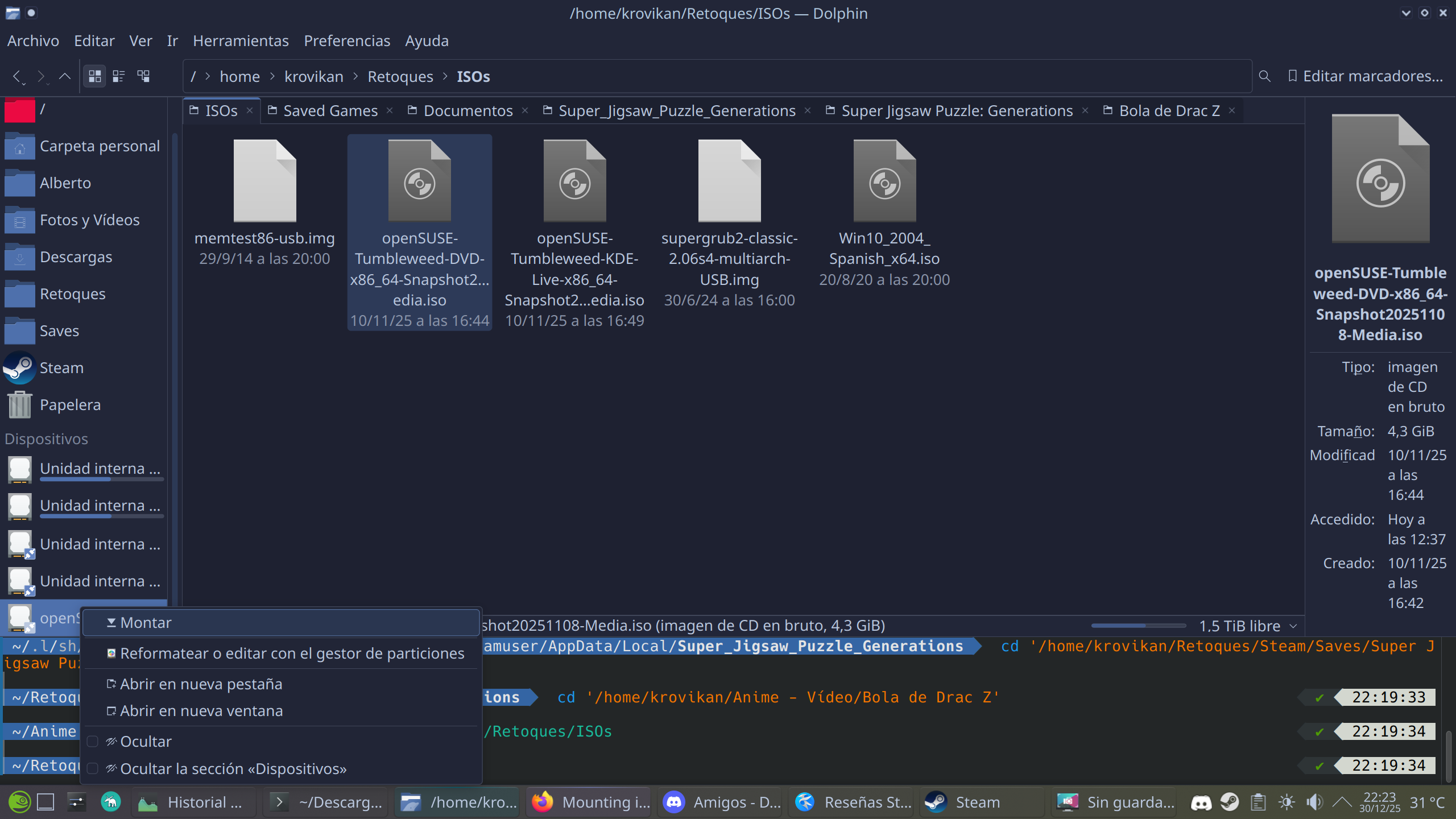
With mount option in the device, the ISO is mounted in /run/media.
Clicking in the up arrow in the device list, unmount the ISO but for hide you need to do manually clicking in Hide.
All goes well in my try.
Operating System: openSUSE Tumbleweed 20251217
KDE Plasma Version: 6.5.4
KDE Frameworks Version: 6.21.0
Qt Version: 6.10.1
Kernel Version: 6.18.1-1-default (64-bit)
Graphics Platform: Wayland
Processors: 4 × Intel® Core™ i5-6600K CPU @ 3.50GHz
Memory: 32 GiB of RAM (31.3 GiB usable)
Graphics Processor: NVIDIA GeForce GTX 1070
Regards
JohanW
December 31, 2025, 8:31am
3
Found it.
It seems in some cases that you need to activate ‘show all devices’ in the devices menu.
Strange, because external HDs are always shown when connected and removed if disconnected.
Iso behaviour is different
The reason why iso’s dont disapear was a bottles issue. Bottles remaind active making the iso impossible to unmount