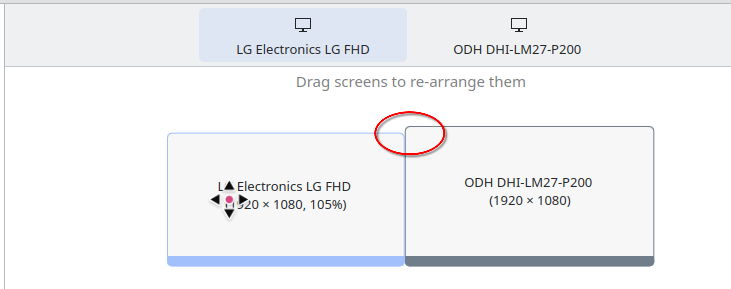
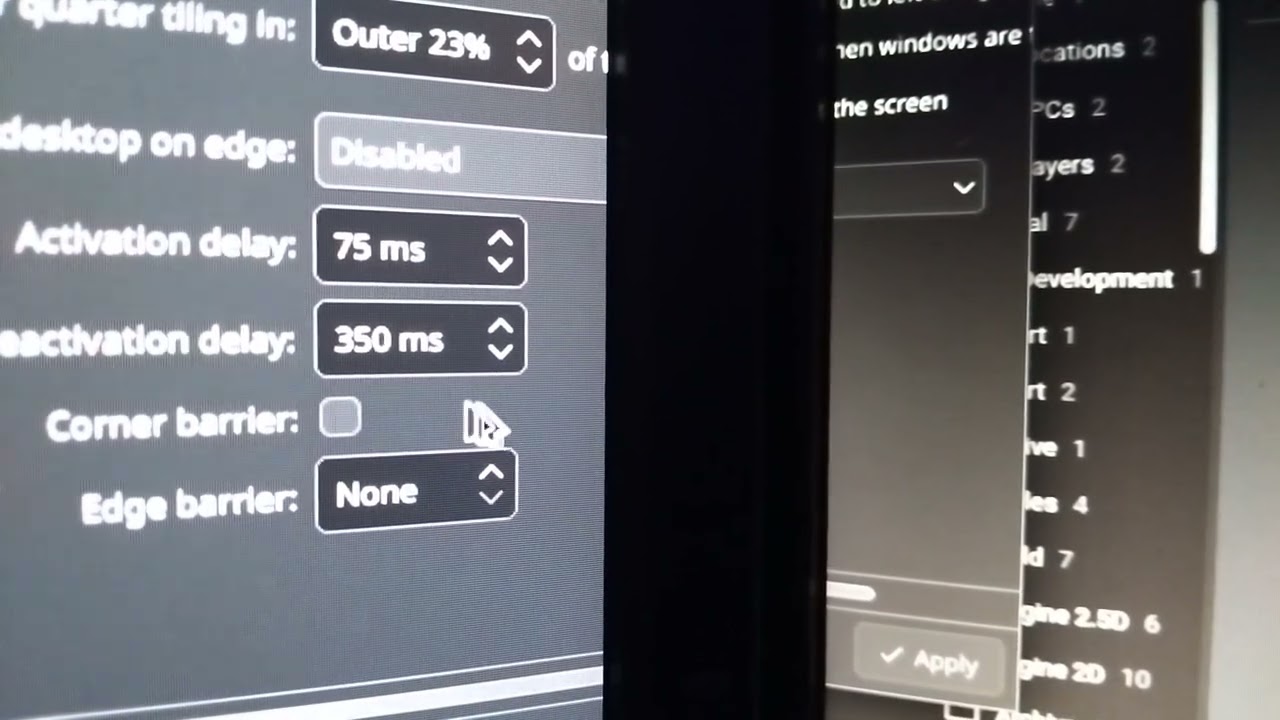
Just regarding this post, which isn’t actually solved
Looks like this bug is known and still open
Setting “Edge Barrier” to “None” doesn’t fix the issue for many, as seen in that conversation thread and also the bug thread.
Also the title of the bug is misleading because I don’t have any scaling and I still experience the issue.
Sorry @ngraham I had to make a new post because of the 3 post per thread limit.
Which is logical. But Plasma 6.4 automatically aligns the tops, even if one is rotated vertically. I don’t think it did this in the past (Or I just fiddle with the buttons too darn much), but I can’t say when it changed. I got ‘caught’ by it once or twice because of this layout. But the bottom not being aligned doesn’t catch me much, if at all.
To be clear, its not because the monitors are mis-aligned and the mouse is not entering into the other monitor because its lower - the snagging happens in both directions across any point on the border where the monitors actually meet.
Unless you mean that monitors that don’t top align cause the bug to appear? In which case I still disagree because the tops of my monitors were previously aligned and I was getting the issue. Ironically I actually recently lowered the righhand monitor a touch just to make a bit of a barrier when moving the mouse up to the top right to close an app on my main monitor, specifically to avoid the issue.
This is fixed by switching from Wayland to X11, for my distro I had to type yay plasma-x11-session, after logging out and switching to X11, no more sticky edges!
Also my various screen recording software is working! I had one for gifs, one for videos, neither worked, nor any alternatives. Until I switched to X11.
KDE Plasma: 6.6.2 / Wayland / Arch Linux
Mouse settings: 4000Hz / 1600 dpi(using 1k, 2k or 8k Hz doesn’t seem to affect anything).
Monitors: 2x 1440p next to each other. Left one is primary, right one is secondary.
I have encountered the same issue with snapping to the edge between displays when both “Corner barrier” and “Edge barrier” are disabled but the “Pointer speed” gets changed to certain values.
With pointer speed set to any value between -0.49 to 1.0 there is no snapping.
With values below -0.49 snapping starts to appear:
at -0.5 snapping only happens from one side - going from right monitor(secondary) to the left one(primary).
at -0.51 and lower snapping happens from both sides.
Recently bought a new mouse and decided to switch to higher dpi(from 400 to 1600).
With this drastic change my preferred value for pointer speed seems to be around -0.6 which triggers this bug.
Would gladly provide any additional info if needed to help get this fixed(hope this is the right place to report).
Thank you for pointing out that this has to do with mouse pointer speed. For me, I get the bug when it is set to values <=0. I changed it to a small value (0.2) and the snapping is gone.