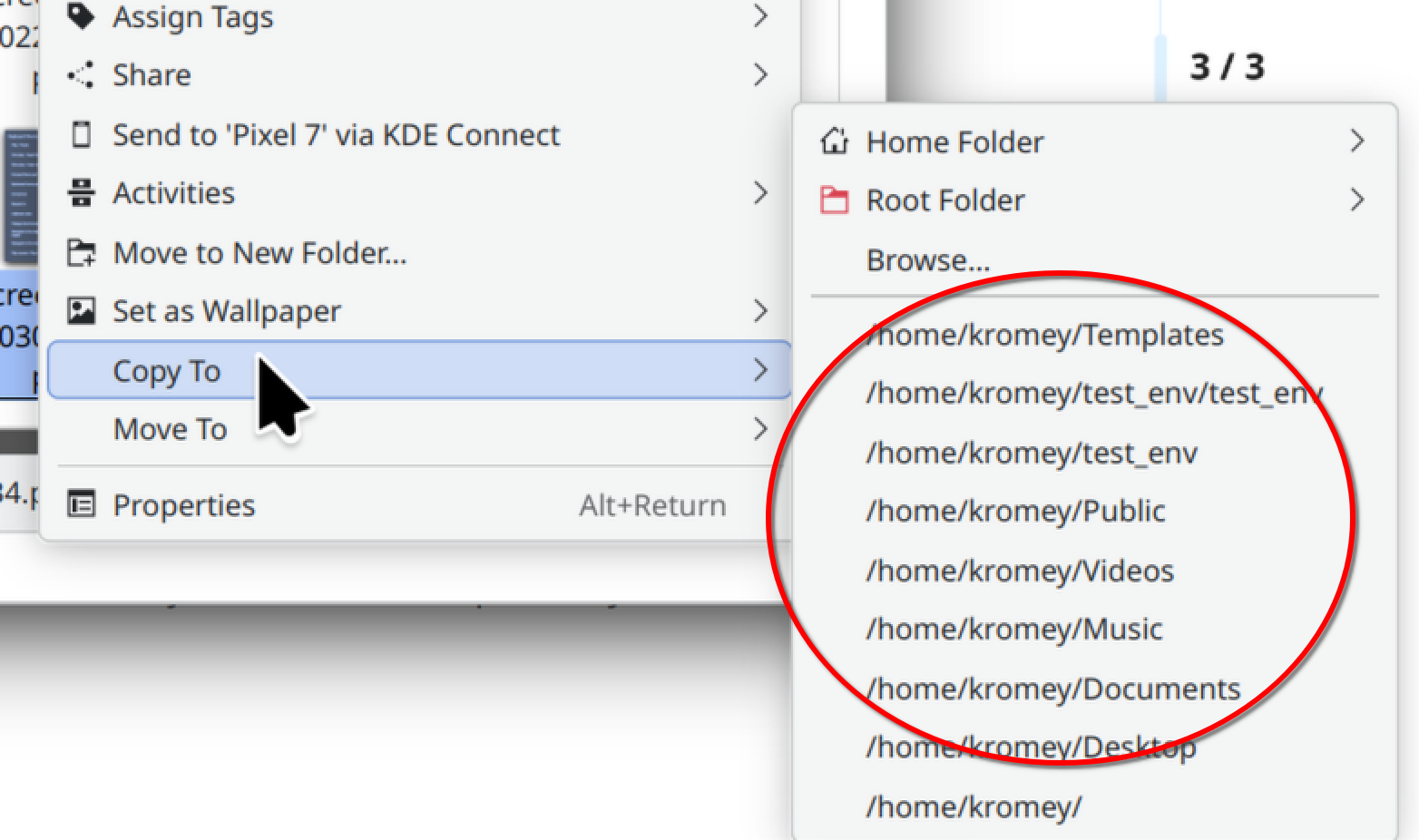
I use the “Move to” context menu a bunch. It now has a dozen options, most of which I no longer use. I want to clear out the existing options and start again. I tried unchecking the option in Dolphin, and then rechecking it. Old items still there. How can I clear this context menu?
hi, welcome.
service menus are found in these two directories
~/.local/share/kio/servicemenus/
/usr/share/kio/servicemenus/
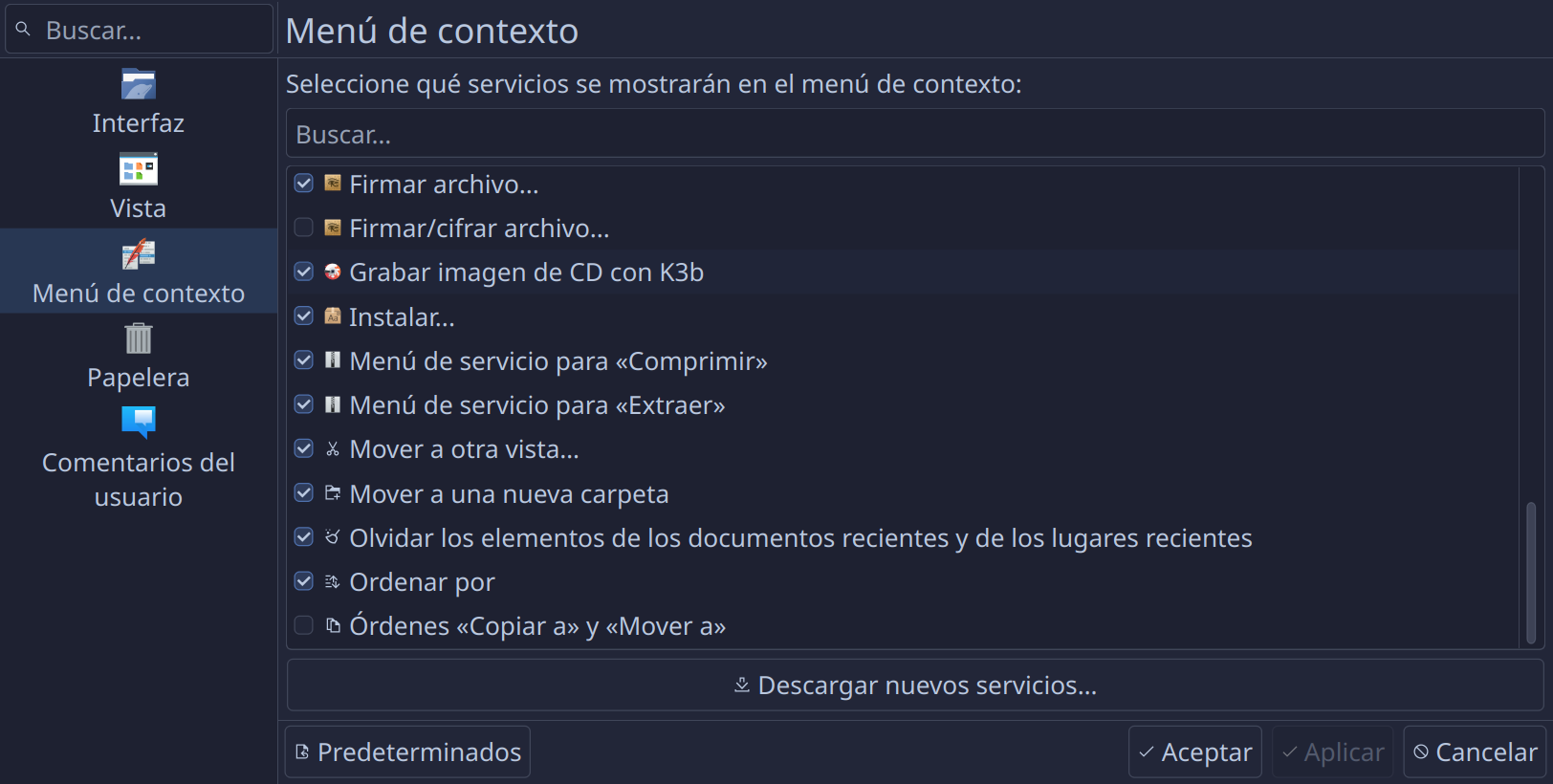
but if these were added by using the “download new…” button in the dolphin settings
settings > configure > context menu > download new…
you can just go back in there and sort by “installed” to find the ones you want to uninstall.
they will then disappear from the list of context menu items and from those directories.
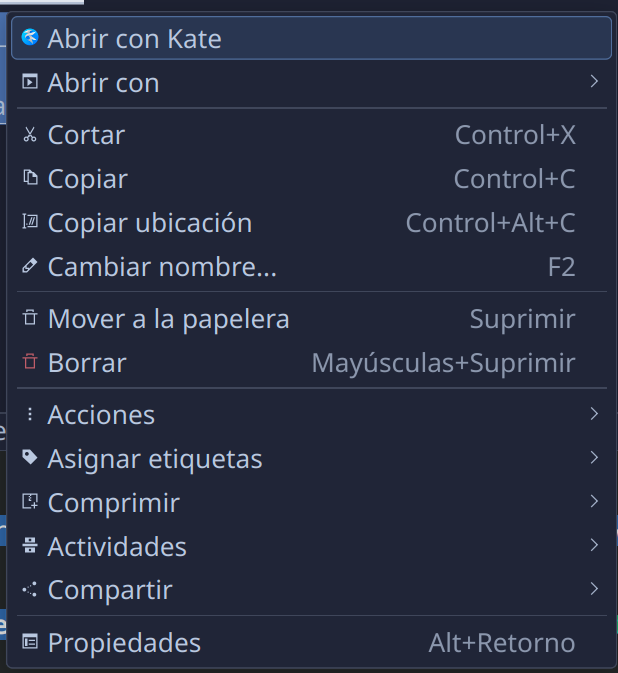
if you are just trying to remove some of the options, then unchecking the ones you don’t want to appear in the context menu should work, but you will need to restart dolphin at the very least and likely relog into your account for the changes to be visible in the context menu.
short of that you can go into the service menu and edit them to remove any of the actions you are not interested in, and they will not show up at all.
So I don’t know. I don’t use the option and I have always the checkbox of Context Menu off. 
Regards
Hmmm this sounds similar to an issue I had with zoxide - bringing up and remembering paths I didn’t want, but with zoxide they are easily removed.
Recent paths are likely stored in the config files - ~/.config/dolphinrc
[kuick-move]
Paths[$e]=$HOME/Desktop/,$HOME/Desktop/Tidy
Great spelling 
yup that’s where it put mine, but weirdly didn’t indicate the file had been changed when i used this command
'find -type f -printf "%T@ %p\n" | sort -n | tail -10'

Here are the contents of the servicemenus directory. How do I tell which contains the context menu items? Many thanks.
dragonplayer_play_dvd.desktop kgpg_encryptfile.desktop kgpg_viewdecrypted.desktop
installfont.desktop kgpg_encryptfolder.desktop konsolerun.desktop
you don’t need any of those to clear items
you need to edit the file ~/.config/dolphinrc in kate or nano
at the bottom you should find an entry called [kuick-move]
and it should list all the paths that appear in that context menu.
you can likely just delete the entire entry and it will re-create the [kuick-move] section the next time you use that context menu, adding entries again from there.