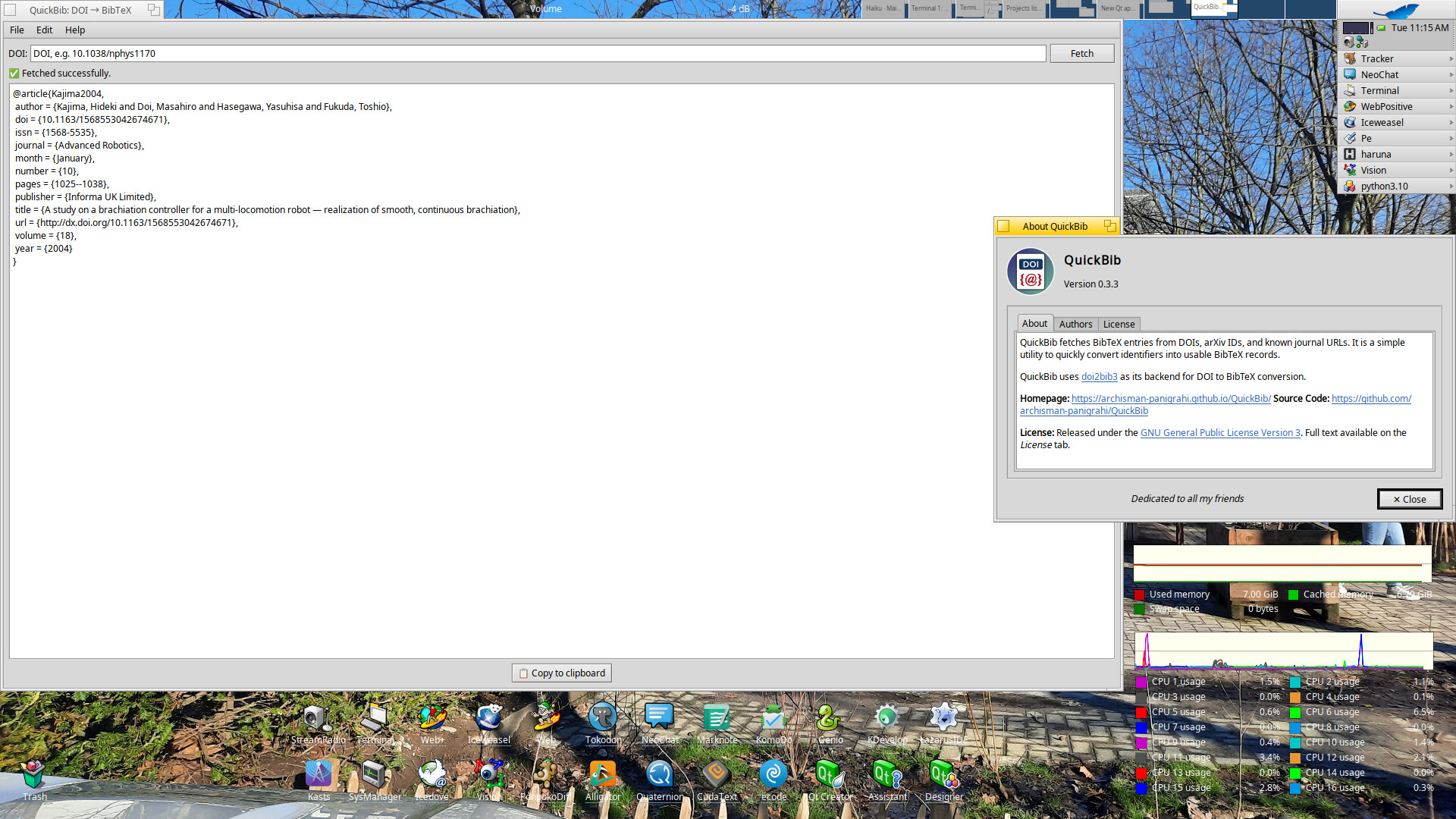
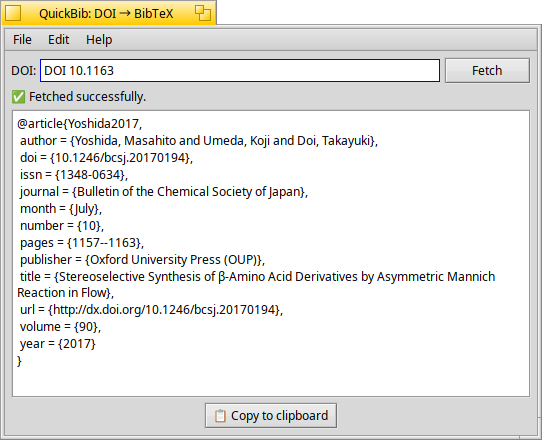
I recently made a software (called QuickBib) which helps citing papers in LaTeX.
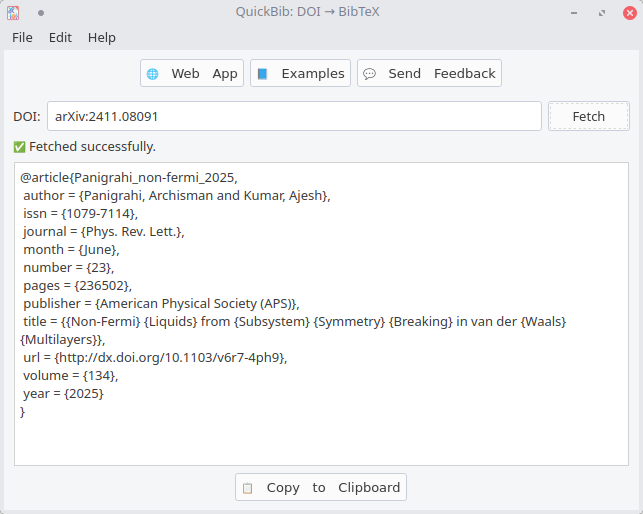
Given a DOI number/journal link/arXiv link of a paper, it readily produces the BibTeX entry, which can be copied to the LaTeX editor (e.g. TeXStudio/Overleaf) to cite the paper.
Webpage: QuickBib — Get BibTeX from a DOI
The software is available on Flathub and Snap Store as well as a PPA and also the AUR.
Source is released under GPL3 on GitHub. It uses the python package doi2bib3 as its backend.
Also, it is cross platform, and available on Windows and Mac (see the website for details).
How to use? See examples.
I made it to specifically address one problem: Often, one has to cite a lot of papers while writing a research paper. It is easy to find a paper from google, but is causes a huge pain to manually make a BibTeX entry for the paper (for this particular use case, QuickBib is much faster than Zotero/Google Scholar.). With QuickBib, the user can just copy paste the DOI link from the journal website and it will produce ready-made BibTeX (it also has a handy copy-to-clipboard button).
While the use-case of the software is very specific (intended for researchers for writing papers), it would be beneficial to a lot of people doing research.
QuickBib uses python with PyQt6.