Gnome’s overview is smooth even in power save mode. After switch to KDE, the overview delay is every noticeable, its about more than 0.5s delay after trigger it,
- Effect animation is not laggy after the delay.
- Almost no delay in performance mode
Gnome’s overview is smooth even in power save mode. After switch to KDE, the overview delay is every noticeable, its about more than 0.5s delay after trigger it,
It may be worth mentioning distro, version of Plasma, etc., here, because I for one am seeing an instantaneous overview, so it may be linked to the above.
I am having the same issue; I am running the following:
Operating System: NixOS 25.11
KDE Plasma Version: 6.5.4
KDE Frameworks Version: 6.20.0
Qt Version: 6.10.1
Kernel Version: 6.18.0 (64-bit)
Graphics Platform: Wayland
Processors: 8 × Intel® Core™ i5-8250U CPU @ 1.60GHz
Memory: 32 GiB of RAM (31,2 GiB usable)
Graphics Processor: Intel® UHD Graphics 620
Manufacturer: LENOVO
Product Name: 20KN001QPB
System Version: ThinkPad E480
Sounds like bug reporting time!:
Hey Paul! Thanks for following up on OP’s post.
Just wanted to chime in: I’m experiencing the same issue on CachyOS as soon as I have more than one screen connected to my laptop. I have one portable screen that I connect via USB-C/DP when I’m out and about, and when I’m home, I connect 3 screens via HDMI and USB-C/DP.
System info:
Operating System: CachyOS Linux
KDE Plasma Version: 6.5.5
KDE Frameworks Version: 6.22.0
Qt Version: 6.10.1
Kernel Version: 6.18.7-2-cachyos (64-bit)
Graphics Platform: Wayland
Processors: 16 × 12th Gen Intel® Core™ i9-12950HX
Memory: 64 GiB of RAM (62,4 GiB usable)
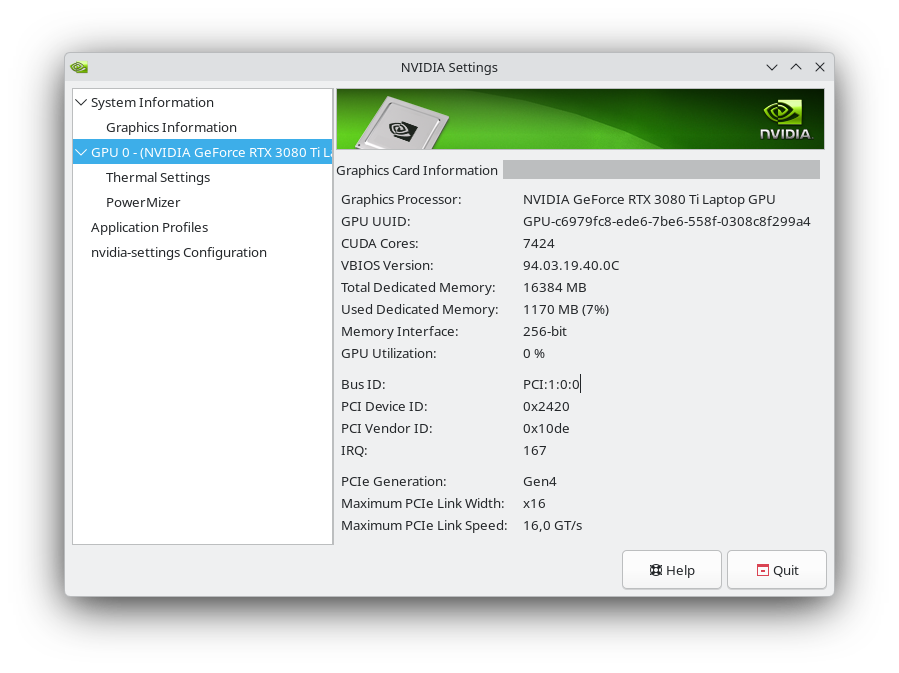
Graphics Processor 1: NVIDIA GeForce RTX 3080 Ti Laptop GPU
Graphics Processor 2: Intel® UHD Graphics
Manufacturer: ASUSTeK COMPUTER INC.
Product Name: ROG Strix G733CX_G733CX
System Version: 1.0
Info from NVidia driver 590.48.01:
I noticed that the delay gets longer the more screens are connected. Here’s a video showing the delay when I am using only the laptop’s own screen (sorry, not allowed to post links):
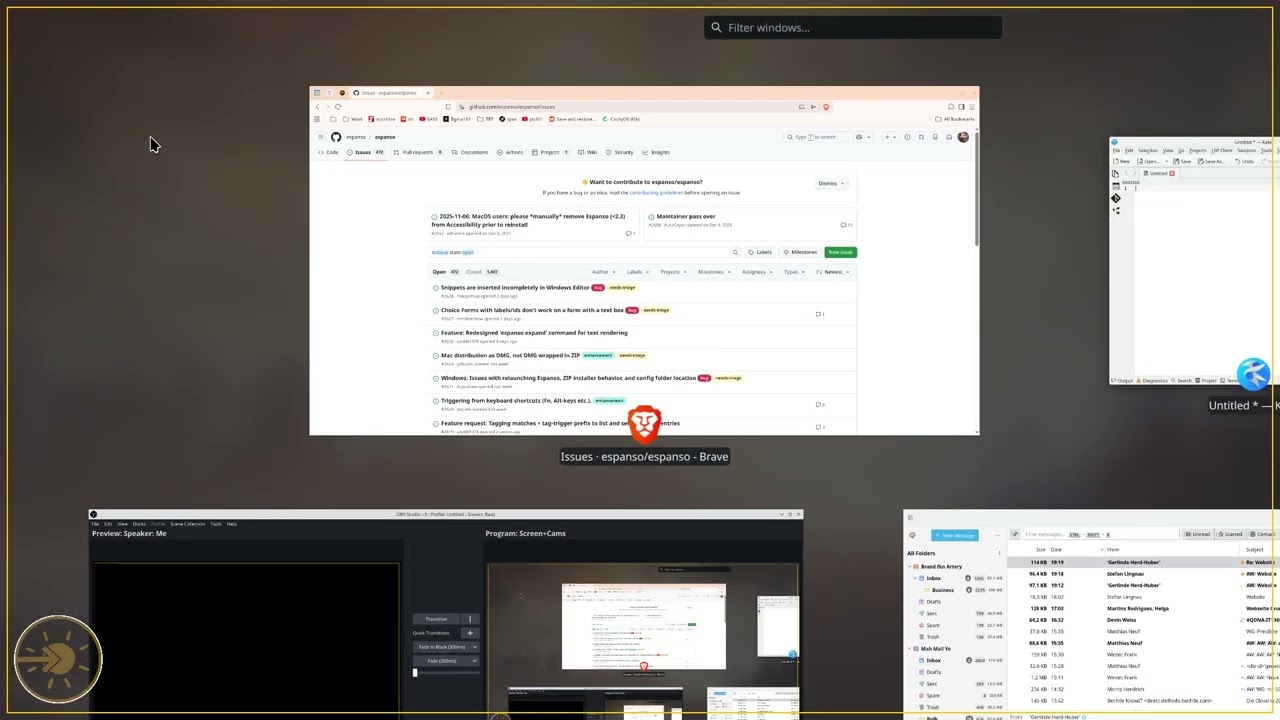
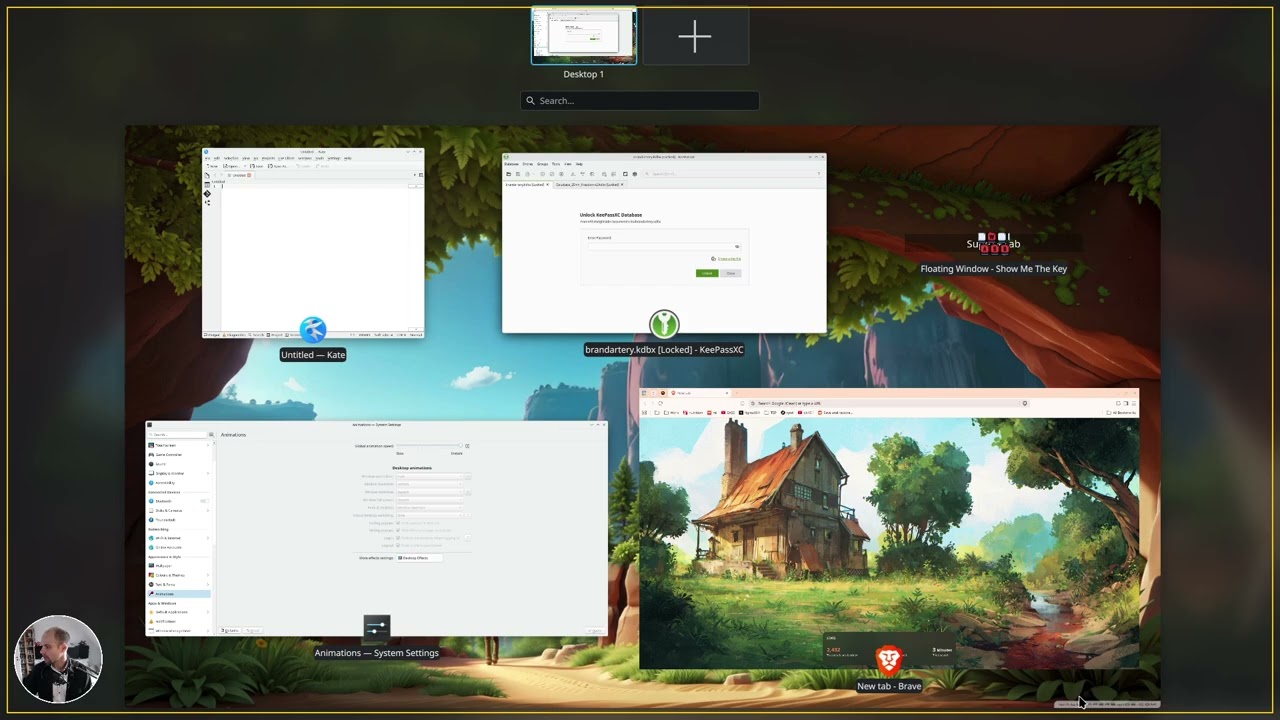
Here’s a video I made a few days ago with 3 screens connected, you can see the delay best at 0:23 and 0:35:
I originally posted the above video on the CachyOS forum: Tiny delay when invoking present windows - #10 by MrMattEastwood - Issues & Assistance - CachyOS Forum
The delay occurs both when triggering the Overview and Present Windows effect.
If there’s any other information you’d like me to provide, I’ll be happy to do so. I’m a brand-new KDE user (switched to CachyOS 5 days ago after 16 years on Ubuntu/Mint). So you might need to point me in the right direction for collecting logs or any other debug info.
Okay. Don’t report this three times, though! Check this has not been reported already. If it hasn’t, ONE of you report it and the rest add yourselves in your comments with the info you are posting here.
This will help devs narrow it down.
Thanks!
The “delay” is within at most 10s of ms it seems. Quite small on your video it is hard to notice. It would need to go frame-frame to see.
It seems to be after 35s, before 35s you hadn’t applied the “instant” animation speed yet.
Hey meven, thanks for following up so quickly. I should have been clearer. The first video does show that on my PC, there is virtually no delay as long as just the internal screen is on. The delay really only becomes (increasingly) noticeable when one or more screens are connected.
I’ll be happy to record another video to show this more clearly.
At 0:23 in the second video, the animation speed is not yet at “instant” and the delay occurs. At 0:35, the animation speed is “instant” and the delay still occurs.
Will follow up asap.