I often get frustrated that the search input is still filled when I open the Klipper popup again via Meta+V after searching for something and selecting it. In all cases, when I reopen it, I want to see my full clipboard history again.
An option for Klipper to automatically clear the search field after selecting an entry would be very helpful, so I don’t have to this manually every time.
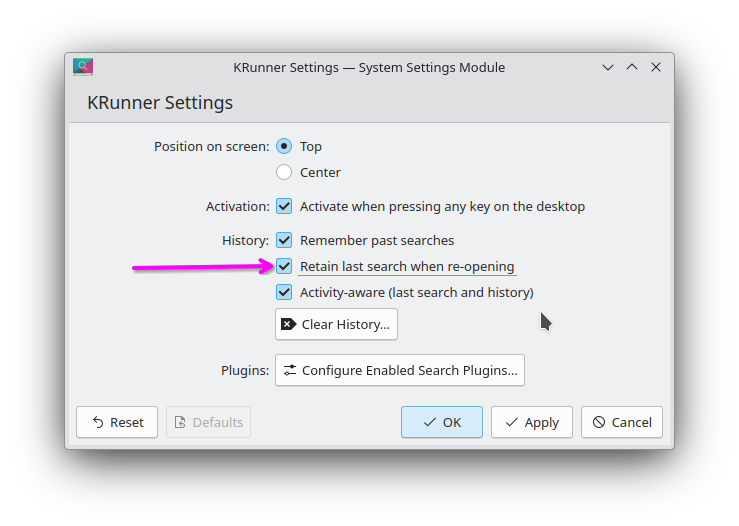
It is not selected but starting to type does indeed overwrite it. But this is not what I want. I want it to instantly clear the field after selection and directly show the full history on the next open.
With this I still have to type a random character and delete it again every time.
It also does not select the topmost entry which is very annoying because I have to repeatedly press arrow up until I get to the most recent one again.
So always making sure the topmost entry is highlighted after opening the popup would also be a time saver for me. I think the mouse position can influence that currently and set the highlighted one somewhere in the middle of the list.
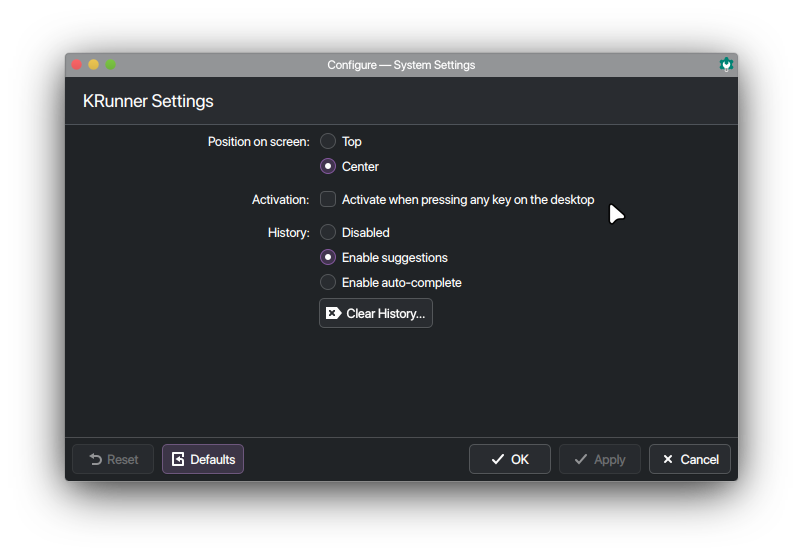
This does not exist on Plasma 6. But in any case why would the KRunner settings affect Klipper? Those are two separate things. I even tried setting History to disabled here, but it did not change anything for Klipper.
my bad, i thought we were talking about krunner this whole time
i don’t get any sort of history in klipper and yes when i type in a search term it stays there until i clear it… rarely use the search since i can just scroll down to find what i recently copied.
it would be nice it the search bar behaved the same way as krunner, for UX consistency sake… my plasma 5 versions are quite different in how the search behaves.
when i come back to klipper, it does not select the last search and typing only appends to what is there unless you manually clear it or ctrl+backspace to delete one word at a time.