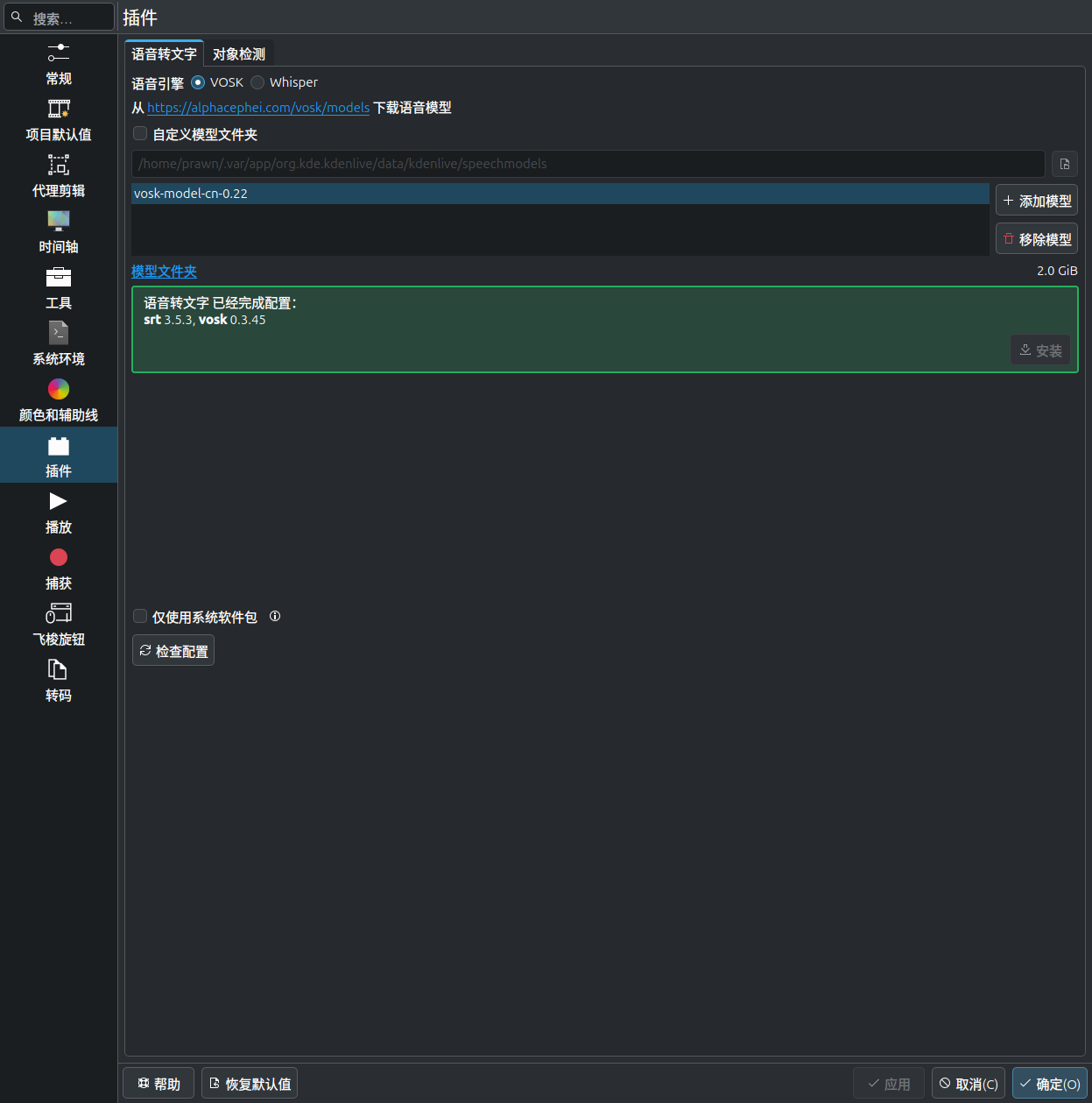
I installed the plugin and the model
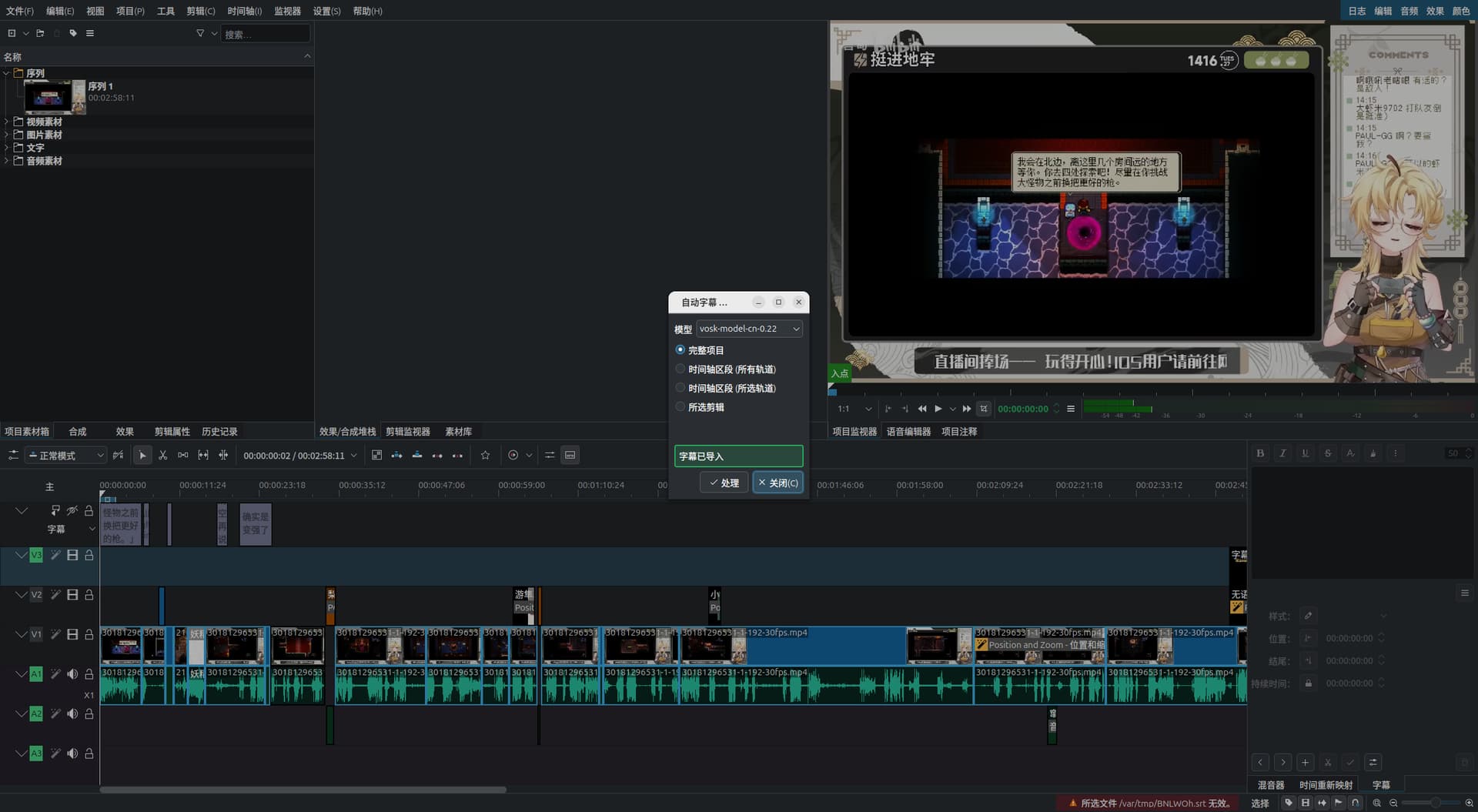
And it looks like it’s working properly, but look at the bottom right corner
所选文件 /var/tmp/LFIUML.srt 无效。The subtitles did not appear.
I’m glad someone has encountered the same problem as me. My kdenlive version is 25.04.3, my Python version is 3.13, my computer system is Windows 11, SRT version is 3.5.3, and VOSK version is 0.3.45. Both WAV audio and MP4 video separated audio cannot use VOSK’s speech to text function. After selecting the model and time range, it displays “subtitles imported” but the bottom right corner prompts “The selected field in C:/Users/user/APPdata/Local/Temp/EcAdAb.srt is invalid”. In fact, the name EcAdAb.srt can be changed to xxxxxx.srt because every invalid SRT is invalid. It’s different. I have been troubled by this all night. Please let me know immediately if there is a solution. I have tried all the solutions I found, including the one written before this post.