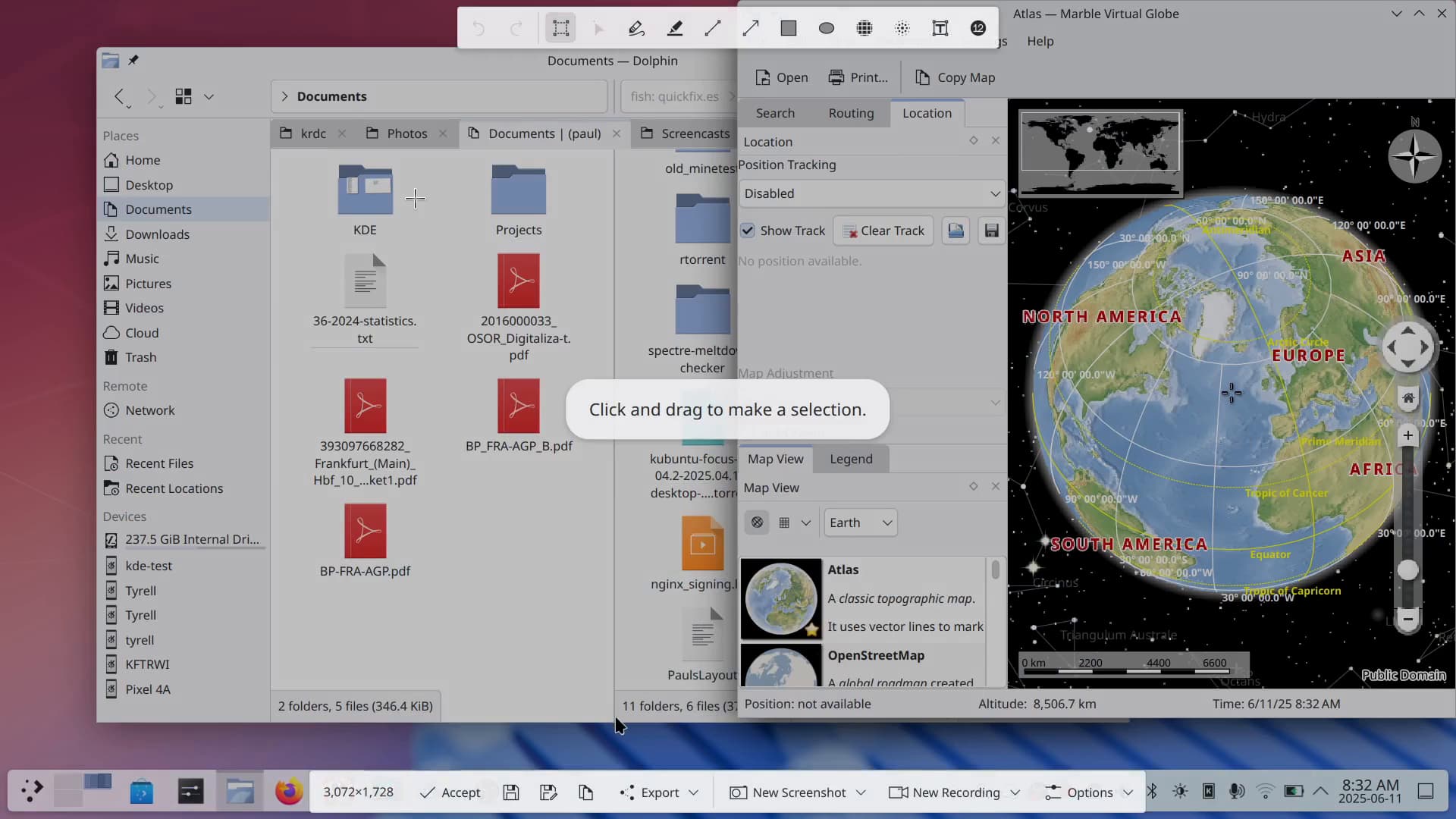
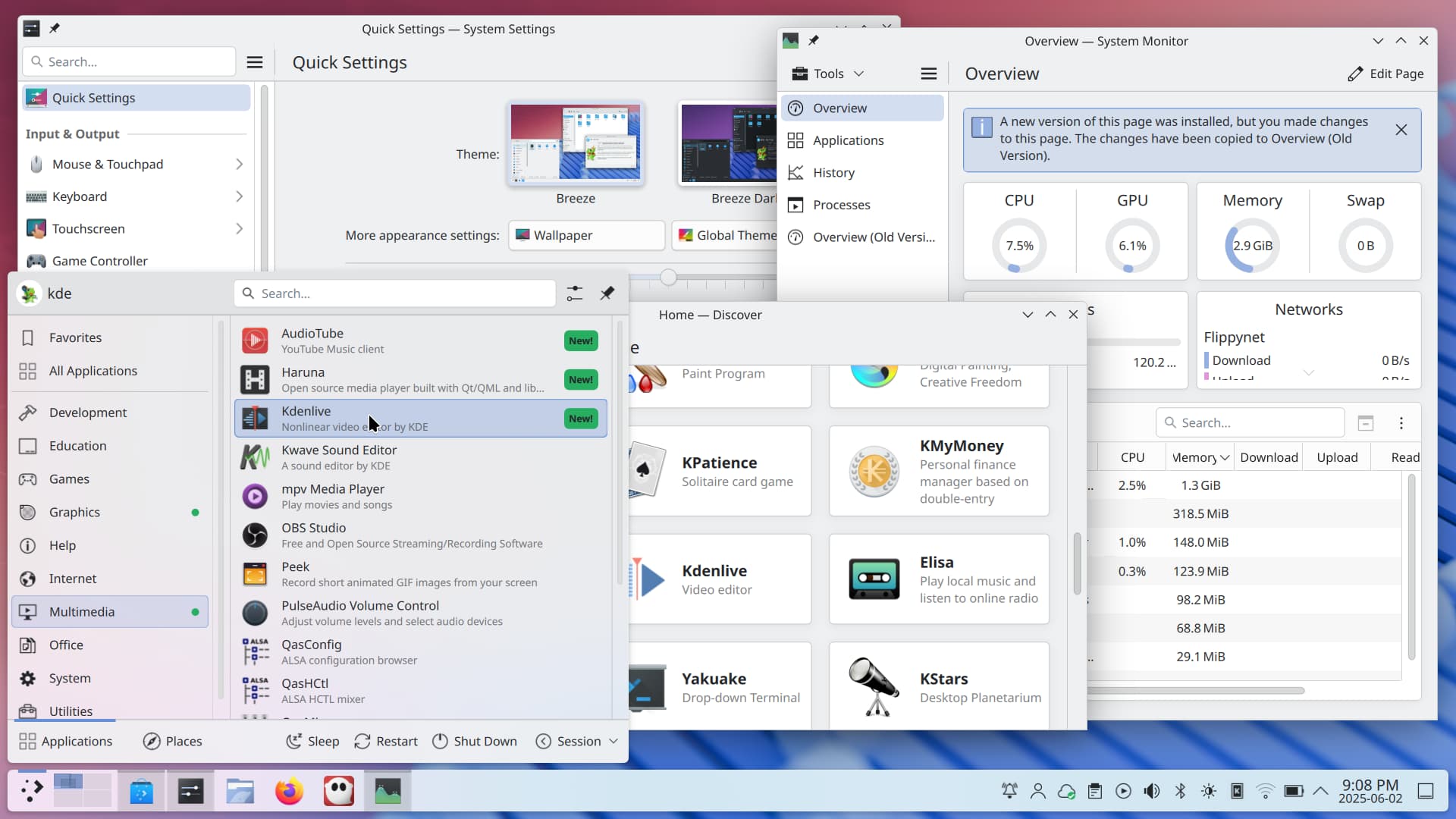
Check out the tweaked tiling that lets you have different layouts for every virtual desktop; the overhauled Spectacle that makes capturing your desktop faster; how KRunner now understands color; and in general the literally dozens of other fixes and features that make Plasma friendlier and easier to use.

20 Likes
KDE is part of the endof10 campaign and we are on a mission to convert as many users over to Linux as we can.
This is the perfect time to ditch Windows and get the new and shiny Plasma 6.4 for your machine!
Check out the upcoming events where you can get Linux installed on your computer:

11 Likes
“The file transfer notification now shows a speed graph, giving you a more visual idea of how fast the transfer is going, and how long it will take to complete.”
Was a toggle added to disable it while still having what we currently have available?
Does the “do not disturb” trigger on fullscreen for the same screen as the notification area or regardless on which screen the app is on?
I recall this being brought up during the implementation, and I’m pretty sure it’s if the screen where the notification popup will appear has a fullscreen window on it.
1 Like
Let me see if I have this correct. If I copy files on my Dolphin desktop I’ll see the notification cause I never use Dolphin, but while it’s still copying files if I switch to my Internet desktop I won’t see the notification? Works for me if that’s the case.
Will I get 6.4 via this Kubuntu Backports PPA? I am running Kubuntu 25.04, Plasma 6.3.5, Frameworks 6.14.0 and Qt 6.8.3.
This PPA will receive major version updates backported from later Kubuntu releases (and our development release).
I understand this description to mean that the PPA provides not only 6.3.* updates, but also 6.* updates, like this one from 6.3 to 6.4. Is this correct?
1 Like
Yes, it is planned to ship Plasma 6.4 in Backports for 25.04.
2 Likes
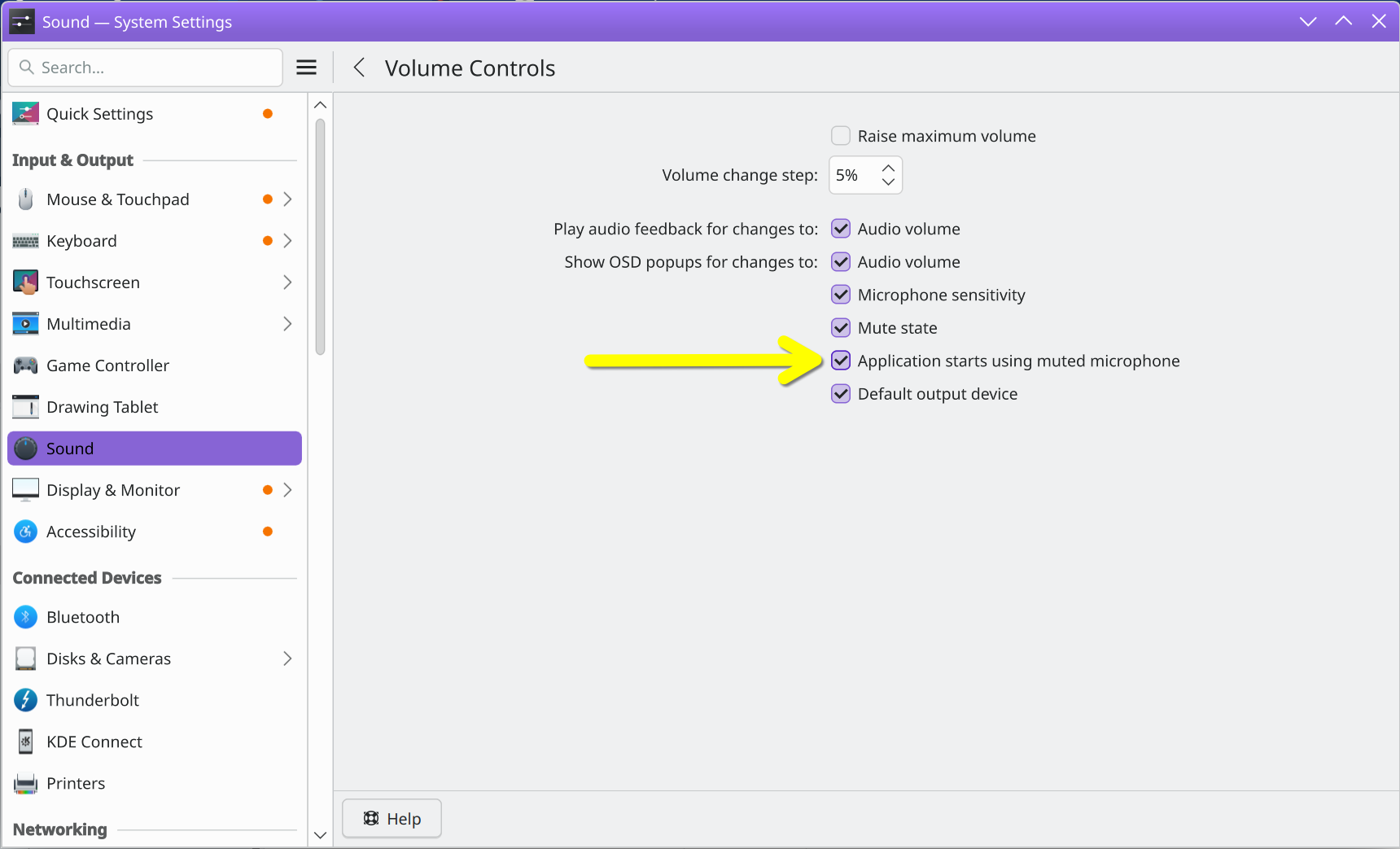
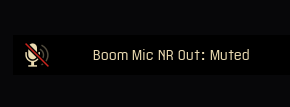
Now when an app tries to access the microphone and finds it muted, a notification will pop up.
Does anyone know if this one is optional? Seems like it will clash with Push-to-Talk where the mic is normally muted and is unmuted momentarily.
I’m not sure about how Push-to-Talk applications would work, but the on-screen notification is optional and can be toggled from within System Settings > Sound > Configure Volume Controls:
2 Likes
Thanks John!
Courtesy of the rapid Tumbleweed packagers I got a nice surprise and just got to try it out.
Even with the default of it being on, it’s very unintrusive. It’s not a popup notification so much as a ‘toast’ which is very small and appears briefly in the middle of the screen and disappears without interaction. As much as I’m glad it’s optional, I think I’ll keep it for now.
Typical KDE dev W
1 Like
I don’t understand the first part of this announcement. I’ve has different layouts for each virtual desktop for as long as I can remember, or is this something else?
Hi - that’s referring to the Custom Tiling feature, accessed by pressing Super/Meta+T - if you click that first video on the announcement page, you can see it in action.
I’ve been using KDE for over a decade and didn’t even know it had a tiling option. There doesn’t seem to be any reference to it in the Help that I can see. I tried Meta-T and sure enough got the widget which lets me set up the layout, but how to actually use the layout I set remains a mystery.
It’ relatively new. That said, we have mentioned it a bit, namely in announcements.
As for how to adjust tiles, place your cursor on any edge and drag those borders! You will also have a a menu that allows you to split, float and add new tiles.
Thanks, I’ll try it. That said, dare I ask if the layout I specify will persist across login sessions, including the apps assigned to each tile? I ask because that’s (currently) an important missing feature in the non-tiling system and is only expected with QT 6.4 whenever that happens.
Another question: can I have some desktops tiled and others not tiled, or is this an all-or-nothing setting?
Yes, just checked and it does.
Unfortunately, due to Wayland quirks, the position and size of the windows do not  , so you will have to reposition each window into its tile, which kind of defeats the purpose.
I understand this is a sticky situation developers are working to solve.
That might soon change.
KWin has now support for the late draft stage of the protocol for session restoration.
Once the respective client side materialized, e.g. in Qt, position and sizes (and virtual desktop, Plasma activity, etc) should be restored as well.
1 Like
Normally a .0 release means I’m gonna have some feature or three that I use a lot, fail for a few weeks. Can’t seem to find any regressions here. Bravo devs.
1 Like
Agreed, it’s pretty dang impressive - I’ve been running git master of almost everything KDE (haven’t bothered building KMahjongg from source yet) for weeks now, with the intent of helping catch issues that would affect my day-to-day usage…and there just hasn’t been much to report!
So, by that logic, Plasma 6.5 is already looking good too 
3 Likes