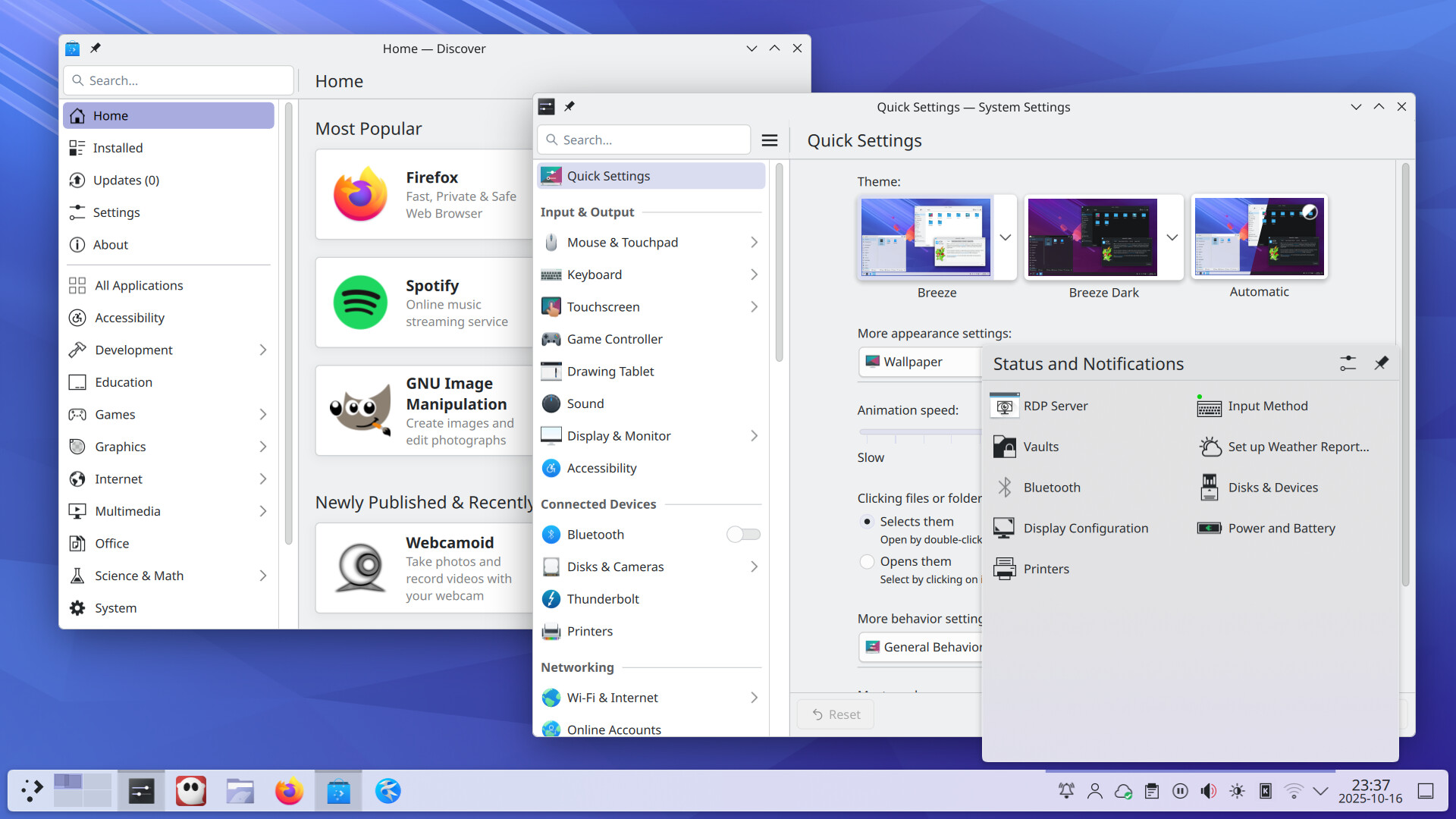
Coming to your favorite desktop: cool interface re-designs (rounded corners! Automatic smooth light-to-dark transitions!), features (smart KRunner searches! Pinned clipboard items!) and tons of usability and accessibility improvements.
25 Likes
Help us bring Plasma 6.5 and the rest of KDE’s software catalogue into the mainstream by donating.
Plasma 6.5 is out, and it is a modern, versatile, accessible desktop environment ready for private citizens, companies, and public institutions. Experience it yourself, and you will realise we are on to something big.
70% of our funding comes from you, our friends and users. Donate now and help KDE on its way to world acceptance:

5 Likes
In last year’s donation drive there was the option of “adopting” an application.
I liked the idea a lot an “adopted” two I use as daily drivers.
Are we planning to do this again at a later time during this year’s campaign?
4 Likes
Yes. We did not want to interfere with the Birthday and release announcement by launching too many things at the same time, but yeah, definitely. Probably after Halloween.
6 Likes
Videos on Plasma 6.5 promotion ( Plasma 6.5 - KDE Community ) feel that KDE is slow and not responding, especially “Caret Text Navigation“ and “KRunner Fuzzy Search” videos. Changing to higher frame rate (and maybe shorter) is needed.
1 Like
Eagerly awaiting Plasma 6.5 to hit the Arch repos!
5 Likes
Just updated to plasma 6.5 in the KDE Neon.
KMail failed to run because of missing libPlasmaActivities.so.6
Solved by installing plasma-activities
and creating a symbolic link from libPlasmaActivities.so.6.5.0 in the /usr/lib/x86_64-linux-gnu
That’s a neon packaging issue; can you report it to the neon devs using https://bugs.kde.org/enter_bug.cgi?classification=KDE%20Neon?
Indeed, they’re being re-done now and should appear on the website later today.
1 Like
1 Like
Appreciated! These are pedantic but they accumulate. As David Edmundson said presenting is as important as doing it!
“KRunner Fuzzy Search” video looks great!, but “Caret Text Navigation“ is still same on my end. Precise urls: https://cdn.kde.org/promo/Announcements/Plasma/6.5/zoom_caret.mp4 and https://cdn.kde.org/promo/Announcements/Plasma/6.5/zoom_caret.webm
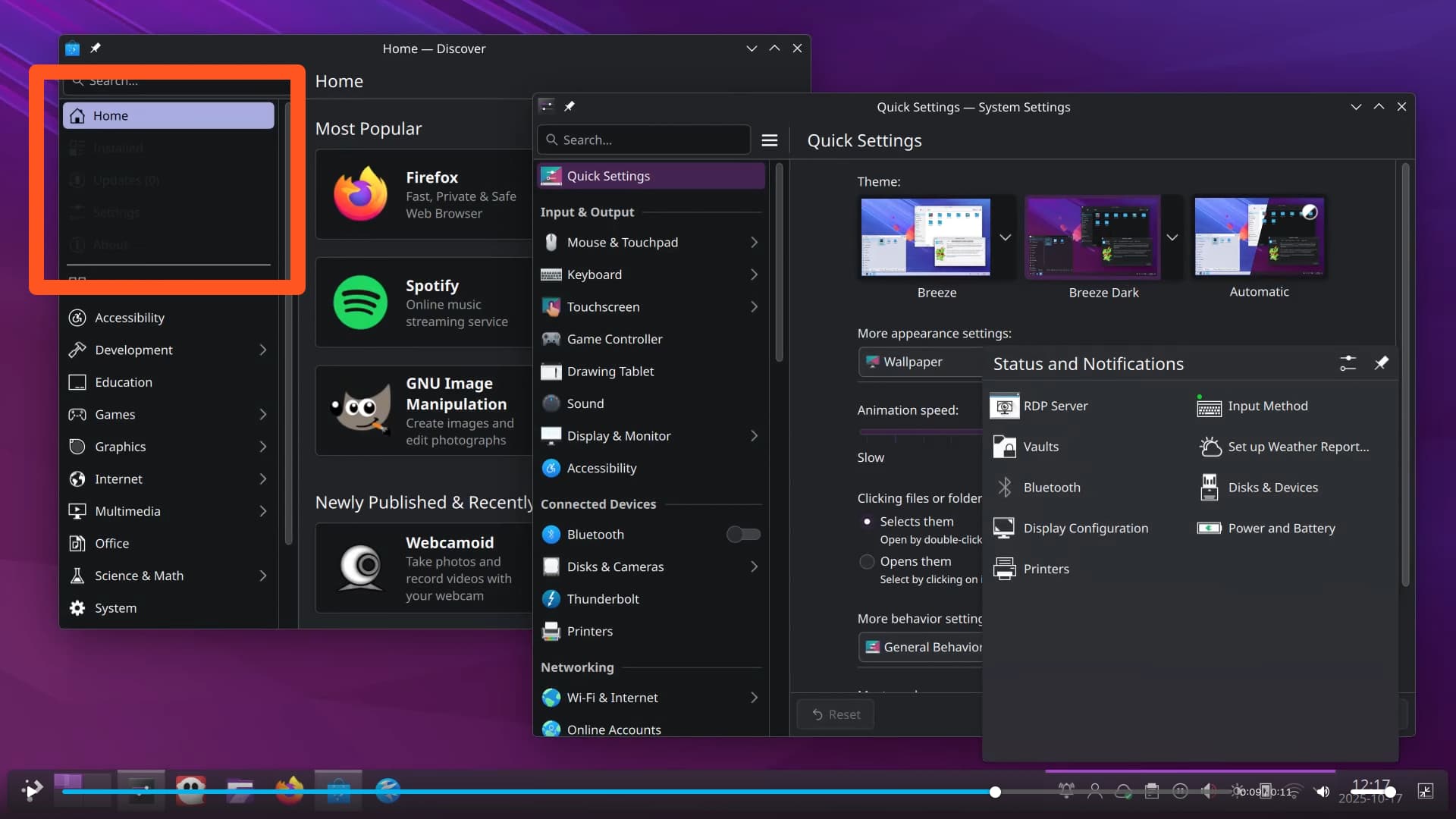
Also tiny style issue on “Automatic Theme Transitions” video, which I assume resolve with restarting Discover.
Awesome perfecting! Where can I find the 6.5 default wallpaper?

All three videos have been remade. The glitch in the light-to-dark video was a bug that is fixed in the final version.
3 Likes
Super excited for greyscale and fuzzy finder. Thanks so much, team!
1 Like
I totally agree. It’s a fail the way is published right now.
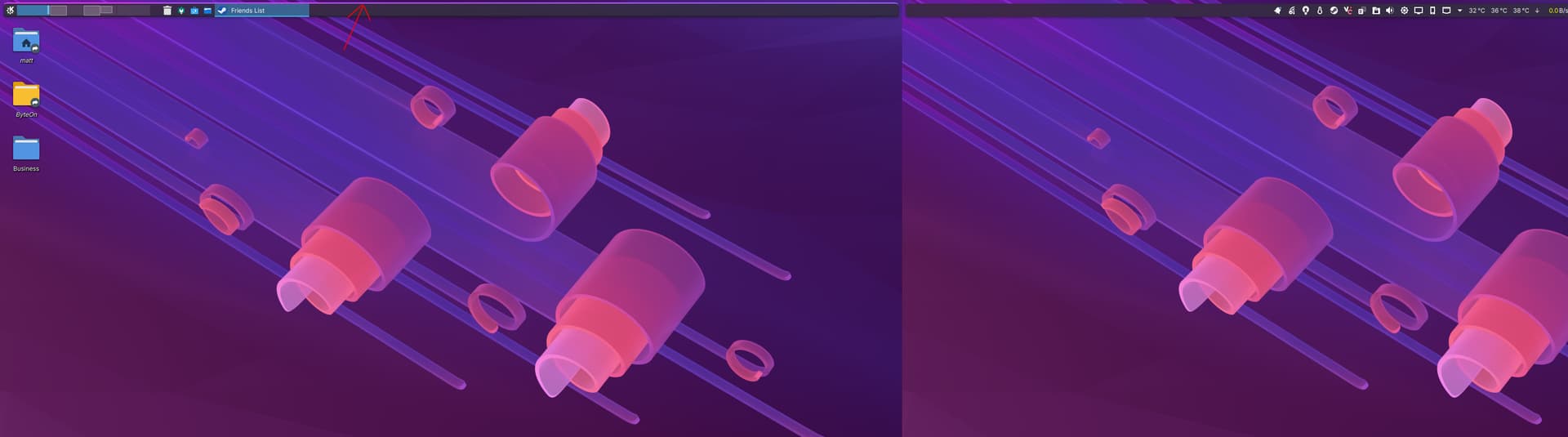
Is anyone else experiencing an issue whereby a line appears above a floating panel when it goes from unfloating to floating, as it does when a window is maximized and minimized?
It’s only been a problem since the update to 6.5.
Operating System: KDE neon User Edition
KDE Plasma Version: 6.5.0
KDE Frameworks Version: 6.19.0
Qt Version: 6.9.2
Kernel Version: 6.14.0-33-generic (64-bit)
Graphics Platform: Wayland
Processors: 12 × Intel® Core™ i7-8700K CPU @ 3.70GHz
Memory: 32 GiB of RAM (31.3 GiB usable)
Graphics Processor: NVIDIA GeForce RTX 4070 SUPER
1 Like
Is it possible to deactivate the shadows behind the windows?
It should be an option -one click- deactivate all unessesary eye-candy things.
Will test it in the next days.
Lost the mouse cursor in wayland, it is just a couple of garbled lines- unusable. In X11 it still works.
Congratulations on the release. I Just installed it on a fresh Fedora 42 from this COPR.
2 Likes