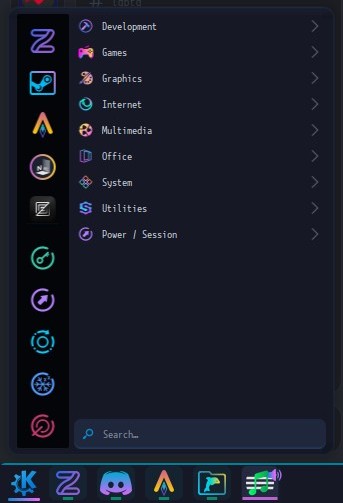
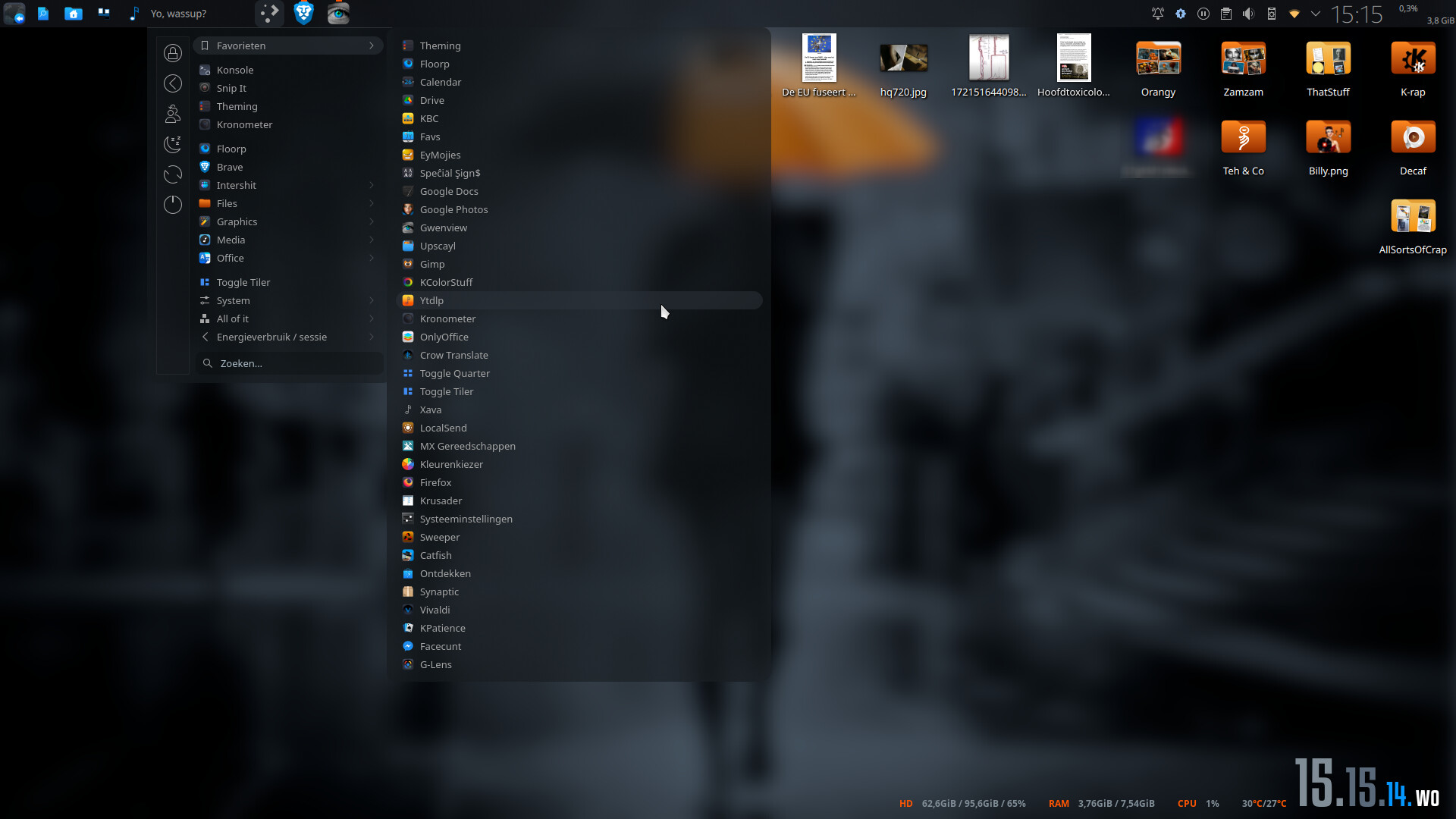
I have just updated to plasma 6.6 beta 1 and noticed that the app categories and apps in the categories are smaller vertically with smaller icons and text. I searched the patch notes and I could not find any mentions of changes to application manager at all
I only have 1 screenshot from before which is kinda messy, I think because I did more than one thing with an nvidia gpu, but you should be able to tell the scale difference.
Before:
Myeah, the standard one is, imho, ridiculous. If you have your favs pinned on the left, the entire menu grows very big with a lot of empty space in the root menu. I don’t use that menu ( or it’s enhanced version) myself but it could use a revamp. Submenus have no consistency in width.
just seems like a simple thing to fix for those of use who using a vertical task bar on the right.. it’s very annoying when you have nested menus more than 2 deep (which i try to avoid because of this).
Well, if this is normal, then my application menu has been rendering way too large for the last ~2 years. It only changed once I updated to the 6.6 beta, and it isn’t my plasma style or panel colorizer because I’ve presently disabled and defaulted each respectively.
I have changed the icon set, but I have been using those icons depicted for a long time, pretty much as long as I’ve been using plasma. Changing the icons to breeze does not make the sub menus take up the same amount of space as before. The only thing I did between the 2 looks of the application launcher was upgrade to plasma 6.6 beta 1.