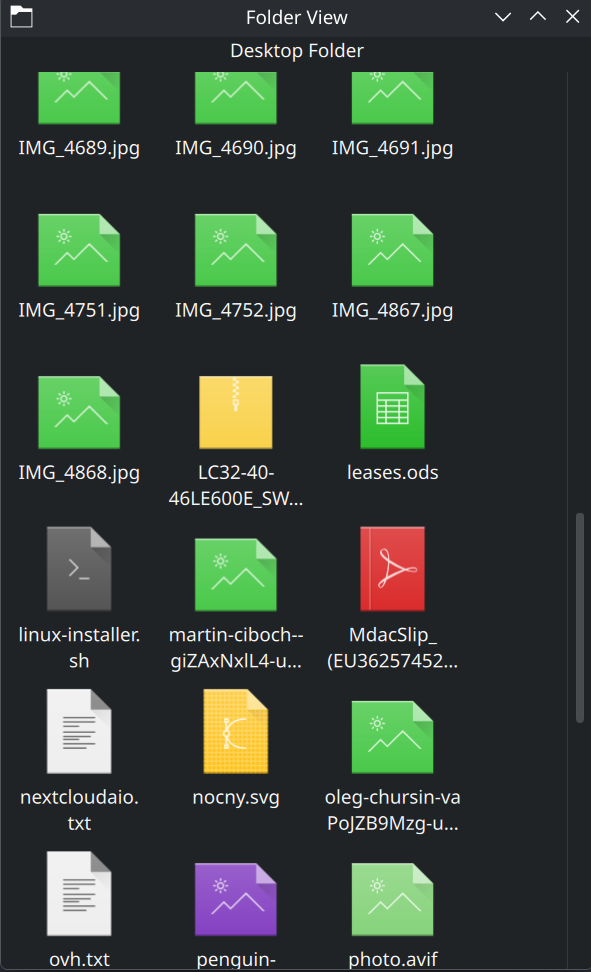
I have a very peculiar problem related to showing icons preview on a desktop as well as folder thumbnails.
Missing desktops icons preview
Image files on a desktop have no preview. The option under: Context menu → Icons → Show Previews is checked (including preview plugins)
What’s more interesting, if I browse desktop files through Dolphin all the previews are displayed correctly
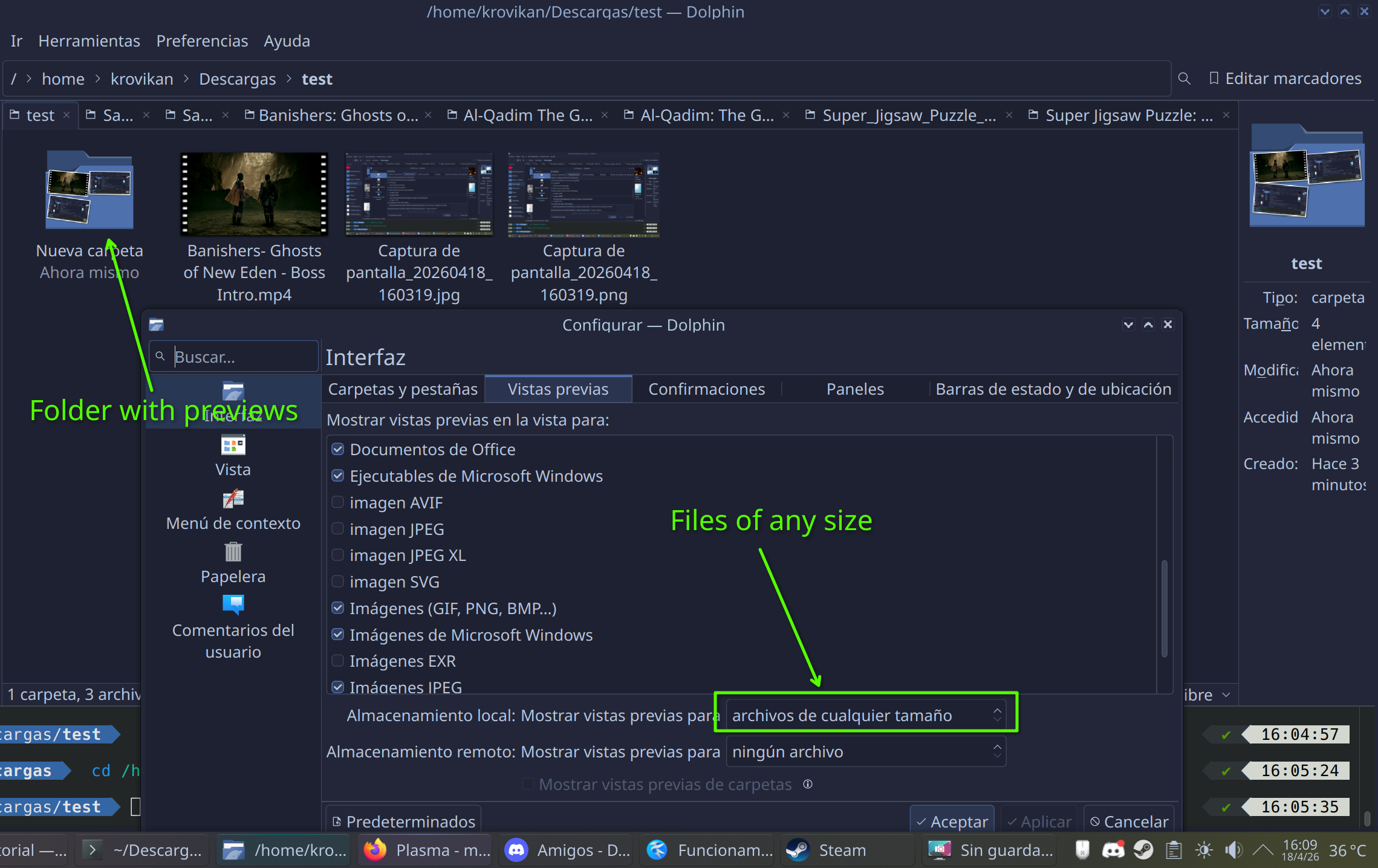
Folders which contain graphic files have no these little thumbnails on a folder icon.
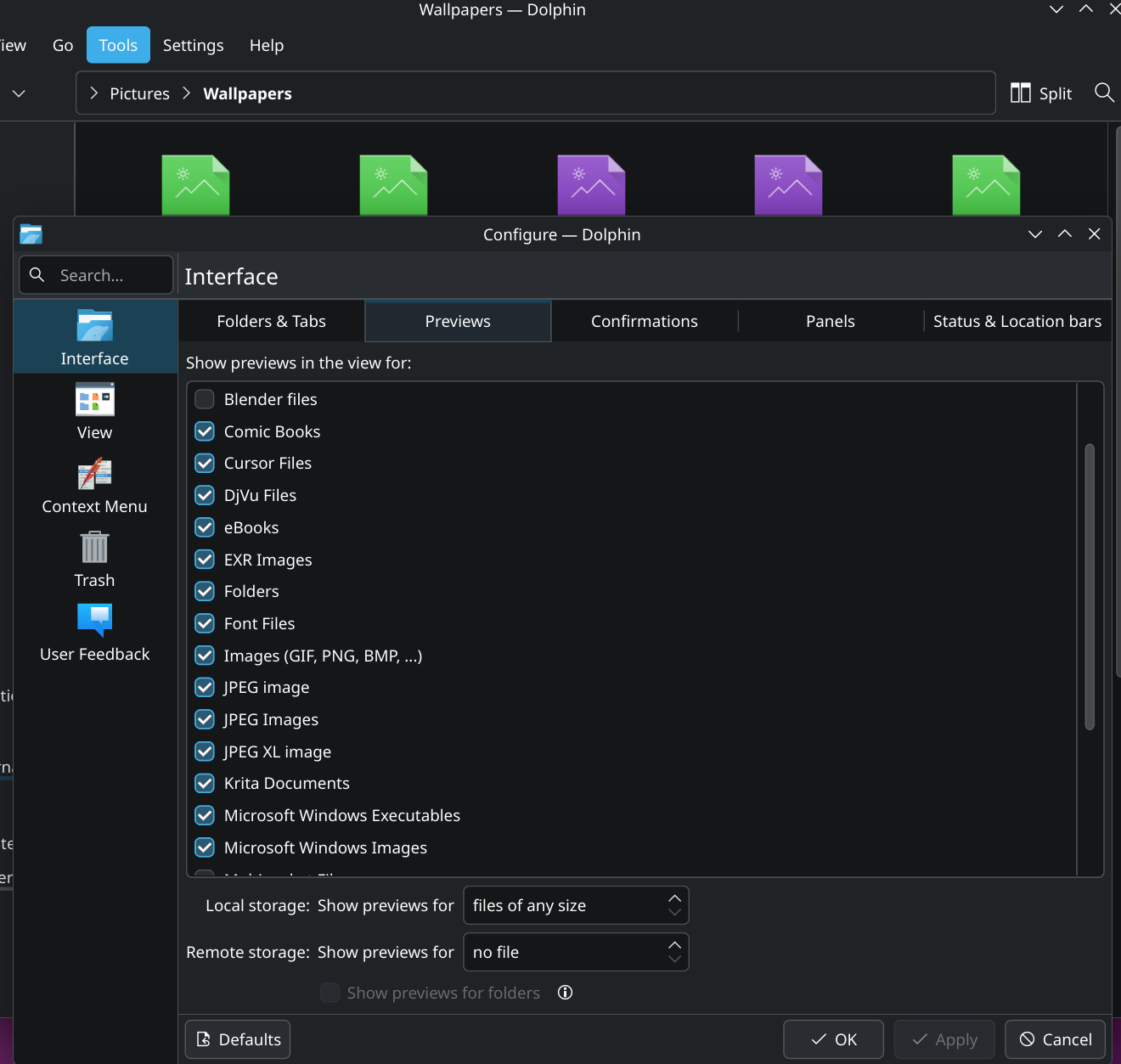
Again: Configure Dolphin → Interface → Preview → most of the types including folders are checked.
I’m quite sure these all worked in the past but it stopped at some point of time. Reinstalling plasma, os, cleaning plasma config, removing cache didn’t solve anything.
I created a new user to rule out local settings issue but I faced exactly the same issue which would indicate missing packages but I have plasma-meta package installed along with a few kde-applications including the ones mentioned in Arch wiki
pacman -Qs thumb
local/ffmpegthumbs 25.12.3-1 (kde-applications kde-multimedia)
    FFmpeg-based thumbnail creator for video files
local/kdegraphics-thumbnailers 25.12.3-1 (kde-applications kde-graphics)
    Thumbnailers for various graphics file formats
I’m using Arch with the latest plasma, AMD card, wayland session, etx4 fs, all directories are located under my home directory. I didnt’ find anything interesting in the journal.
Thx for the suggestion. In my case previews of working programs are working fine. But I did follow the link you provided and I realized that the desktop icons is actually a widget.
gave me the this output still, doesnt look like something groundbreaking
qt.qml.propertyCache.append: Member enabled of the object DeclarativeDropArea overrides a member of the base object. Consider renaming it or adding final or over
ride specifier
qt.qml.propertyCache.append: Member visible of the object PlasmaQuick::Dialog overrides a member of the base object. Consider renaming it or adding final or over
ride specifier
file:///usr/share/plasma/plasmoids/org.kde.desktopcontainment/contents/ui/main.qml:63: TypeError: Property ‘isScreenUiReady’ of object PlasmaWindowedCorona(0x55f
2d55e5bf0) is not a function
file:///usr/share/plasma/plasmoids/org.kde.desktopcontainment/contents/ui/main.qml:63: TypeError: Property ‘isScreenUiReady’ of object PlasmaWindowedCorona(0x55f
2d55e5bf0) is not a function
qml: 0
qml: undefined
Could totally be the issue as I had to install several additional KDE packages, not included in the Arch meta package, over time. Unfortunately can’t recall one as preview related, though.
A pacman -Qs thumb does only show fmpegthumbs (26.04.0-1 as updated yesterday) for me, the other one is not even installed and thumbnails previews are working here (as well as taskbar previews).
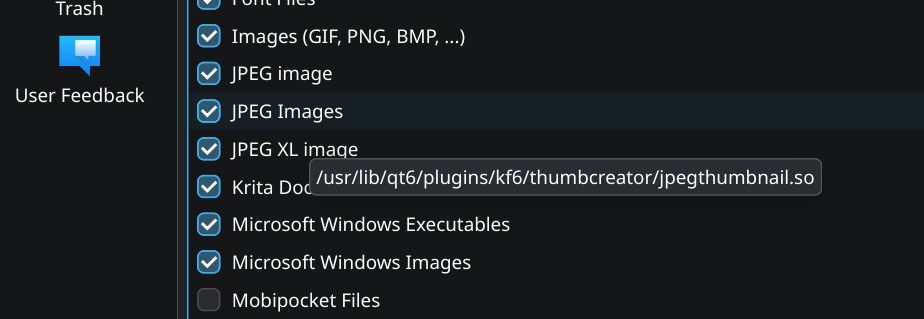
If you hover with the mouse in the Dolphin settings over the type a popup showing what thumbnail plugin is used (or it is trying to use) should appear, maybe that can give a hint?
Thank you. I believe most of the packages you’ve listed are present in my Arch.
I wish I knew how to debug it, plasma internals look quite complex.
pacman -Qs 'glycin|ffmpegthum|thumb|kio|plasma-workspace'

**local/ffmpegthumbs 26.04.0-1** **(kde-applications kde-multimedia)**
    FFmpeg-based thumbnail creator for video files
**local/glycin 2.1.1-1**
    Sandboxed and extendable image decoding
**local/kdegraphics-thumbnailers 26.04.0-1** **(kde-applications kde-graphics)**
    Thumbnailers for various graphics file formats
**local/kio 6.25.0-1** **(kf6)**
    Resource and network access abstraction
**local/kio-admin 26.04.0-1** **(kde-applications kde-system)**
    Manage files as administrator using the admin:// KIO protocol
**local/kio-extras 26.04.0-1** **(kde-applications kde-network)**
    Additional components to increase the functionality of KIO
**local/kio-fuse 5.1.1-1**
    FUSE interface for KIO
**local/plasma-workspace 6.6.4-1** **(plasma)**
    KDE Plasma Workspace
**local/plasma-workspace-wallpapers 6.6.4-1** **(plasma)**
    Additional wallpapers for the Plasma Workspace
I have UUID=long-uuid-number /home ext4 rw,relatime 0 2
here (as even “/” uses “… rw,relatime 0 1”)
But did not use Archinstall to setup my /home partition. In my initial setup /home was on the same (“/”) partition, I moved that to another drive later and added it to fstab manually.