Ban @Centaro already.
1 Like
I would also appreciate it if you avoid this post from now on. Thank you and have a nice weekend, @User110350.
All packages installed are up-to-date.
Something tell me you have a broken system. Especially the following lines:
The plugin ‘/usr/lib/qt6/qml/org/kde/kquickcontrols/libkquickcontrols.so’ uses incompatible Qt library. (6.10.0) [release]
Did something weird happen with Majaro’s repos?
Where did you even get plasma-simplemenu? The last release was from 2018 and has not been updated to Plasma 6. Evidently, it is not offered in Arch or Manjaro’s repos. You might want to uninstall it.
The system is certainly broken, but this is a fresh install, so it’s weird.
yay is spewing messages about it and plasmashell seems to be mentioning it in the error messages.
However, I don’t know where I got it from. This is a fresh install and I just updated the system from the repos after installing it.
user@computer ~> pacman -Q | rgi menu
kmenuedit 6.5.3-1
libdbusmenu-glib 18.10.20180917-1
libdbusmenu-gtk3 18.10.20180917-1
libdbusmenu-qt5 0.9.3+16.04.20160218-7
plasma-simplemenu 1.0.12-1
I think the important part is “the testing branch”. I don’t know how Manjaro handles it (I am Debian user), but to my understanding testing is not for users. Is there a reason you don’t want to run a stable version of Manjaro instead? There is a good chance that the issue magically disappears this way. The testing branch exists to find such issues and fix them before some weeks later it is merged into the stable one.
Manjaro has got 3 branches. The testing branch being the one in the middle. It is for users who are willing to troubleshoot a bit more up the pipe-line, just like I am doing with you now.
Did you fully wipe your root directories before installing? You might want to check with Manjaro side. Your screenshot from the first post indicated a broken Plasma desktop, i.e. missing menus (unless your screenshot glitched out). As it stands, I cannot reproduce your original problem on Arch Linux.
No I’m not longer experiencing this issue, but I’ve reinstalled my system some days ago. Does this happen with all widgets? I just moved kickoff and the system-tray into a second panel. Kickoff worked fine, but plasmashell crashed when I tried system-tray.
Nov 29 13:51:31 archlinux plasmashell[852]: qrc:/qt/qml/plasma/applet/org/kde/panel/main.qml:384:9: QML ListModel: remove: indices [-1 - 0] out of range [0 - 8]
Nov 29 13:51:36 archlinux plasmashell[852]: qrc:/qt/qml/plasma/applet/org/kde/panel/main.qml:95: TypeError: Cannot read property ‘index’ of null
Nov 29 13:51:36 archlinux plasmashell[852]: QObject::connect: Cannot connect org_kde_panel_Plugin::(nullptr) to SystemTray::(nullptr)
Nov 29 13:51:37 archlinux plasmashell[852]: KCrash: Application ‘plasmashell’ crashing… crashRecursionCounter = 2
Nov 29 13:51:37 archlinux systemd-coredump[37509]: Process 852 (plasmashell) of user 1000 terminated abnormally with signal 11/SEGV, processing…
Nov 29 13:52:29 archlinux systemd-coredump[37510]: Process 852 (plasmashell) of user 1000 dumped core.
#8 0x00007fdbbc186296 n/a (org.kde.plasma.systemtray.so + 0x1e296)
#31 0x0000564b0be65dcc n/a (/usr/bin/plasmashell + 0x45dcc)
Nov 29 13:52:32 archlinux systemd[583]: plasma-plasmashell.service: Main process exited, code=dumped, status=11/SEGV
Nov 29 13:52:32 archlinux systemd[583]: plasma-plasmashell.service: Failed with result ‘core-dump’.
Nov 29 13:52:32 archlinux systemd[583]: plasma-plasmashell.service: Consumed 10min 43.268s CPU time, 876.5M memory peak, 264.9M memory swap peak.
Nov 29 13:52:33 archlinux systemd[583]: plasma-plasmashell.service: Scheduled restart job, restart counter is at 1.
I’m running 6.5.3, but I’ve been using the development version for some weeks, so that may explain why I had this for a long time.
It’s a new NVMe all together.
I see you cannot go have a nice weekend like I wished you, which is a pity.
Thank you to everybody who is being respectful and keeping it technical.
2 Likes
It works now.
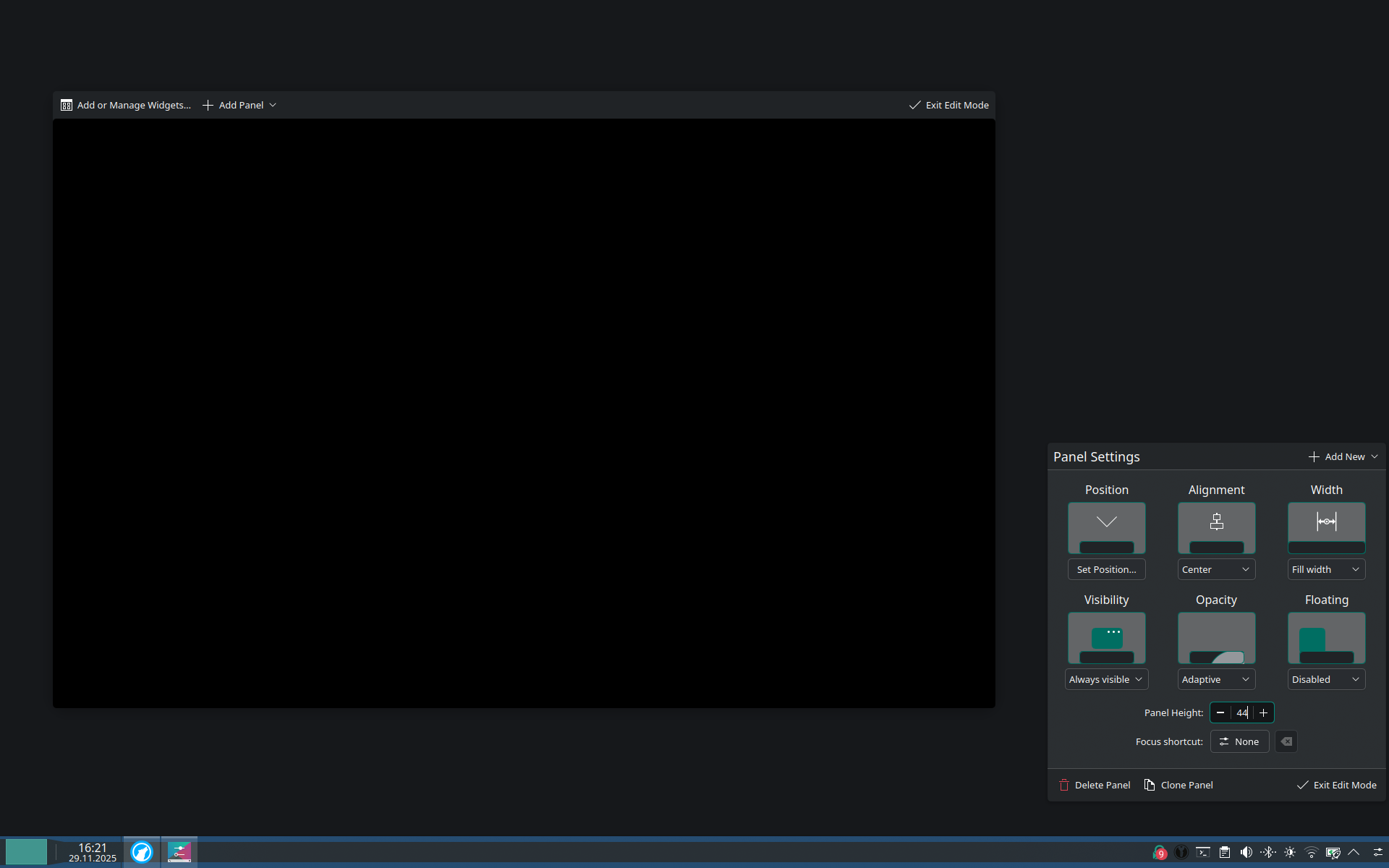
What I have changed is installing plasma-x11-session, update-grubas well as selecting the plasma session under Settings > SDDM > Behaviour instead of Wayland and rebooting with kernel 6.17 instead of 6.1.
So, it is probably an issue with the Wayland session or a problem that originates when updating from Plasma 6.3 to 6.4 on Arch-based system, where the X11 files got split out.
2 Likes