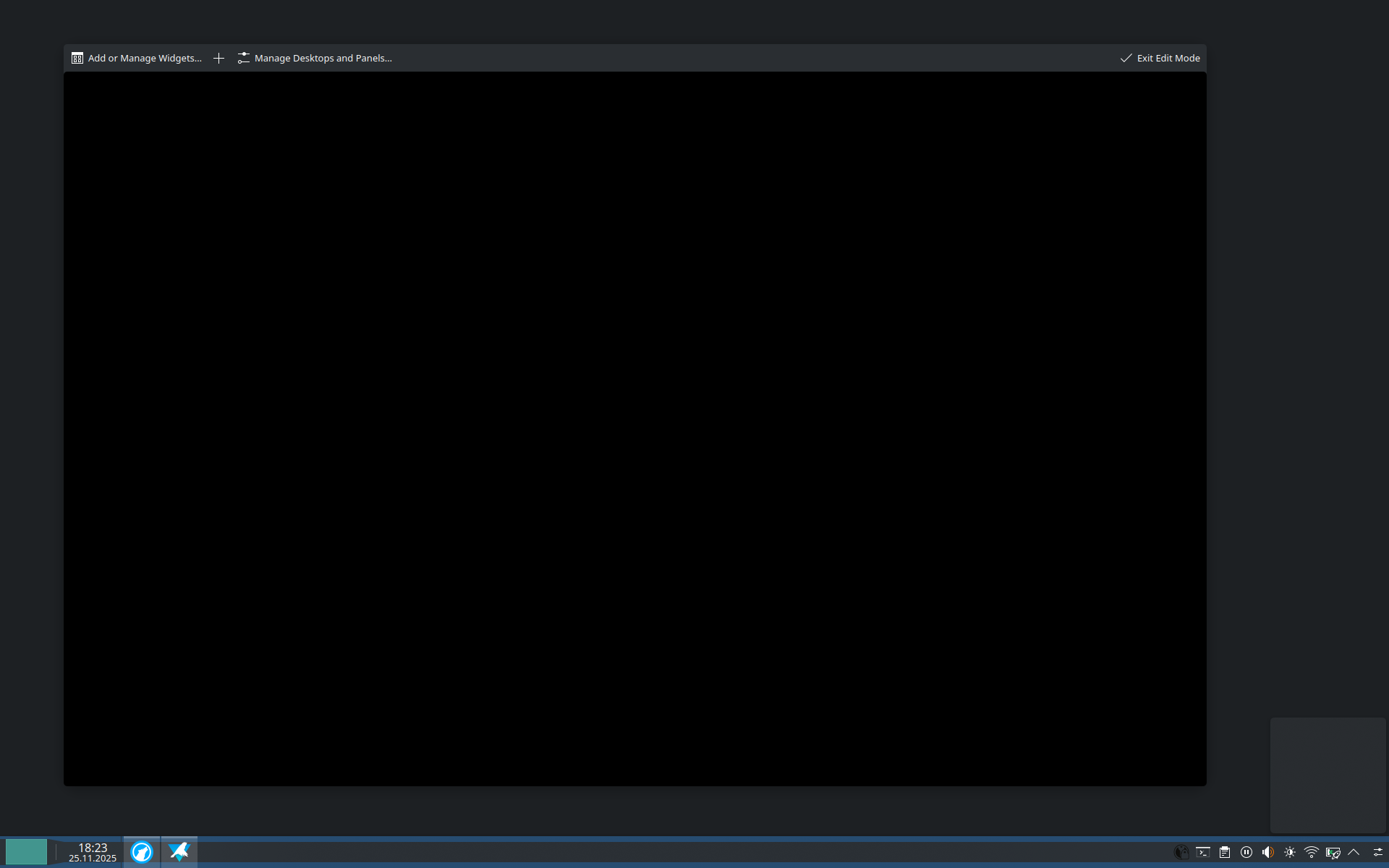
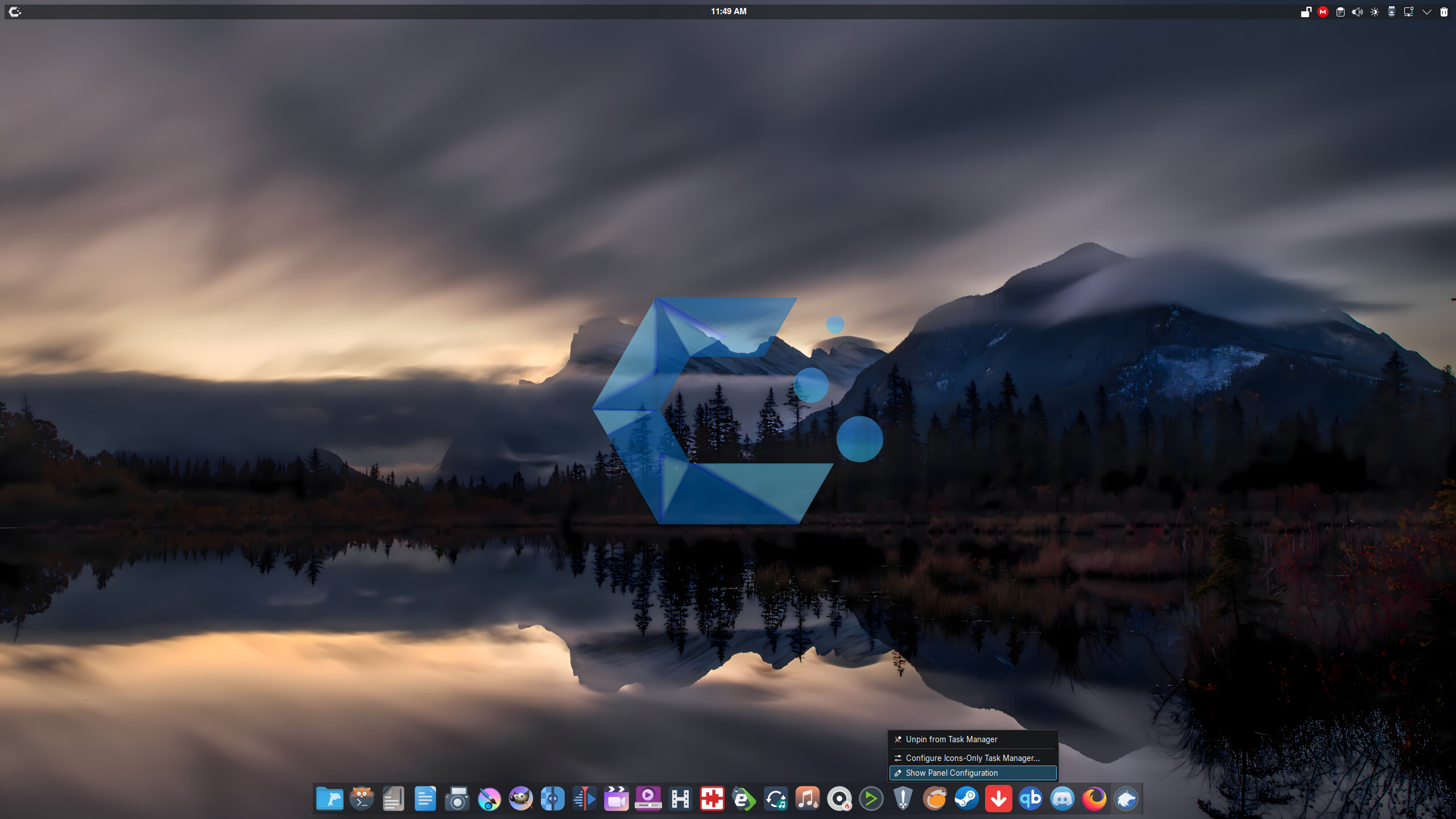
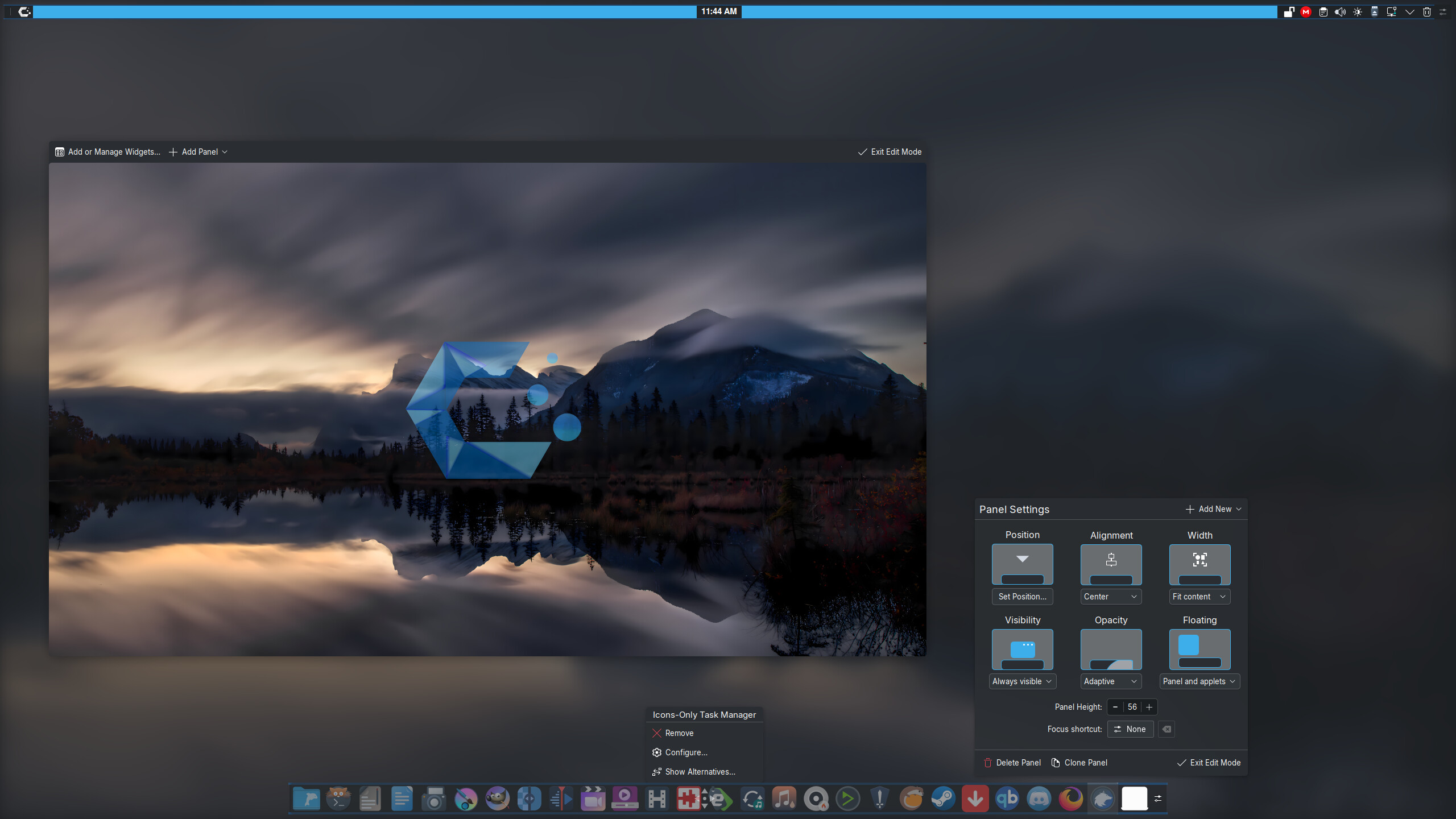
It is not as intuitive to use as it was last time I tried customizing my system bar. I used to be able to just open the edit mode and customize. I have done this many times since I first installed Linux and it was always intuitive. Now, I cannot. It feels as uncustomizable as the first and last time I used GNOME.
If you are just wanting to drag items to the panel there is no need to go into edit mode. The only reason you would need edit mode is if you dropped the item where you don’t want it on the particular panel. maybe see if it got locked somehow. I use the below to lock and unlock the desktop and panel configuration respectively.
Now that said there was a bug that from what I can see has been addressed that made it where one would have to at least logout to be able to add more than one item to a panel, then logout again to add the next, etc….
Well, I assume that everybody understands what I mean when I “system bar” because that is what that "panel” is and it is not the only “panel” because if you have a closer look it is just one panel and not “the panel”. You can have several “panels” So, I am just naming it something that makes sense so that people can understand me. Maybe don’t be so quick drawing red flags.
And no, my mermory is not failing me. Thank you for checking on me.
Very obvious a bug. A not modifiable panel as a design change would result in a shitstorm. But since not many people are affected … I think at this point it is better to check logs etc to maybe find a hint whats going on.
Honestly, I do not care about your red flags or your off-topic discussion. We have a couple of fellows here who have identified this as a bug who more than one person are experiencing. Does anyone know where I can get you some useful troubleshooting logs? Maybe @Marata
@ostfriese4 , which version are you running? Especially since you have been experiencing it for a long time.
To me it is weird. I didn’t expect a bug, because this is a fresh install. Funny though how if it is a bug, I naturally associated it with GNOME being less customizable.
There are better experts than me, but the first thing I usually do when running into unexpected issues: running the bug (in your case just try to config panel again) to create new logs in case some become created, journalctl --since today (filters logs from last midnight), push End-button to scroll to the very bottom and with up and down keys or page up and down I am searching for entries that could be related to my issue - especially yellow and red entries. If this does not help, someone else should continue giving advises.
To be honest, I don’t know if it is a bug or user issue, but when reading what others wrote I expect that you tried it at least once your own and so I do not expect an user issue at this front. But a bug does not mean KDE is bugged (in fact, I think it works fine, otherwise more people would be affected as Justin), but maybe the setup of your distro or some strange combination of things that do not apply to most people.
You also ignored my probably accurate solution; you are aimlessly arguing without making anything clear at all.
However, if your panel is not editable, you should first verify that it is a possible bug by testing this out on a new USER… this is logically a very very simple next step - rather than ask technical questions about how to get useful troubleshooting logs… Generally, journalctl is where I start looking if it’s not simply a USER issue.
Several others here have stated that they are unable to replicate this issue - so it isn’t a bug…
I think you misunderstood… @Justin was simply verifying that this ‘bug’ doesn’t exist on his KDE Plasma system… it is not a verifiable bug unless you can replicate it.
You obviously have no interest in troubleshooting (i.e. first testing on a new USER) or in clarifying the extent of what can and cannot be moved - so there’s not much else to be done.
It’s quite likely a personal error - maybe an incompatible applet, or widget, (KPackageStructure does not match errors for non-KDE applets) … then you have Qt Library version conflicts - caused by not updating the system properly, or resolving mixed Qt versions…
From there, you are likely to have a broken customisation on the main account which would likely work if you tested with a new user (but you can’t be bothered to respond) which you could then troubleshoot by moving the Plasma config to reset it and selectively move files back to your new config folder.
The FIRST step should be the new USER account.
The SECOND step then might be to investigate the Qt Library conflicts.
Only after that should you bother running the kbuildsyscoca6 command.
I am not reading your messages. First line read and I already lost interest, as with all of them. I don’t like the way you have been talking to me and I would rather you stay off my thread even if you are trying to help. Have a nice weekend, @ben2talk.
7 │ Nov 29 08:52:35 computer plasmashell[1106]: KPackageStructure of KPluginMetaData(pluginId:“org.kde.plasma.simplemenu”, fileName: “/usr/share/plasma/plasmoids/org.kde.plasma.simplemenu/m
│ etadata.json”) does not match requested format “Plasma/Applet”
8 │ Nov 29 08:52:36 computer plasmashell[1106]: QQmlComponent: Component is not ready
9 │ Nov 29 08:52:36 computer plasmashell[1106]: kf.plasma.quick: “file:///usr/share/plasma/shells/org.kde.plasma.desktop/contents/configuration/PanelConfiguration.qml”
10 │ “Error loading QML file.\n16: The plugin ‘/usr/lib/qt6/qml/org/kde/kquickcontrols/libkquickcontrols.so’ uses incompatible Qt library. (6.10.
│ 0) [release]\n”
11 │ Nov 29 08:52:36 computer plasmashell[1106]: QQmlComponent: Component is not ready
12 │ Nov 29 08:52:40 computer plasmashell[1106]: kf.plasma.quick: Exposed with no visual parent. Window positioning broken.
And running yay -Syu throws this warning
-> Packages not in AUR: khotkeys kinit lib32-libva-vdpau-driver libsidplay manjaro-hotfixes manjaro-settings-manager-kcm packagekit-qt5 plasma-simplemenu python-manjaro-sdk syste
md-kcm web-installer-url-handler
So, I think that the plasma-simplemenu might be in another repo:
user@computer ~> doas pacman -S plasma-simplemenu
error: target not found: plasma-simplemenu
user@computer ~> yay -S plasma-simplemenu
→ No AUR package found for plasma-simplemenu
there is nothing to do
user@computer ~> doas pacman -Qo plasma-simplemenu
error: No package owns plasma-simplemenu
user@computer ~> yay -Qo plasma-simplementu
error: No package owns plasma-simplementu
But it is nowhere and no package seems to own it either. All packages installed are up-to-date.