I have my virtual desktops in a 3x2 grid to match the buttons on my MMO mouse. I don’t add or remove any now that I have them set up, with global shortcuts in place.
If I trigger the Overview effect, there is a big button to add another desktop, and each existing desktop has a trash bin icon that deletes it. The Pager widget also happily suggests adding or removing more.
Is there any way to lock the current virtual desktop layout? I want to like the Overview feature but I really don’t want to accidentally add or remove desktops. I don’t use them in a way where I add or remove them throwaway on demand; they are always NW, N, NE, SW, S and SE.
I would suggest that’s the part where you’re going wrong (",) though I think it is improving - but I really don’t understand how you can accidentally add or remove a desktop and it does work robustly for me (I just tested it to make sure, as I don’t usually use it at all because I can’t drag windows except from the current desktop).
There’s a lot of controversy around it, and work’s being done to improve the matter…
But for now, the two best ways of managing this (with my feeble two thumb buttons) is to have GRID and PRESENT WINDOWS as your options… I didn’t use Grid for a while, so not a fix - just a dodge
There is no confirmation dialogue when you click the Remove icon embedded into the virtual desktops in the top view of the Overview. You can just happen to click near the top corner.
If you remove a virtual desktop that way, any further ones to the right of it are moved left to fill the space, unordering them by keeping their names. If you add a new virtual desktop to cover for the one you deleted, it is added last.
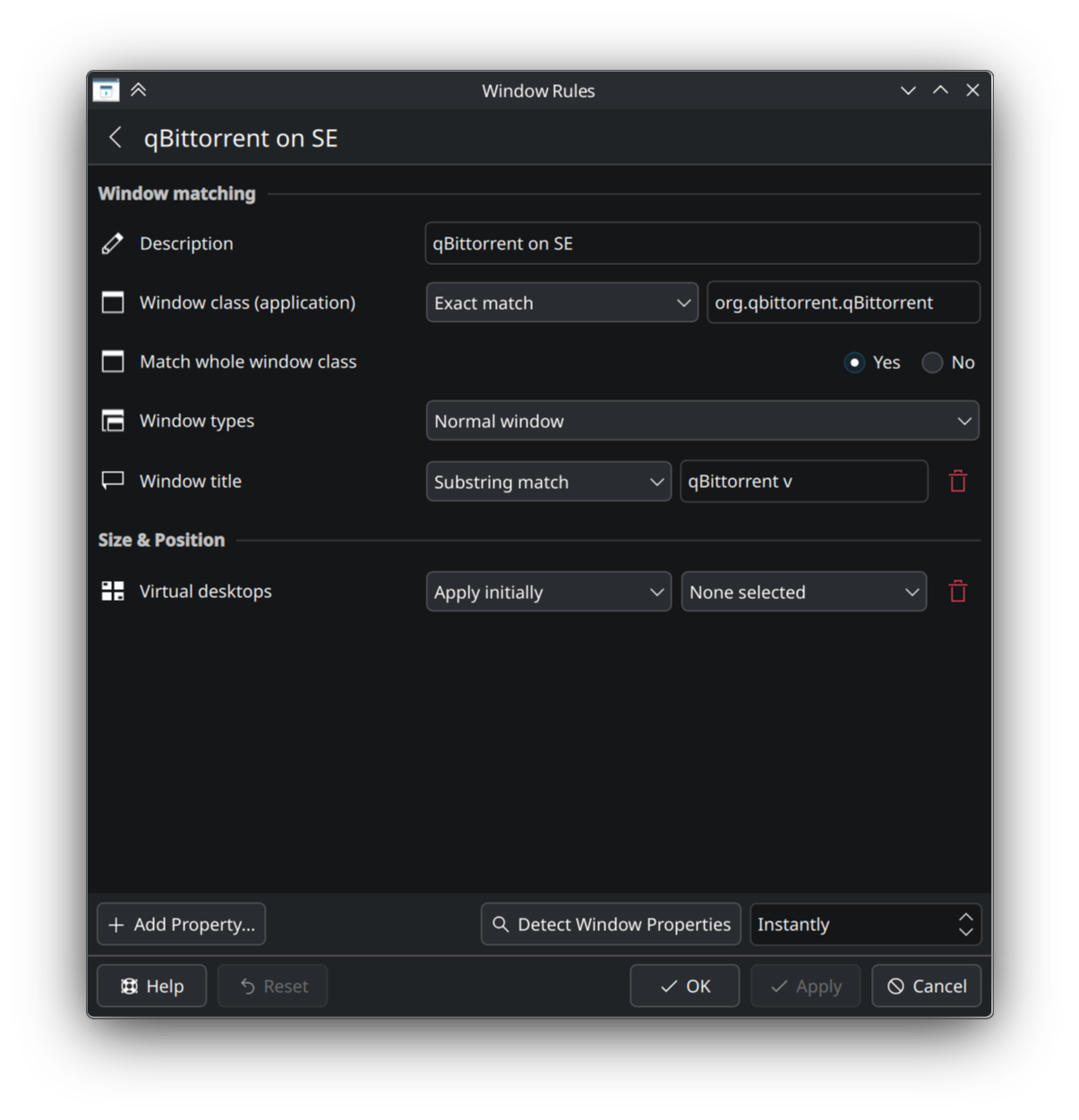
Window rules refer to virtual desktops by name. If you have rules that would cause a program to open on a specific virtual desktop, and the desktop with that name was deleted, it will revert selection to “None selected” and open on all virtual desktops until you repair them.
You have to first go into the settings for virtual desktops, make sure you have the right amount of them once more, rename them all to their original names, then edit window rules that were affected to make them refer to the correct desktops again.
Trust me it’s much easier to accidentally create additional desktops that way than you think. I had to disable it for my roommate because I got tired of having to delete any number of additional desktops. Right now the only thing enable in the corners is KRunner from the bottom right corner for him.
in settings>desktop effects at the bottom in the Window Management section, you should find the Overview option and a configuration button.
there have been a lot of changes in this section and with overview… on plasma 5 there were three options with Desktop grid, and Present Windows in addition to Overview.
these all had different strengths and weaknesses and the recent changes have tried to blend them all into Overview with some limited success.
try exploring one of the other options if they still exist or might i suggest you submit a wishlist item bugs.kde.org to add the feature you would like.
GRID is good, GRID doesn’t have a big PLUS icon or the subtle Trash icon that Overview has.
GRID also lets you drag any window from any desktop to where you want it.
Look also at OVERVIEW, you can choose one (maybe top left corner) for ALL desktops, then another (maybe bottom left) for THIS desktop.
Hopefully, eventually, we’ll have the loveliness of Overview, Grid and Present Windows improved as time goes forward.
But for sure, for less able users, just turning them off is a good plan. I disabled ‘corners’ because they caused too many problems when I’m playing BAR.