After updating to Plasma 6.5, I’m having problems with my second monitor.
I can’t drag and drop files from my primary monitor to the second monitor.
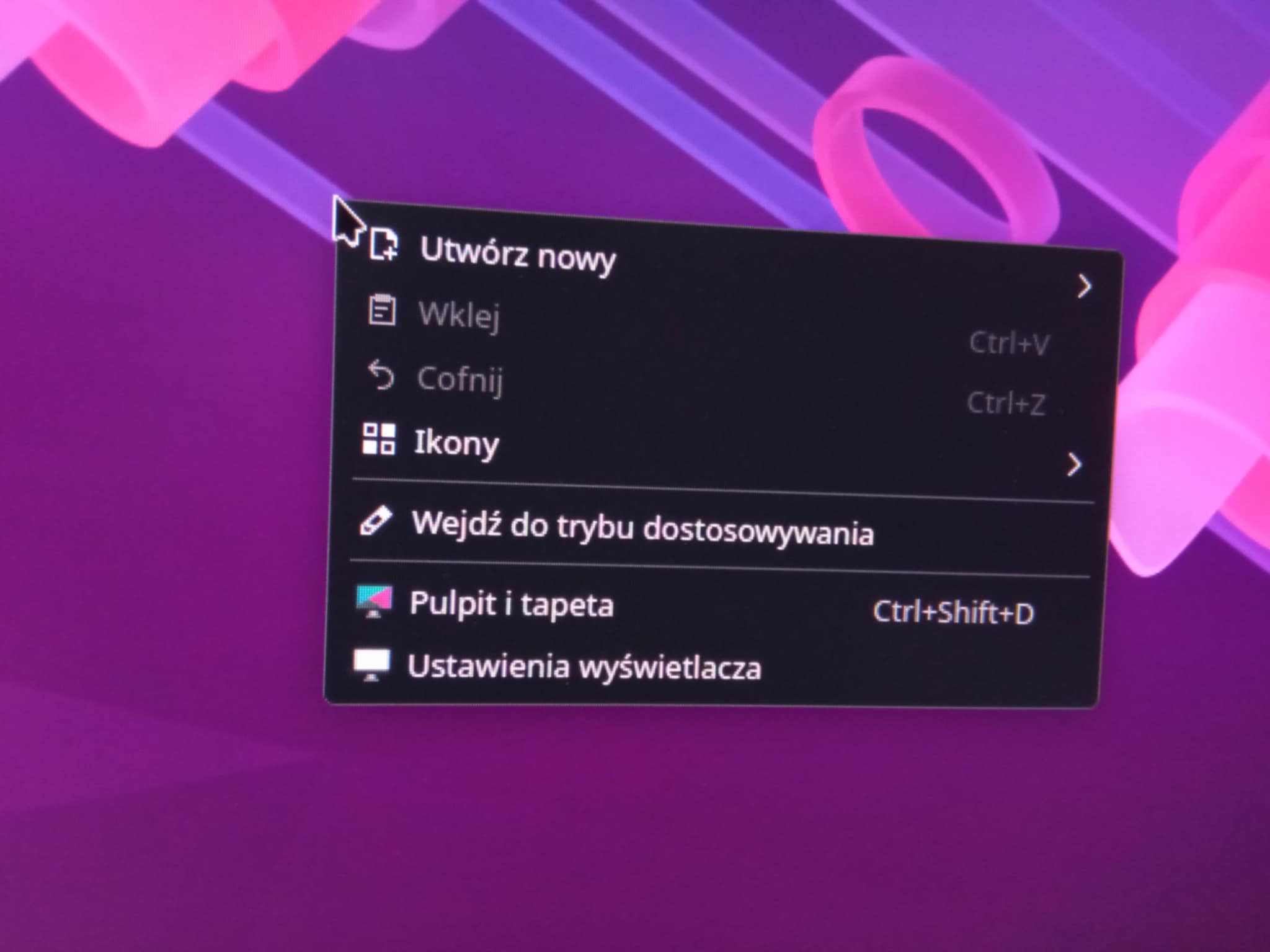
Additionally, there’s no option to create new text files, etc., on the second monitor.
I ended up here for the same issue. Going from Disposition : Folders view → Desktop view →Folders view fix the icons issue on the second monitor. Sadly, a logout/reboot revert to the same problem (Plasma 6.5.1)
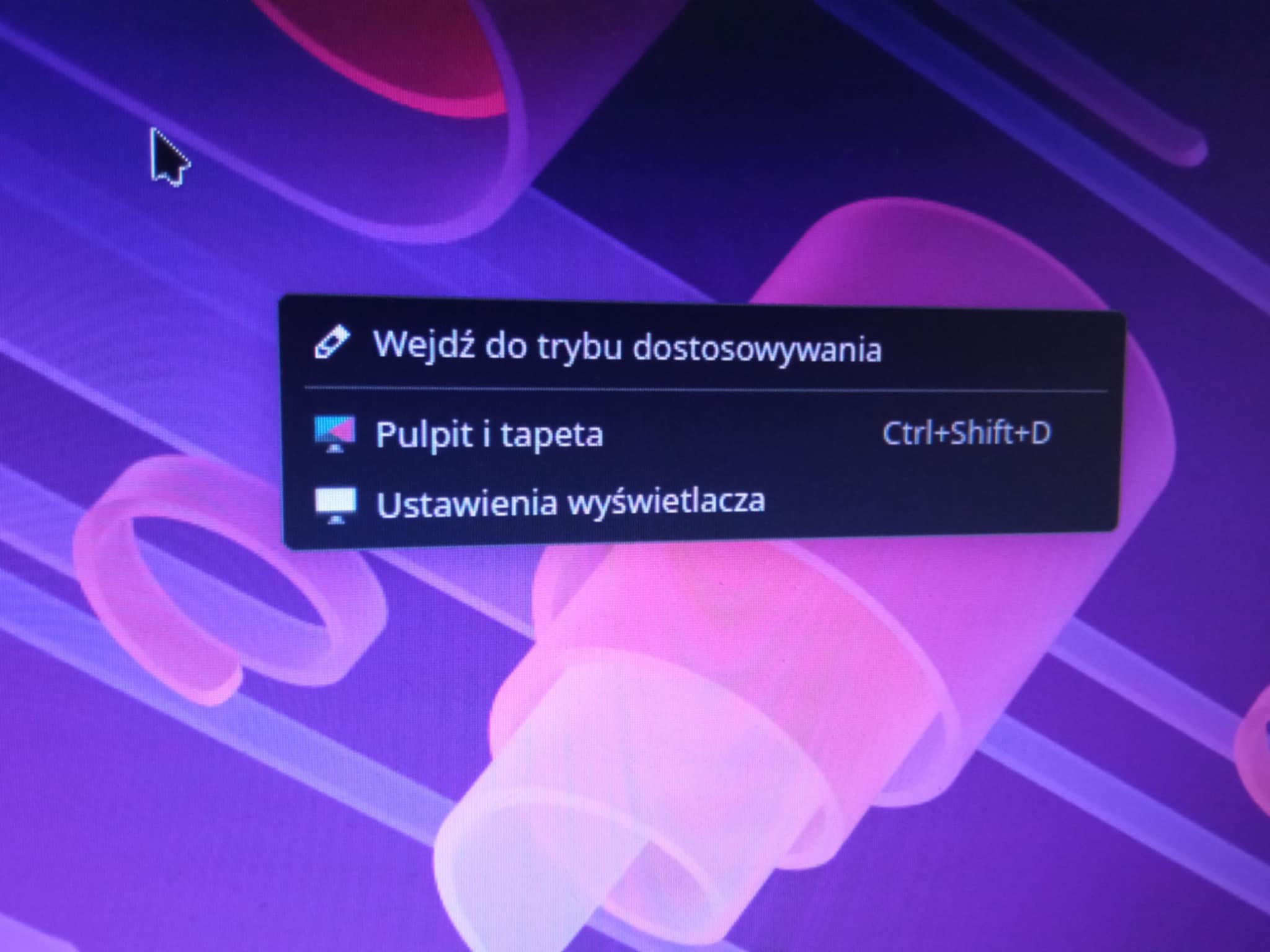
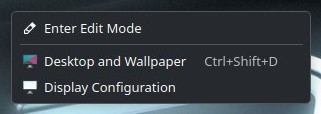
Well now, I just noticed this is happening to me in both Wayland and X11 too. I cannot drag and drop files to my second desktop either anymore, and the right click context menu is truncated. Just shows “Enter Edit Mode”, “Desktop and Wallpaper”, and “Display Configuration”.
This may be unrelated, but I have noticed some games are forgetting how to use borderless windows and are resetting their resolution while refusing to increase in size unless set back to exclusive full screen. This seems to fix itself after a reboot, but then breaks again a while later. It makes me wonder if something has gone wrong with Kwin.
Apps drag over fine and for the most part I did not notice anything awry until I tried to drag a file over as prompted by this post. I have not looked at the desktop settings in a while so there was no need to right click on it as I do not keep icons on my desktop.
I am also using Nvidia 580. They are both folder view.
By the way please, what is the purpose of that new “Disposition” selection ? What is the difference between “Folder” view (icons ON) and “Desktop” view (Icons OFF) ” ?
I’m having the same issue. Before the update, both monitors could show the Folders view, but after updating, I can’t switch my second monitor to that view. Even if I fix it, the problem comes back after restarting.
Well… 6.5.3 fixed that problem, but now any icons on my primary monitor will move to my secondary monitor on restart. Tried locking the icons and deleting everything related to KDE from .cache. It’s doing it on both Fedora and CachyOS. CachyOS was a clean install so I’m assuming the problem isn’t related to any changes I made.