NixOS. I didn’t really go deep into KDE’s customization options. Found a few widgets I liked and a nice icon pack, and I was good to go. I’ve always been really picky with the custom wallpapers I set, so I’ve just been using the nice Picture of the Day feature with whatever Bing wallpaper is thrown for the day. I appreciate a lot of things being already built into the desktop environment!

3 Likes
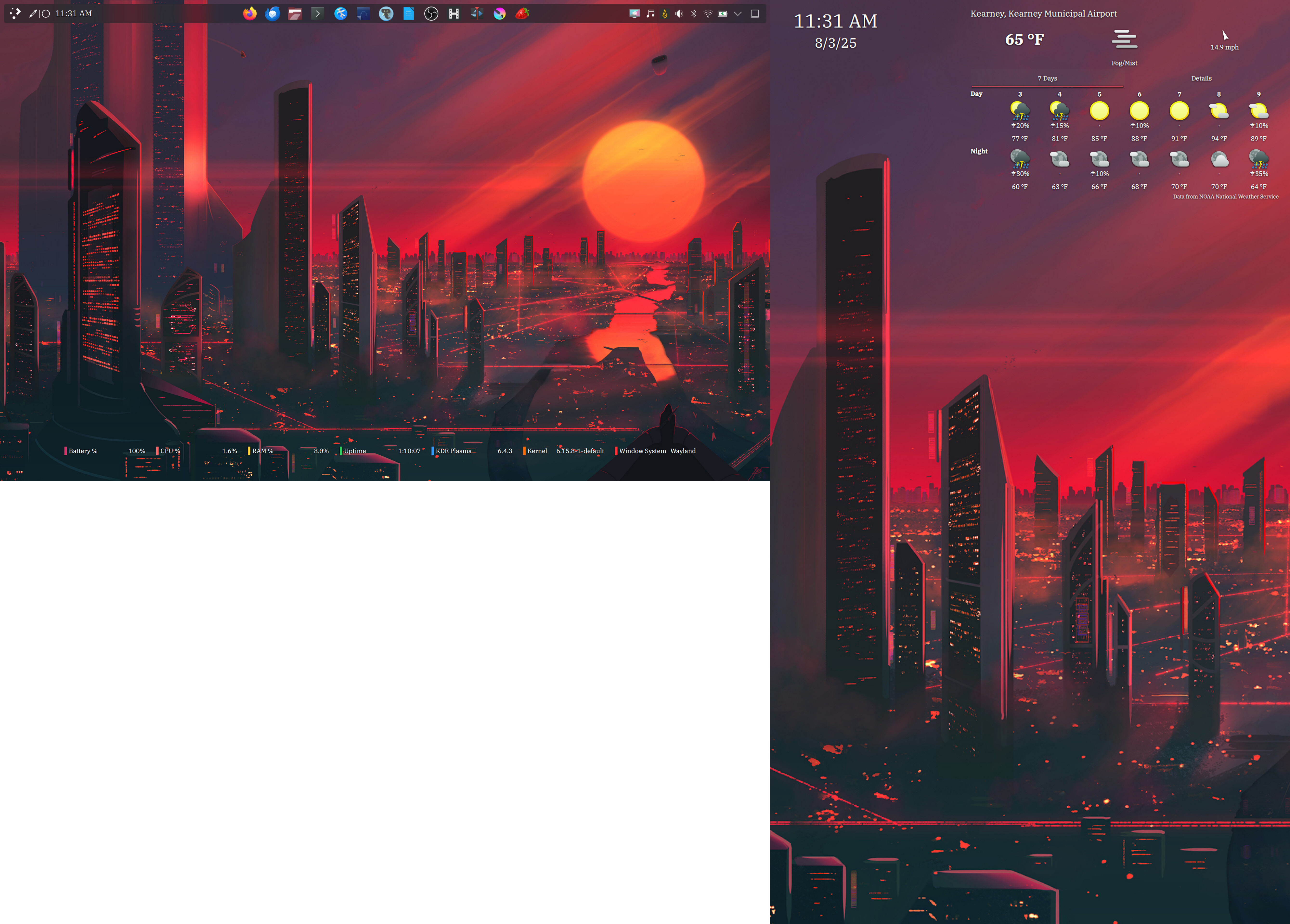
My current setup with my dual monitor setup captured in one shot. I really thought it was cool cause my second monitor is in vertical setup and my main screen is from my Tuxedo InfinityBook 16.
openSUSE Tumbleweed
4 Likes
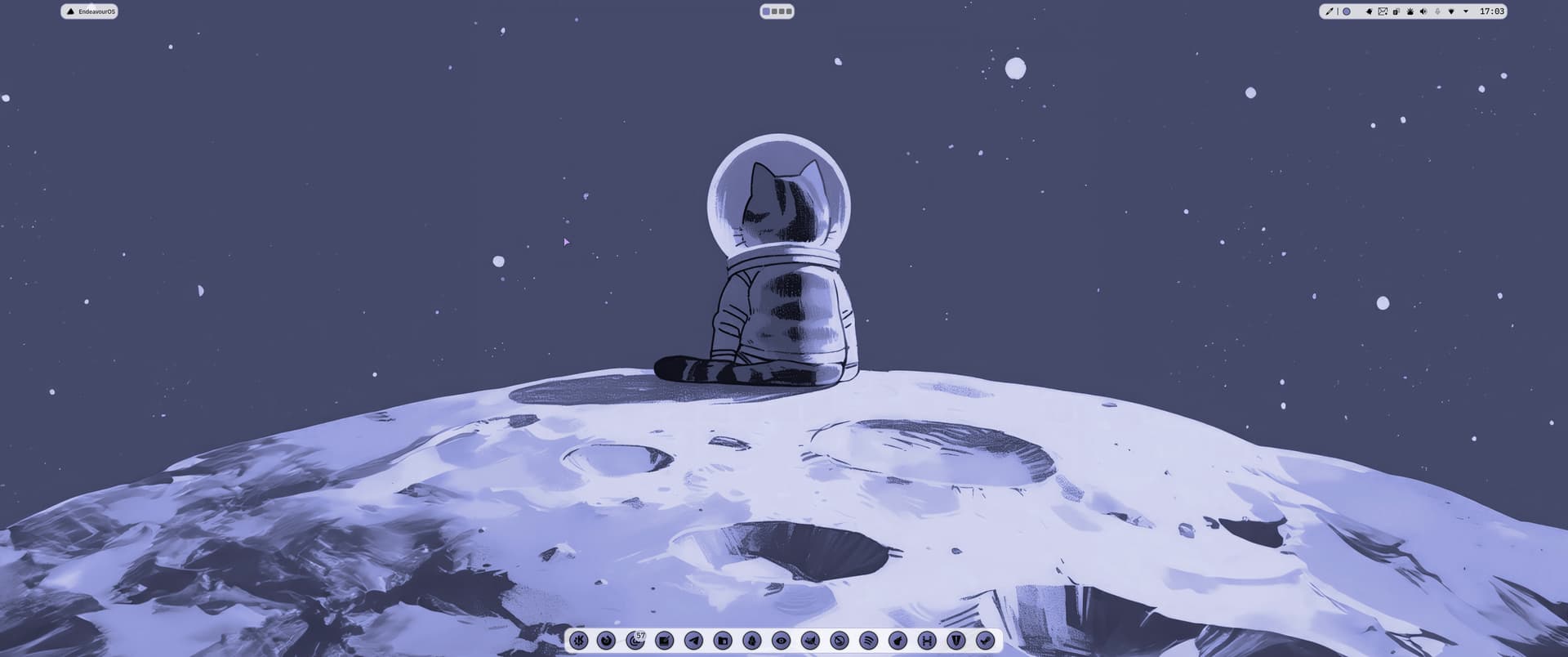
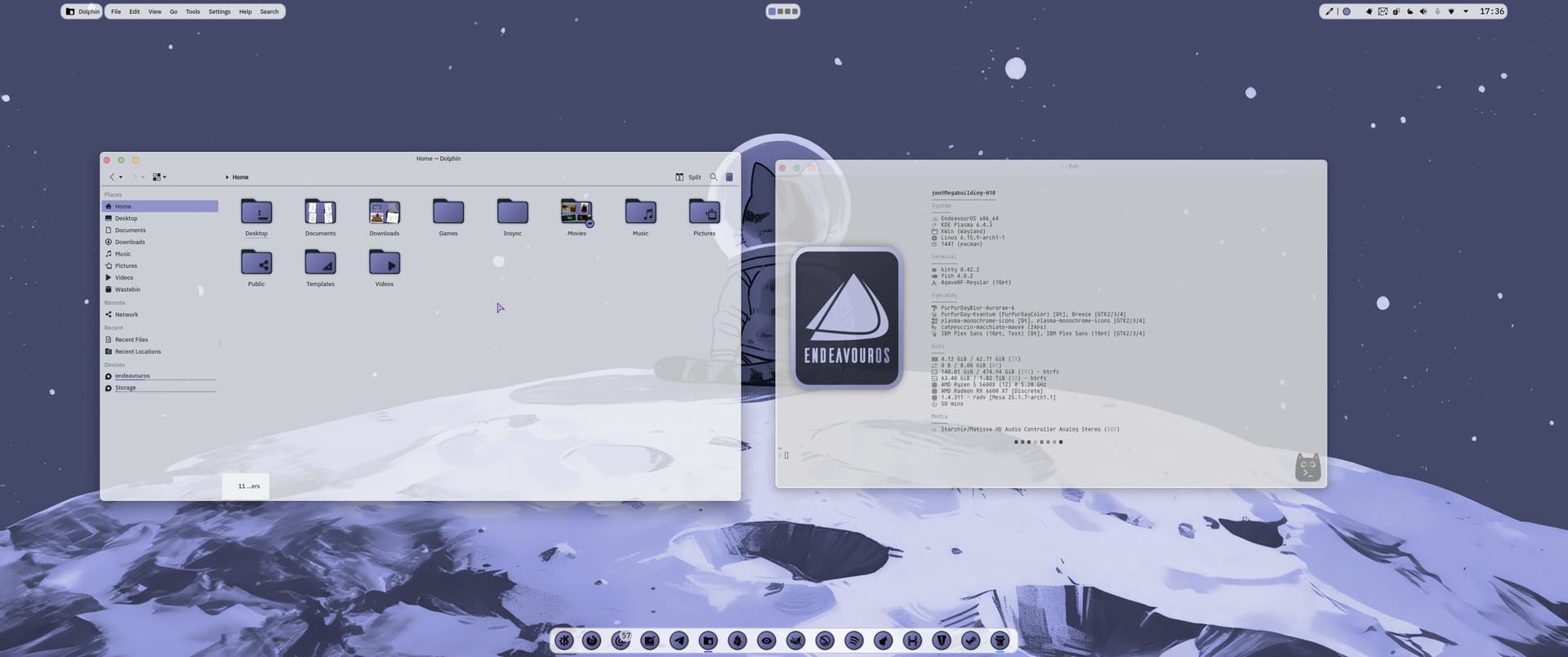
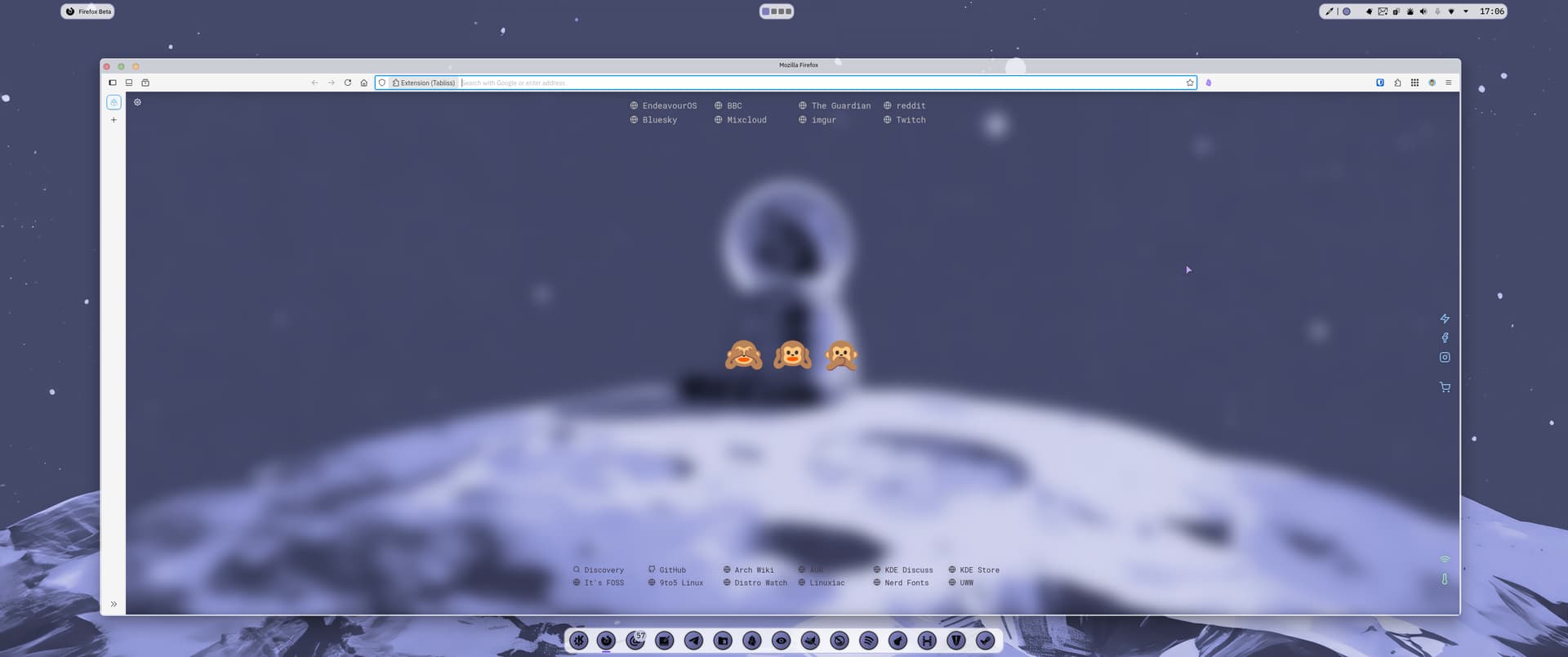
Kvantum, Klassy, and Panel Colorizer for the looks.
Visualizer (plasma widget) is Kurve, it’s backend is Cava. Plasmusic Toolbar in the top panel. Visualizer and Plasmusic set to only show when music is playing.

5 Likes
@NoodlyPo, LOVE THAT!

1 Like
Thanks mate, appreciate that. 
1 Like
The icons looks like a fork of one of my icon theme. I guess it’s my good friend Dern who did that. 
1 Like
@NoodlyPo mind you share your ff config please?
1 Like
It certainly is, they are very nice. Thanks for your original work.
1 Like
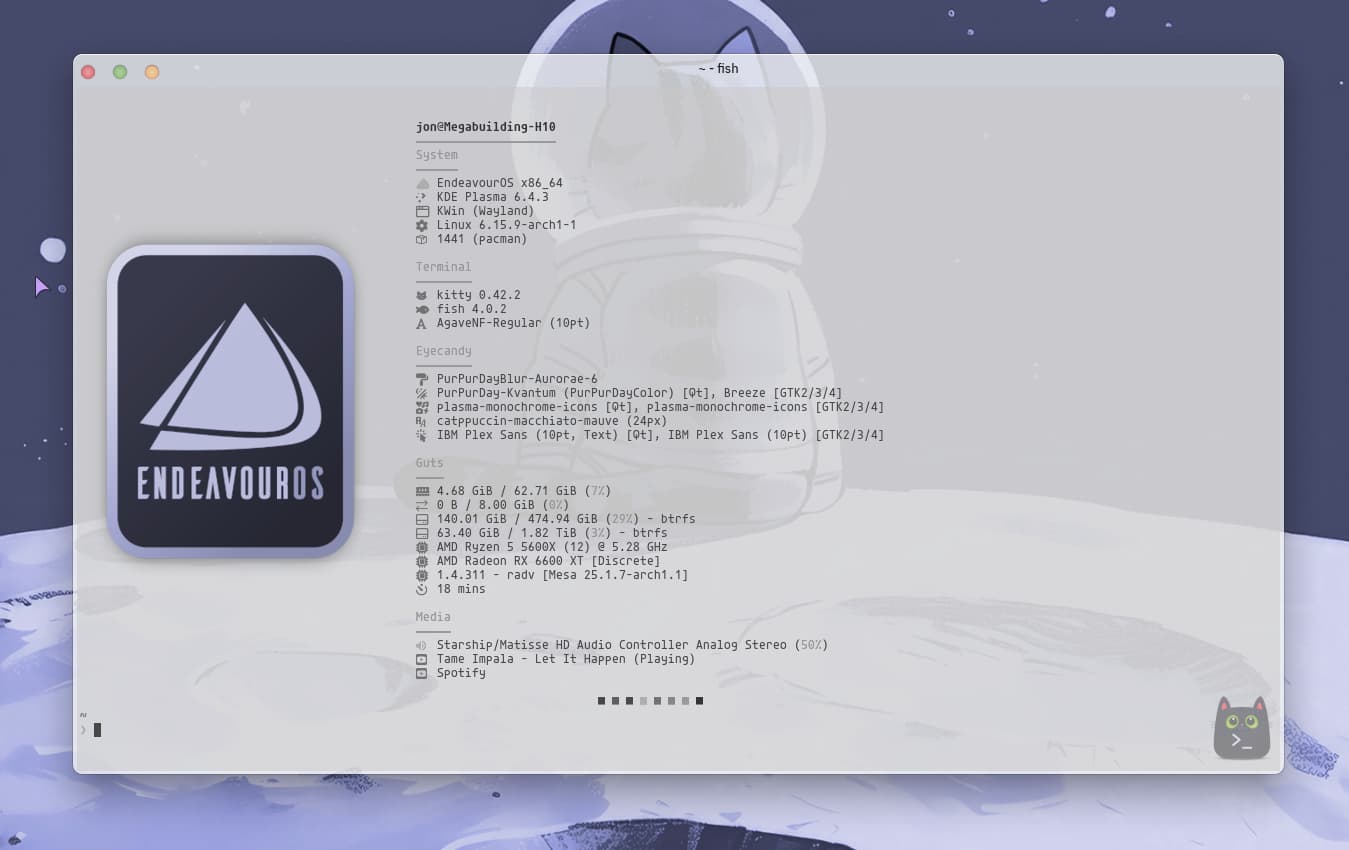
Here you go.
//
//
// ░█▀▀░█▀█░█▀▄░█▀▀░█▀█░█░█░█▀█░█░█░█▀▄░░░█▀█░█▀▀
// ░█▀▀░█░█░█░█░█▀▀░█▀█░▀▄▀░█░█░█░█░█▀▄░░░█░█░▀▀█
// ░▀▀▀░▀░▀░▀▀░░▀▀▀░▀░▀░░▀░░▀▀▀░▀▀▀░▀░▀░░░▀▀▀░▀▀▀
// ░░░░░░░█▀▀░█▀█░█▀▀░▀█▀░█▀▀░█▀▀░▀█▀░█▀▀░█░█
// ░░░░░░░█▀▀░█▀█░▀▀█░░█░░█▀▀░█▀▀░░█░░█░░░█▀█
// ░░░░░░░▀░░░▀░▀░▀▀▀░░▀░░▀░░░▀▀▀░░▀░░▀▀▀░▀░▀
//
// Inspired by many and cobbled together by Noodly
{
"$schema": "https://github.com/fastfetch-cli/fastfetch/raw/dev/doc/json_schema.json",
"logo": {
"source": "/home/jon/Pictures/EnOS Fastfetch Logos/EnOS PlasMonLogo Rectangular Flamingo Tint.png",
"type": "kitty",
"height": 28,
"padding": {
"top": 8
}
},
"display": {
"separator": " "
},
"modules": [
"break",
"break",
{
"type": "title",
},
{
"type": "custom",
"typeColor": "green",
"format": "\u001b[32m────────────────────\u001b[0m" // `\u001b` is `\033`, or `\e`
},
{
"type": "custom",
"typeColor": "green",
"format": "\u001b[32mSystem\u001b[0m" // `\u001b` is `\033`, or `\e`
},
{
"type": "custom",
"typeColor": "green",
"format": "\u001b[32m──────\u001b[0m" // `\u001b` is `\033`, or `\e`
},
{
"type": "os",
"key": " ",
"keyColor": "35", // = color4
},
{
"type": "de",
"key": " ",
"keyColor": "34",
},
{
"type": "wm",
"key": " ",
"keyColor": "34",
},
{
"type": "kernel",
"key": " ",
"keyColor": "34",
},
{
"type": "packages",
"format": "{} (pacman)",
"key": " ",
"keyColor": "34",
},
"break",
{
"type": "custom",
"typeColor": "green",
"format": "\u001b[32mTerminal\u001b[0m" // `\u001b` is `\033`, or `\e`
},
{
"type": "custom",
"typeColor": "green",
"format": "\u001b[32m────────\u001b[0m" // `\u001b` is `\033`, or `\e`
},
{
"type": "terminal",
"key": " ",
"keyColor": "34",
},
{
"type": "shell",
"key": " ",
"keyColor": "34",
},
{
"type": "terminalfont",
"key": " ",
"keyColor": "34",
},
"break",
{
"type": "custom",
"typeColor": "green",
"format": "\u001b[32mEyecandy\u001b[0m" // `\u001b` is `\033`, or `\e`
},
{
"type": "custom",
"typeColor": "green",
"format": "\u001b[32m────────\u001b[0m" // `\u001b` is `\033`, or `\e`
},
{
"type": "wmtheme",
"key": " ",
"keyColor": "34",
},
{
"type": "theme",
"key": " ",
"keyColor": "34",
},
{
"type": "icons",
"key": " ",
"keyColor": "34",
},
{
"type": "cursor",
"key": " ",
"keyColor": "34",
},
{
"type": "font",
"key": " ",
"keyColor": "34",
},
"break",
{
"type": "custom",
"typeColor": "green",
"format": "\u001b[32mGuts\u001b[0m" // `\u001b` is `\033`, or `\e`
},
{
"type": "custom",
"typeColor": "green",
"format": "\u001b[32m────\u001b[0m" // `\u001b` is `\033`, or `\e`
},
{
"type": "memory",
"key": " ",
"keyColor": "34",
},
{
"type": "swap",
"key": " ",
"keyColor": "34",
},
{
"type": "disk",
"keyColor": "34",
"key": " ",
"folders": "/"
},
{
"type": "disk",
"keyColor": "34",
"key": " ",
"folders": "/mnt/Storage"
},
{
"type": "cpu",
"key": " ",
"keyColor": "34",
},
{
"type": "gpu",
"key": " ",
"keyColor": "34",
},
{
"type": "vulkan",
"key": " ",
"keyColor": "34",
},
{
"type": "uptime",
"key": " ",
"keyColor": "34",
},
"break",
{
"type": "custom",
"typeColor": "green",
"format": "\u001b[32mMedia\u001b[0m" // `\u001b` is `\033`, or `\e`
},
{
"type": "custom",
"typeColor": "green",
"format": "\u001b[32m─────\u001b[0m" // `\u001b` is `\033`, or `\e`
},
{
"type": "sound",
"key": " ",
"keyColor": "35",
},
{
"type": "media",
"key": " ",
"keyColor": "34",
},
{
"type": "player",
"key": " ",
"keyColor": "34",
},
"break",
{
"type": "colors",
"paddingLeft": 26,
"symbol": "square"
}
]
}
2 Likes
Thank you very much!
1 Like
You’re welcome.
1 Like


Hello,
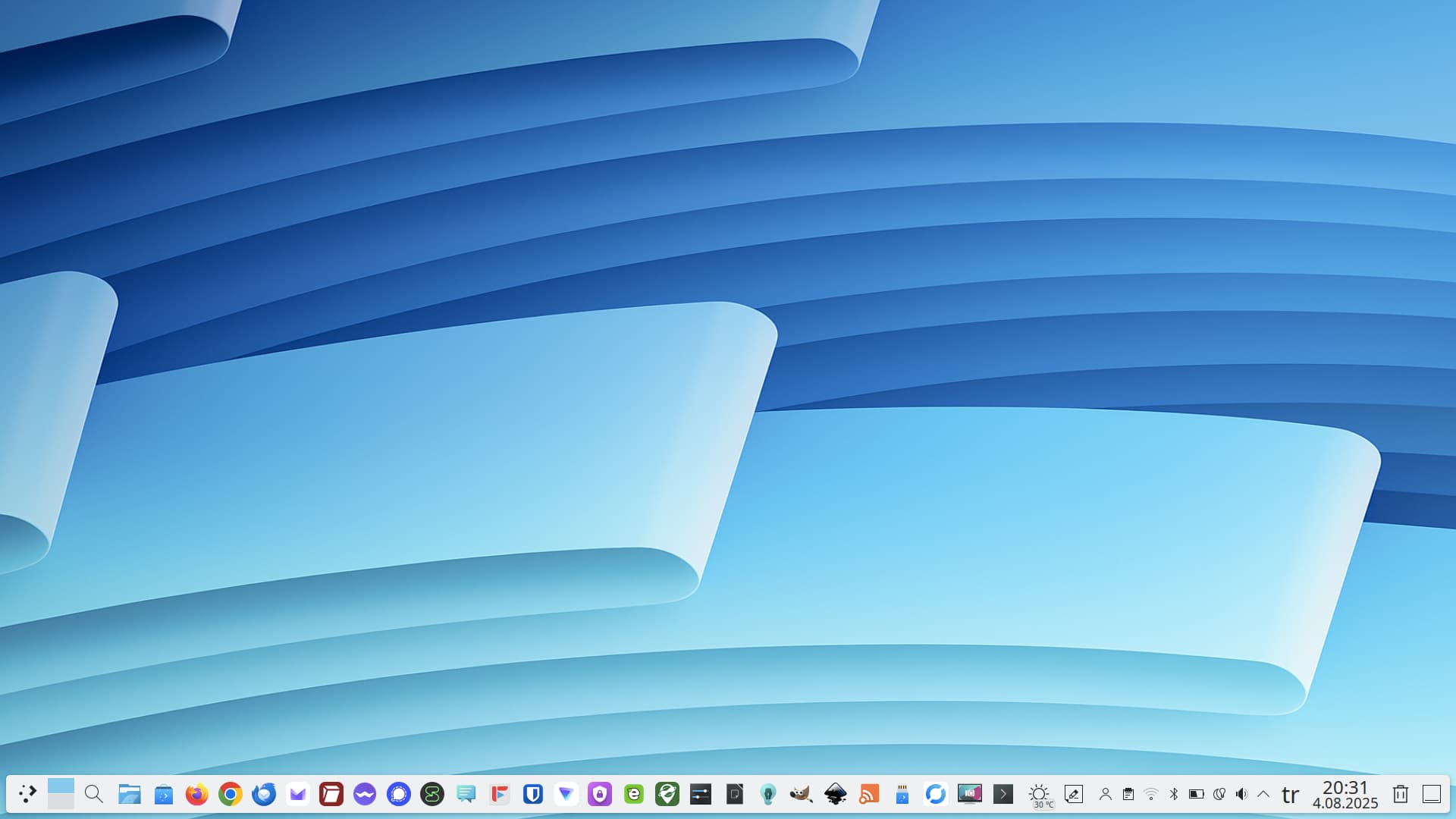
I wanted to share my desktop environment with the community. I don’t really have much to say; I’m experiencing a simple yet polished KDE experience. I love minimalism and have simplified my system to be both functional and aesthetically pleasing. This desktop, personalized with small touches, is more than adequate for my needs.
4 Likes
Your icons are so good! I had a mooch around your DeviantArt and wow, some amazing stuff there.
1 Like
Thanks. Most of them are just proto types to enhance my skills in Inkscape.
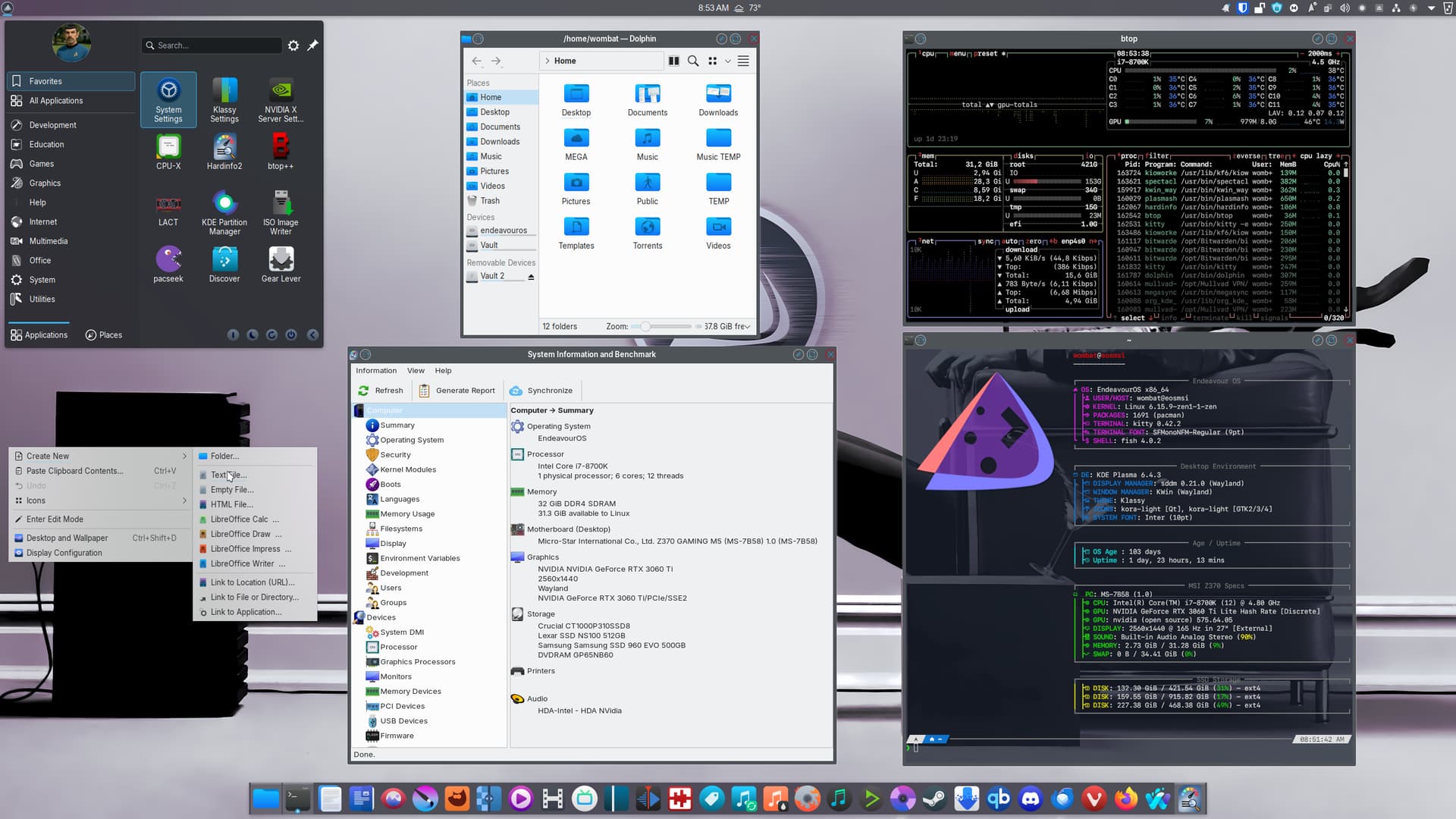
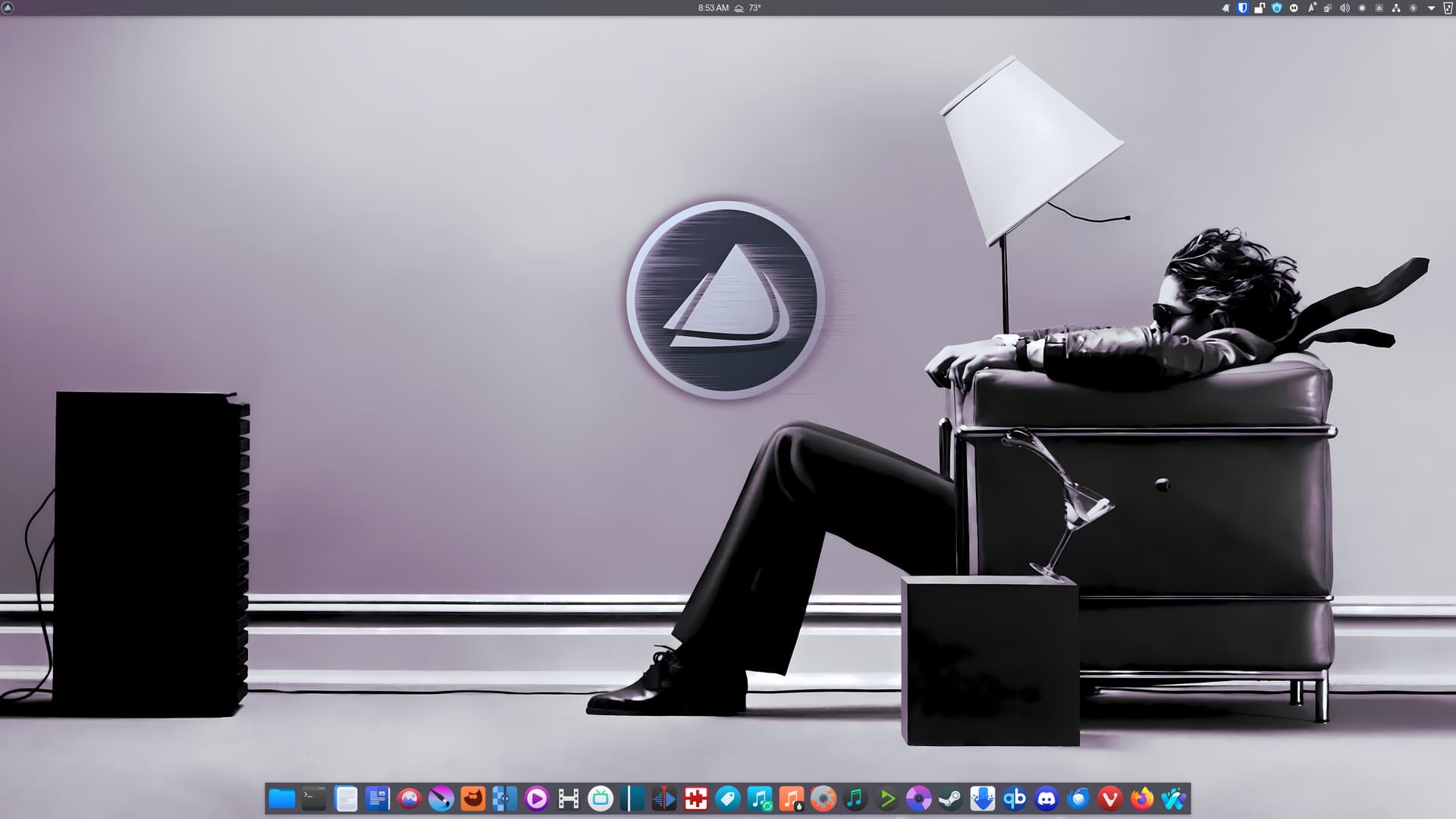

Some Klassy tweaks, went to an overall lighter theme (twilight), the great Kora icon set, minor panel colorizer tweaks, and my most recent EndeavourOS wallpaper
4 Likes
I have decided to merge my Droid icon theme with Droid KDE to be one. In that case I’m also redoing a lot of stuff with it.
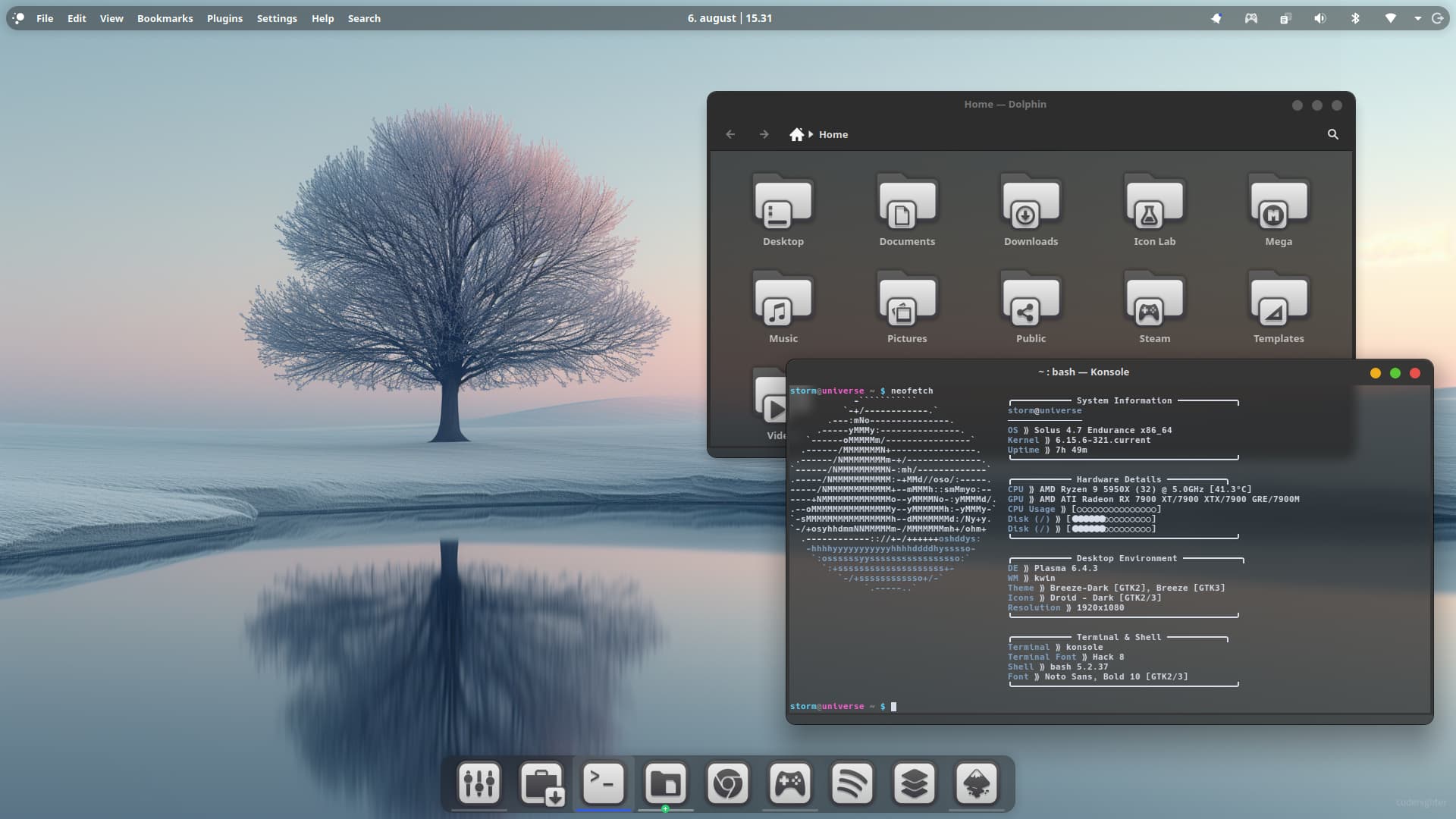
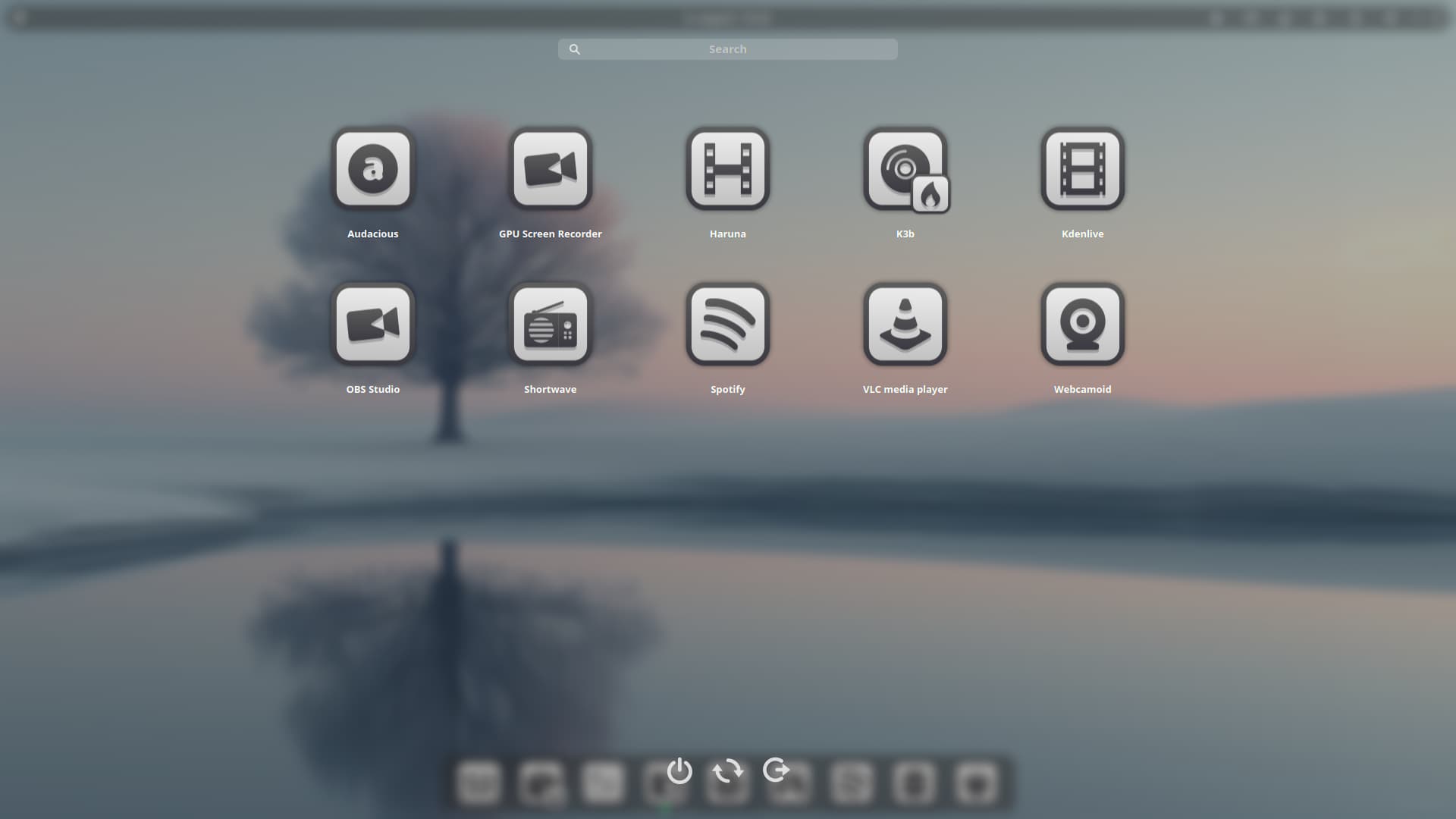
4 Likes
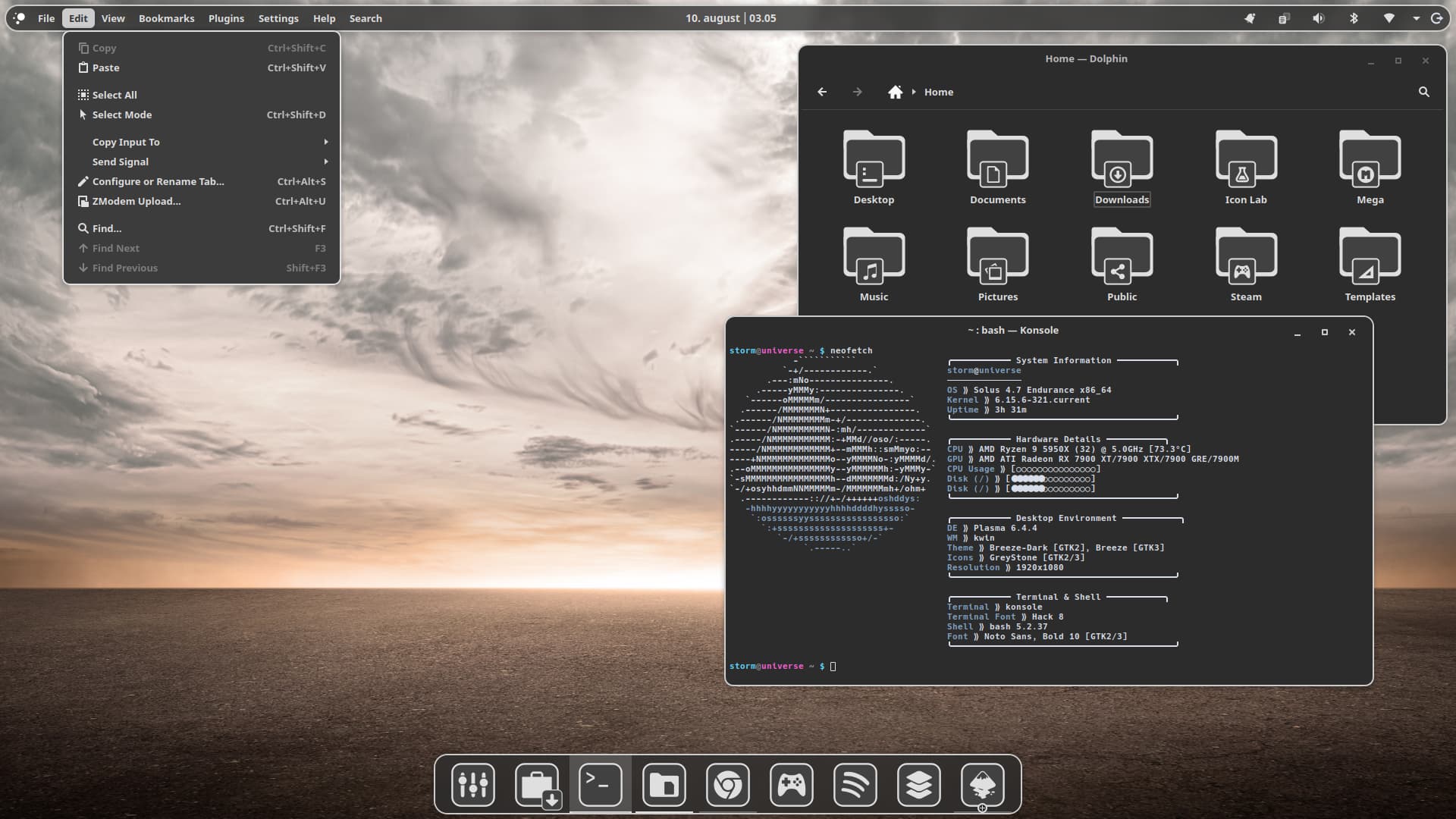

Hi mate, in your fetch I see graphical representations of CPU and Disk usage, can I ask what the config text is for those please.
print_info() {
    # ===== System Information =====
    prin "╭─────────── System Information ───────────╮"
    info title
    info underline
    info "OS" distro
    info "Host" model
    info "Kernel" kernel
    info "Uptime" uptime
    prin "╰──────────────────────────────────────────╯"

    # ===== Hardware Information =====
    prin ""
    prin "╭─────────── Hardware Details ───────────╮"
    info "CPU" cpu
    info "GPU" gpu
    info "Memory" memory
    info "CPU Usage" cpu_usage
    info "Disk" disk
    info "Battery" battery
    prin "╰──────────────────────────────────────────╯"

    # ===== Desktop Environment =====
    prin ""
    prin "╭─────────── Desktop Environment ───────────╮"
    info "DE" de
    info "WM" wm
    info "WM Theme" wm_theme
    info "Theme" theme
    info "Icons" icons
    info "Resolution" resolution
    prin "╰──────────────────────────────────────────╯"

    # ===== Terminal & Shell =====
    prin ""
    prin "╭─────────── Terminal & Shell ───────────╮"
    info "Terminal" term
    info "Terminal Font" term_font
    info "Shell" shell
    info "Font" font
    prin "╰──────────────────────────────────────────╯"


}

# ===== General Settings =====
title_fqdn="off"
kernel_shorthand="on"
distro_shorthand="off"
os_arch="on"
uptime_shorthand="tiny"
memory_percent="on"
memory_unit="gib"
package_managers="on"
shell_path="off"
shell_version="on"

# ===== CPU Configuration =====
speed_type="bios_limit"
speed_shorthand="on"
cpu_brand="on"
cpu_speed="on"
cpu_cores="logical"
cpu_temp="C"

# ===== GPU Configuration =====
gpu_brand="on"
gpu_type="all"

# ===== Display Configuration =====
refresh_rate="on"

# ===== Disk Configuration =====
disk_show=('/' '/home')
disk_subtitle="mount"
disk_percent="on"

# ===== Music Player Configuration =====
music_player="auto"
song_format="%artist% - %title%"
song_shorthand="off"

# ===== Visual Settings =====
colors=(distro)
bold="on"
underline_enabled="on"
underline_char="─"
separator=" ⟫"

# ===== Progress Bars =====
bar_char_elapsed="⬤"
bar_char_total="○"
bar_border="on"
bar_length=15
bar_color_elapsed="distro"
bar_color_total="distro"

# ===== Information Display =====
cpu_display="bar"
memory_display="bar"
battery_display="bar"
disk_display="bar"

# ===== ASCII Settings =====
ascii_distro="auto"
ascii_colors=(distro)
ascii_bold="on"

# ===== Image Backend =====
image_backend="ascii"
image_source="auto"
crop_mode="normal"
crop_offset="center"
image_size="auto"
gap=2

# ===== Other Settings =====
stdout="off"
1 Like