Share your desktop!

How did you get GNOME’s apps menu on Plasma? I’d love to know.

check out my new card for my minimal activity view! Test it by clicking on my profile picture, and you can look at the full res version to download.

I also yes I am on fedora’s fourms under linuxguy123456

It’s an addon/plasmoid called drawer.

1 Like

For anyone interested in Plasma Drawer...

4 Likes

I make heavy use of widgets and I have two task bars, which is something I haven’t seen done before. The task bar on the top shows all applications open anywhere on my PC while the bottom one (which auto hides when windows are present) only shows applications on the current desktop and activity.

4 Likes

Installed the latest beta of my revival pack. On my main system.

4 Likes

this criminally nostalgic .. i love that

1 Like

Whew that’s pretty

i was missing the blurry themes

4 Likes

Beautiful colors scheme and wallpaper, very nice icons

where can download??

It’s only a proto-type, so there’s no download for it. Sorry.

1 Like

Nice old school KDE look :smiling_face_with_sunglasses:

Here’s what i put together with my recent installation:

5 Likes

what the program you use to get the system information

i like the simplicity

Welcome back to :kde: community, and that setup, uses Kora icons.

Not old-school, but it does have old KDE panel. I tried to go past that.

1 Like

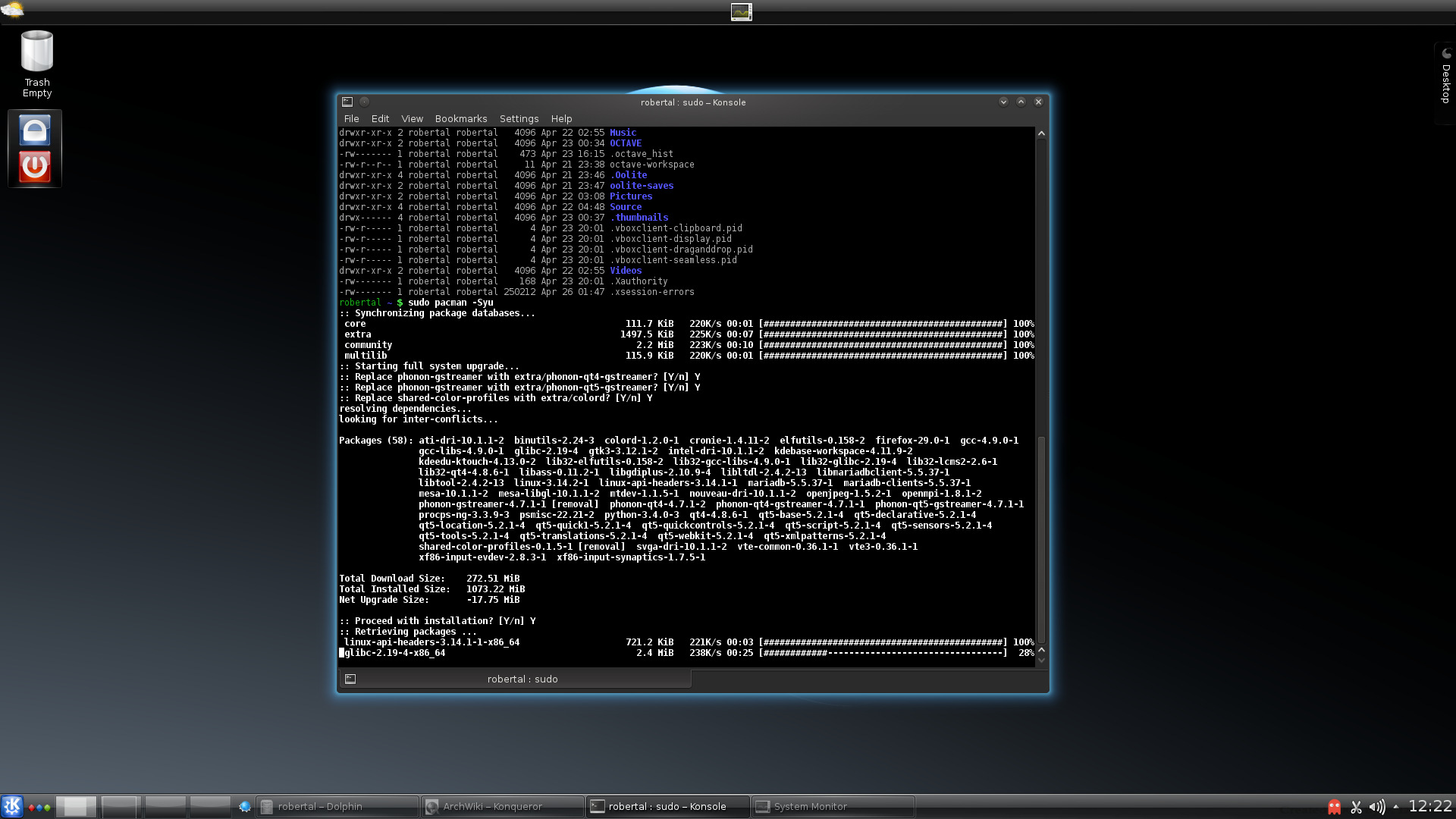
Well just doing the best i can with what’s readily available in Kubuntu… if you want a really old school experience, here’s a blast from the past KDE look from an old Arch install back in 2014 :grin::

2 Likes


Shader wallpaper, Oxygen theme, and dock layout inspired by a fusion of Mac OS and Windows 10! I love KDE!!!

4 Likes

Fastfetch, customized.

2 Likes

Very nice fastfetch setup - care to share the config? :grinning_face:

yes i really like the Kora icons :+1: