Hi
First post here! 
Kde apps have many shortcuts and I find it useful.
I am searching for a shortcut in korganizer to show/hide the entire left panel but I surprisingly can’t find one. Is there any shortcut for that?
I use i3wm, not the entire kde framework. Perhaps it is the explanation…
Might be Mercuro is a better choice for that.
hi, welcome
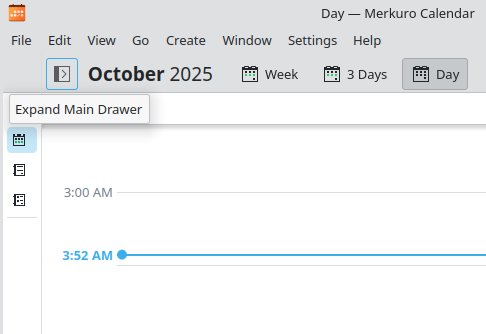
do you mean a button like this?
there does not appear to be a keyboard shortcut for this feature in merkuro, tho
Thanks for the answers.
Perhaps Merkuro will be to big app for me as I have already anything I need for mail, contacts, etc.
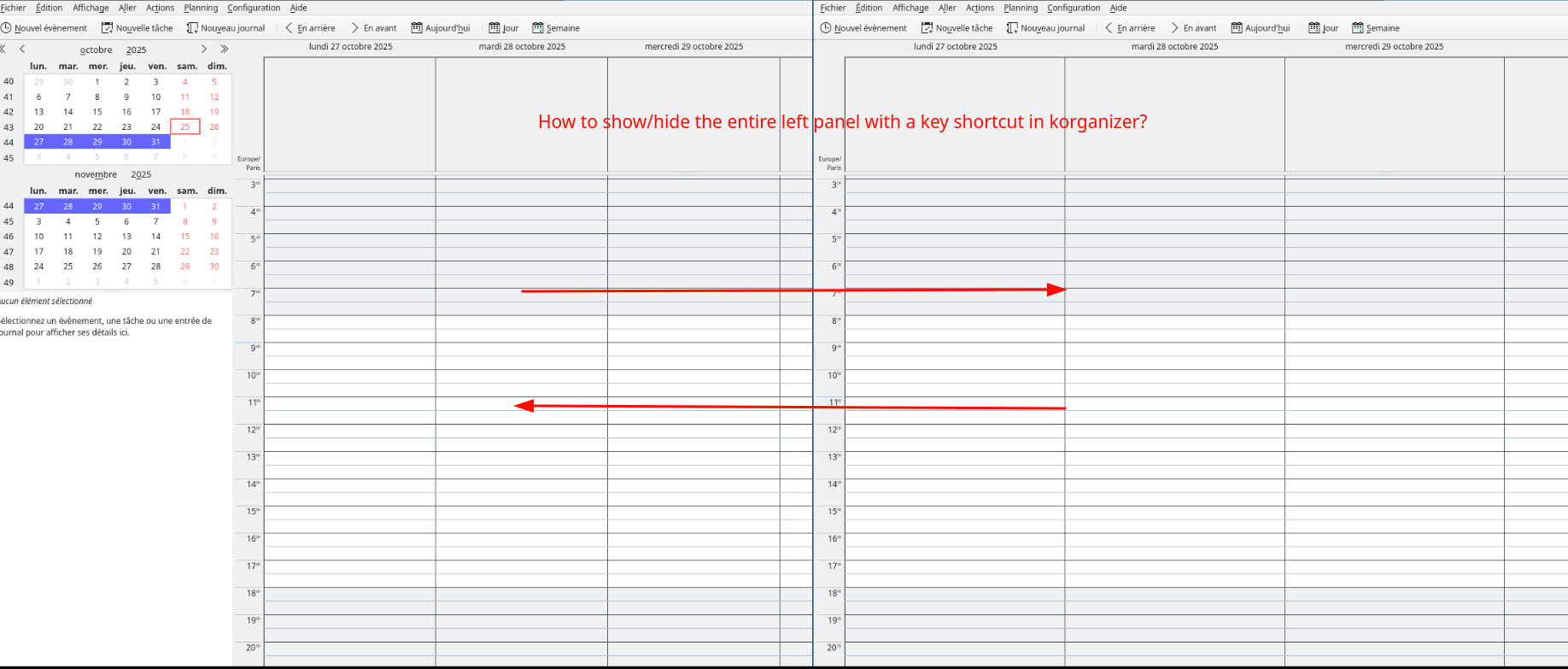
More precisely, I’m searching for a key shortcut to show/hide the left panel (with panel on the left, without panel on the right).
It seems that there is no one dedicated action for that.
I added three buttons to the main toolbar for managing sidenav: “Show date navigator”, “Show item viewer” and “Show calendar manager” - each of them separately show/hide one of the certain sidenav part, so I can hide all of them. Not the best way, but work.
Thanks @emp74ark for confirming that.
I have tested Mercuro and I find it less convenient than korganizer.
Do you think I can submit a feature request on https://bugs.kde.org/?
Well, can’t say that I believe in success but it doesn’t mean that it isn’t worth to try.