Just made an interesting discovery, relevant to the original mouse render issue.
I have a multi-monitor setup, I am not sure if that matters to the root cause. I have the virual monitor as the last monitor to the very right. Something like this:
[monitor A] [monitor B] [monitor C] [virtual monitor D]
When I mouse off of monitor C to the right to get to the left of monitor D, the mouse does not render but I can click on things so it still works. This is the original bug.
However, when I mouse off of monitor A to the very left, its somehow has wrapped the mouse around to virtual monitor D where it should not, and when this happens the mouse is rendering on the Virtual display D!!! wut? But… nothing clicks. So visually it now works on the virtual display, but no more clicking. The opposide of the original bug.
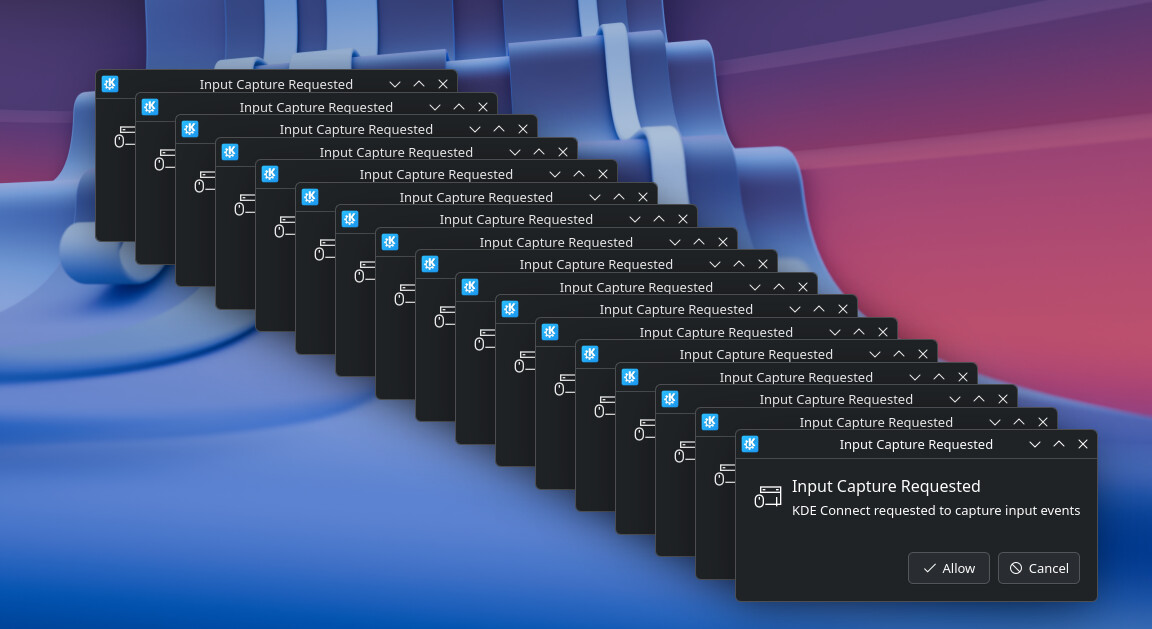
Additionally when the mouse enters the virtual monitor, a popup on the main machine appears:
“Input Capture Started”
That popup doesn’t show up the other way, so that is interesting. Perhaps the rendering logic has a miscalculation on the offset relative to all monitors?
So to test I decied to put the Virtual Monitor on the very left. So now my configuration is:
[virtual monitor D] [monitor A] [monitor B] [monitor C]
Now when I enter the virtual monitor from monitor A to the left, it does the original bug of clicking but not rendering. But now trying to flip around from the very right going off of monitor C, it does not enter virtual monitor D from the left. Seems to be a one-way quirk.
As a final test I decided to unplug my side monitors A & C, and leave only the center main monitor B physically connected. The behavior remained.
[monitor B] [virtual monitor D]
Mouse entering from right of B to left of D: clicks work, but mouse doesn’t render.
Mouse entering from left of B to right of D: clicks dont work, but mose renders.
So the quirk still exists with single monitor vs multi-monitor setups. (additionally, it shouldn’t even let the user mouse off into very left where the monitor isn’t actually positioned, so perhaps that is another separate bug or related to the original?)
Also tried positioning the virtual monitor above and below the main monitor, and again nothing rendered.
Hopefully this makes sense, if my wording was confusing or I mixed up my lefts and rights. Point is; try the monitors in different configurations, and behvaior may be slightly different.
Maybe this information is useful to isolate / test the issue.