HOw do I change the settings for scanning a black white document? All settings are non functional.
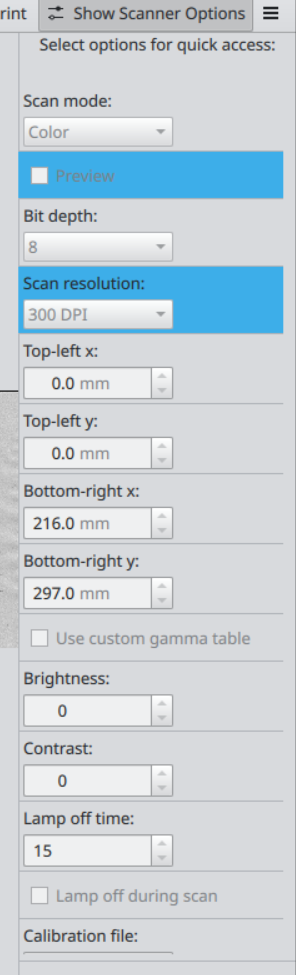
You might be confused about the UX of skanpage, as was I when I first used it.
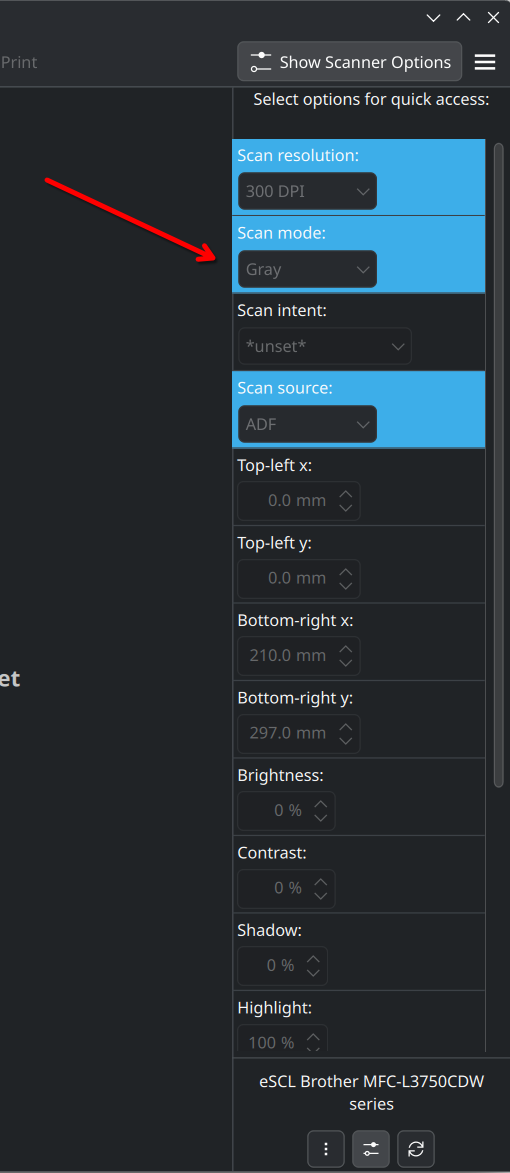
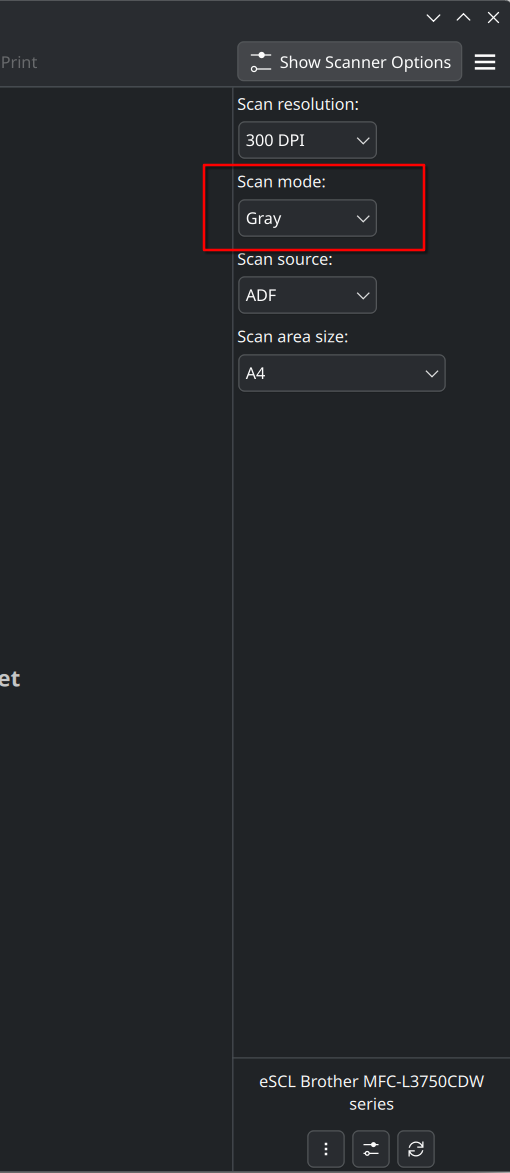
You can click the settings button on the bottom where the Scanner name is. This allows you to select settings for “quick access”. You can see all the enabled settings have a blue background in my screenshot (and also in yours). What this does is just show you the settings in the settings screen (2nd screenshot above). You can get back to this screen by clicking the settings button again.
So, your screenshot tells me that you are in the “settings” view for the scanner settings. What I suggested is you click the “Scan mode” setting so it has a blue background. Click the settings button on the bottom which now should show “Scan mode” where you can select “Gray”.