I do right-click on folder and choose “Open with app”. There is no DeadBeef player in drop-down list.
Then I choose “Another app”. There is no Deadbeef player in icons view.
Then I type “d” in the search box. Deadbeef player icon appears.
Folder opened with deadbeef player and music played.
Attention: next time there is no DeadBeef player in drop-down list and in icons view.
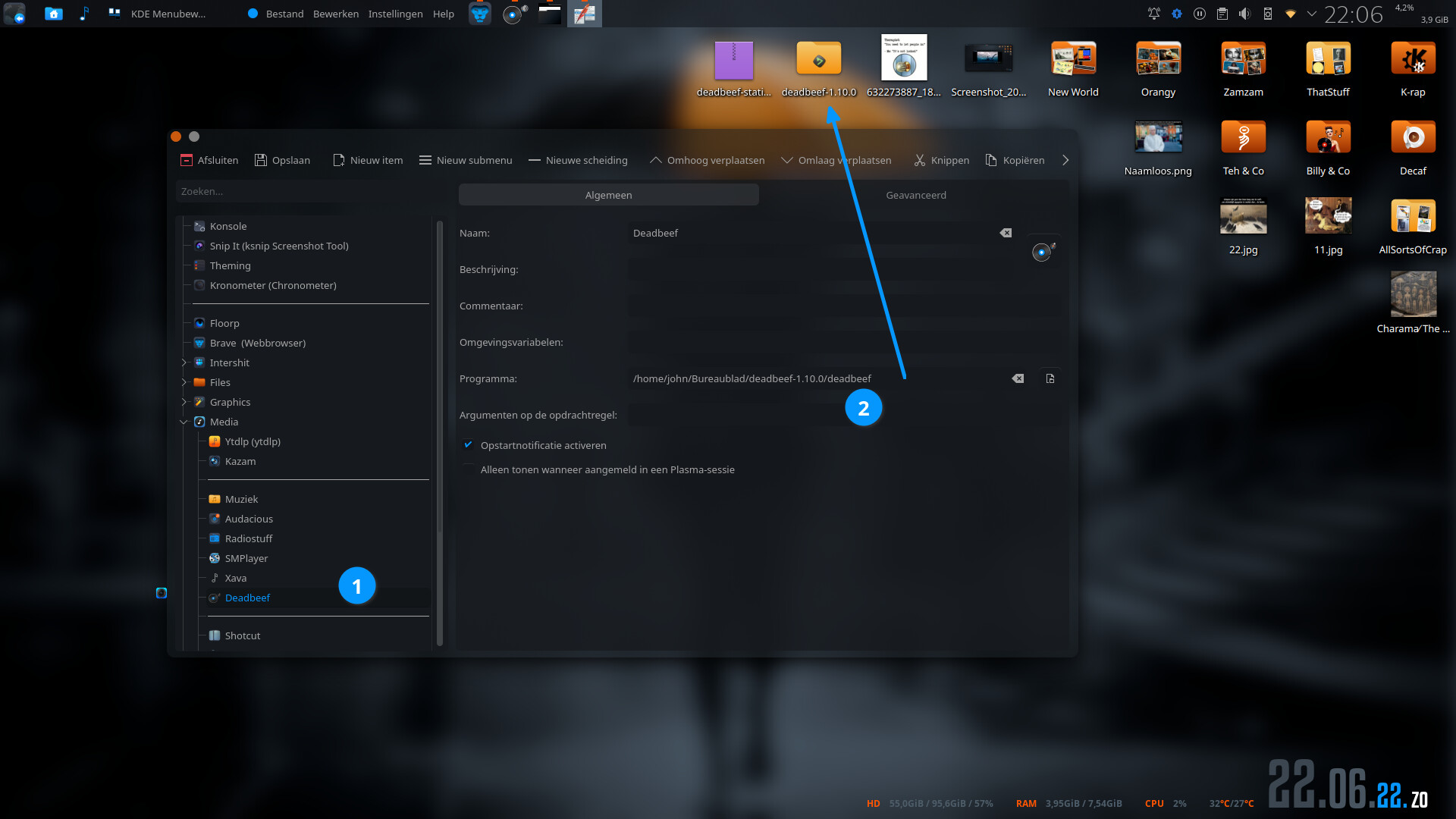
For example. I downloaded the tar and extracted it to the desktop. Next, I created a desktop application which points to the exec on the desktop ( gave it some random icon)
search for you file extension or mime type you want to associate with deadbeef (;0)
the top item will be the default and everything below that will appear under the open with… menu option in the order specified.
in plasma 6 you can even open the file with top alternate using the meta key in combo with the mouse button double click (or maybe it’s alt, can’t test it since i’m on plasma 5 still).