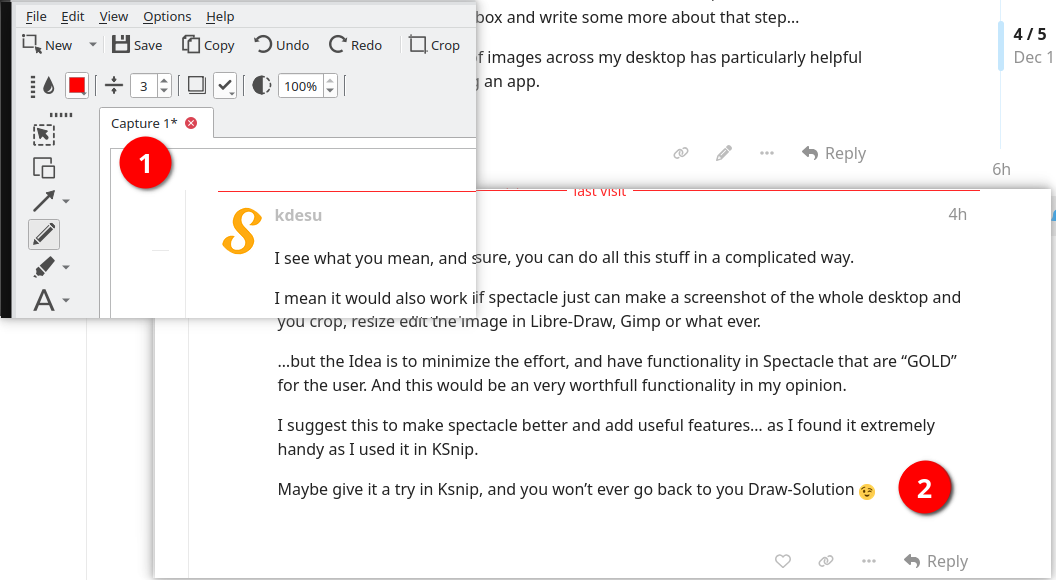
Ksnip is broken up from the last update I’ve made, so I came back to Spectacle and find that it’s very close to the functionality of KSnip and a bit ahead for video recording.
But what I’ve heavily missing is the feature to PIN a Screenshot to the Desktop - means it looks like the moment after you captured the Screen in Spectacle, but without all the Edit-Functionality).
It’s very usefull, if you want to create a collage of Images to describe something that appear over multiple windows / screens of an Application… and you won’t have a Video, but “one big” screenshot.
Sure, as workaround you can open the screenshot you’ve made in Gwenview, arrange it as you like and do anther screenshot…
..but this has two downsides:
It’s complicated and time consuming
You always have the Window-Frame of Gwenview in it (don’t look professional)
Would love if you could add this feature.
Who also like to have this feature? Please give a thumb-up
if i understand this idea, you want to be able to take what is displayed in spectacle, and place it on the desktop without any border or window frame for control?
how would you remove or resize it then?
would this be on top of other windows? on top of desktop icons?
why wouldn’t you use an application that handles images for this?
and the use case for this a “collage” of multiple screen shots? so you can take a meta screen shot of your screenshots? or a video?
i’m struggling a bit to understand this use case here.
Yes, you understand it in the right way.
You may have a look in ksnip to see the whole functionality, it’s very well implemented (you’ll find in in Menu > Options).
Resizing is just by click on the corners / border and resize is (as in general windows), or move the mouse over the pinned image pres CTRL+ Mouse-Scroll
Closing it, just by click ESC, or right mouse button on it
on top of other windows… yes, might be, behavior like general windows in WM’s
on Top of desktop-icons - sure, why should it lay below?!?
meta-screenshot don’t work, if you try to show a step by step (follow on each other) screenshot (e.g. for clicking trough menues)
why not application that handles images = like described… time consuming, and ugly menu’s and frame-borders appear on each application (e.g. gwenview)
what i meant was an application like libre office draw or present where you can just dump .jpg files or even paste from the clipboard and build up your story in that context.
even here on this forum, i will just drag a screenshot to the text window, write some text about it, drag then next step to the text box and write some more about that step…
having a hard time visualizing a bunch of images across my desktop has particularly helpful or different from what can achieve using an app.
I see what you mean, and sure, you can do all this stuff in a complicated way.
I mean it would also work if spectacle just can make a screenshot of the whole desktop and you crop, resize edit the image in Libre-Draw, Gimp or what ever.
…but the Idea is to minimize the effort, and have functionality in Spectacle that are “GOLD” for the user. And this would be an very worthfull functionality in my opinion.
I suggest this to make spectacle better and add useful features… as I found it extremely handy as I used it in KSnip.
Maybe give it a try in Ksnip, and you won’t ever go back to you Draw-Solution
i guess this workflow is somewhat convenient, tho i’m forced to use the in-app annotations rather compose my text in something like a word processor with inline images so translation to some thing like a webpage or pdf is a bit less forgiving, and i have to be mindful of what else might be in the background when capturing the “meta” capture.
but it is rather more flexible then spectacle for this use case.