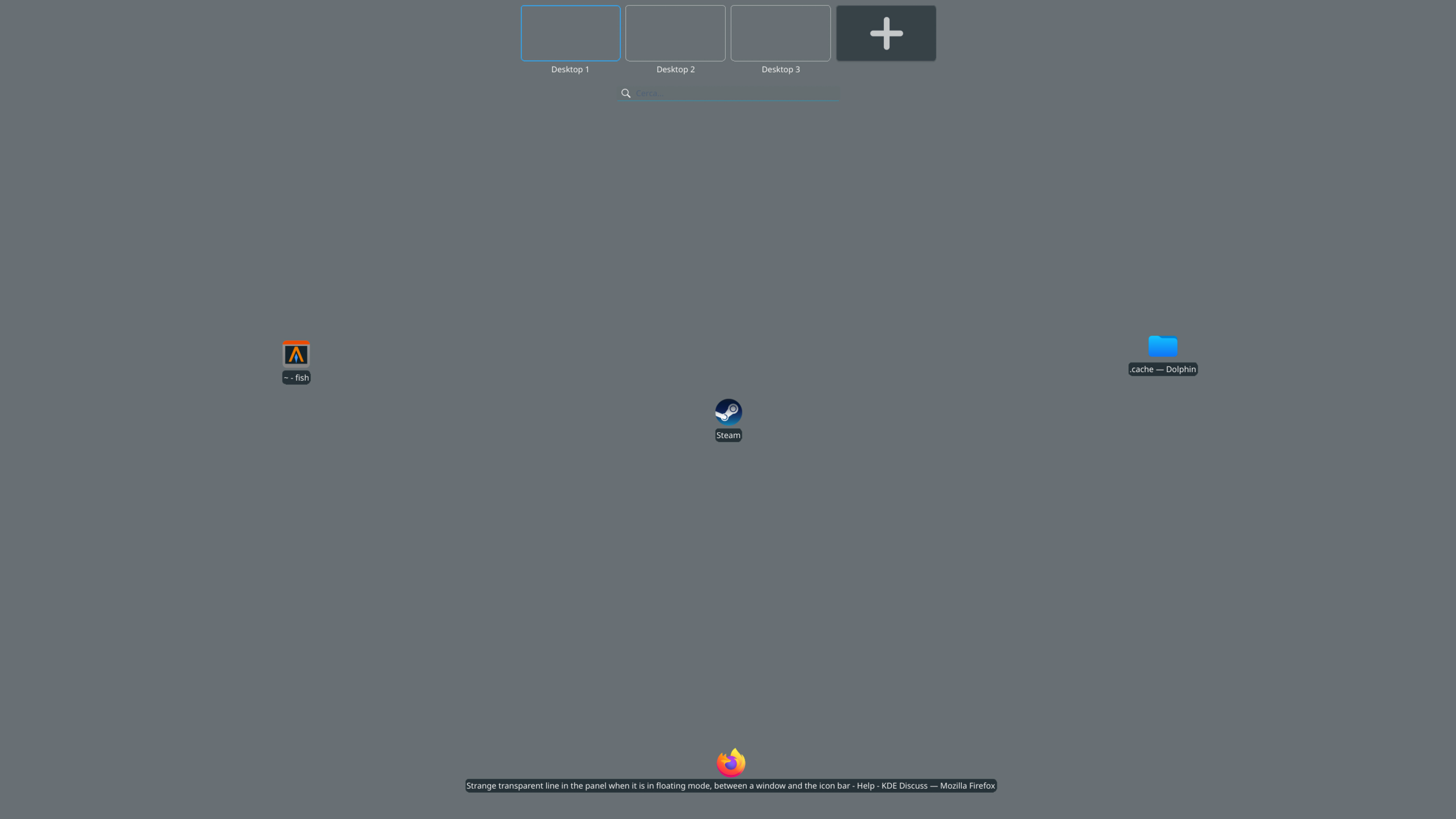
Strange transparent line in the panel when it is in floating mode, between a window and the icon bar

Schermata_20260105_172646

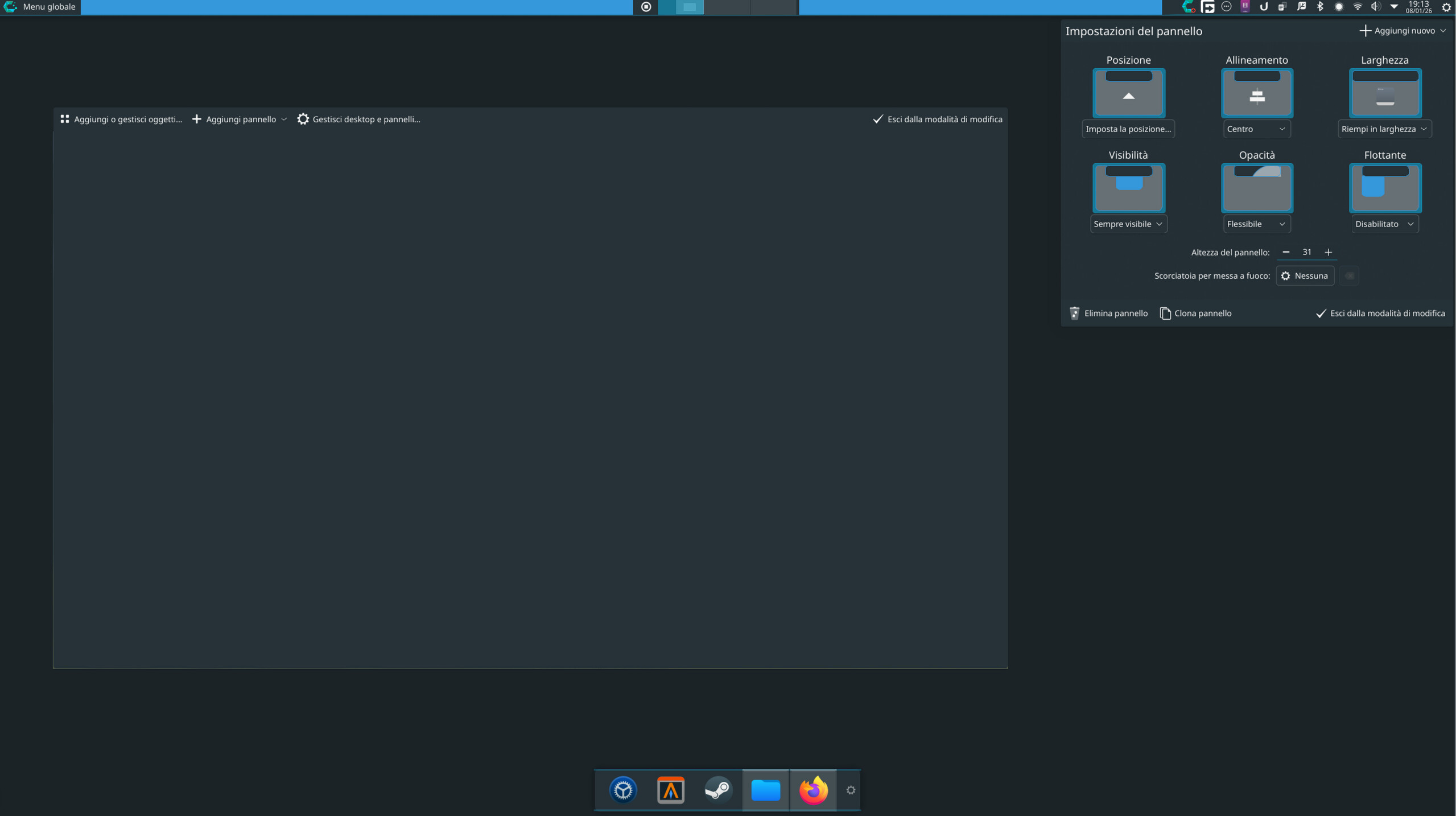
Schermata_20260105_172636

Hello everyone, I am experiencing this strange issue with my KDE setup on CachyOS.

Before attempting to clumsily fix the problem with Overview mode not showing window previews, I did not have this issue. Now, unfortunately, I do not know how to resolve it.

P.S. Overview mode is still not working as it should.

@kiside:

First, welcome to the KDE Discuss forums.


Can you please post either the content of the CLI command “kinfo” or, the information provided by the “kinfocenter” KDE Plasma application.


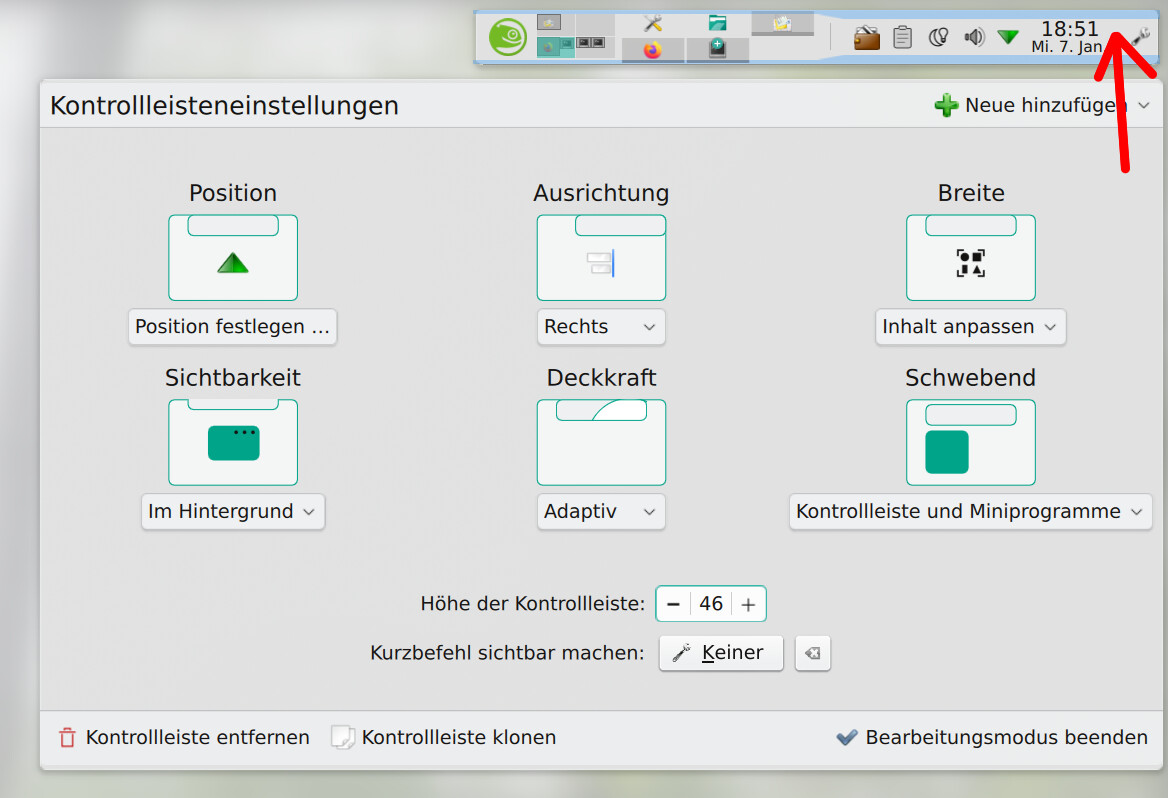
To set the window previews you have to right-click on the Taskbar to access the settings window.
Can you please check your Panel settings?

  • Right-click almost anywhere on the Panel to access the settings window.

You may have to empty your ‘~/.cache/’ directory and then, log out and then, log back in again.

1 Like

thank you for your reply :slight_smile:

this is the output of “kinfo”:

Operating System: CachyOS Linux
KDE Plasma Version: 6.5.4
KDE Frameworks Version: 6.21.0
Qt Version: 6.10.1
Kernel Version: 6.18.3-2-cachyos (64-bit)
Graphics Platform: Wayland
Processors: 16 × AMD Ryzen 7 3700X 8-Core Processor
Memory: 32 GiB of RAM (31.3 GiB usable)
Graphics Processor: NVIDIA GeForce RTX 2070 SUPER

Regarding the window previews you mentioned: are you referring to the previews shown in the Overview?

Sorry for the possibly trivial question, but to clear my ~/.cache/ directory, is it sufficient to delete all the contents of that folder?

My personal view is, there is no such thing as a trivial question.

Yes, it is sufficient to simply delete everything in a user’s ‘~/.cache/’ directory.

  • If you clear the cache while logged into a Desktop session, immediately logout and then, login again.

I meant the settings available when you right-click on the Panel as indicated in the Screenshot above.

  • Sorry for the German language example – if it’s an issue, I can login to an English language Test user and pull a Screenshot from there.
1 Like

You are really very kind.

Coming back to the issue, I deleted what was inside the .cache folder, logged out and logged back in, but none of the problems have been resolved yet. Moreover, inside the panel settings I see this; I’m not sure which setting you wanted me to check

The settings seem to be all OK – nothing out of the ordinary.
If the Panel is set to the floating mode, it no longer docks onto the screen edge – there is some space between the Panel and the screen’s edges.