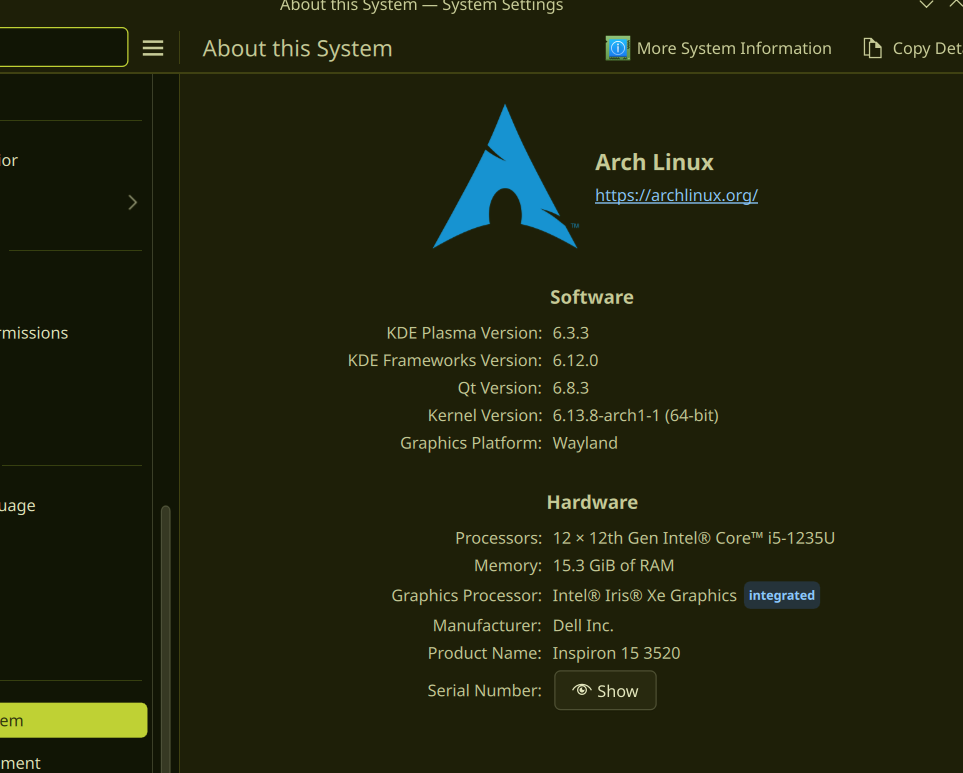
I’m using Arch Linux with KDE Plasma 6 (as showed bellow), but I can not use Meta+P shortcut to switch between display modes (Duplicate, Extend, Show only, etc). Whenever I do the shortcut, there’s nothing happens, though I can still switch display modes manually in the settings app. I have carefully checked the shortcuts section in the settings app and there was no conflict between Meta+P and other shortcuts.
I have the same issue. One workaround is to add a “display configuration” widget and use that instead for the time being
In KDE Brasil we had an Arch user mentioning this same issue as well.
Thank you. At least I know I’m not the only one having this problem 
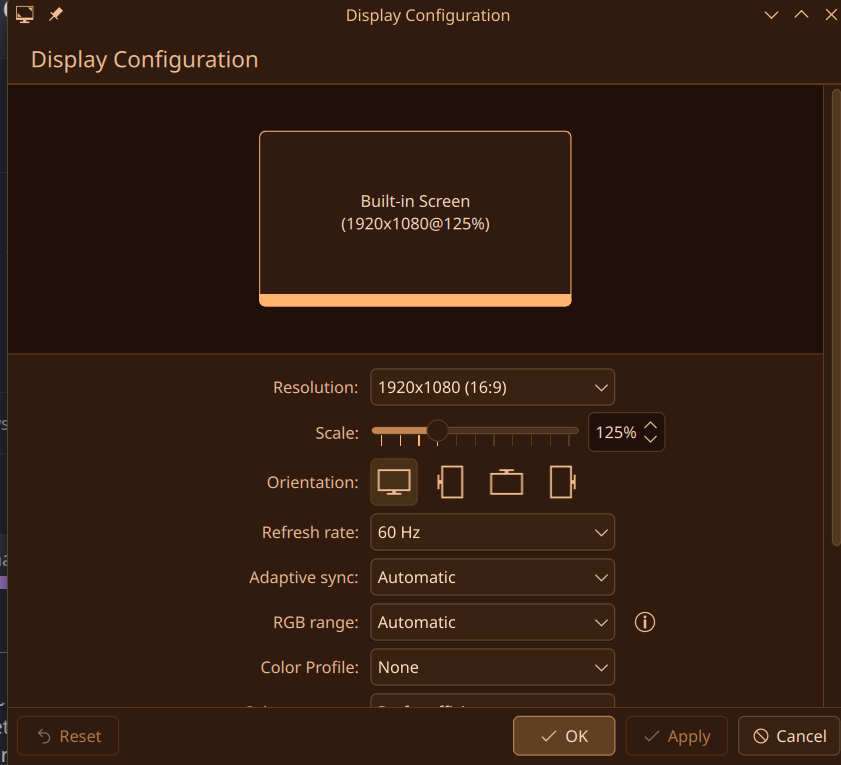
Hi - for folks’ reference, it looks like a report has been filed on the KDE Bugtracking System here: 502486 – Shortcut for Display Configuration does not work anymore
The same problem