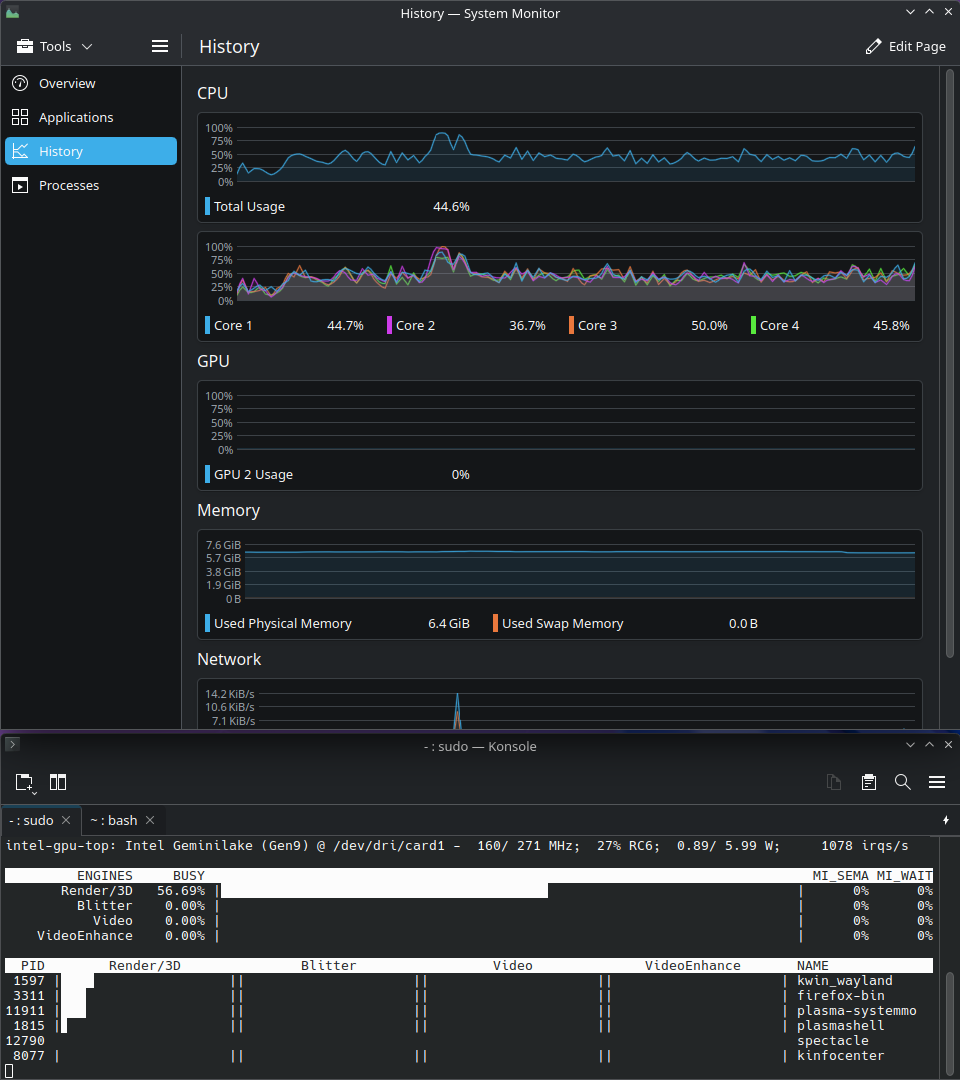
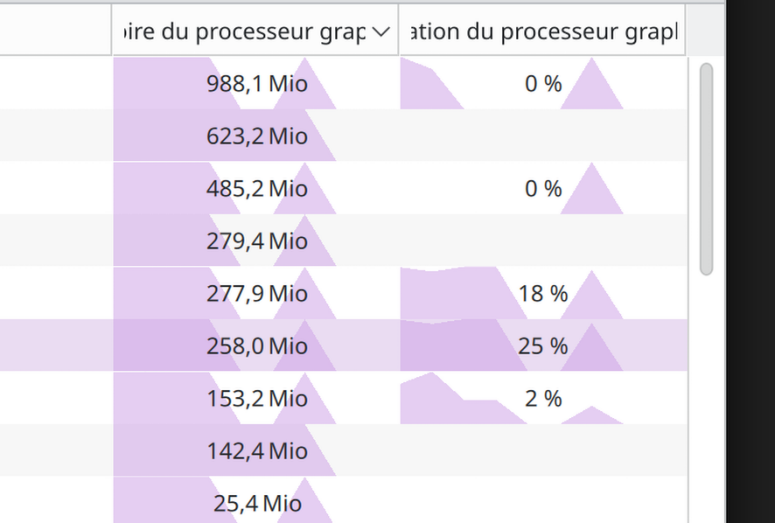
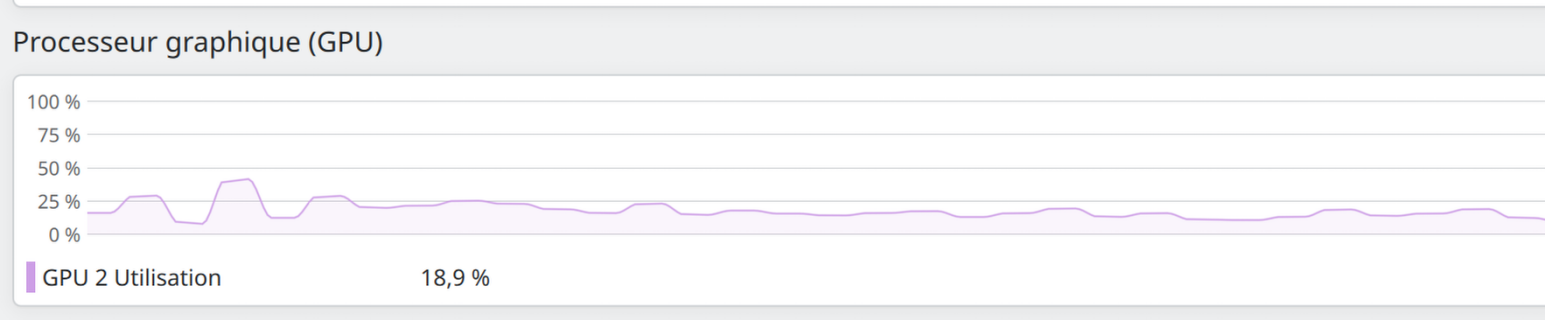
i’ve always been using intel_gpu_top to watch my igpu usage. Now, I upgraded to KDE plasma 6.4 expecting the “usage monitoring for Intel GPUs”, and GPU usage is at 0% even though intel_gpu_top shows usage. I also tried adding another page in the system monitor for all GPU usage.
Here are some of my details:
Operating System: KDE neon User Edition
KDE Plasma Version: 6.4.0
KDE Frameworks Version: 6.15.0
Qt Version: 6.9.0
Kernel Version: 6.11.0-26-generic (64-bit)
Graphics Platform: Wayland
Processors: 4 × Intel® Celeron® N4100 CPU @ 1.10GHz
Memory: 8 GiB of RAM (7.6 GiB usable)
Graphics Processor: Intel® UHD Graphics 600
Manufacturer: LENOVO
I suspect this kernel might not expose this through the API used by systemsettings.
This depends on libdrm and driver implementation.
For instance intel gpu report temperature and fan speed since 6.12.
Not sure need to update to 6.4 to check.
intel_gpu_top is first party software, meaning it is developed using special syscalls specific to intel drivers. Since those can break and would require implementing more code, we support this through libdrm which standardize this kind of data access across drivers (nvidia has yet to follow amd and intel suit).
I see the same issue as OP, and I don’t think it’s about kernel/libdrm support. First of all, even nvtop shows non-zero GPU usage and memory while the KDE applet and system monitor think it’s zero. Second, I actually have seen the applet partially working (i.e. showing GPU usage but not memory) after rebooting the machine, and then it seems to go mute at some moment, I couldn’t figure out why so far.
I do not agree with the solution. Using the latest daily build of kubuntu:
Operating System: Kubuntu 26.04
KDE Plasma Version: 6.5.4
KDE Frameworks Version: 6.21.0
Qt Version: 6.9.2
Kernel Version: 6.18.0-8-generic (64-bit)
Graphics Platform: Wayland
Processors: 14 × Intel® Core™ Ultra 5 235T
Memory: 32 GiB of RAM (30.6 GiB usable)
Graphics Processor: Intel® Graphics
The problem is still there if I start plasma-systemmonitor via menu. But when I start it with root rights:
sudo strace plasma-systemmonitor
then the GPU load is shown.