I am on KDE neon. I used purple theme in the past and now i am using green theme but system-monitor’s meters are still stuck in purple theme. how to fix that?
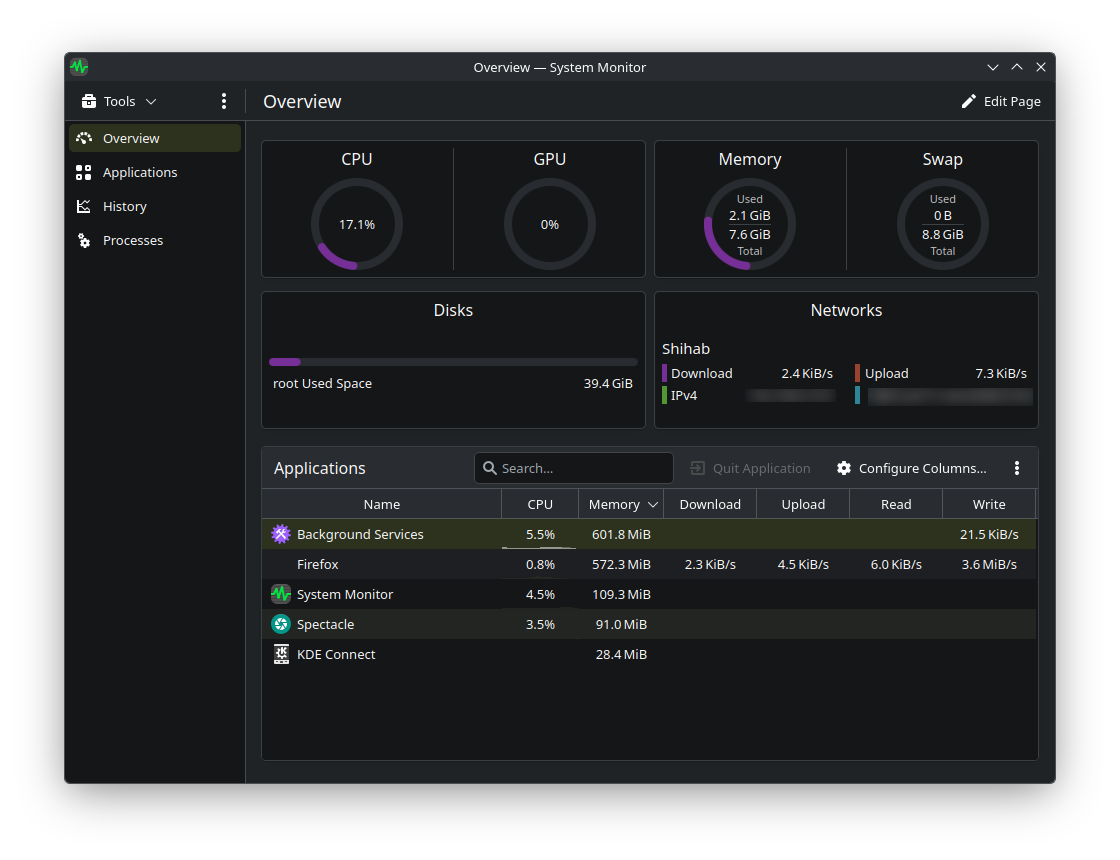
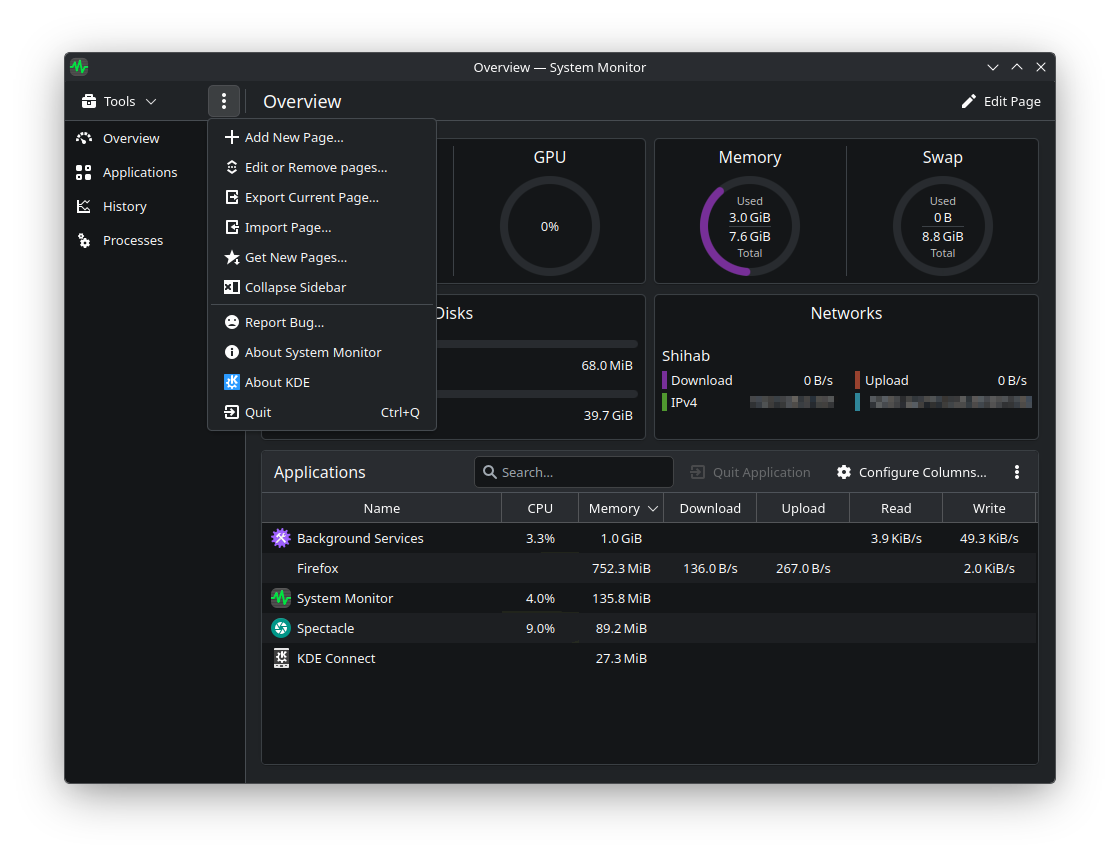
Go to the settings (three dots/lines) / edit page. There, on the right side, you’ll see return arrows next to the pages where the color doesn’t match the system. Click on them and OK.
1 Like
Thank you so much for the reply. But I didn’t understand that, and I cannot find that either. (I guess i am too dumb for that  ).
).
here is a screenshot.
1 Like
I fixed it just re install system-monitor.
sudo apt reinstall plasma-systemmonitor
rm ~/.config/org.kde.plasma-systemmonitorrc
rm -r ~/.local/share/plasma-systemmonitor/


absolutely unnecessary
that was easy. thanks man
1 Like