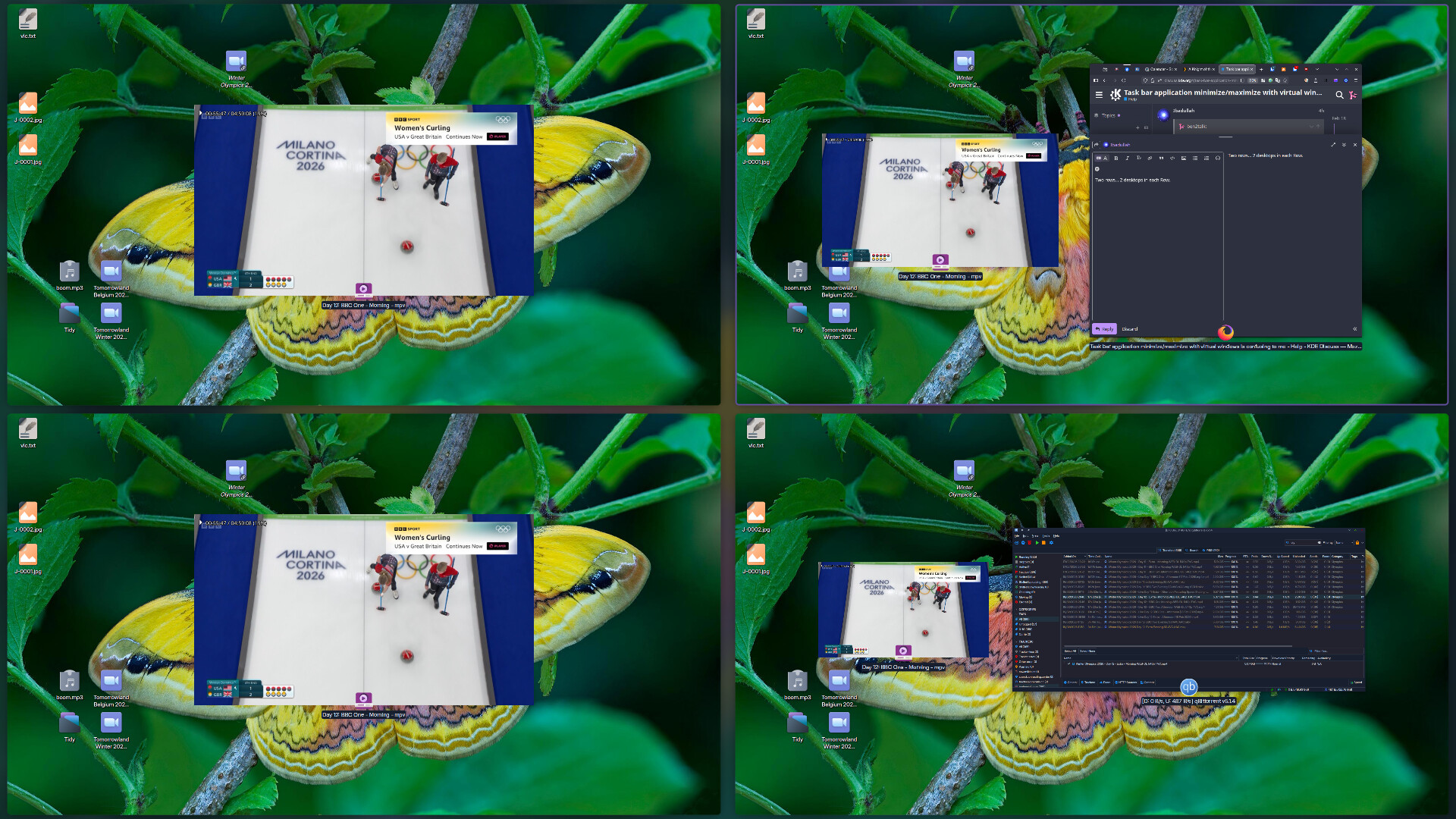
select the open firefox application on the task bar, which maximizes firefox on window 2
switch to window 1
minimize/maximize/minimize the firefox application on window 1
switch to window 2
Observe the application is minimized. For some reason I would expect the minimize/maximize state to be saved by virtual desktop if all applications are on a default activity (no specific activity assigned).
Similarly:
Once you view and application on window 2, select open application firefox from task bar, in the case above it will stick around on that virtual window, even though it was opened on window 1. I would expect it to disappear from the window 2, now i have to manually move the window from window 2 to window 1 to get rid of it, or close the app and re-open it on window 1. That workflow doesn’t seem optimized.
I am new to KDE so I am probably not understanding how you are supposed to use this.
Open two Virtual Windows
Should we assume you wish to talk about Virtual Desktops? Ok, so I have 4 arranged 2×2.
I am using Firefox on Desktop 1 (top left).
Moving to Desktop 2, then select Firefox in the taskbar results in me being taken back to Desktop 1 where Firefox is located.
Your assertion that ‘selecting the open firefox application on the task bar, which maximises firefox on window 2’ is confusing. Selecting Firefox does not maximise the window… the window is open and remains open.
You must look into the settings of your Task Manager to decide what actions are taken on mouse events.
Now switch back to Virtual Desktop 1 and you can still see the open Firefox app, minimize the open app viewed on Virtual Desktop 1 and switch to Virtual Desktop 4 and observe it is minimized. The Firefox app as you mentioned doesn’t disappear on Virtual Desktop 1 once maximized unless you manually move it back to Virtual Desktop 4. That to me isn’t a good workflow.
The fix would be to keep the app on the virtual desktop where it was opened, in Gnome that is the case. If you allowed viewing the app on other Virtual Desktops, then it should automatically disappear after you switch virtual desktops and only maintain showing on the one where it was originally opened in.
i think you need to reset your expectations and play more with the options in the settings.
you have a lot more variables in plasma than you will get with gnome and the defaults are not fitted to match gnome or windows or any other computing experience, they fitted to the users of your particular distro.
in the task manager you have the option of showing applications that are only open on that desktop, or it can show you if the application is open on ANY desktop or
also clicking on an open task manager item can minimize it for you if you have that turned on.
beyond that there are settings for individual applications called window behavior and window rules where you can select all manner of options for what happens to a window based on where you click.
i’m sure you will find a set of behaviors that suit you if the defaults are not what you expect.
You need to learn how to DISCOVER things - we use a lot of context menu access, and settings options… but in this instance, it’s right there in the context menu that says ‘Configure Virtual Desktops’.