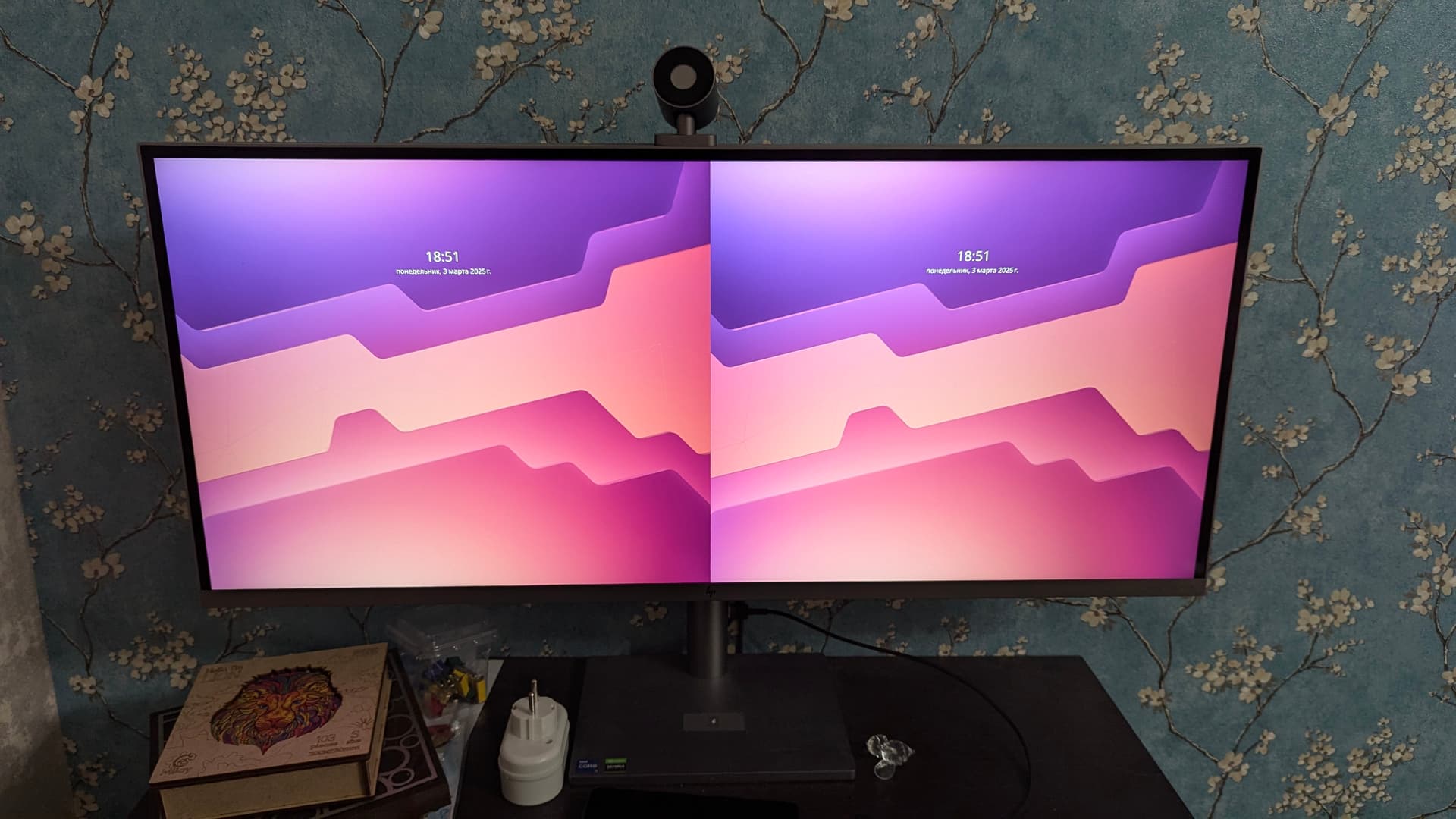
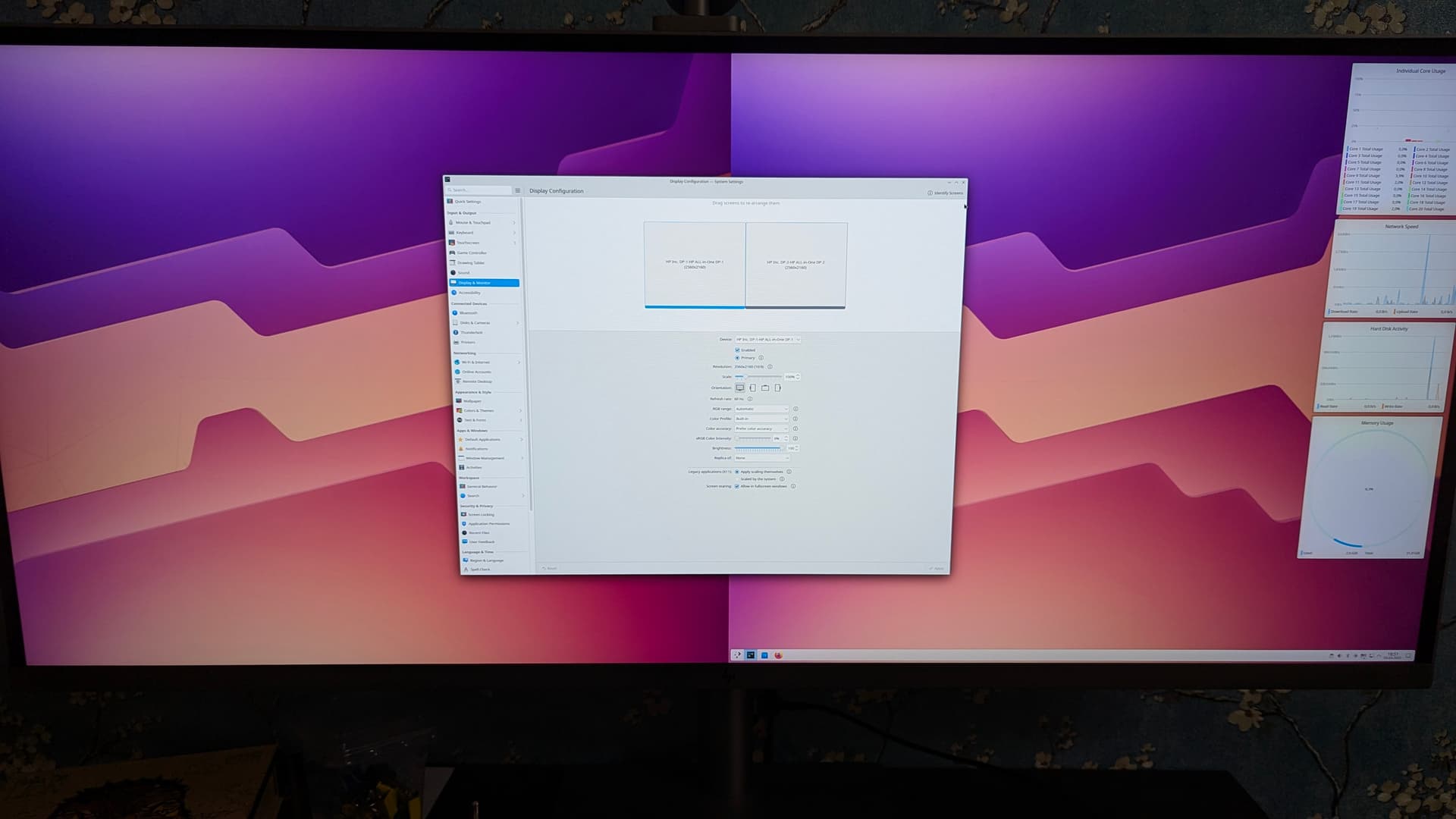
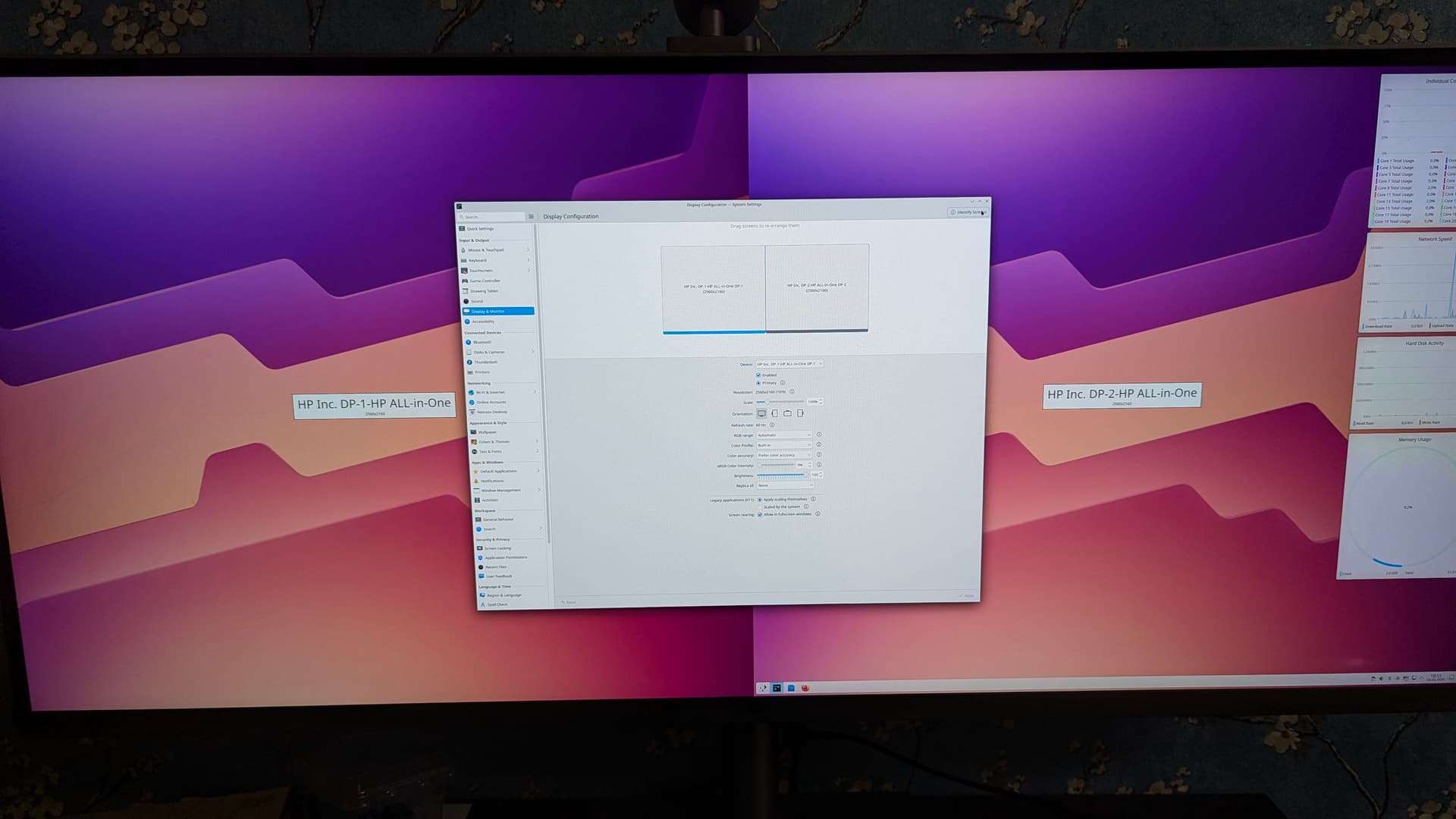
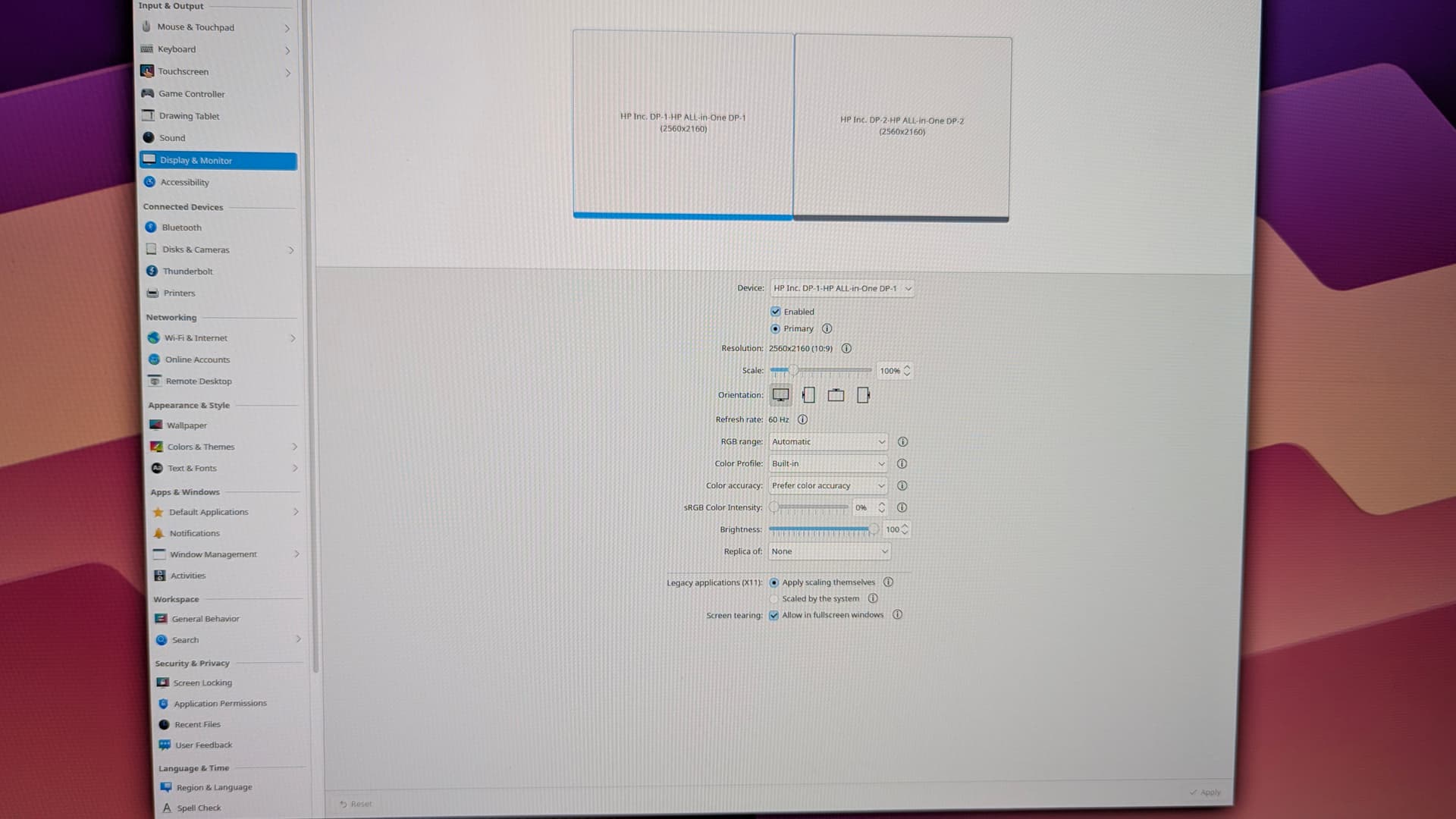
[umnik@bigPC ~]$ kscreen-doctor -o
Output: 1 DP-1
        enabled
        connected
        priority 1
        DisplayPort
        Modes:  1:2560x2160@60*!
        Geometry: 0,0 2560x2160
        Scale: 1
        Rotation: 1
        Overscan: 0
        Vrr: incapable
        RgbRange: Automatic
        HDR: incapable
        Wide Color Gamut: incapable
        ICC profile: none
        Color profile source: EDID
        Color power preference: prefer accuracy
        Brightness control: supported, set to 100% and dimming to 100%
Output: 2 DP-2
        enabled
        connected
        priority 2
        DisplayPort
        Modes:  2:2560x2160@60*  3:2560x2160@60!
        Geometry: 2560,0 2560x2160
        Scale: 1
        Rotation: 1
        Overscan: 0
        Vrr: incapable
        RgbRange: Automatic
        HDR: incapable
        Wide Color Gamut: incapable
        ICC profile: none
        Color profile source: EDID
        Color power preference: prefer efficiency and performance
        Brightness control: supported, set to 100% and dimming to 100%
This is read-edid version 3.0.2. Prepare for some fun.
Attempting to use i2c interface
No EDID on bus 0
No EDID on bus 1
No EDID on bus 2
No EDID on bus 3
No EDID on bus 4
No EDID on bus 5
No EDID on bus 6
No EDID on bus 7
No EDID on bus 8
No EDID on bus 9
No EDID on bus 12
No EDID on bus 13
No EDID on bus 14
No EDID on bus 15
2 potential busses found: 10 11
Will scan through until the first EDID is found.
Pass a bus number as an option to this program to go only for that one.
256-byte EDID successfully retrieved from i2c bus 10
Looks like i2c was successful. Have a good day.
Checksum Correct

Section "Monitor"
        Identifier "HP ALL-in-One\"
        ModelName "HP ALL-in-One\"
        VendorName "HPN"
        # Monitor Manufactured week 0 of 2021
        # EDID version 1.4
        # Digital Display
        DisplaySize 800 340
        Gamma 2.20
        Option "DPMS" "false"

        #Extension block found. Parsing...
I only know about extension blocks of type 02h. PLEASE email me!
Something strange happened. Please contact the author,
Matthew Kern at <pyrophobicman@gmail.com>
I run Gentoo. If I knew how to make my own patches I’d love to test this out.. I have a LG 5k monitor and have been waiting a very long time for tiled/MST support in KDE!
If you have some storage space and either decent compute power and/or plenty of time, the best way to test changes in core Plasma components is generally a development session with kde-builder: Set up a development environment | Developer
As long as the code doesn’t diverge too much from the 6.6 branch, I can also provide a patch on top of 6.6, if that’s easier to test.
I’d really like to test this patch, but I have no idea how to set this up in Gentoo (ironic I know) and it seems like a steep learning curve to do the development environment.
Once it hits 6.7, I’ll be happy to report any bugs I find though! Fingers crossed.