Firstly, I am pretty new to Linux, but I’ve managed to use Kubuntu as my daily driver for a couple of years now without any roadblocks I couldn’t overcome with some reading and forum searching but I’ve been running into a wall with an error code that pops up when I try to update.
I think it’s an out of date ppa, but I can’t sort out how to locate it for removal. My terminal skills are not amazing, and I can’t find a work around with a GUI. I tried apt policy, but I don’t see something that lines up with what is stated in the error.
I’ve uploaded the error in my terminal below.
If any help could be provided I would really appreciate it. My computer still seems to work but I don’t want an error preventing me from being able to stay up to date.
This is a distro-specific thing ([K]Ubuntu), not related to KDE.
Luckily, this doesn’t block updates or anything. It is a PPA that does not provide packages for Ubuntu Noble (24.04).
But this is an easy one to fix.
Adding a PPA places a .sources file in /etc/apt/sources.list.d/. It is usually fairly easy to tell which file is the one you need to delete here, as it is based on the name (n-muench) normally.
It is safe to just delete the file, as you have not installed any packages from it.
If this was a PPA you wanted to get rid of but did install packages from, you would use the ppa-purge command.
Thank you for responding so fast!
This gives me some peace of mind, I was worried because I saw security mentioned in previous lines prior to the error that this may have been related.
I really appreciate the context for what was going on.
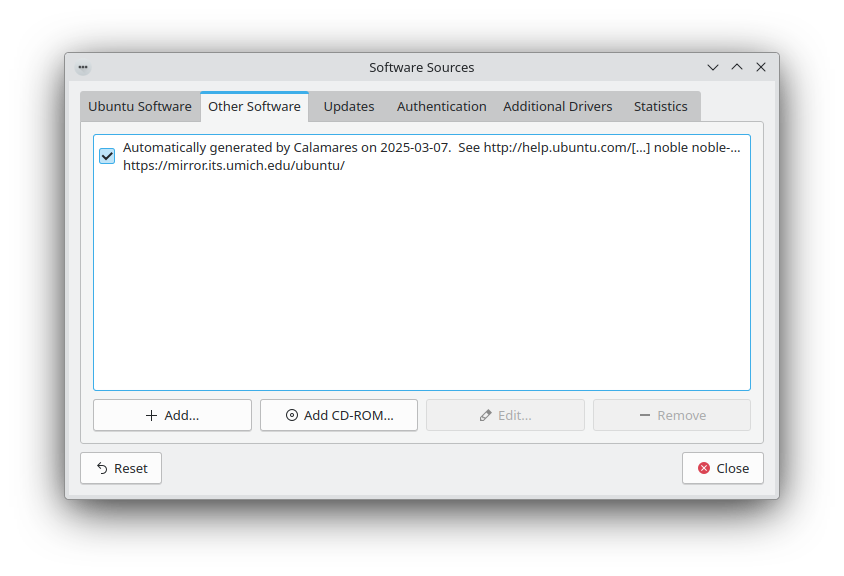
there has been some flux in how to access the sources list via the GUI for kubuntu, but having it under the driver manager for now seems to be the choice… it used to be in discover.
you can always access it from the command line with sudo software-properties-qt