I love spectacle. It has excellent UX. It somehow packs so many neat features into a tiny package that does not get in the way of my thinking. Way to go!
On Debian Gwenview is set as default image viewer app and while it serves it’s purpose well (no hate) it is really anoying to use. It goes into complete diva mode every time I use it, as if looking at images is the only task for me that day. I just want to quickly inspect an image and then quit. But it goes into a gallery mode and then I have to fight the UI to exit the app every single time!
I looked for settings in Gwenview to disable the “go to gallery mode after closing image” but no such setting exists. I always want to go back to where I came from after viewing the image, which is always dolphin.
I dared dream and tried launching an existing image with Spectacle but it did not really work. I see that KSnip DOES work and while Ksnip is awesome I would love to see Spectacle do the same. When called with an image url it should go in to “show this image to user quickly” mode and then get out of my way once I close it.
Exactly. Make a desktop app for spectacle -E and add anything you want ( actions) to the desktop app. It’ll show by rightclicking the task or pinned app. Of course, you’d need the export commands for them to work in the task.
I think I tried qimgv before but I felt it was not aligning well with KDE design standard. I didn’t know I was picky about until I wrote that sentence. I guess we learn about ourselves every day!
This is strange. Maybe there’s something wrong in your Gwenview configuration file?
I click an image in Dolphin, and I get a Gwenview window in “image view mode”, then hit the Close button to go back to Dolphin.
There are two buttons to the left of “Home” button (Gwenview start page), which I’ve never used, and the first one is “gallery mode” (or “folder view mode”, whatever one might call it), followed by the default “image view mode”.
It goes to “gallery mode” automatically only if I leave the Gwenview window open, and then go to Dolphin, and delete all the images in that folder. It doesn’t do that if I delete only the image open in Gwenview; instead it automatically switches to the next image.
I have customized the toolbar and window layout, but I think this default behavior should e all the same.
Since I uninstalled it I can’t test it anymore, but I am pretty sure I just hit the escape key on keyboard. I have a policy for myself to never make any customization of apps unless I really have to and I definitely would not set up this in Gwenview for myself on purpose. But yes, escape key closed image being viewed and goes into “here are all the files in the folder” which I guess is perfect if you want to use Gwenview as an actual program to organize photos and not a quick viewer of images tool.
So I guess the fix would be to detect if app was started as a “mime handler for view picture” as opposed to “app started from start menu” and then change how UX works for escape key. I know this is far fetched but also this is the nature of good UX. These quirky “between two chairs” problems is what sets apart good from great software. The more of this things are handled out of the box by default apps instead of via “i customized my keybindings and desktop file to add -E parameter” etc. the more competitive KDE will be for the unwashed masses. If it was up to me, KDE would just havea built in quick image viewer as part of dolphin that did not require a separate app to be installed at all.
I think the problem here is that you’re using an unusual way to exit an app or close an app window: pressing the “Esc” key is apparently not the right way, and users are expected to hit the window close button, or press Alt-F4 or Ctrl+Q.
I think you would see what you expect to see if you did that.
Also, I don’t think it’s a good idea to add to many features like an embedded image viewer to the file manager for many reasons such as allowing users to choose any image viewer they prefer, but Dolphin includes an optional information panel which displays images, etc., so it might perhaps be possible to open an image viewer window by simply pressing a special key as well?
I appreciate your points but I respectfully disagree. I think that pressing escape is a very common and expected way to close things on a computer. I also think that adding a minimal “just do the thing everyone expects” feature like quickly viewing images to dolphin isn’t so far fetched. Especially since it is trivial to implement on top of KDE or even Qt. Qt6 comes with many image format load/save functions out of the box and I am sure KDE even ads more on top. The whole app would literally be 100 lines of code. All the framework code in place in Dolphni would already make 50% of the app already. It would just make a new fullscreen QWidget in black with a QPixmap with keep aspect policy on current screen /(available using QScreen class in Qt6). And you would not rob the user of their choice, as they can just go to the Discover app to pick whatever they want (which is a lot, I counted at least 10 alternatives). So in this case 1. the user did not need to be presented with a large project like Qwenview that they maybe did not need or want before making their own choice which one they want 2. the download of KDE would be 2 seconds faster (multiply by number of downloads per year it will add up) 3. Would not result in heated discussions online about the topic wasting even more bandwidth Jokes aside I think it is strange that KDE which has a lot of embedded “official apps” does not come with an actual official image viewer like “Loupe” for gnome
I really don’t think closing an application with esc is very common.
In fact, while I can think some niche applications that do this, I can’t think of any major applications. You can’t, for example, close most web browsers or productivity applications with esc.
In fact, I would argue that exiting an application that way is not great UX as most people would find that behavior unexpected.
I think, more generally, esc is most commonly used to cancel something that is in progress.


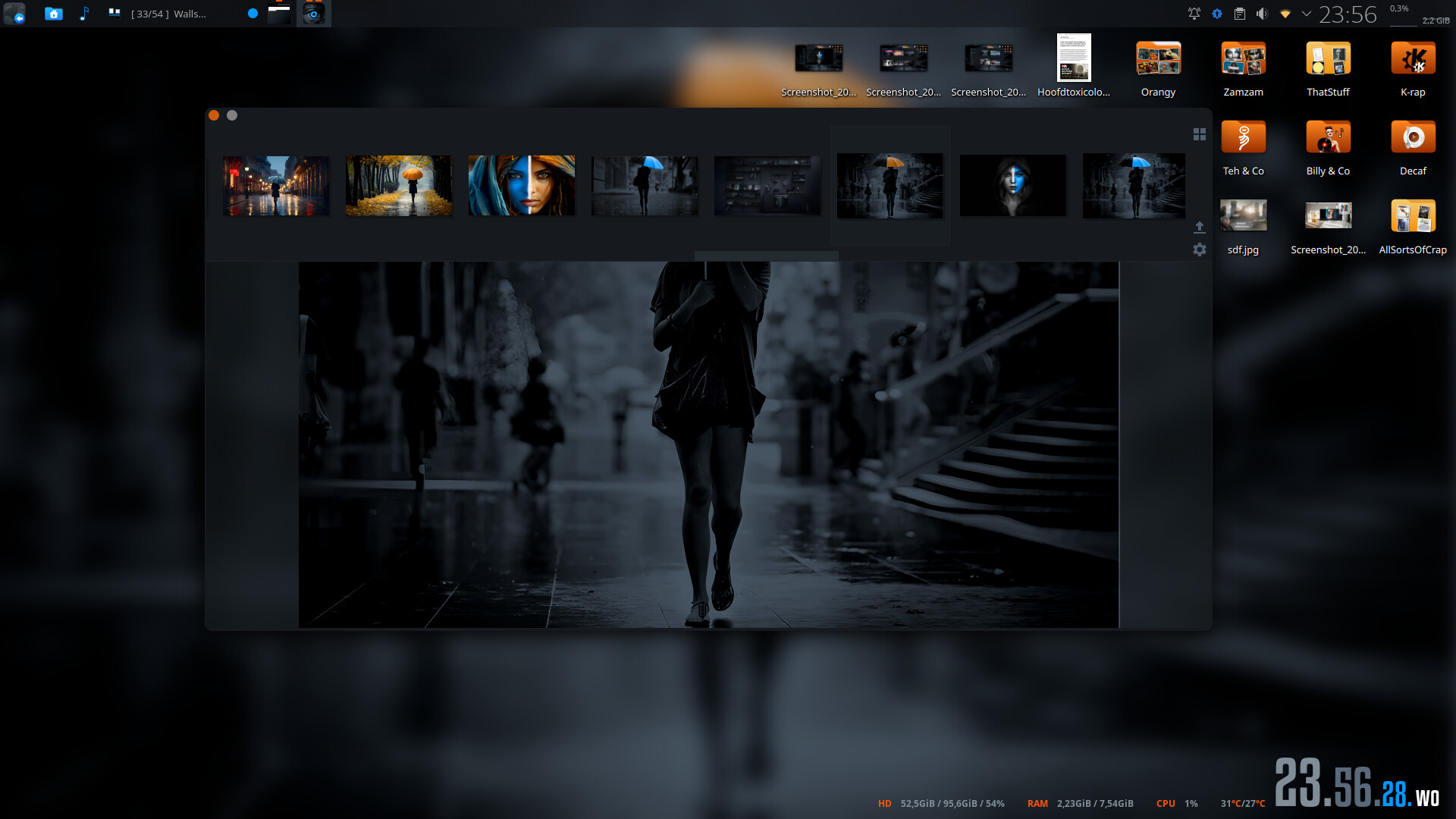


 Jokes aside I think it is strange that KDE which has a lot of embedded “official apps” does not come with an actual official image viewer like “Loupe” for gnome