I have a desktop (brawn) and a laptop (deft) both running Linux Mint 22.2 Cinnamon. I have built both of these systems with the same settings and such; i.e., I do the base config using a script.
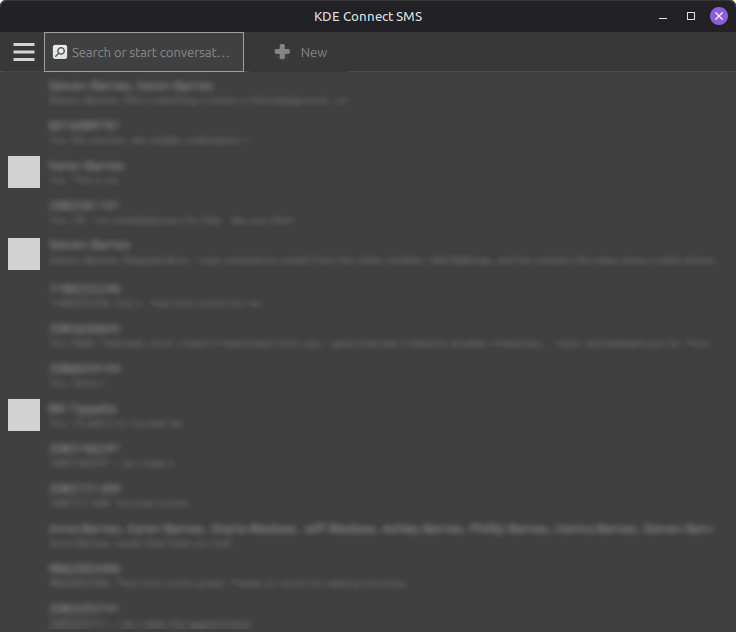
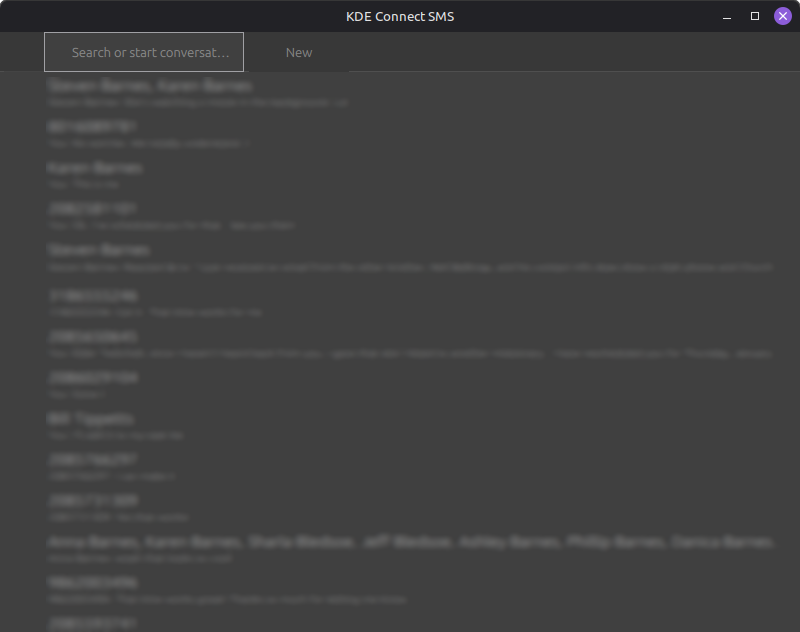
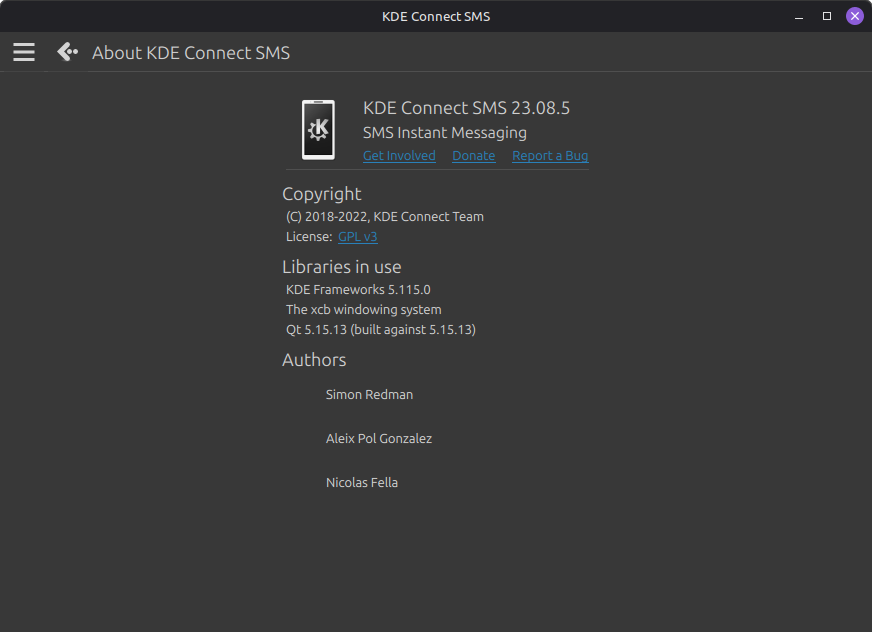
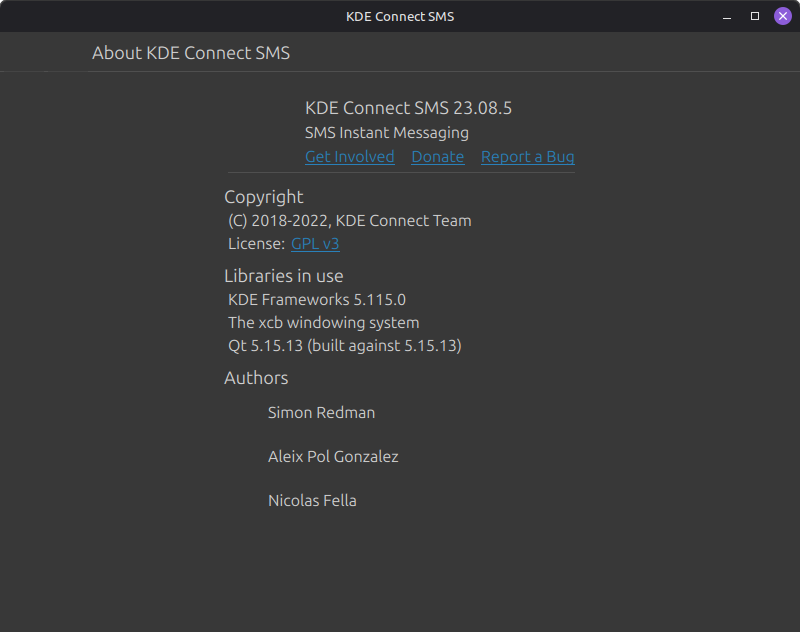
I am running the KDE Connect app on both and it functions fine on both systems. However, on brawn, I can see icons in the toolbars and on deft, it is not showing any icons. I’ve searched and found an article in the Linux Mint forum which lists several likely fixes (see the apt list at bottom) – and one of which says it fixed it. But in my case, brawn doesn’t have any of these fixes but looks fine and deft also does not have any of the listed fixes but does not show icons. I’ve looked around in ~/.config/kdeconnect but have not seen anything pertinent or which seems to be noticeably different between the two apps.
KDS SMS main panel on brawn: kde sms brawn blurred — Postimages
KDS SMS main panel on deft: kde sms deft blurred — Postimages
KDE SMS About panel on brawn: kde sms about brawn — Postimages
KDS SMS About panel on deft: kde sms about deft — Postimages
brawn
rod@brawn:~$ apt list kdelibs-bin kdelibs5-data kdelibs5-plugins
Listing… Done
rod@brawn:~$ sudo apt list oxygen-icon-theme*
Listing… Done
oxygen-icon-theme/noble,noble 5:5.115.0-0ubuntu1 all
rod@brawn:~$ apt list kde-runtime
Listing… Done
deft
rod@deft:~$ apt list kdelibs-bin kdelibs5-data kdelibs5-plugins
Listing… Done
rod@deft:~$ apt list oxygen-icon-theme*
Listing… Done
oxygen-icon-theme/noble,noble 5:5.115.0-0ubuntu1 all
rod@deft:~$ apt list kde-runtime
Listing… Done