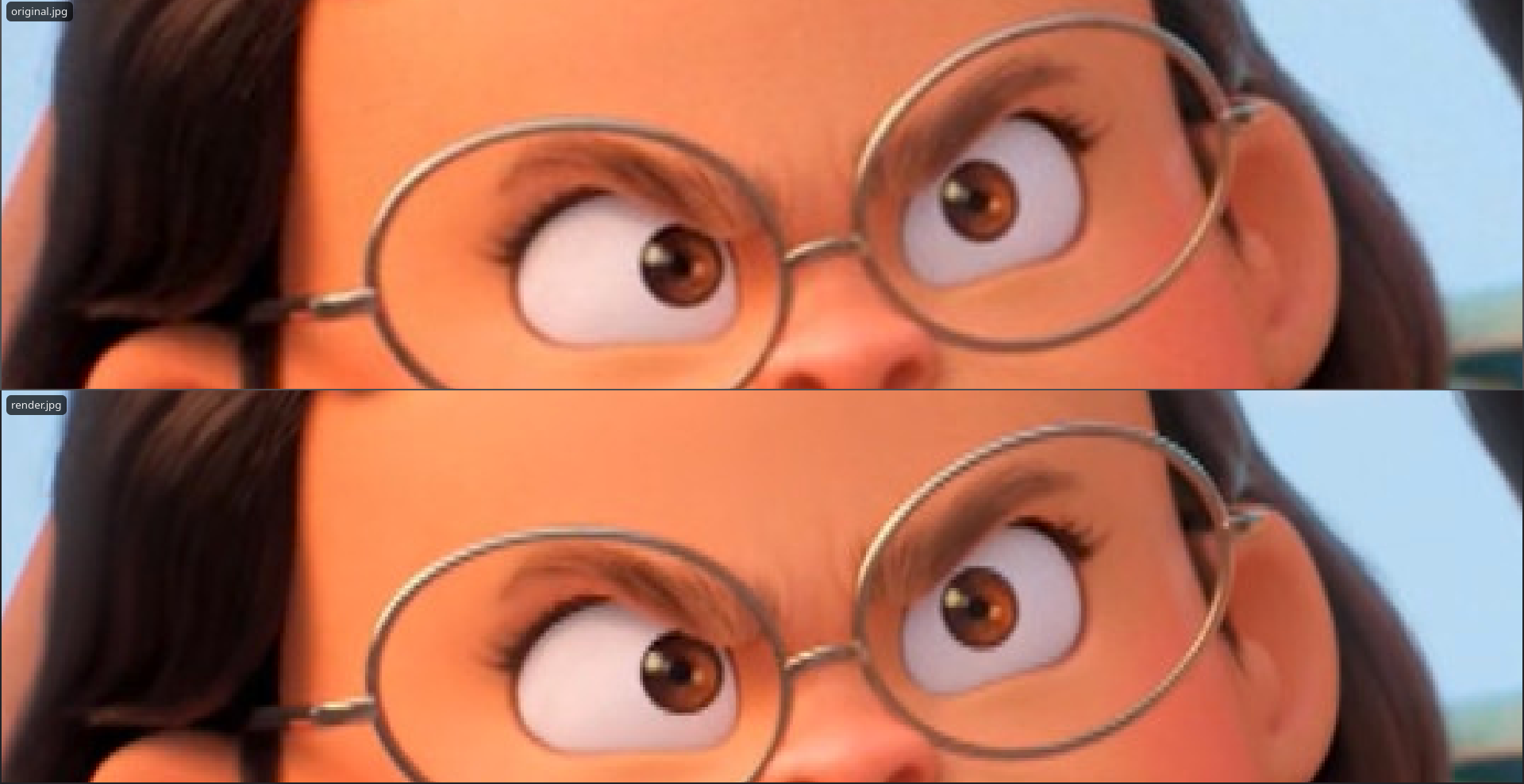
After rendering i noticed a slight problem very apparent in the highlights. The original is h264 720p 23.98, render is h265 nvenc 1080p 60 with lanczos interpolation. I made a 360p at 2000kb/s proxy for it and sped up on the timeline.
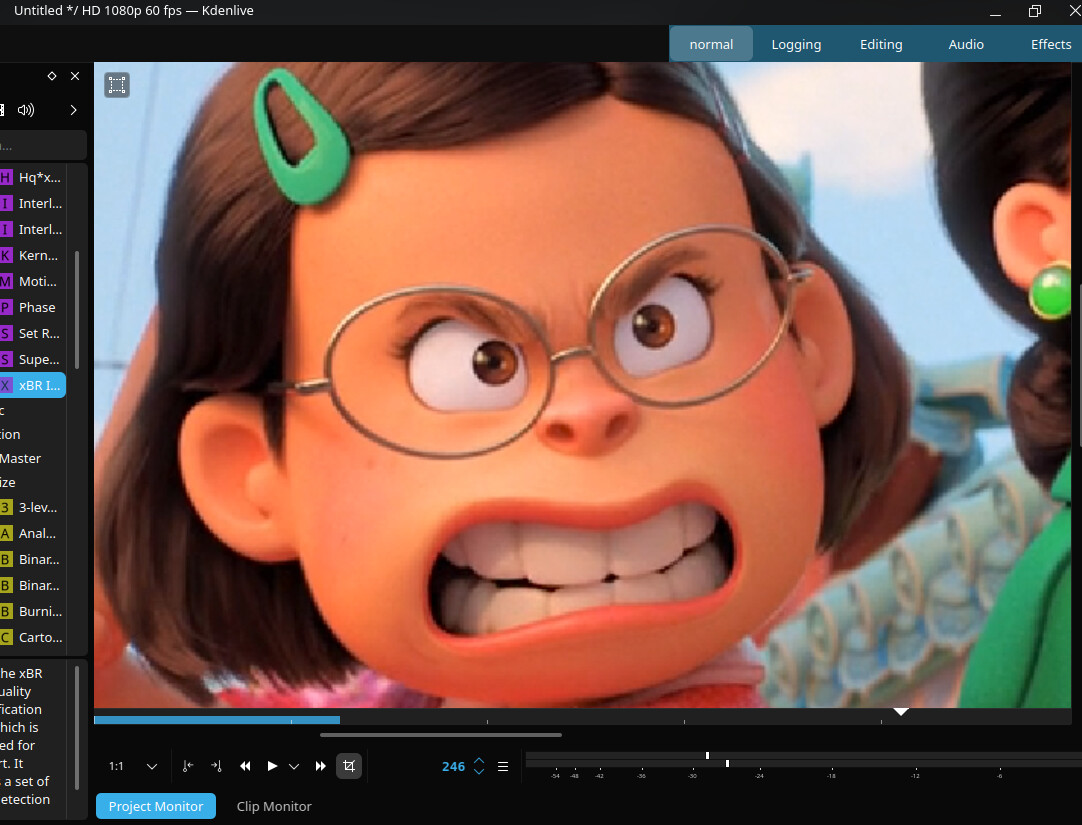
Although I saw a problem even in the clip monitor in Kdenlive but after turning some options like frame rate and scanning it looked smooth again. Then i found other pixelated clips and i was able to “fix“ it by turning on built-in Transform. This is 960 × 720 video
What are you hoping to achieve doing that? kdenlive isn’t really the best tool if you actually want to upscale it, and you aren’t going to actually gain any detail, so most of the time you’d probably be best off just sticking with a less bloated 720p render and letting your viewer upscale it to display size if needed.
i found other pixelated clips and i was able to “fix“ it by turning on built-in Transform
It’s not really clear exactly what you’re doing or calling your reference images there, and whether we are looking at your originals or upscaled proxies - but some operations use smoothing and some do not. The people rendering line art images in particular have explicitly asked in the past to not have smoothing applied because they want nice crisp edges to their lines.
Are you actually having a problem, or just trying to understand some part of what you’re doing?
You might want to try rendering without using proxies first, just to rule out that factor. If the issue still persists, keep in mind that the upscaling from 720p to 1080p can itself introduce pixelization artifacts, especially in bright areas
In simple terms, you have a fixed amount of data, and when you try to increase it using algorithms, it’s impossible to add new detail without some loss in quality. If you were to scale all the way up to 8K, the problem would logically become even more noticeable
I am not trying to upscale anything, i just see that highlights look pixelated and not as smooth as in mpv.
I thought smoothing is applied in the end with interpolation. That’s why i used nearest for pixel art stuff with interpolator before. Here it looks like i forgot to turn on Anti-aliasing
I tested in a new clear project and don’t understand why 1:1 preview pixelates the video so much. I am not trying to upscale anything, it just makes it look worse.
I feel like this is some scaling issue because 1080p version looks pixelated in 720 preview. But if i apply transform to 720p version they both look fine in 1:1 preview. 720p version is a bit blurrier but that’s how scaling should work out of the box, no?
The render is fine tho, so maybe some random thing broke along the editing and came out like that.
This is why we’re confused about what you’re actually doing - you said you have a 720p 24pfs source, that you’re trying to render at 1080p 60fps.
That’s inevitably going to create some amount of (smoothed or unsmoothed) ‘pixellation’ - and some stuttering due to the frame rate ratio unless you use a tool like slomovideo to tween the extra frames.
Then you say you’re using 360p proxies, but … are surprised they look pixelated like a 360p proxy would blown up to a larger size?
Then you say you apply a transform … oh … I’m going to bet your project size is mismatched to you original source.
Use a project size that matches your source material. Kdenlive will rescale other material to fit that - so probably what you’re seeing is something that’s been scaled up and down so many times it’s full of all sorts of artifacts. There is an option in the setting to ‘keep original frame size on import’ - but use that at your own risk, it comes with its own set of the devil’s bargains too.
I thought smoothing is applied in the end with interpolation
That’s what is applied at render time to things that are upscaled. Intermediate transforms displaying things in the UI may or may not be using the same choice as you set there.