Konsole comes with the desktop, and is a very fine terminal - I especially enjoy the menus and the extensive settings and service menus.
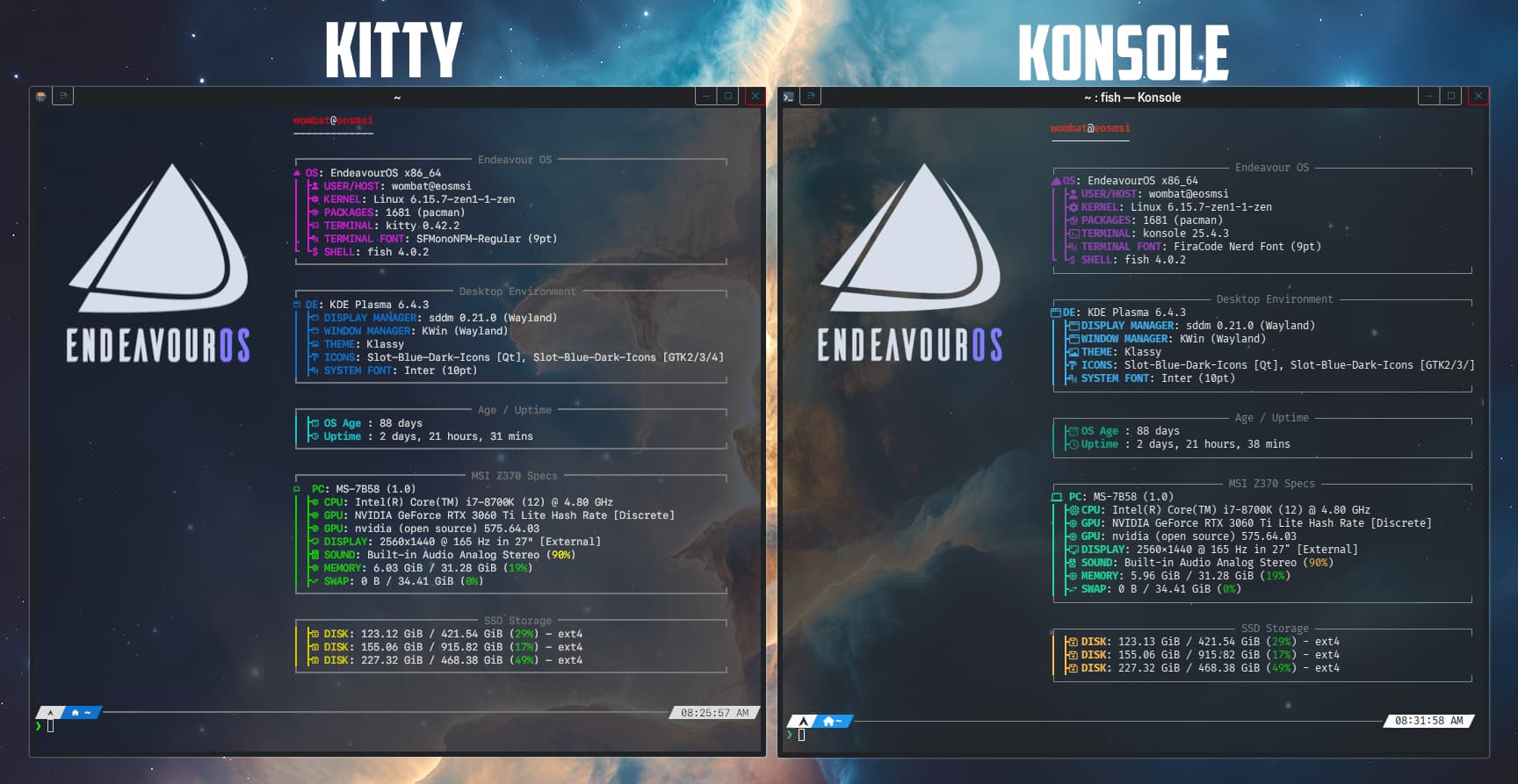
Then a few years later, I took Kitty for a spin - it has slightly different rendering, and if you use eza with icons, those icons render better, and the fonts (same font…) look a little better… and it also offloads some of the load to the GPU… though only useful or noticeable for real edge-case heavy workloads… (it does a faster recursive ‘tree’) but I can’t say I switched, I simply randomly select Ctrl_Alt_T (Konsole) _K for Kitty or… _G.
Now Ghostty is quite nice too - emphasising minimalism (i.e. sane defaults and zero need to configure) for more of a ‘just works’. It also supports the kitty image support, but overall I’m not sold. I haven’t yet purged it, but I don’t think it’s been up for nearly a week now.
Sometimes new toys do appeal… like yazi, the terminal file manager (which, if you like terminal file managers, is superb…)
But really, on Plasma, you have Dolphin, with F4 calling up Konsole, and if you have zoxide configured you can pretty much seamlessly use terminal and GUI file manager together jumping around and managing your files in ways that GUI or Terminal addicts cannot imagine.
Obviously the biggest draw for Konsole is that it’s integrated with Plasma, but also has an extremely low point of entry with everything and more than you need in menus…
No clever json editing here, or yaml syntax to bork (just one missed comma and you’re toast).
Thank you. I use F4 with Dolphin and Kate, unfortunately for the longest time I didn’t even know that was an option.
Need to get my butt in gear to configure Zoxide.
Thing is I haven’t got enough time in the day to wonder through all the “propaganda” and “sales-speak”. I’d like to try stuff that is an actual improvement vs. just new.
I’ve had vim and neovim installed for what feels like ages, only got around to configuring neovim to have the same configuration as vim 2 weeks ago (using lua). Still use vim daily.
I’ve been using Kitty and the Fish shell for ages. And I probably won’t be changing—nothing against Konsole at all. I’m just used to the way to configure and use Kitty. Personal preference, nothing more.
I know there are people out there who say that Konsole isn’t very configurable, or that configuring Konsole is clunky. The clunky part I get, but there are plenty of configuration options for Konsole. Some have said that getting Konsole to look as good as Kitty isn’t a realistic expectation. I beg to differ…
One of the most frustrating, but best aspects, is the config… so many of the shortcuts were not sane for Plasma… like trying to map ‘Ctrl_Alt_T’ to switch to ‘tall’ layout… so much fluff (including MacOS shortcuts).
However, I now have it sorted with ‘MOD’ set to Ctrl_Shift…
Mod+Enter - splits to create a new window. When setting this up I typed 1⏎Enter then split Mod⏎Enter and typed 2⏎Enter until I had 5 windows (more than I usually get to).
So then to organise myself, I had to fix the conflicts (so #1 bug in Kitty is - it’s cross platform, unlike Konsole, so it’s not quite so well integrated).
Then I edited my shortcuts to make it more user friendly for working with splits, so I can now comfortably manage a mroe complicated editing session with up to 4 or 5 panes actively in use.
kitty.conf - Layout management
enabled_layouts grid, fat, tall

map ctrl+p nth_window -1
map ctrl+left neighboring_window left
map ctrl+right neighboring_window right
map ctrl+up neighboring_window up
map ctrl+down neighboring_window down


map shift+left move_window left
map shift+right move_window right
map shift+up move_window up
map shift+down move_window down
For jumping between windows in the Kitty console: Mod⏎Enter for a new window Ctrlp - switches to the ‘previous’ selected window Ctrl← - selects neighbouring window to the left Ctrl→ - selects neighbouring window to the right Ctrl↑ - selects neighbouring window up Ctrl↓ - - selects neighbouring window below
To move those windows around: ⇧Shift← - Moves your window to the left ⇧Shift→ - Moves your window to the right ⇧Shift↑ - Moves your window up ⇧Shift↓ - Moves your window down
Obviously the biggest job is really just cleaning it up, that config file is monstrous and annoyingly doesn’t contain all relevant information but does contain a lot of verbose fluff that’s not really interesting.
The best part is that it’s much easier to work with than Alacritty…
However, with Konsole this is also easily achieved in the settings, so it’s simpler to work out how to pop out one of those panels into a fresh window, or tab etc.
I am horribly boring and just use the default for whatever system I’m using. That way it’s GNOME terminal and bash, Konsole and bash, bla bla bla and bash, bourne shell on FreeBSD, ksh on OpenBSD, et cetera. Even on Mac I will use the default terminal and zsh. And no oh-my-zsh or anything. I just enable autocompletion and maybe a custom prompt and that’s it.
May be boring, but that’s frequently the sane solution (not that I’m claiming to be sane).
I was watching videos yesterday on how great tmux was vs. GNU screen. I agree, unfortunately of the hundreds of systems I log into for work I have yet to find one with tmux installed – I’ll find GNU screen though.
Bash scripting – no use lua instead, but bash is on the majority of the systems even if it is not the default shell and lua is much rarer.
Vim, Neovim, etc. Vim is on almost all the systems except for the rare few with nano (Aaargh! )
Basically context clicks to launch Konsole in the folder you selected, also (in Dolphin) service menus that run shell scripts or commands in Konsole… like ‘Compare with Kompare’.
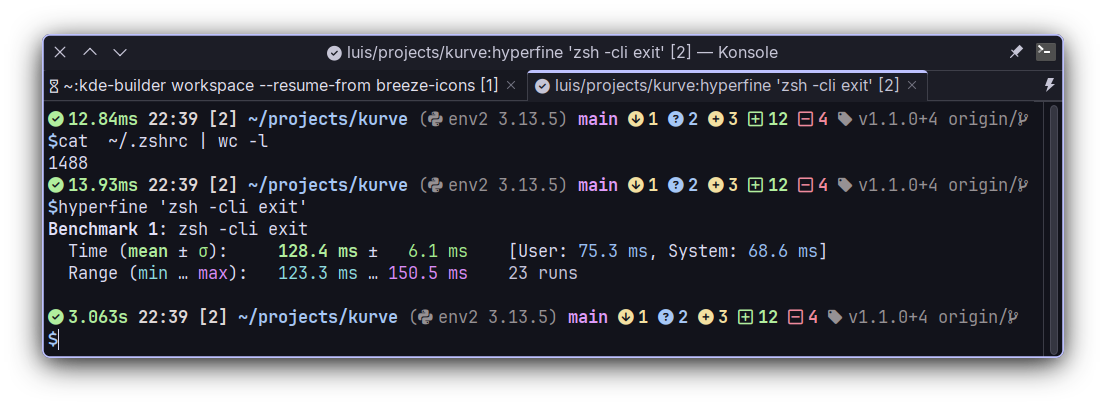
I certainly agree with this sentiment… I do use zsh, and I tried out ‘oh-my-zsh’ and ended up with delays and bloat…
However, I was rather spoiled by Manjaro offering an already advanced zsh config, with brilliant keybindings and options… so (as they were already in the zsh) I tended to just delete ones that didn’t apply, and add a couple of touches of my own.
If you use different machines, then it’s very important to function well in a vanilla environment.
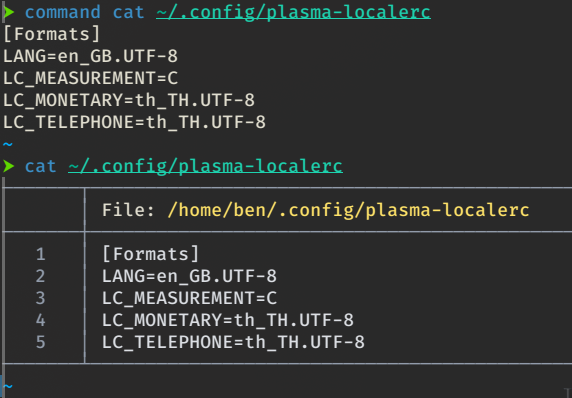
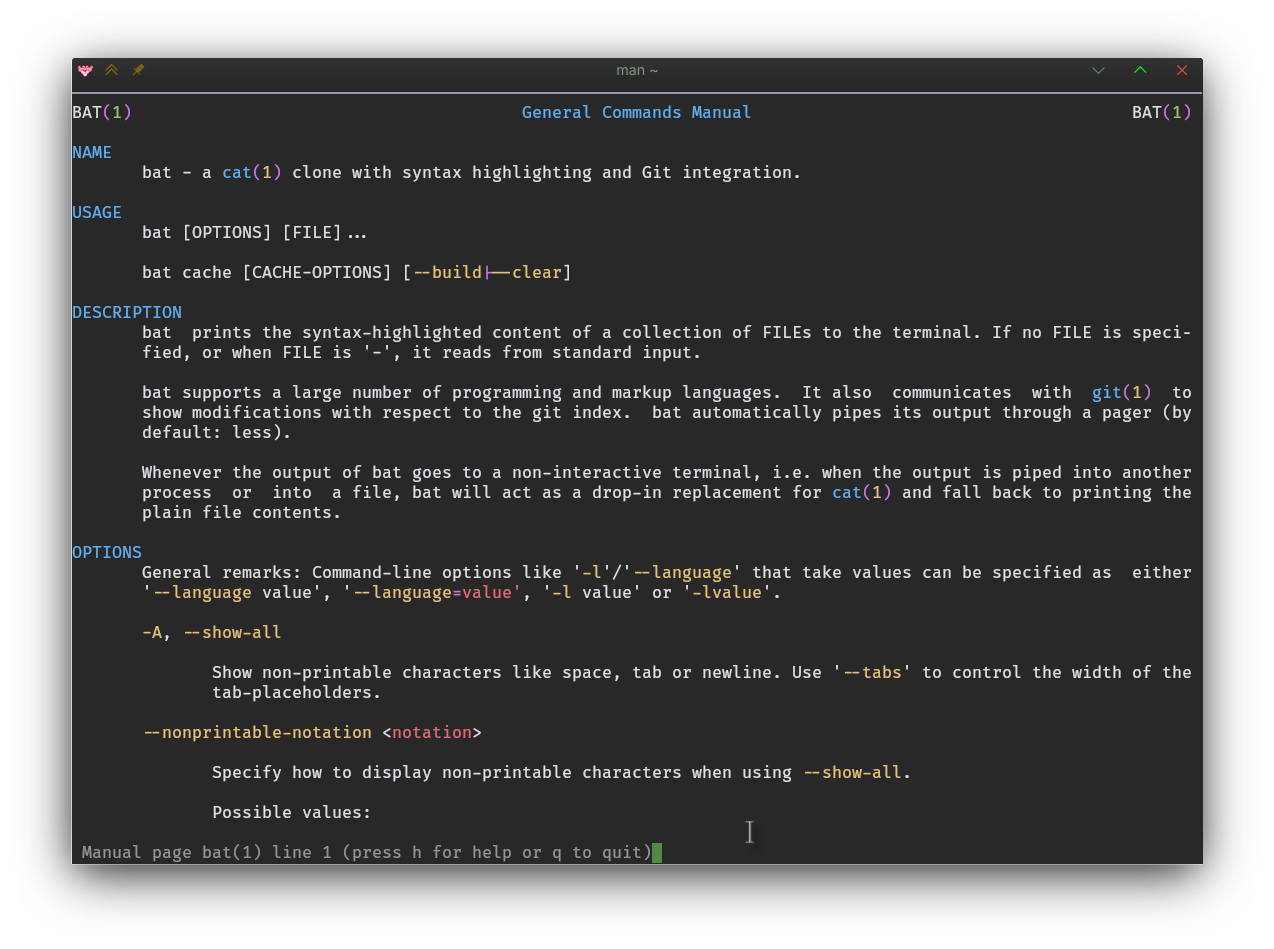
But at home, there was bat, that chased out the cat, so mine could never be quite vanilla:
I’m still struggling to improve VIM skills to the extent that they’re better than my Micro skills… which is annoying me, because VIM is certainly more consistent when it comes to highlighting and vastly more comprehensive in terms of community plugins.
Same here, ended up recreating my old .bashrc while also focusing in not making it too slow, it’s a bit bloated now after adding more things over time but I rarely need to change it now.
Have tried other terminals but always come back to Konsole, I am a vscode peasant so Konsole covers all my needs, and once I managed to get kde-material-you-colors working with it I knew it was more than enough for me
I tried ghostty recently but I guess I cannot use it: it does not support (easily) search in the terminal, and I seem to understand it is not a planned feature.
Search works great in Konsole.
In Kitty, you need to know how to do that but it’s possible.
Hang in there, it’s worth it. I’ve been using vim almost as long as I’ve been a tech and I’m still learning.
In my advancing old age I thought I’d try to learn emacs again (for Org Mode and advanced email handling). Then I saw someone comment elsewhere how good vim’s keybindings are vs. emacs ones being all over the place – oh boy! I think I’m in for a rough ride.


 )
)