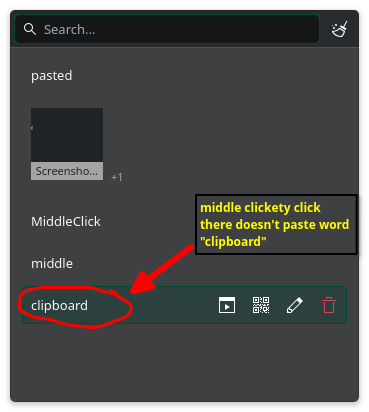
I get it but doesn’t quite work, works 1/3 of the time with the middle click, I have to press middle click like 10 times to actually paste. I wish that it could be with 1 left-click from the “meta + v” summoned widget.
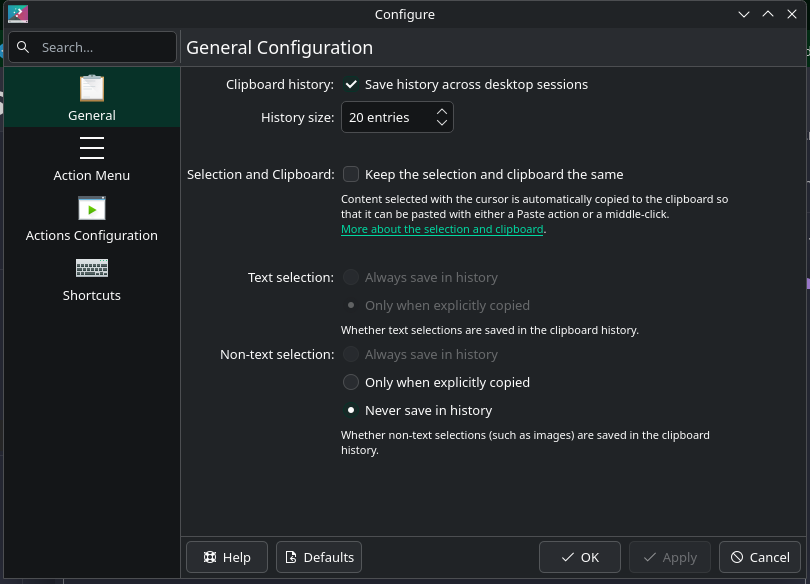
the main clipboard one is filled by the copy or Ctrl-C command
you can paste from 1 using the paste or Ctrl-V command
the quick paste one is filled whenever you highlight text with your cursor
you can paste from 2 using the middle mouse button
the clipboard (system tray or Meta+V) shows your clipboard history with the main paste buffer contents shown at the top of the list.
choosing a different item from the history will move the chosen item into the buffer and move the old item back down into the list… it also seems to displace whatever was in the quick paste buffer, so that content is lost, which is something to keep in mind.
regardless, you still need to use the paste or Ctrl-V command, or use the middle click, if you want to actually paste anything from either of these buffers.
Is there an update on this? This is still an issue. This feels like a bug, not an intentional design. You open that menu, click on the thing, and nothing seems to happen, the window just closes with no feedback. Some of us also work on laptops without access to mice so hiding crucial, common functionality like the clipboard behind mouse 3 makes working on a trackpad just that bit more clunky
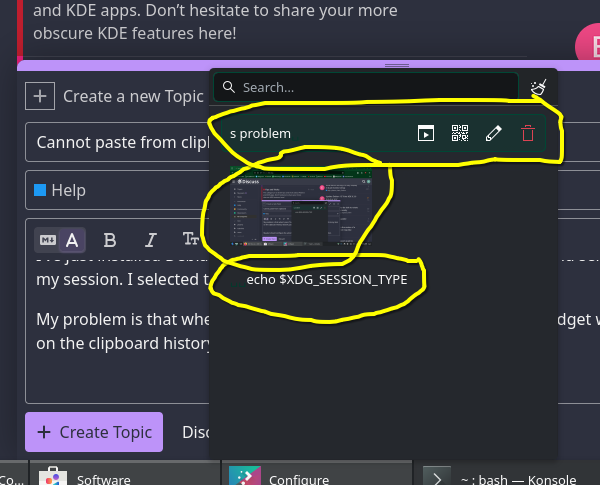
I’m aware, what I’m referring to is when opening the clipboard history with Meta+V and left clicking on one of these items, the text isn’t pasted into whatever text box is currently focused. It only closes the window with no feedback and copies the text to the current clipboard so you can now insert it manually by pressing Ctrl+V, or mouse 3. I expect left clicking an item in the history to paste it right away, same as on windows, same as on my default android keyboard’s clipboard history
The ‘Clipboard’ isn’t behind the middle click - that just pastes the current selection which is NOT in the clipboard.
This is interesting, because I don’t actually know anyone that dropped the use of a mouse - My wife just took delivery of a GooJoDoq mouse (M21) tri-mode (wired/2.4G/dual bluetooth) which she could optionally connect to her laptop, also her phone and tablet… I also have no interest to give up using a mouse unless something better comes along at a good price.
I see text in the next window and I want to paste it here, and without my middle mouse…
However, I think also there are alternatives to actually using a middle mouse button, I found a few some time ago when my mouse started failing intermittently…
Two-button click emulation is what worked for me - it was a long standing X11 trick that also works in Wayland.
I think you can assign a three-finger tap or swipe to ‘middle click’.
Android keyboard can “paste” because it’s an input method, whose purpose is exactly inserting text into apps. Input method can paste text in KDE, too. E.g., fcitx5 can do that as I mentioned in the other thread.
Pasting pictures is another story. Kwin has an libei interface that your clipboard manager can use to inject Ctrl-V into the app. But the problem is it’s not always Ctrl-V and there’s no way to know.
If our keyboard has a “paste” key, and all apps handle that, it would make things a lot easier.
You guys are getting hung up on pasting with middle click… The issue described here is the META+V menu not pasting directly when an item is clicked. When an item is clicked, the window closes with no feedback and only copies that text into the clipboard, requiring you to paste the clipboard. That’s the bug. Nothing to do with middle click. It’s all about the META+V window not behaving as expected
Coming from Windows that’s what I expected initially to happen but after a while using it the Windows approach started to feel weird. I think if the “on-option-select paste” ever gets implemented then it should be an option not the standard behavior
I’m no expert on user interfaces, but it doesn’t sound too difficult to implement. I hope the community can develop it. It would make the transition from Windows much easier, and all in all, I think it’s a useful feature.
Windows clipboard managers do what I said above: simulate a Ctrl-V key press. It can be done in Plasma. It won’t work in terminals / vi / emacs, because the hotkey for pasting is different. (I guess that’s also the case for Windows.)
It might still be useful, yeah, although not always working.
From time to time we see similar issues - like middle-click scrolling (we middle-click to paste in many contexts), or 'drag ‘n drop to move by default’…
So yes, Windows is the most trackpad friendly option - click=paste.
Plasma is safer - you click, then you paste… so adding an option to click-paste wouldn’t be a bad idea.
There is an option to set this in CopyQ, however it doesn’t actually work for me in Wayland, but it does work in an X11 session.
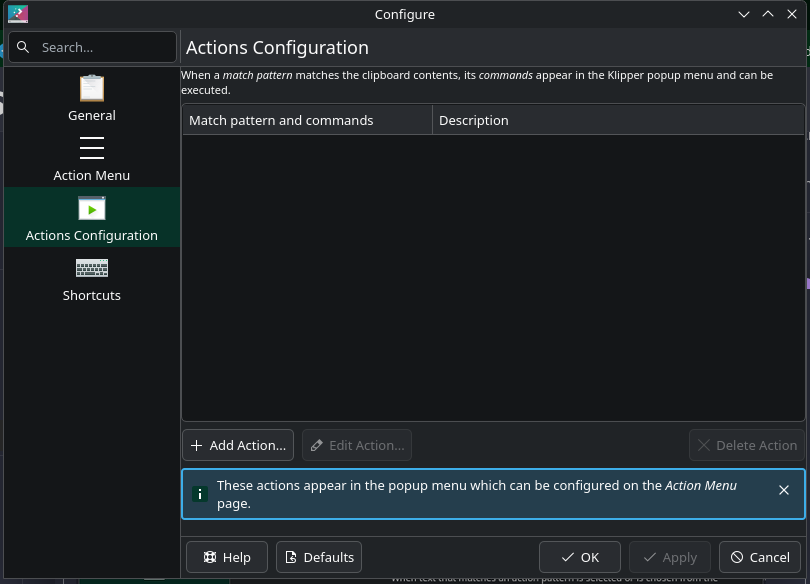
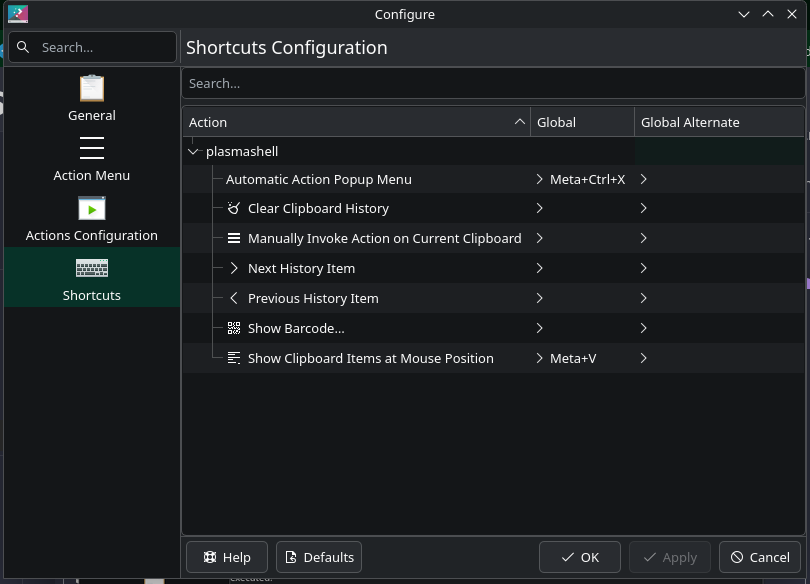

 Yup!
Yup!