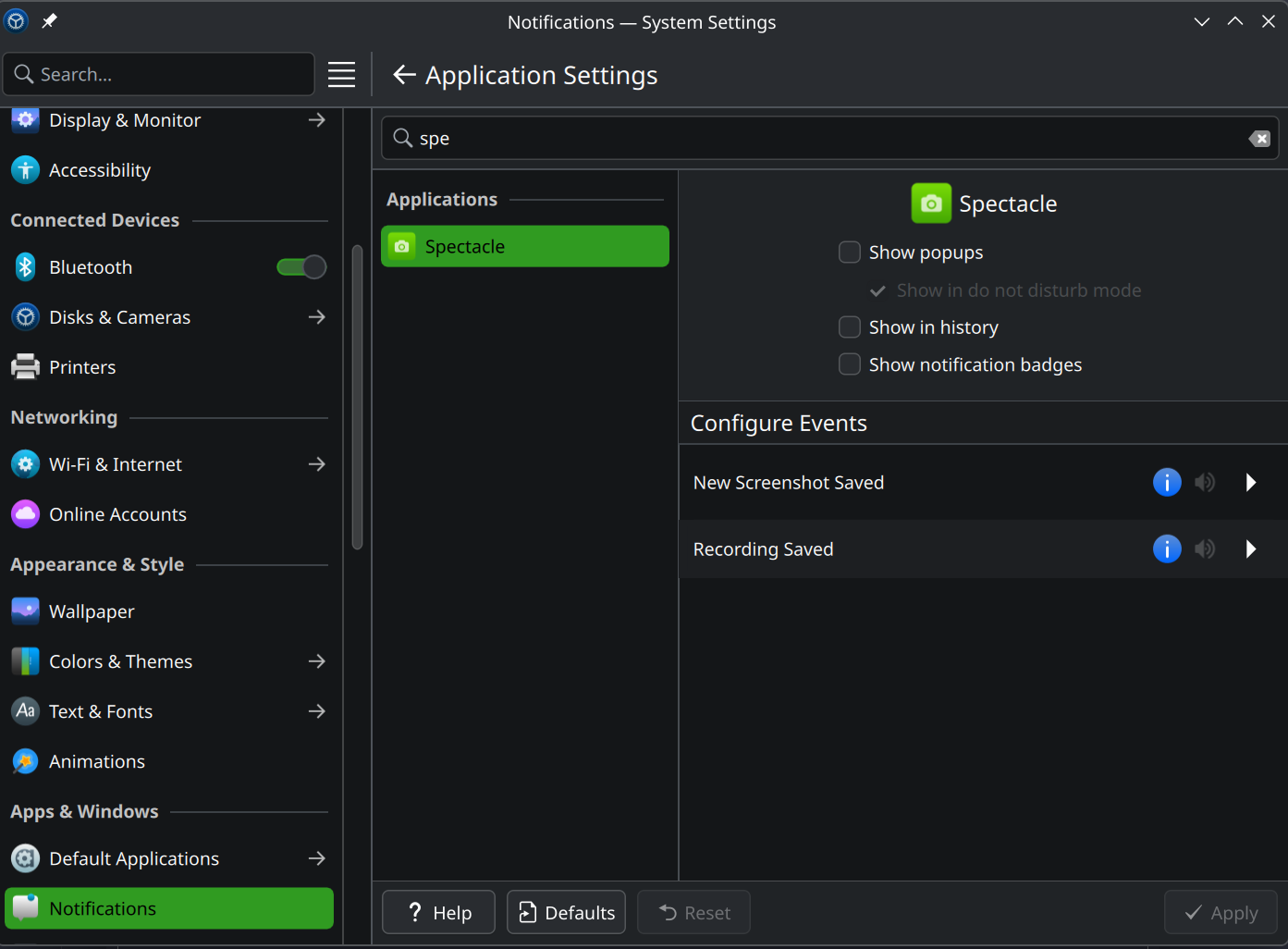
Hi, for the last month or two, multiple of my machines have intermittently lost the ability to paste copied images from the clipboard into any application I tried.
Currently this still happens on linux 6.17.3 cachyos and Plasma 6.4.5.
Usually pasting images works fine. Then once in a while, pasting a copied image does nothing. Same as an entirely empty clipboard.
They are still appearing in the clipboard history, but will no longer paste into firefox, kolourpaint, gimp or anything else I try to paste them into. I haven’t found out a way to deliberately provoke this.
Clicking into the history to select the images does not fix this, I still cannot paste the images, but copying and pasting text continue to function.
Sometimes I can still drag an image from the spectacle screenshot window straight into a target when normal ctrl+v or right click→paste no longer work. Sometimes this also breaks.
Another user suggested having the same issues, and for them it works to drag and drop from the clipboard history into gimp and then selecting all and copying. Sadly, for me it only sometimes helps, sometimes not, and opening an image editor every time I paste an image is not really an option. I have not found a reliable way to just paste a picture and it is severely hindering my enjoyment of this otherwise close to perfect DE.
I would really appreciate some help on this one, it happens multiple times every day now and of course always with the most annoying time-critical timing possible.
someone else was saying they lost the ability to paste when they changed to a different desktop workspace, could that be the trigger you are looking for?
I have the same/similar issue, but not only limited to images but also for normal text. As far as I can remember this started in the recent 2-3 months (could also be longer)
For Images:
Every time when taking a screenshot with Spectacle with “copy image to clipboard“ active, the image shows up in the clipboard history but I cannot paste it until I select some other entry in the clipboard first, then open the clipboard history again and select the image again. Now I can paste it.
For Text:
For text it does not happen as reliably but basically the same happens, where I select text and want to paste it but it does not work. Only after selecting something else in the clipboard history and then again the actual text I want to use, I am able to paste it.
My System:
Operating System: Fedora Linux 42
KDE Plasma Version: 6.4.5
KDE Frameworks Version: 6.19.0
Qt Version: 6.9.2
Kernel Version: 6.16.12-200.fc42.x86_64 (64-bit)
Graphics Platform: Wayland
Processors: 16 × AMD Ryzen 7 7735HS with Radeon Graphics
Memory: 32 GiB of RAM (30.1 GiB usable)
Graphics Processor: AMD Radeon 680M
Manufacturer: LENOVO
Product Name: 21M50022GE
System Version: ThinkPad E16 Gen 2
In my case there is only one workspace and no electron apps at all involved. I usually notice this behaviour when trying to paste images into discord running in firefox, from either spectacle or when copied directly from another site or image link.
Specifically with pasting into discord in a browser I noticed that if I try to spam paste it anyway, I get a warning about too many uploads, so something might still be on the clipboard? It just doesn’t appear anywhere, even if I then go to kolourpaint and paste it there. Just nuffin
For me it’s been happening for a while now, there are several things I do to fix it:
Sometimes I have to manually hit the “copy” button in Spectacle for the paste to work
Other times even that doesn’t work and I have to restart plasma with killall -9 plasmashell && systemctl --user restart plasma-plasmashell.service. I don’t know how plasma can prevent the copying but it does.
In fact, talking about plasma, often times when waking the laptop up, many application are frozen and not responding, such as firefox or discord. Restarting plasma in this manner fixes it all up, which makes me think they are doing some blocking desktop operation on DBus or something, and that’s blocking on plasma to do something and it isn’t cooperating.
This is still happening in 6.5.1 every couple pastes and it is driving me absolutely insane. I’m probably going to a have to switch DE at this point, I can’t use any of my daily workflows in my system consistently anymore.
Hi, I’m having a similar issue going on with my distro as well, Fedora 42 KDE Plasma ver.
It sometimes works, it sometimes doesn’t, and it ends up slowing my workflow. I am also unable to pinpoint the cause.
Tested with discord (flatpak), gimp (flatpak), and kolourpaint (rpm).
I have a simmilar issue. If I install wl-clipboard it breaks clipboard - if i check history it inserts empty clipboard items after copy, so paste is useless unless you chose item from hisotry.
Just chiming in to note that I’m having the same issue.
Operating System: CachyOS
KDE Plasma Version: 6.5.1
If I configure the clipboard to “Keep the selection and clipboard the same”, that opens up two selection radio buttons underneath. I keep Text on “Only when explicitly copied”, but for non-text, I use “Always save in history”.
These settings fix Spectacle - when I clip a retangular section, I can immediately paste it into Discord/Whatsapp using Firefox. Great.
But it seems to break text clipboard a fair bit. Often, even though it shows up in the clipboard system-tray, I frequently find that ctrl-v doesn’t do anything. I have to copy it again before it works.
Worse, super-V still brings up my clipboard history, but nothing is selectable. It looks like it selects the entry you click on, but it doesn’t update the clipboard at all.
Does anyone have a bug going for this? Where do you report KDE Plasma bugs? I’ve never done so before.
Turns out there are multiple bugs already noting this issue. I’ve actually signed up for an account, confirmed one of them, then ended up marking two or three as duplicates!