taco
November 1, 2025, 6:32pm
1
I have downloaded version 3.1.0 for Linux but during translation I get this massage : Error transferring h…s://translate.privacyredirect.com/api/translate?engine=google&from=auto&to=pl&text=RELOAD - server replied:
Error transferring - server replied: I’m a teapot
After successful download should I do some additional downloads? Is there any manual what and how to do that?
taco
November 2, 2025, 12:14pm
2
… I have found a newer version of this app for Linux which is AppImage 4.0.2. I have the same massage like above. Doesn’t translate.
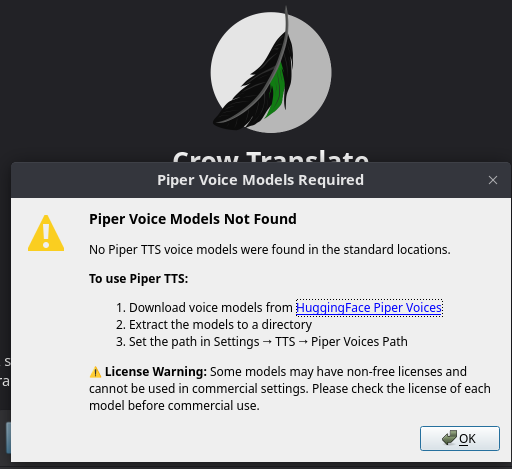
The other thing is there is a note that a Piper should be installed. I am not sure how to do that.
By the way it is a pity it is not possible to attach a links here in the massage.It would be easier to explain.
taco
November 3, 2025, 7:15am
3
How to install this Piper? I’m not sure how to do that:
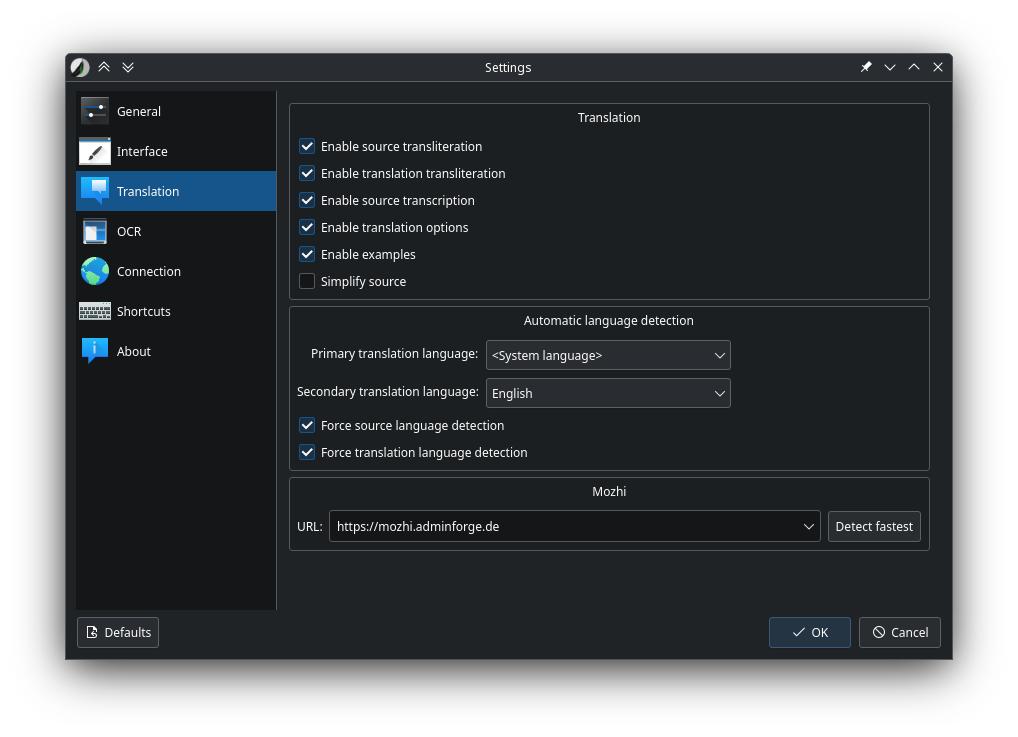
In the Crow Translate settings, you can change the Mozhi server. This should help
taco
November 3, 2025, 1:07pm
5
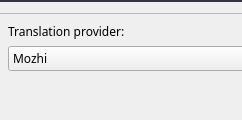
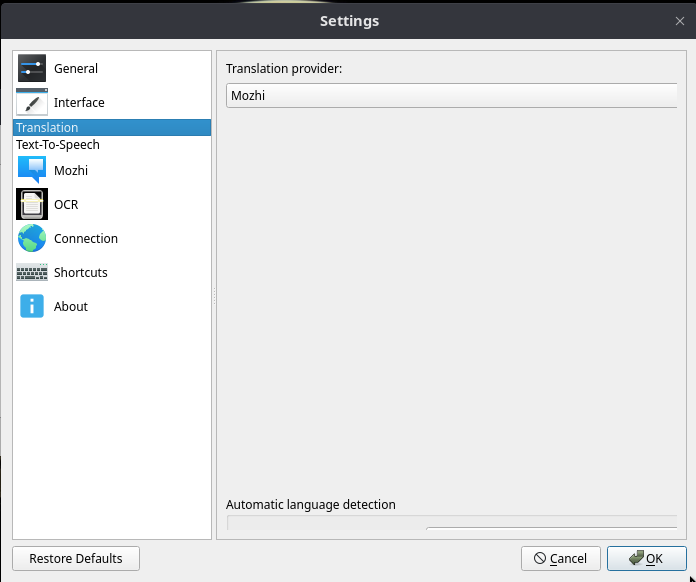
There is only Mozi available:
It’s strange, it looks different for me.
taco
November 3, 2025, 6:25pm
7
It is definitely looks different. Which version do you have? Do you have it on Linux?
Mine looks like this. I can not even change it for a dark mode like yours which I would prefer:
taco
November 4, 2025, 11:09am
9
Thanks. I have had flatpak and it did not work well as well. Suddenly I could not open settings. That is why I thought I would prefer to use a developer packages which it looks like also do not work well.
taco
November 4, 2025, 11:22am
10
Still the same with version 3.1.0:
taco
November 4, 2025, 11:36am
11
So I have changed URL and now it translates:
The one which was set as a fastest URL had something wrong with it.
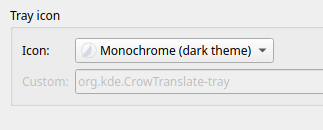
Do you know where to change the theme of all app for dark mode? I can not see it. I can see only this which doesn’t do anything:
taco
November 4, 2025, 11:37am
12
I can see the version 3.1.0 does not have Text To Speech option like the 4.0.2 had which is bad as I really would like to have TTS feature build in.
taco
November 4, 2025, 11:45am
13
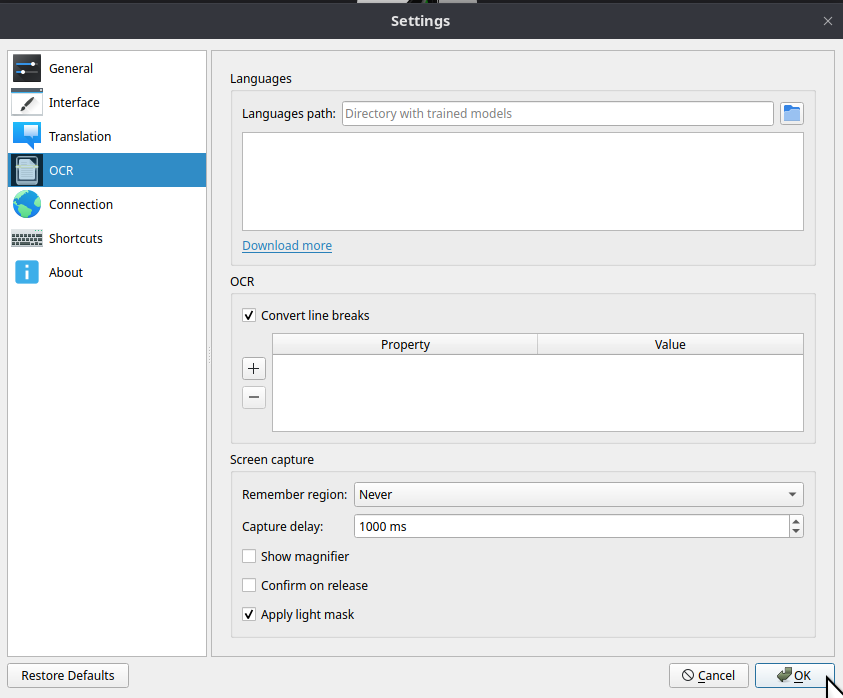
How to add OCR trained models? :
How to know which model includes the language I need?
taco
November 6, 2025, 11:02am
15
How can I contact those who are building Crow Translate App?
How can I contact users of this app?
taco
November 7, 2025, 7:31am
16
Where can I find help in using this application?
Vasily
November 27, 2025, 12:20pm
17
In translate tab press “Detect fastest”. It works for me. Ver. 3.1.0. Fedora 42.
taco
November 27, 2025, 7:01pm
18
Sometimes ‘Detect fastest’ after changed will not connect at all but I noticed I can change manually and then works.
Do you know where in settings change whole application for dark mode?
I only found this settings and it does not change anything for dark:
Do you know how to download OCR languages?
Vasily
November 28, 2025, 6:41am
19
In my case, the program use the KDE theme settings. What you see in your screenshot only changes the system tray icon settings.
I don’t use OCR, so I can’t comment this.
taco
November 28, 2025, 5:19pm
20
I have dark mode set in my OS .Then I don’t know why it doesn’t also change to that in the whole Crow Translate application.
dzon
December 1, 2025, 3:29pm
21
An appimg has a good chance to not apply your color settings.
Native app, dark/white:
Downloaded the latest appimg:
Boom…