surcouf
November 17, 2025, 3:08pm
1
Hello,
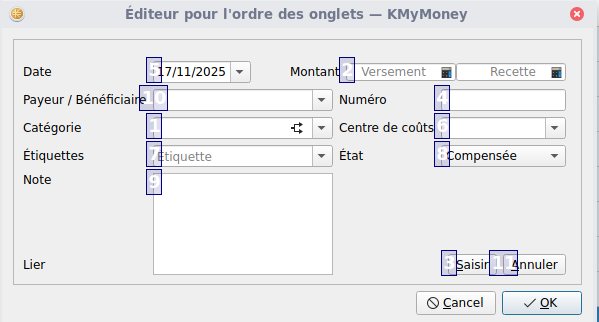
It is possible to edit the tab order within the transaction menu:
This applies for the transaction menu.
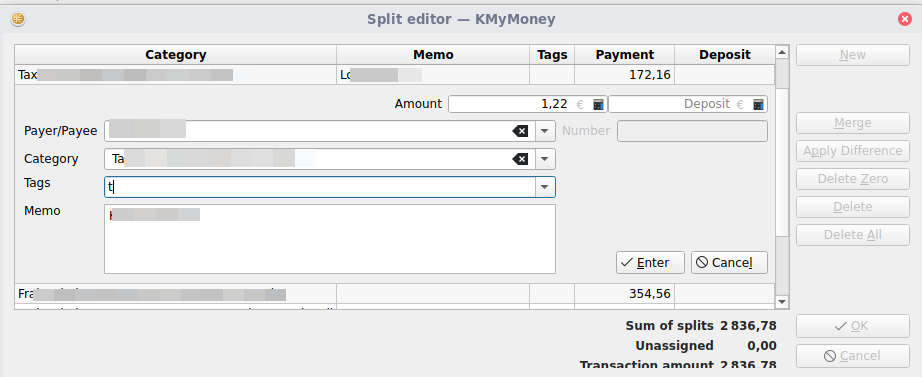
How could i edit the tab order within the split editor ?
Many thanks in advance.
KMyMoney Version 5.2.1-be4919f
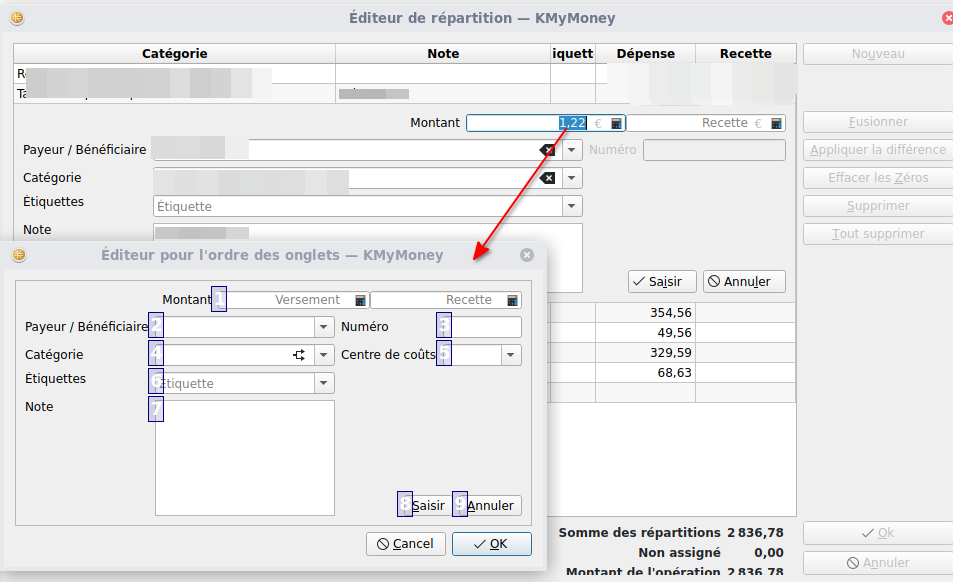
It should work with the same shortcut but I just noticed that it is broken (for whatever reason).
Some more details: it is not working when the focus is on one of the amount fields or the buttons. When any other widget carries the focus Alt+Meta+T does what it is supposed to do.
kde100
January 30, 2026, 6:35pm
4
Sorry Thomas,
Not for me…
OpenSUSE Leap 16.0
Nothing happens when I press Meta+Alt+T, regardless of which field the cursor is in.
Regards,
I also tried Alt+Meta+t in the split editor while focus on the tag field.
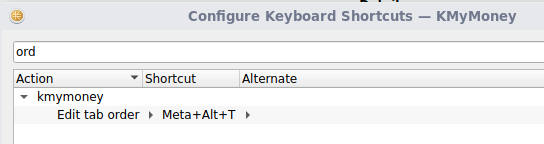
in my settings, the shortcut exist:
Appimage Version 5.2.1-c9efa7a
Should be fixed with 5.2.1-2277a9bb now available.
surcouf
January 31, 2026, 12:37pm
7
Many thanks @ipwizard , i have just downloaded this new version (AppImage) and tested.Meta+Alt+T works.
kde100
January 31, 2026, 4:49pm
8
I have a question.
Is it possible to completely remove fields from the order that I have no use for (e.g., “Number”)?
Regards,
That is simple to answer: unfortunately no.