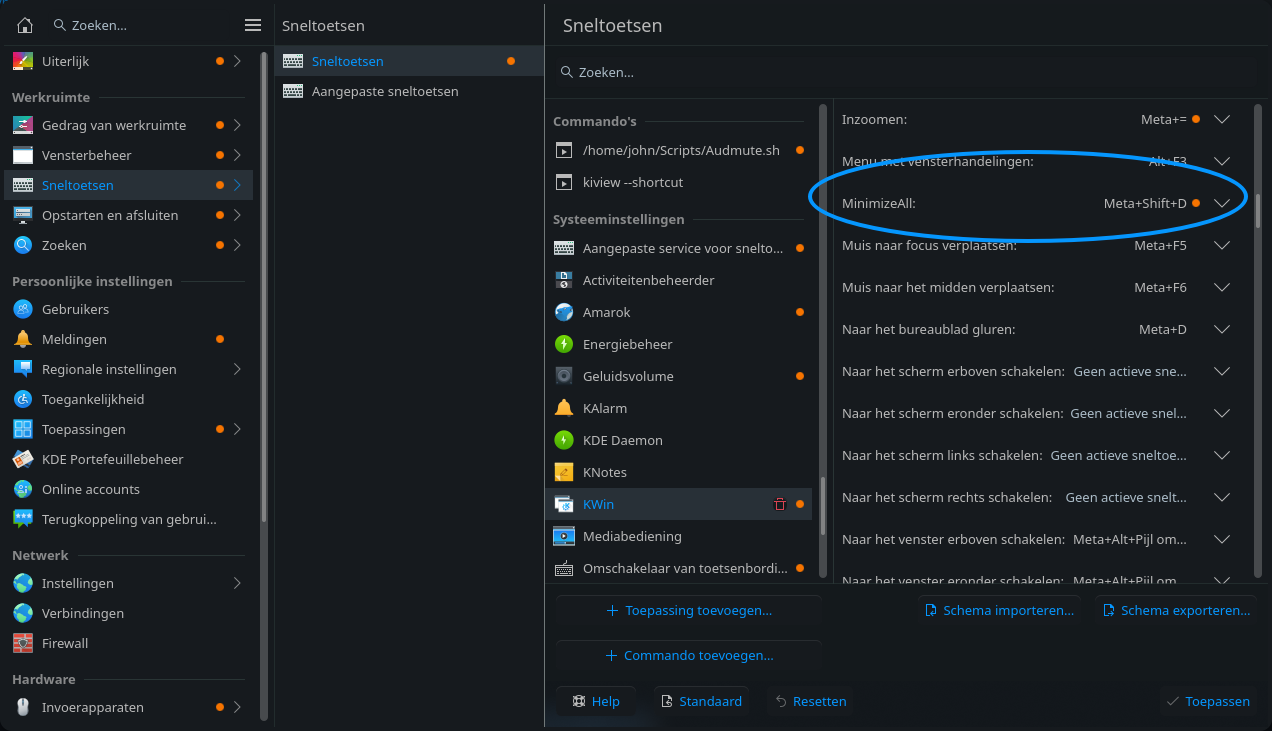
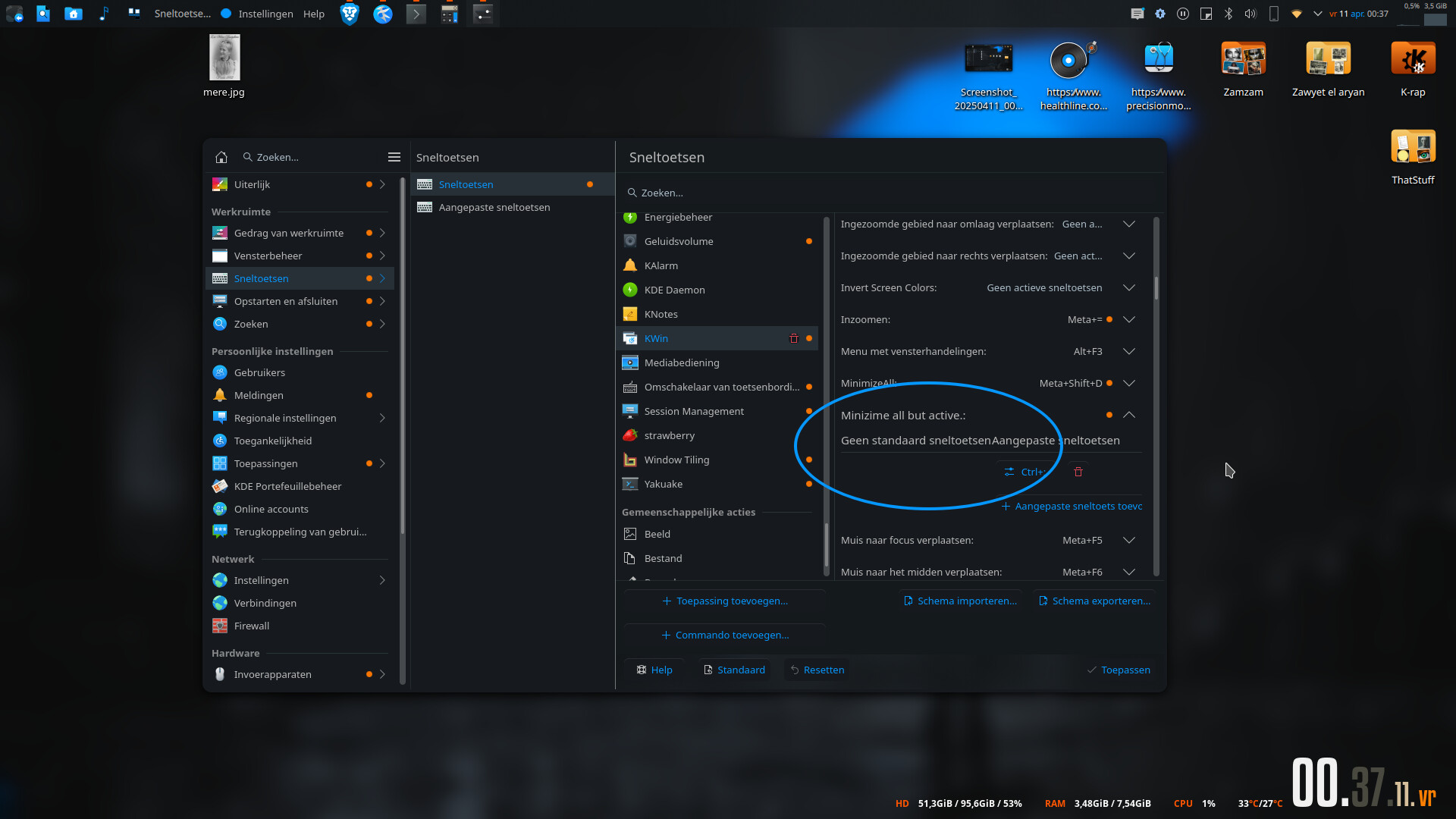
Looking in the KWin’s keyboard shortcuts in System Settings I don’t see a keyboard shortcut to minimize all windows but the active (focused) one.
Is there a way to add one?
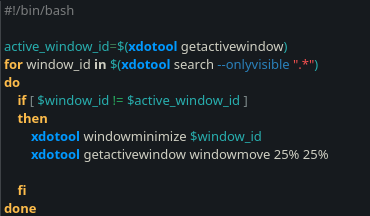
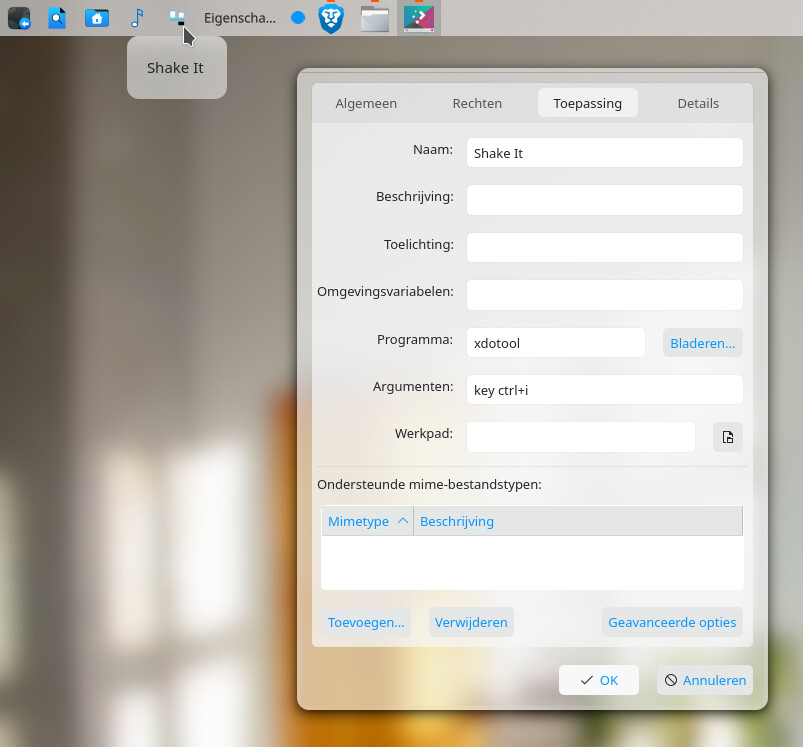
#!/bin/bash
# Minimize all but focused window (so called "shake it" action)
active_window_id=$(kdotool getactivewindow)
for window_id in $(kdotool search ".*")
do
    if [ $window_id != $active_window_id ]; then
        kdotool windowminimize $window_id
    fi
done
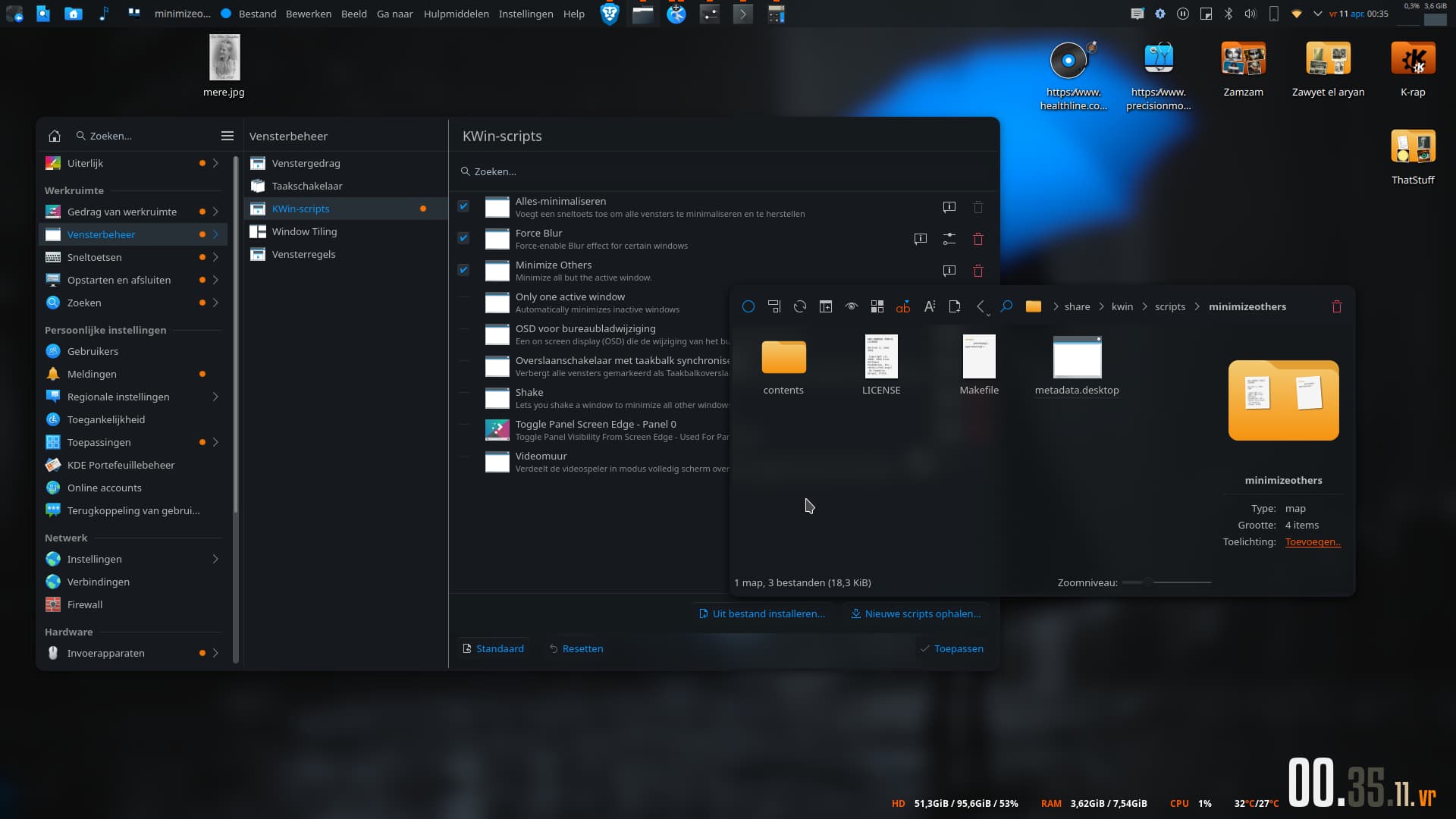
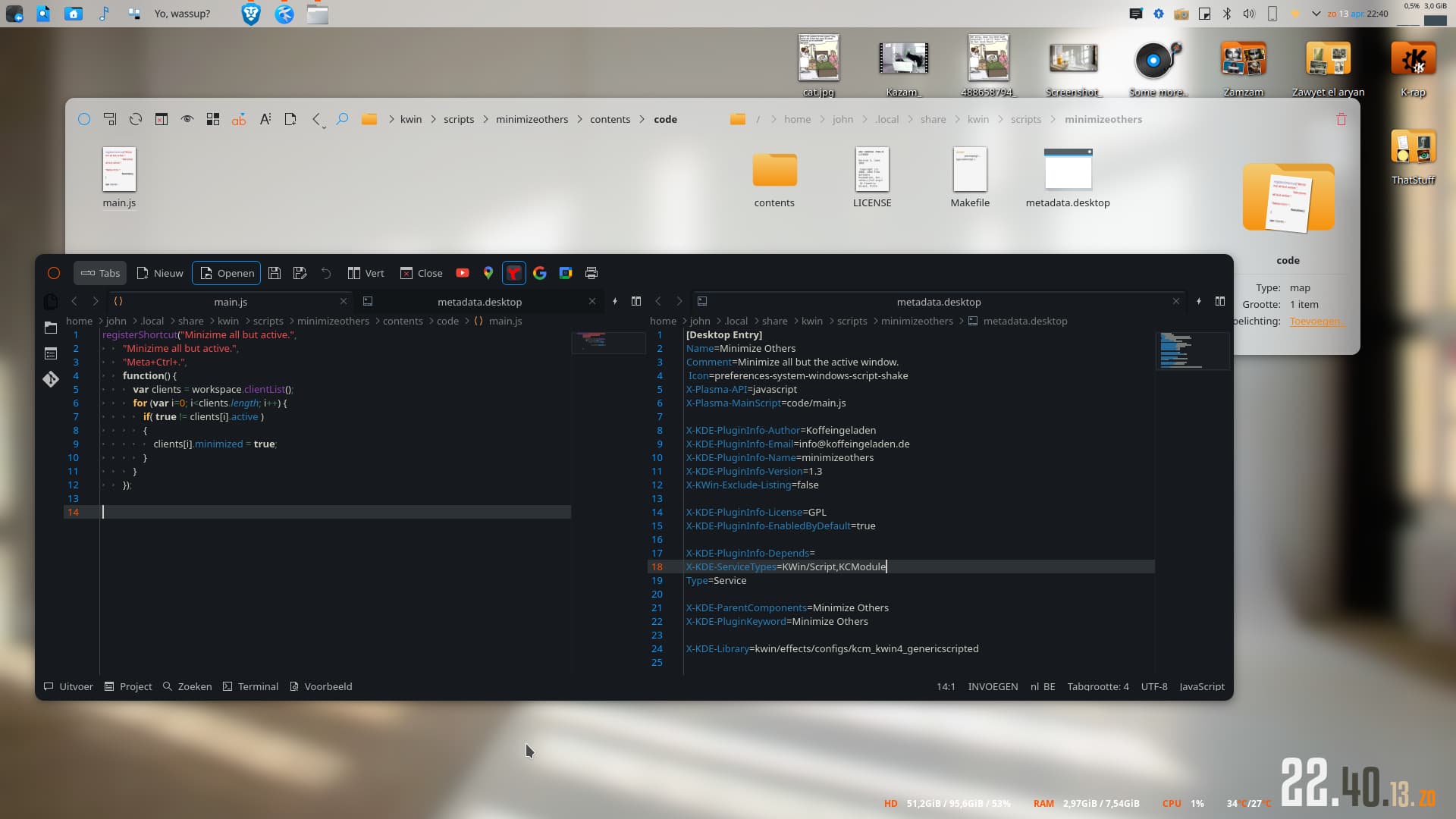
I stumbled upon https://github.com/ArneBab/kwin-minimize-others, edited the file a bit and there you go. No kdotool, xdotool..whatever. And, no altering the minimize all file. Of course, no corner binding option.
and the command to install (when being in the root of above tree): kpackagetool6 -t KWin/Script -i .
Replace -i with -u when upgrading after making changes.
Well, if it works, it works.
Gave that github script a swing and it works fine without loosing the default minimize all feature. On 5-ish that is. But like I said, a corner binding option could actually be nice.
I see. But um, on a sidenote and just my personal thoughts. I don’t really see the point of the “shake effect” when in tiled mode. You’d still have to maximize the active window to make it of any use. Unless the shake includes “maximize window” or “set to initial unmaximized size” as well. Also, there’s a difference between minimize all, a standard kwin script and minimize all but. Names seem to be a bit confusing. Anyhow, just my thoughts.
The standard “minimize all”, I have bound to the right bottom corner.
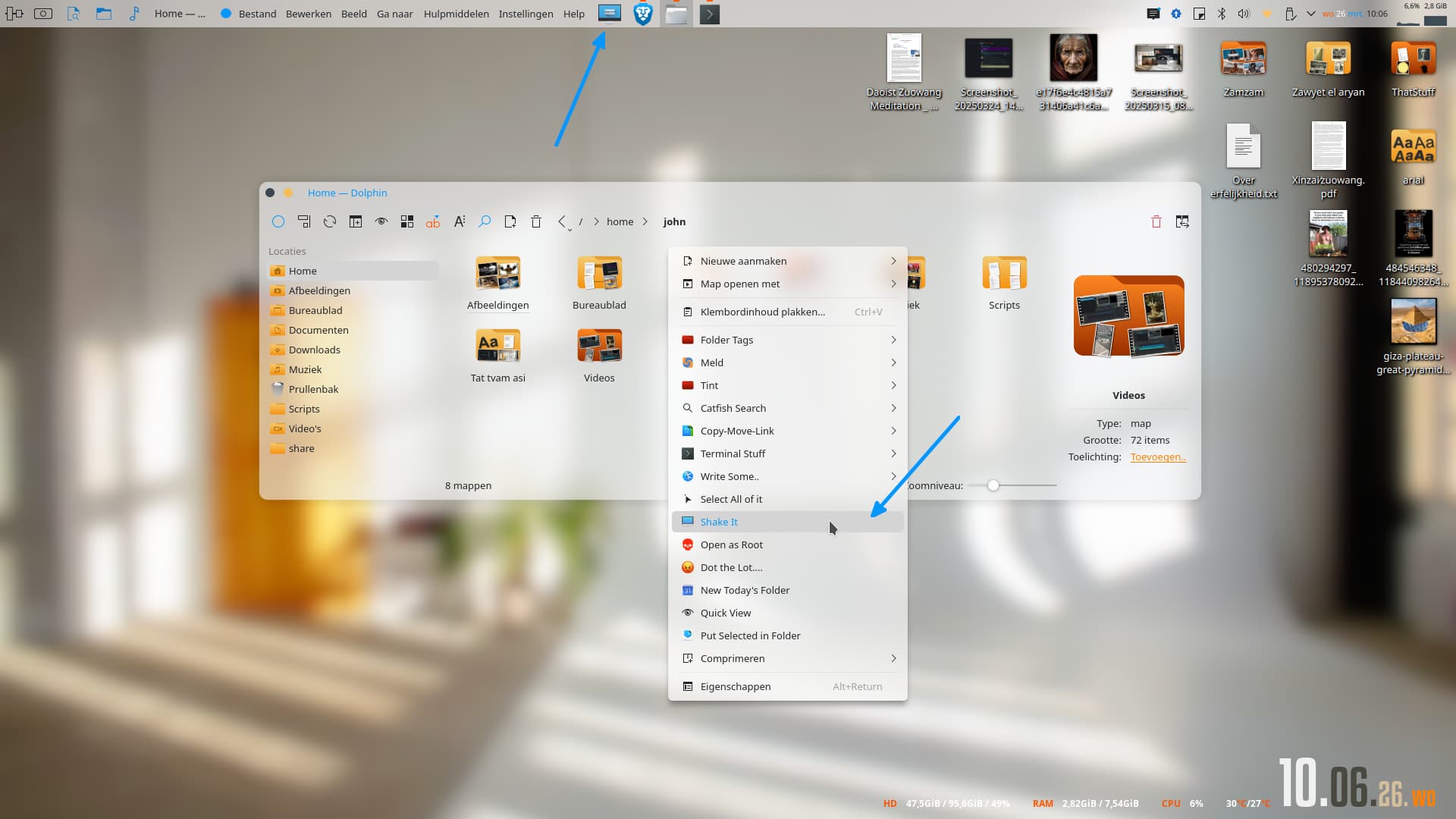
The toggle for shake is still the same and on the top panel.
You don’t have to maximize the window yourself as this is done automatically by Krohnkite when only one window is visible (non-minimized).
Being able to minimize all windows but the active one and thus having the active one automatically occupy the whole screen (but not being maximized in KWin sense) and being able to return to the previous layout by pressing the same keyboard shortcut again is probably the single biggest improvement to using Krohnkite I can envision. It became an essential part of my workflow.
Both actions happen indeed and can be thought of as being “part of shake”, although technically they are performed by Krohnkite in response to minimizing or unminimizing windows.
By the way, maximizing a window in KWin sense goes against the tiling manager spirit, so I even have a Window Rule blocking all windows from being maximized.
I get your point. Here’s the thing. On 5-ish ( very very reluctant for 6-ish myself ) I use this thing called “active window”). It has a couple of options, one being the mouse scroll up to maximize the active window, down to restore tiling state. Damn, I wish this widget could be ported to 6-ish. Still, my point being that maximizing a window when in tiled state makes sense when in, say, a kvantum or lightly style layout, visually speaking ( due to transparency and all that). Anyway, I’m sure this shake vs krohnkite issue will get sorted out and like I said, I’d need to actually use 6-ish to actually make sense I guess.
You can try to bring Luis Bocanegra’s attention to this. On his github’s page there’s a link to his matrix.org room where you can reach him.
I am not following, sorry. What does transparency have to do with this? When I started to use Krohnkite, I was looking for the optimum way to temporarily maximize a window (see Monocle or float – which one is better to peek a window? · anametologin/krohnkite · Discussion #88 · GitHub) and after trying a few approaches, I discovered that the best way was to just minimize all windows but the active one and let Krohnkite do its work i.e., maximize the only window left. The much needed ingridient was to have the minimizing script be able to unminimize all windows it had previously minimized when pressing the same shortcut again. Thanks to Luis this behavior was added to MinimizeAll KWin script included in Plasma and the rest is history


 ) I use this thing called “active window”). It has a couple of options, one being the mouse scroll up to maximize the active window, down to restore tiling state. Damn, I wish this widget could be ported to 6-ish. Still, my point being that maximizing a window when in tiled state makes sense when in, say, a kvantum or lightly style layout, visually speaking ( due to transparency and all that). Anyway, I’m sure this shake vs krohnkite issue will get sorted out and like I said, I’d need to actually use 6-ish to actually make sense I guess.