Hey, I’m using the latest version of MX Linux together with Dolphin.
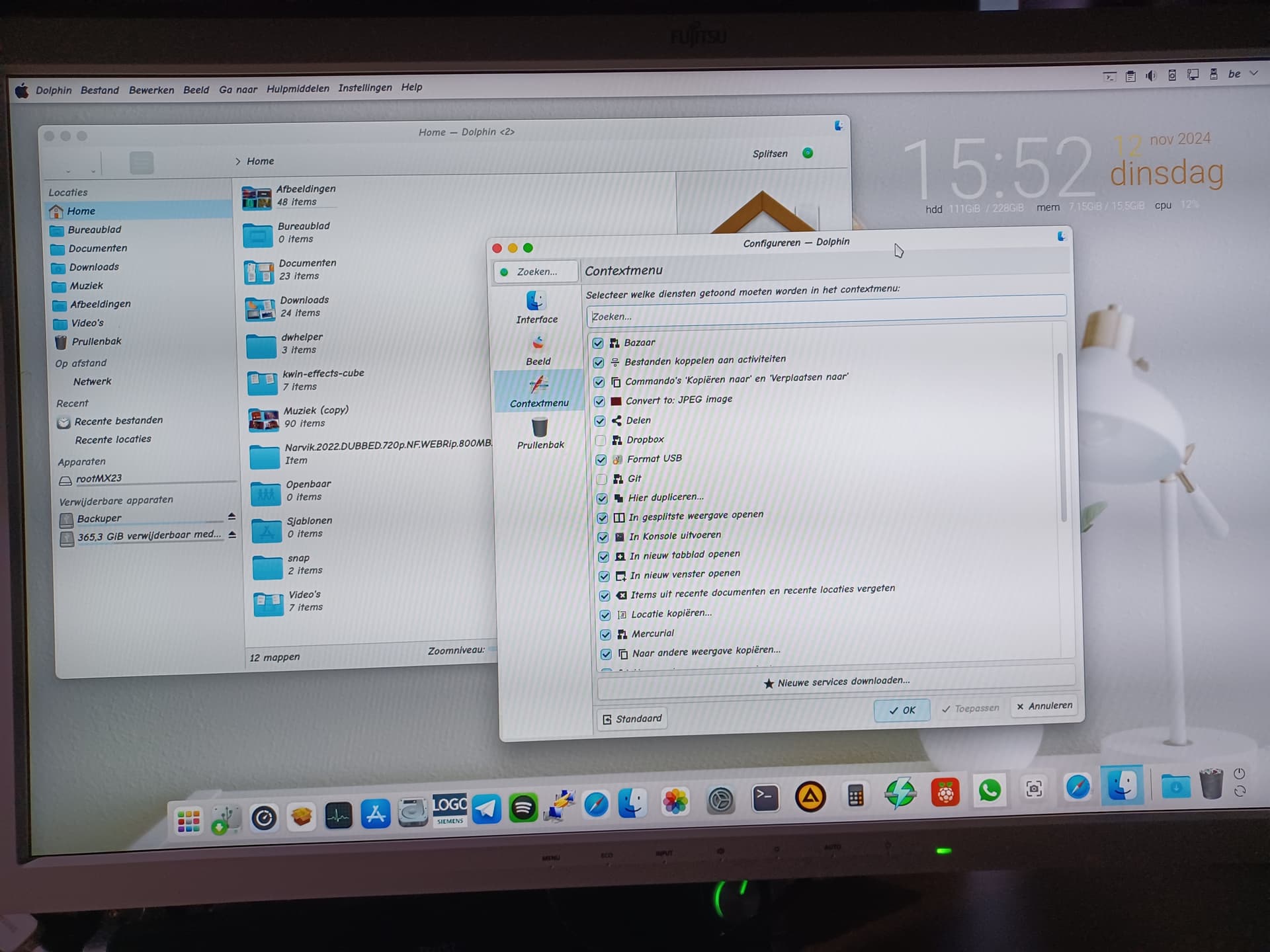
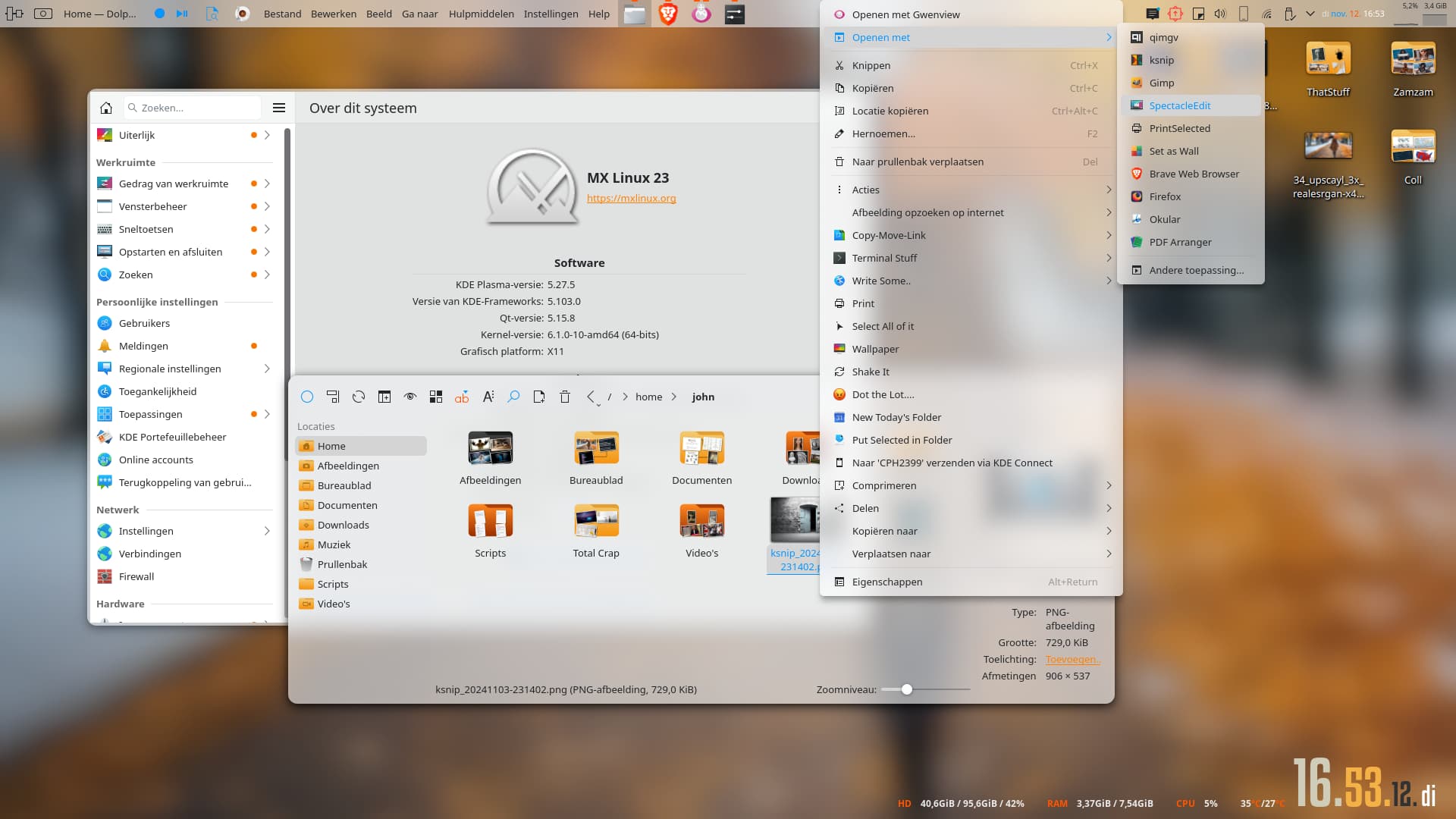
The annoying thing is that there is no “open with” in the “menu”.
I assume you mean the context menu, so what are you trying to open?
Did you check the correct settings in Dolphin’s settings?
Vektor

Thunar does this
You’re on xfce? If so, that’s xdg protocol.
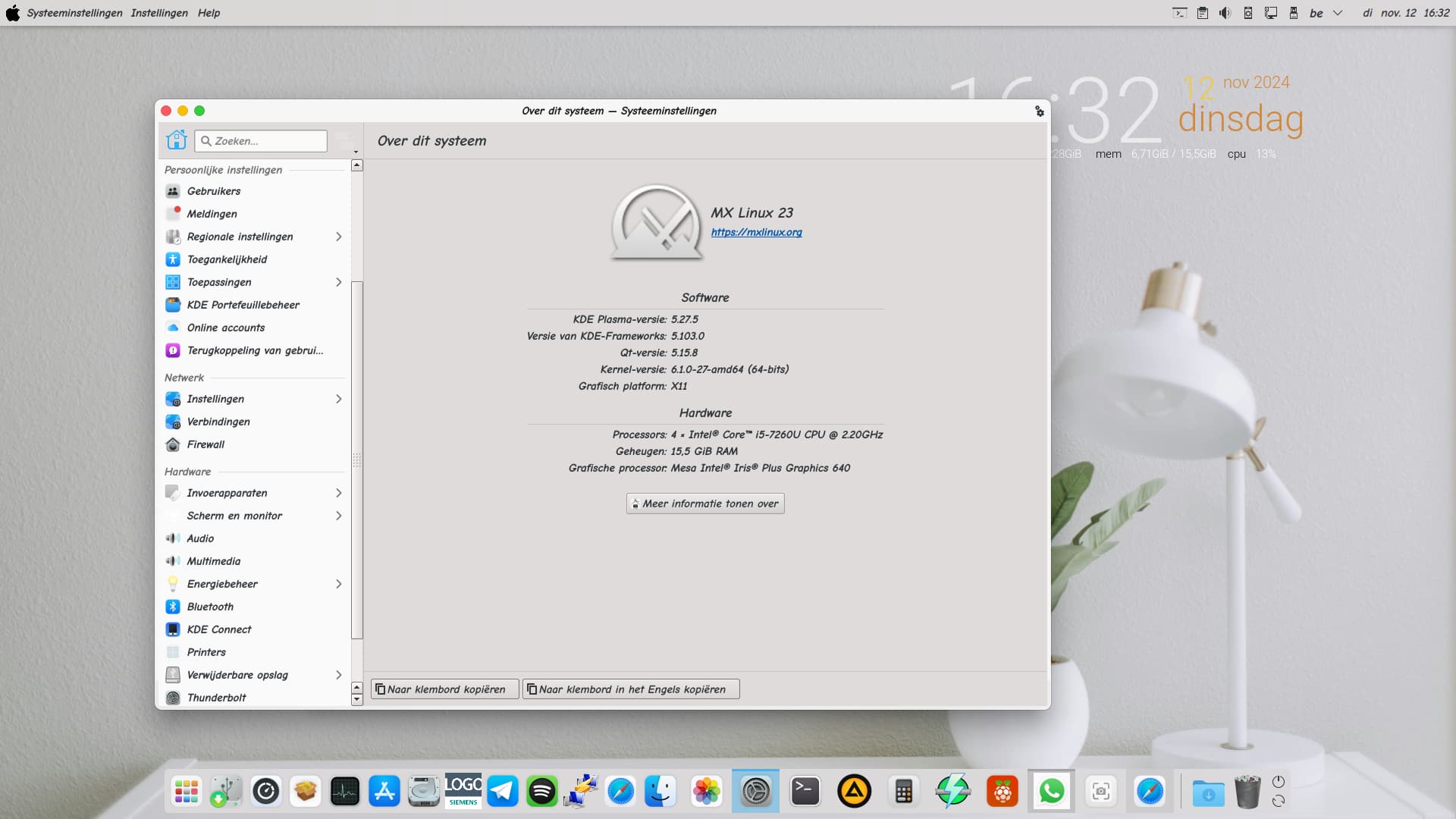
Is that a Mac? With KDE stuff? Cool!
Vektor
and what does this mean? i am not so familiar with these protocol words
this is KDE looks like Mac
[Added Associations]
application/pdf=org.kde.okular.desktop;
application/vnd.debian.binary-package=org.kde.discover.desktop;
application/x-ms-dos-executable=wine.desktop;
application/x-windows-themepack=gnome-software-local-file-fwupd.desktop;org.kde.ark.desktop;org.gnome.FileRoller.desktop;
application/x-xz-compressed-tar=org.kde.discover.desktop;
application/zip=libreoffice-writer.desktop;org.kde.ark.desktop;org.gnome.FileRoller.desktop;
audio/mpeg=aimp.desktop;org.strawberrymusicplayer.strawberry.desktop;vlc.desktop;audacity.desktop;
image/jpeg=com.xnview.XnViewMP.desktop;org.kde.gwenview.desktop;com.github.jeromerobert.pdfarranger.desktop;google-chrome.desktop;okularApplication_kimgio.desktop;firefox.desktop;display-im6.q16.desktop;gimp.desktop;
inode/directory=org.kde.dolphin.desktop;
video/quicktime=vlc.desktop;smplayer_enqueue.desktop;org.kde.dragonplayer.desktop;mpv.desktop;smplayer.desktop;
video/x-matroska=smplayer.desktop;org.kde.dragonplayer.desktop;smplayer_enqueue.desktop;mpv.desktop;vlc.desktop;
x-scheme-handler/geo=google-maps-geo-handler.desktop;
x-scheme-handler/http=google-chrome.desktop;
x-scheme-handler/https=google-chrome.desktop;
x-scheme-handler/mailto=google-chrome.desktop;
x-scheme-handler/tel=org.kde.kdeconnect.handler.desktop;
[Default Applications]
application/pdf=org.kde.okular.desktop;
application/vnd.debian.binary-package=org.kde.discover.desktop;
application/x-ms-dos-executable=wine.desktop;
application/x-windows-themepack=gnome-software-local-file-fwupd.desktop;
application/x-xz-compressed-tar=org.kde.discover.desktop;
application/zip=libreoffice-writer.desktop;
audio/mpeg=aimp.desktop;
image/jpeg=com.xnview.XnViewMP.desktop;
inode/directory=org.kde.dolphin.desktop;
text/html=google-chrome.desktop
video/quicktime=vlc.desktop;
video/x-matroska=vlc.desktop
x-scheme-handler/etcher=balena-etcher-electron.desktop
x-scheme-handler/freetube=freetube.desktop
x-scheme-handler/geo=google-maps-geo-handler.desktop;
x-scheme-handler/http=google-chrome.desktop;
x-scheme-handler/https=google-chrome.desktop;
x-scheme-handler/mailto=google-chrome.desktop;
x-scheme-handler/tel=org.kde.kdeconnect.handler.desktop;
[Removed Associations]
application/x-ms-dos-executable=wine-Programs-Siemens LOGO!Soft-LOGO!Soft Comfort V8.3.desktop;q4wine.desktop;org.gnome.FileRoller.desktop;
is it this list ? …
Ja. So, that’s not the problem. Did you install or uninstall something when this started?
I have no idea …
You don’t seem to have any toolbar icons either ( or so it seems). Anyway, the open with is separate from the other stuff in the context menu. This isn’t a flatpak is it?
They are there but very light in color. I can’t touch up the color. Nope.
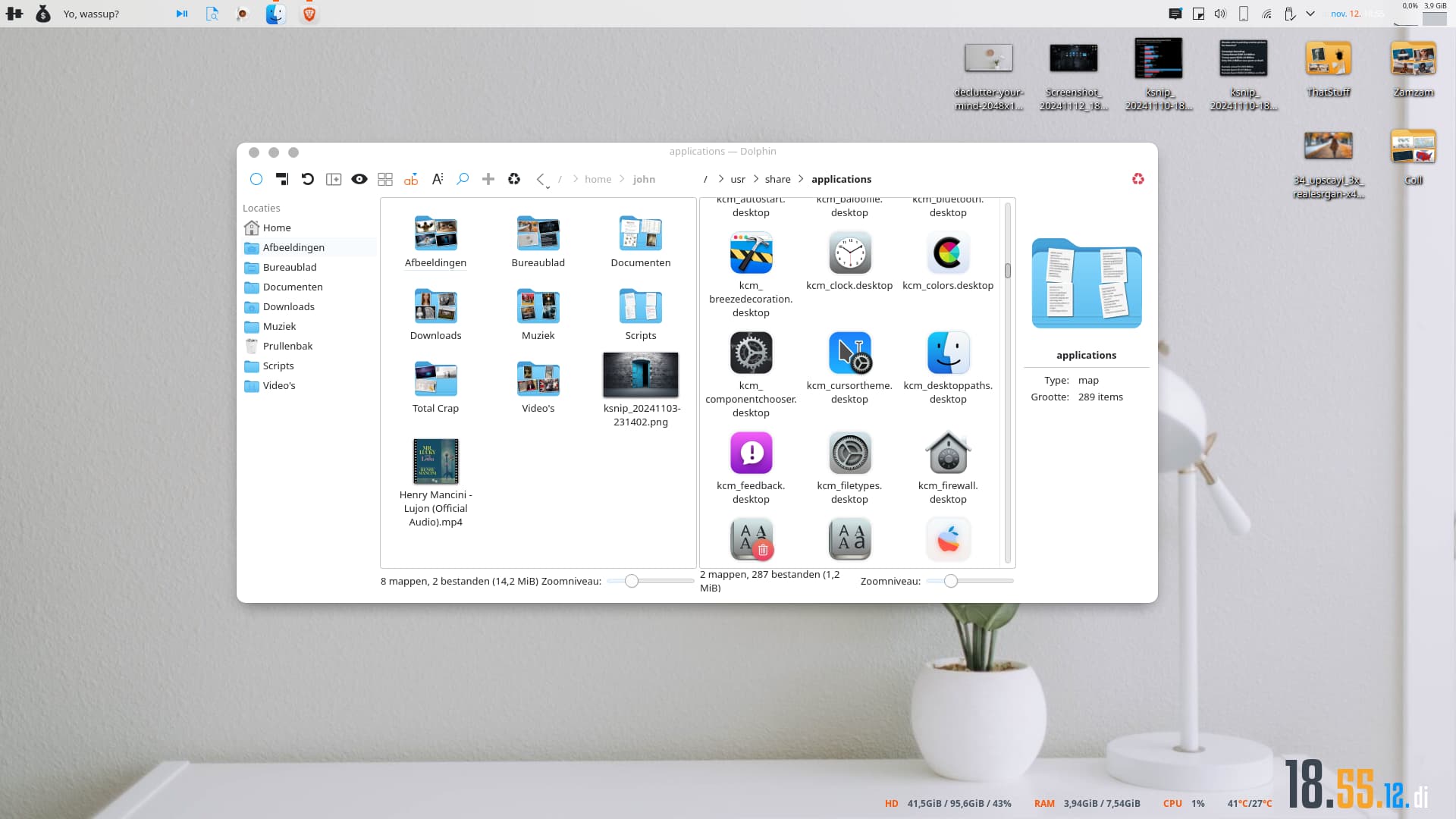
Since you mentioned thunar, is this a dualboot with xfce? Sometimes you can have probs with that. It also happens when running it in, say, a wm or another environment. Take a look at, for example: https://discuss.kde.org/t/dolphin-all-file-associations-lost-and-open-with-provides-no-options/12750
But in your case, the entire entry is not there. Hence “does this only happen in dolphin”? Open an image file with Gwenview. Do you have the option there?
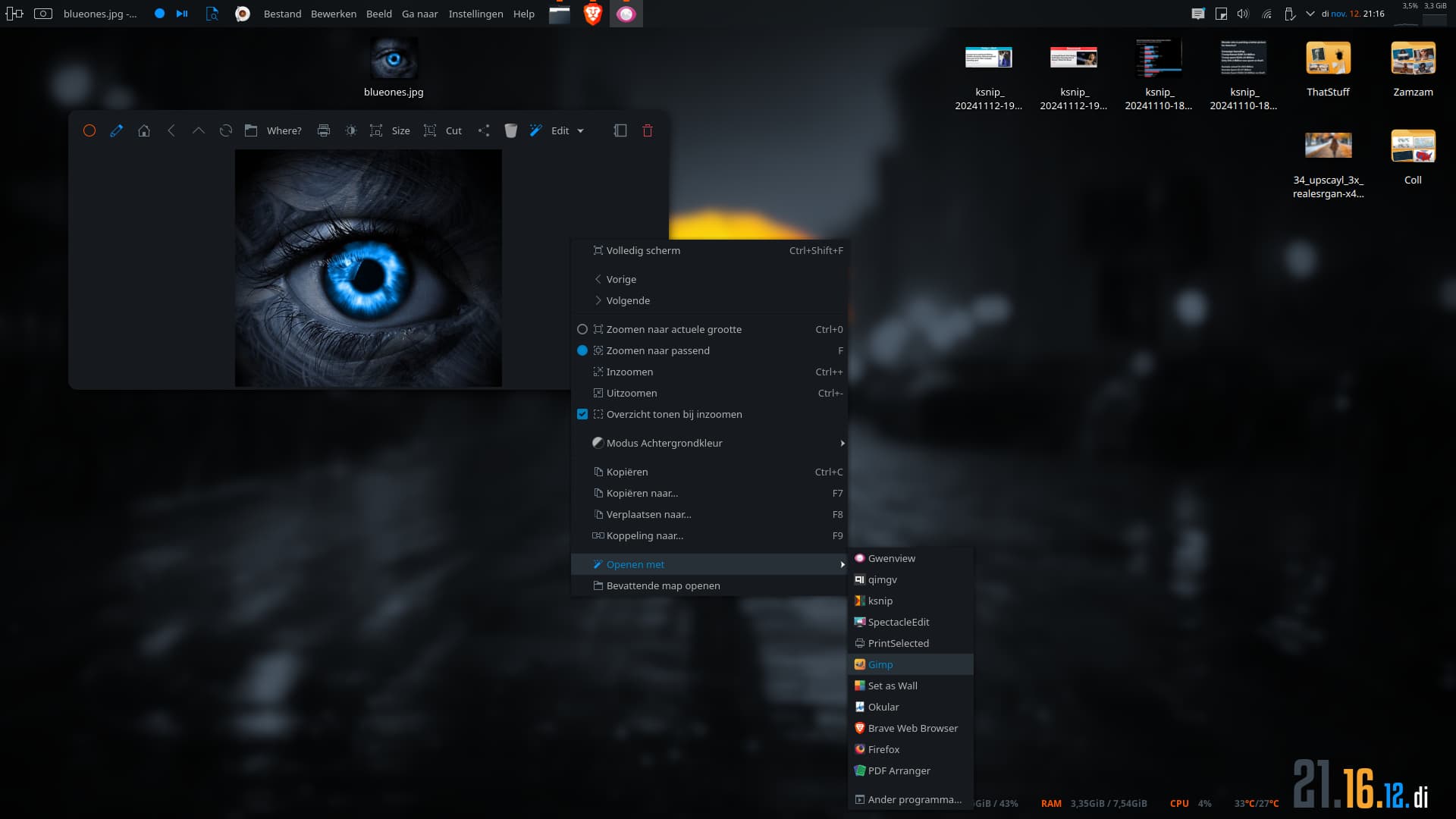
What does it say next to “Open with:” when you right click a file and click on “properties”?
What happens on double click or middle click on an item? (Double click should open with default app, middle click should open with the app next in line in the open with menu)