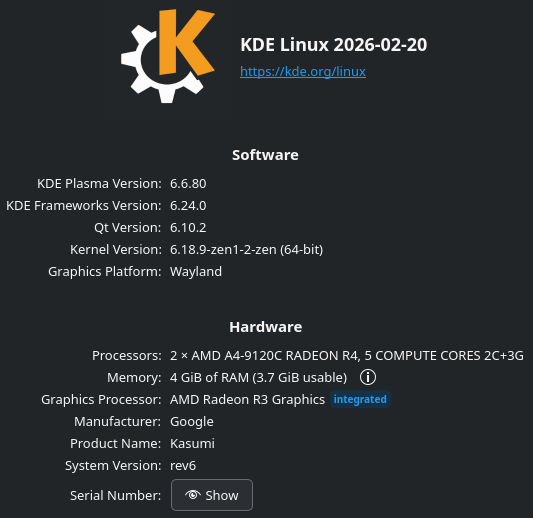
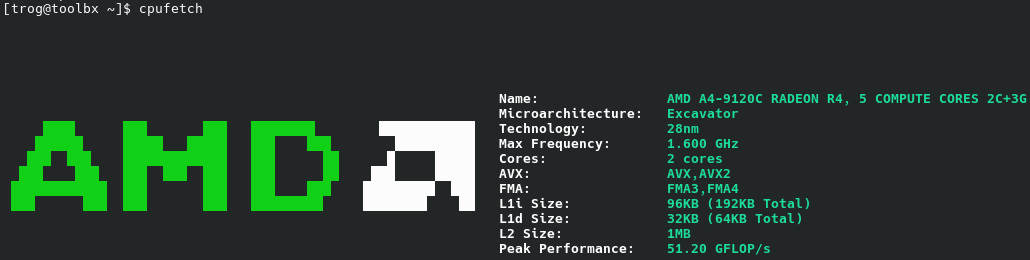
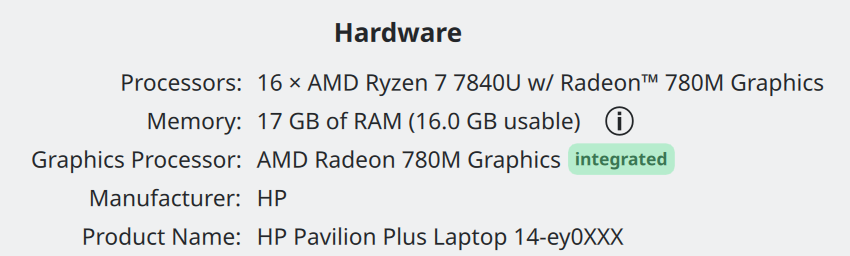
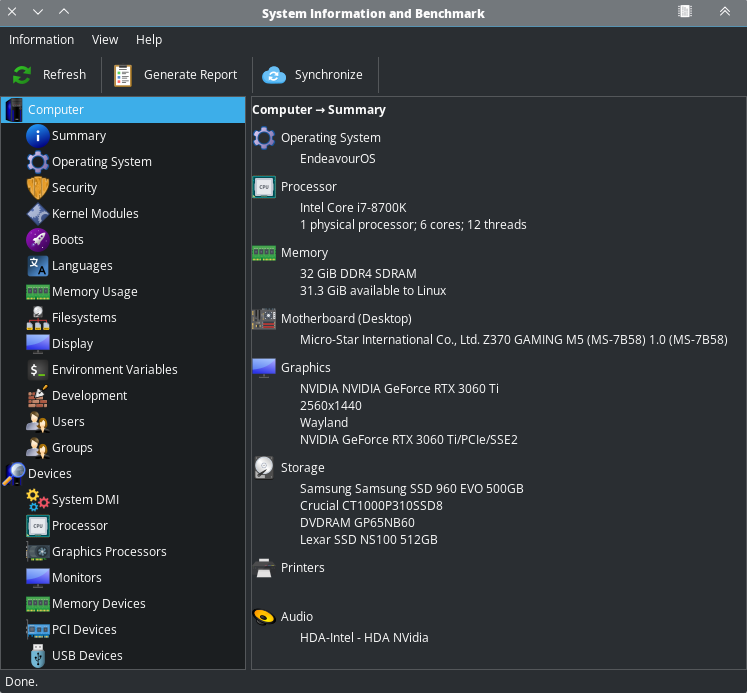
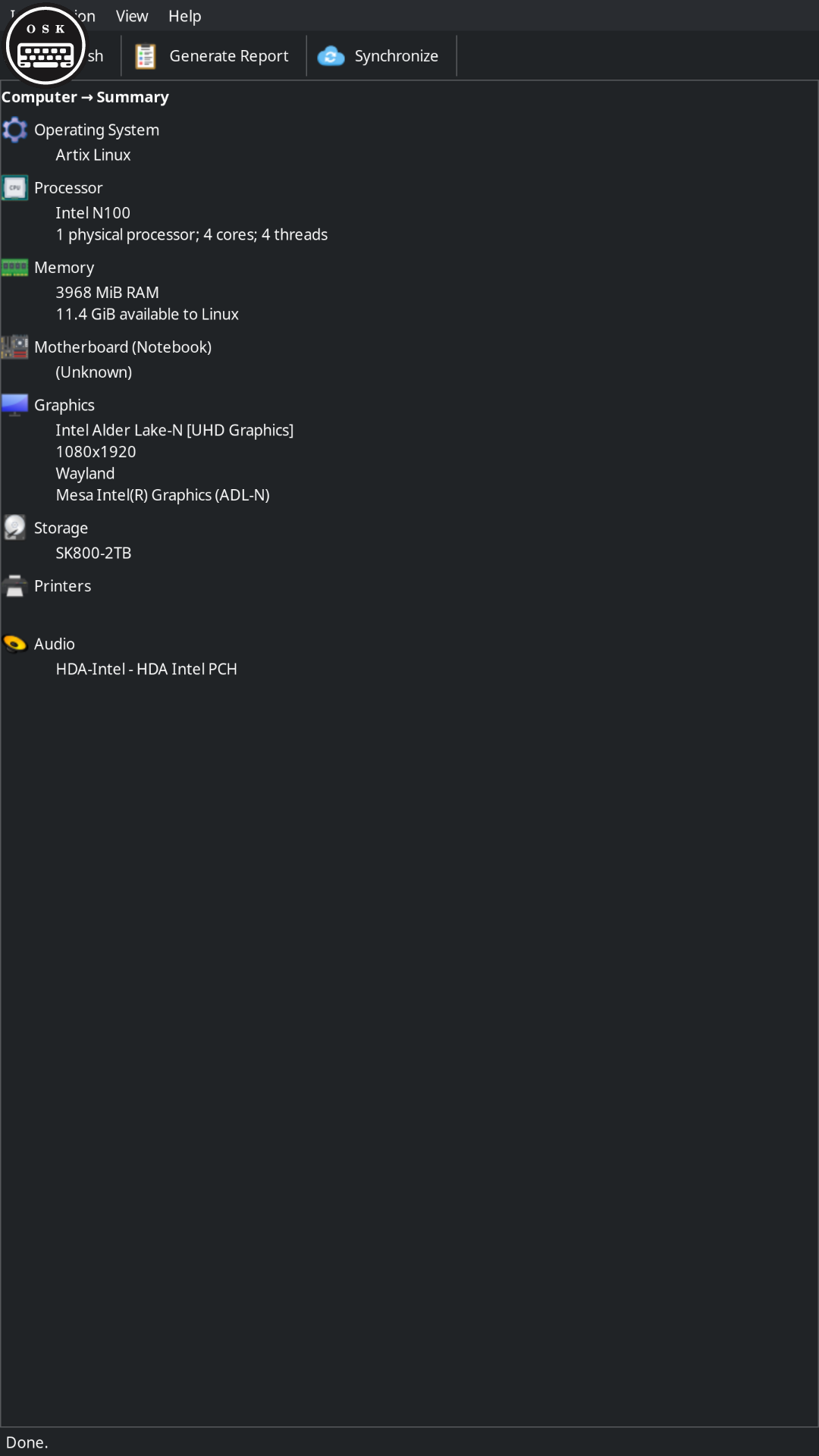
So far I’ve been testing it on my old AMD Excavator powered Chromebook with a 6 watt tdp. If you know anything about pre Ryzen AMD cpus, you’ll know just how painful this is to use. I originally installed full fat Fedora XFCE on this thing and it was painfully slow, I tried Debian and it was a bit faster, but under KDE Linux its just about fast enough to be usable. Which is impressive. Battery life is solid, memory usage is great. Boot times are very fast. Debian was alright in this regard, but KDE Linux feels a lot faster.
I’ve used it to SSH into my NAS and Pi-Hole server, play some steam games, and do some pretty heavy web browsing. I really thought that the limited amount of memory would be an issue, but I was able to open over 20 tabs in LibreWolf with out breaking a sweat. Half Life 2 actually ran and was playable, and overall system responsiveness is impressive.
Only real issue is that sound does not work, but that is a quirk of this hardware platform under regular Linux.
Eventually I plan to test this on my HP T-740 thin client with an RX6400 GPU in it. See how it handles multi GPU systems. If anyone is interested let me know and I’ll report back with my findings.
Very exotic! It would be nice to see if we can get sound working on it. If you’re familiar with what it takes — or even why it doesn’t work — could you open an issue about it at Issues · KDE Linux / KDE Linux · GitLab?
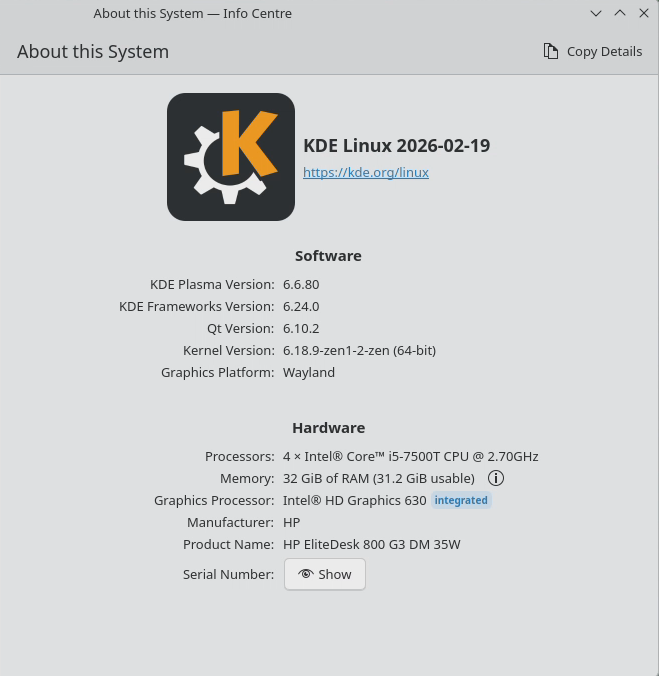
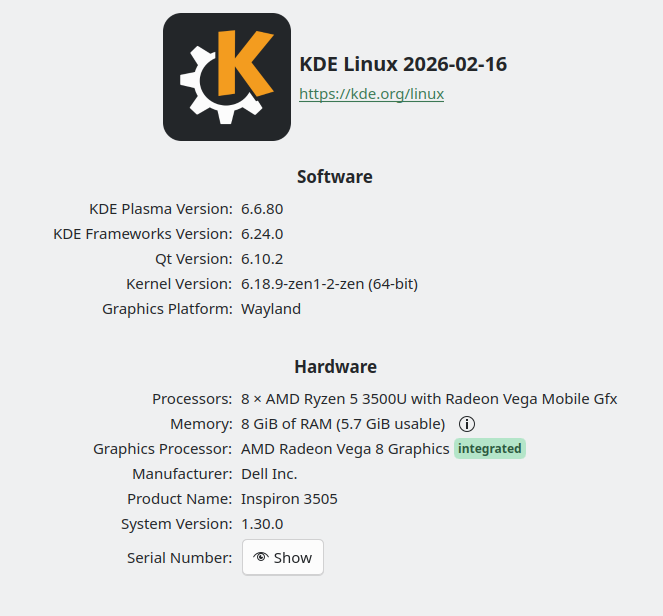
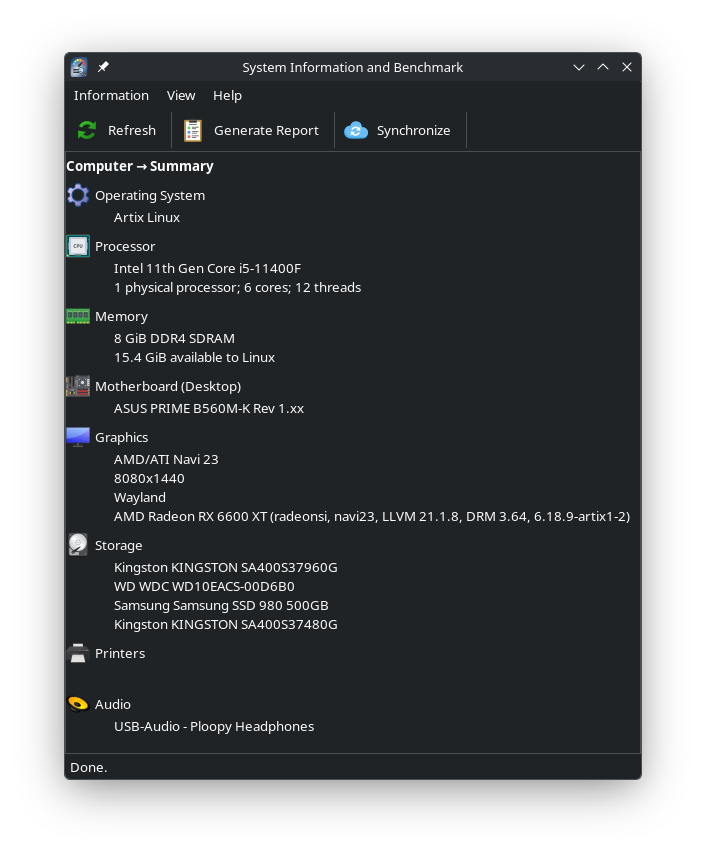
I also have it on a Minisforum UM760 used as a home theater PC, and a 10 year old Lenovo Flex 5 I keep around for testing old hardware. That laptop is surprisingly good even a decade later. If its trackpad hardware wasn’t junk, it would still be generally useful. And KDE Linux just flies on it.
No issues with stability or usability, outside the usual limitations that need working around. Non-standard software installs, such as Tailscale manual install (instructions found in the wiki), as well as my Private Internet Access client.
I have run KDE Linux on my Chromebook, but that was about a year ago. It has an i5-1135g7 with 8Gb RAM.
I don’t recall any issues with audio that didn’t occur anywhere else, This is a common breakage on “converted” Chromebooks. The other common thing is getting the keyboard layout to a usable state. Doing this on KDE Linux was over my head at the time so I didn’t use it a lot.
This requires something like Keyd or input-remapper. Keyd is easier as Chrultrabook people already have configs for this, and keyd builds via scripting. I will probably try using sysext, as it is easy to compile.
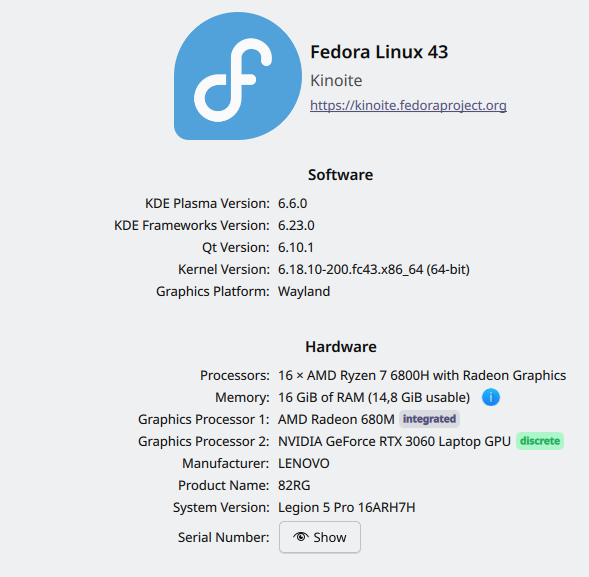
I may try again on the Chromebook in the near future, probably when there is a user release with stable Plasma instead of dev versions, if I don’t try it on my daily-driver budget “gaming” rig first (Ryzen 5 5600gt, Intel Arc B580).
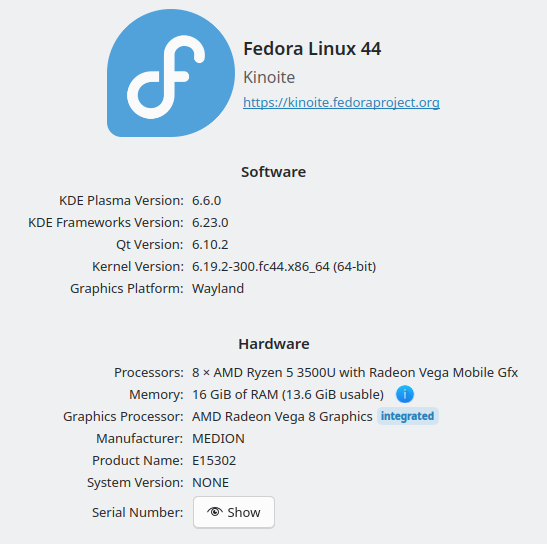
The second one is an older laptop which I use to try this or that. I now use it to see how well Fedora Kinoite 44 is doing already as pre-release software.
All is working, including sound which I never had issues with.
Yes will I open an issue about it. The main crux is that the onboard audio does not work, so the speakers and the headphone jack, but Bluetooth and USB audio work just fine.
Search for AMD Stoneyridge to find this section. Those are the Linux notes for these devices.
So I think the firmware for these chip sets was never up streamed into the kernel, so if distros want to properly support these things, they need to build it in themselves.
Here ya go. I did a little extra digging. Hopefully this is helpful. But please don’t spend too much time on this. Its not that big of a deal and y’all have a lot of far more important things to do lol.
Unless it has changed recently, that layout (xkb) for Chromebooks does not properly support newer ones using the vivaldi driver. Things like keyboard backlight adjustment don’t work, etc. Or wanting to swap the top row buttons to/from being F-keys. I think I was using Keyd before it was added to the Chrultrabook docs as a suggestion.
I will find out soon enough
Luckily, I don’t think I will need to follow the Debian/Ubuntu instructions found in next section of those docs to fix USB-C on my device like I did for *butu, KDE neon, or others. Not even sure if those are still valid since I contributed them tbh.
Interesting. Yeah my device doesn’t have any of those fancy features. It’s an older model. Seems about right for google to muck with it just enough to not be properly supported.
It seems to be for certain CBs newer than 2019-ish? I believe that it is just no one on the Linux side ever created a layout for these, for whatever reason. There is no special driver needed or anything.
I have had to use this on my last couple of Chromebooks in recent years, at least the non-Arm ones.
Interesting. I mean the modern Chromebooks are a lot harder to hack than the classic ones. You I think you gotta connect a usbc debug cable and do a whole bunch of stuff in the terminal to unlock the thing. Anything with the new Ti50 chip I think required Using Closed-Case Debugging (CCD). So its probably not worth it to turn them into Linux laptops due to the cost and complexity. The older models are trivial to hack. And you can get them for like 50 bucks.
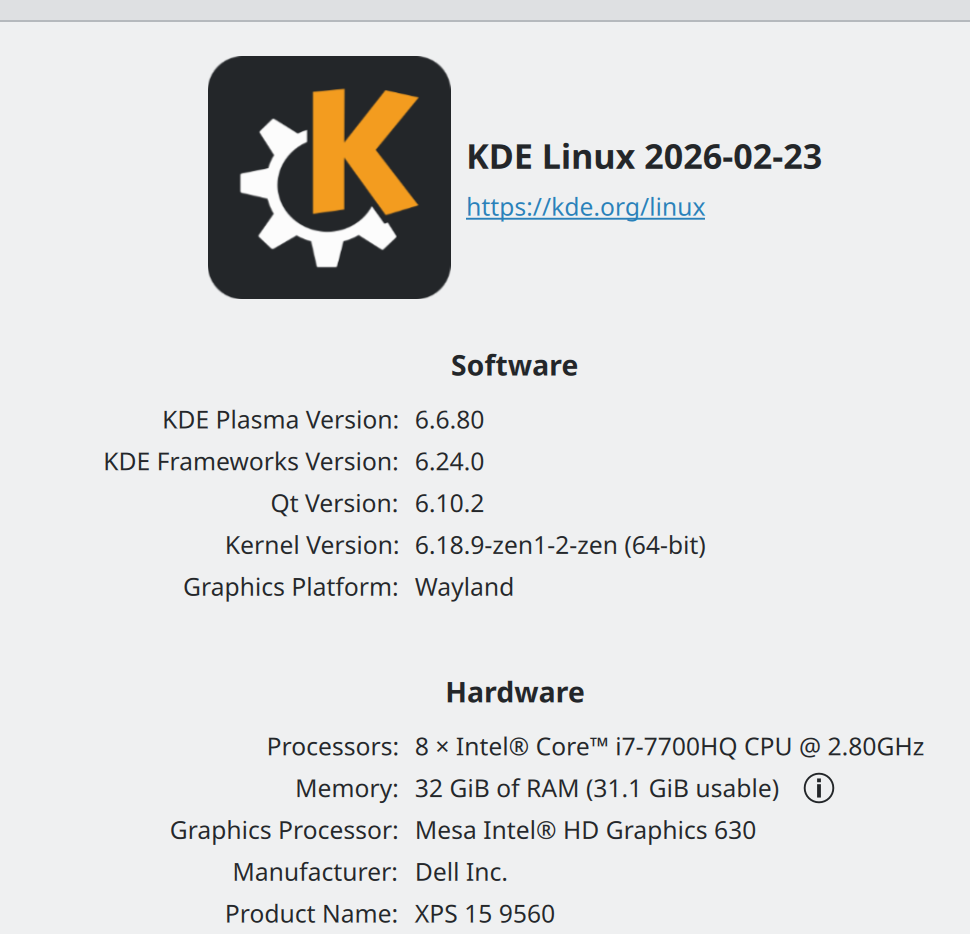
I just switched from Windows 11 Pro to KDE-Linux. Running on Dell XPS 15 9560. The NVIDIA 1050GT card does not work because KDE-Linux does not support legacy NVIDIA devices which is a real bummer and they don’t allow us to install the 3D drivers, but otherwise I’m loving KDE-Linux, it’s my distro of choice and I don’t play games anyway. The 3D driver would be nice if they worked if I ever decided to sell or give away the laptop, of course someone may put a different distro on there. I also have a fingerprint reader which is supported, but the reader rarely recognizes my finger. I love KDE. I also have an 4K screen and KDE set the scale factor to 190% which seems about right, but the OS selector when you boot the PC where you select previous versions of KDE-Linux is impossible to read on my 4K screen as it’s very tiny and needs to be made a whole lot larger. Good job KDE devs, loving it.
Glad you’re having a good experience! Nvidia drivers on Linux use special out of tree kernel modules which are currently not compatible with KDE Linux’s atomic immutability model. Also that era of card is in this weird no mans land in terms of being compatible the open source drivers. I’m glad everything else is mostly working tho!